
Best AI Video Generator for Educators: 2026 Top Picks
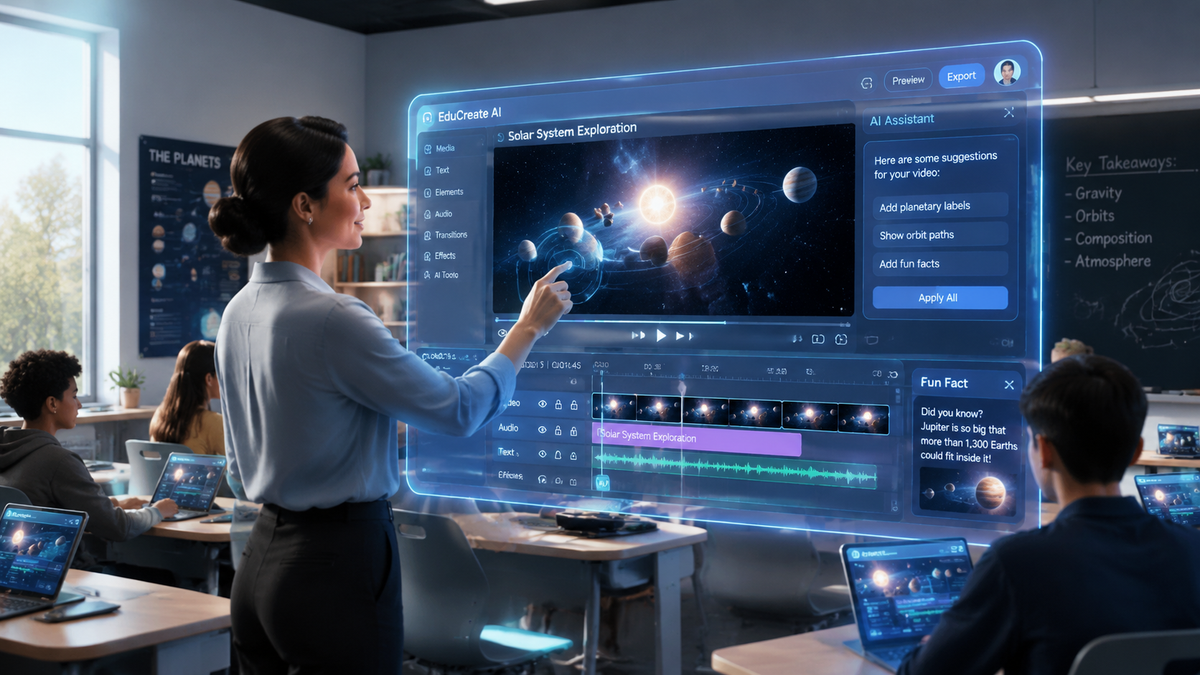
The best AI video generator for educators in 2026 is a tool that seamlessly integrates text-to-video capabilities, realistic AI avatars, and automated voiceovers to transform static lesson plans into engaging multimedia experiences. As digital classrooms evolve, these platforms allow teachers to create high-quality educational content in minutes rather than hours, ensuring that student engagement remains high in an increasingly visual learning environment.
An AI video generator for educators is a specialized software platform that utilizes generative artificial intelligence to convert scripts, PDFs, or prompts into professional educational videos. These tools prioritize ease of use, accessibility features like auto-captioning, and diverse AI avatars to foster inclusive and personalized learning experiences for students of all ages.
- ✓ AI video tools in 2026 can reduce content production time for educators by up to 80% compared to traditional editing.
- ✓ Modern platforms offer "AI Twin" technology, allowing teachers to create a digital likeness for consistent video presence.
- ✓ Integration with Learning Management Systems (LMS) has become a standard feature for top-tier educational AI tools.
- ✓ Multilingual support allows for the instant translation of lectures into over 100 languages to support ESL students.
How to Use the Best AI Video Generator for Educators
Implementing AI video tools into your curriculum does not require a background in cinematography or video editing. The current landscape of 2026 technology has moved toward a "prompt-to-lecture" workflow, where the AI handles the heavy lifting of visual composition and audio synchronization. This democratization of content creation allows educators to focus on pedagogical quality rather than technical hurdles.
According to research from Tech Times, AI-powered video creation is fundamentally transforming content production by automating the most time-consuming aspects of the creative process. For teachers, this means the ability to provide personalized feedback videos or complex concept explainers on a daily basis, a feat that was previously impossible due to time constraints.
- Input Your Educational Content: Start by uploading your lesson script, a PowerPoint presentation, or even a simple topic prompt into the AI generator.
- Select an AI Avatar or Twin: Choose a pre-made digital educator or use "AI Twin" technology to create a digital version of yourself to narrate the lesson.
- Customize Visuals and Assets: Use the built-in library to add relevant diagrams, stock footage, and on-screen text that highlights key learning objectives.
- Generate and Review: Click the generate button to let the AI render the video. Review the content for factual accuracy and pedagogical flow.
- Export and Integrate: Download the final video file or use an embed code to place the video directly into your classroom’s LMS or digital whiteboard.
The Evolution of Educational Content in 2026
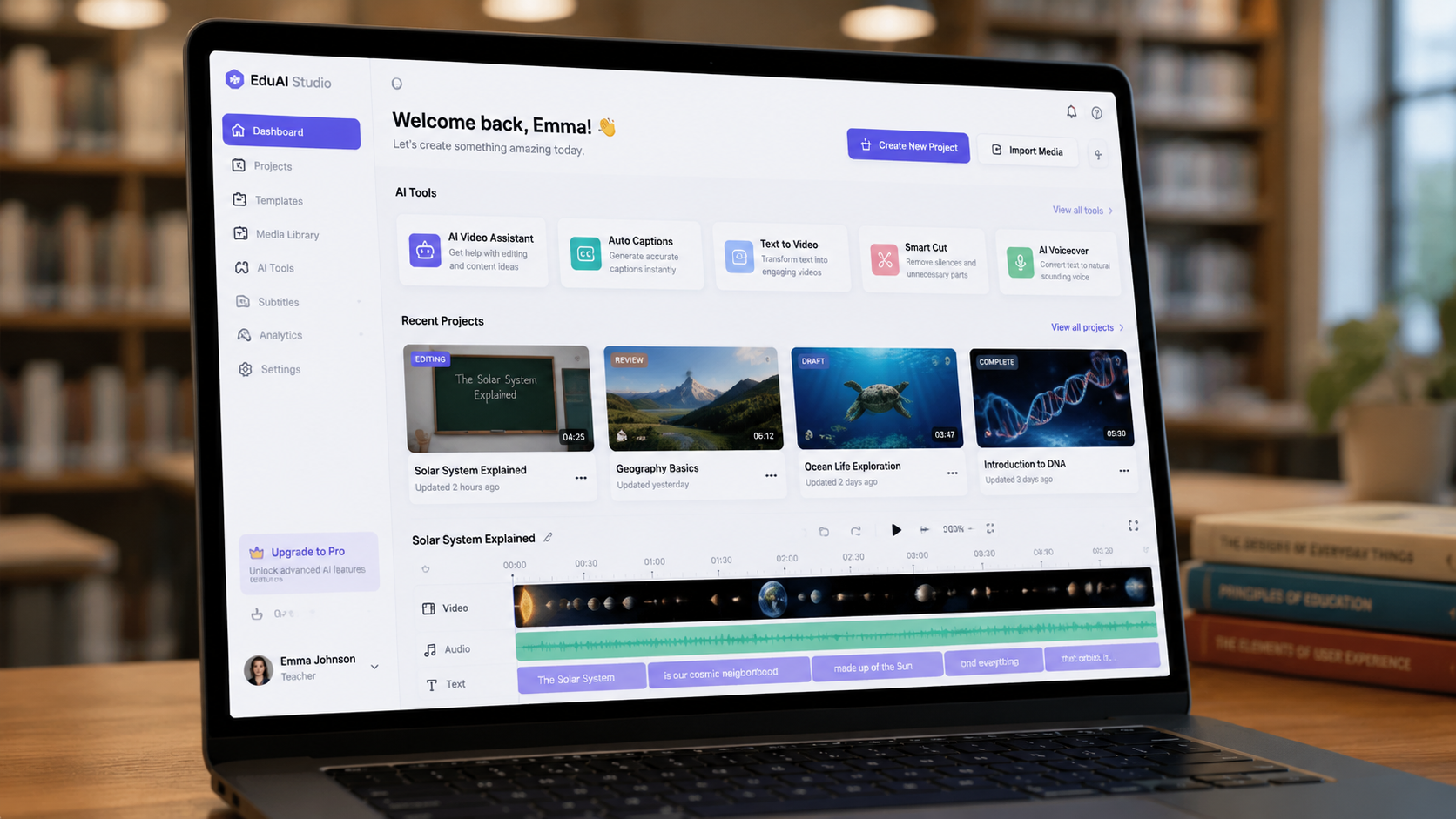
As we navigate through 2026, the distinction between "video editing" and "video generation" has become clear. Educators no longer need to manually cut clips or sync audio tracks. As noted by Programming Insider, the synergy between AI video generators and AI voice generators has created a future of automated content creation that feels natural and human-centric. This is particularly vital in education, where the "human touch" is essential for student connection.
The "AI Twin" phenomenon, recently highlighted by The AI Journal, has become a favorite among university professors. By creating a high-fidelity digital twin, an educator can "record" a semester's worth of supplemental material simply by typing out their notes. This technology ensures that even in asynchronous learning environments, students feel a sense of familiarity and mentorship from their instructor’s likeness and voice.
Top AI Video Generators for Teachers Compared
To help you choose the best AI video generator for educators, we have analyzed the leading platforms based on their 2026 feature sets, including their ability to handle complex educational terminology and their integration with academic workflows.
| Feature | Standard AI Video Tools | Education-Focused AI Tools | AI Twin Generators |
|---|---|---|---|
| Primary Input | Text Prompts | Curriculum/PDF/Slides | Script/Voice Sample |
| Avatar Quality | High (Generic) | High (Professional) | Ultra-Realistic (Personal) |
| LMS Integration | Rare | Native (Canvas, Moodle) | API-Based |
| Accessibility | Basic Captions | WCAG 2.1 Compliant | Multilingual Dubbing |
| Best For | Social Media/Marketing | Classroom Instruction | Personalized Mentorship |
Key Features of the Best AI Video Generator for Educators
When selecting a platform, educators must look beyond simple video generation. The "Best AI Video Generator for Educators" must offer robust accessibility features. In 2026, this includes automated sign language overlays, high-contrast text options, and the ability to generate descriptive audio tracks for visually impaired students. According to Built In, which tracks the top 48 AI apps to know in 2026, the most successful tools are those that prioritize inclusive design.
Another critical feature is the ability to generate interactive elements. Some AI video platforms now allow teachers to embed "check-for-understanding" quizzes directly into the AI-generated stream. This transforms the video from a passive viewing experience into an active learning session, providing real-time data to the teacher regarding student comprehension.
The Rise of Viral Educational Content
Educators are increasingly looking to capture student attention using the same techniques as content creators. Quasa.io recently identified the top AI video generators for creating viral content in 2026, noting that the ability to create short-form, high-impact videos is essential for modern engagement. Teachers can use these "viral" features to create 60-second "Daily Fact" videos or "Exam Prep Tips" that resonate with students who are accustomed to fast-paced digital media.
Addressing Accuracy and Ethics in AI Learning
While the efficiency of these tools is undeniable, the best AI video generator for educators must also be a responsible one. Fact-checking remains a human priority. Most 2026 platforms have integrated "Academic Guardrails" that cross-reference generated content against verified educational databases to minimize hallucinations. However, the role of the educator as the final editor is more important than ever.
Privacy is another paramount concern. Educational institutions require tools that are COPPA and GDPR compliant. The top-rated tools for 2026 offer "Private Cloud" options where student data and teacher likenesses are encrypted and never used to train public AI models. This ensures that the digital classroom remains a safe space for both faculty and students.
Cost-Benefit Analysis for Schools
Investing in an AI video generator is often more cost-effective than traditional media production. Хабр's 2026 report on the top 12 AI video generators highlights that enterprise licenses for schools often include unlimited "rendering seats," allowing every teacher in a district to produce content under a single budget line. This scalability is what makes AI video a permanent fixture in the 2026 academic landscape.
Future Trends: What’s Next for AI in the Classroom?
Looking toward the latter half of 2026 and into 2027, we expect to see even deeper integration between AI video and virtual reality (VR). The transition from a 2D AI-generated video to a 3D immersive environment is already beginning. Educators will soon be able to generate "walk-through" historical sites or "molecular-level" chemistry labs using the same text-to-video prompts they use today.
Furthermore, the personalization of video content will reach new heights. Imagine a single video lecture that automatically adjusts its complexity based on the individual student's past performance data. This level of "Adaptive Video Instruction" is the next frontier for the best AI video generator for educators, making the dream of truly individualized education a reality.
Frequently Asked Questions
What is the best AI video generator for educators in 2026?
The best tool depends on your specific needs, but platforms that offer AI Twin technology, LMS integration, and automated accessibility features like those mentioned in the 2026 Хабр and Tech Times reports are currently leading the market for classroom use.
Can I create an AI version of myself for my lessons?
Yes, 2026 technology allows for "AI Twin" generation. By providing a short video sample of yourself, the AI can create a digital avatar that speaks and moves like you, allowing you to generate new video lessons simply by typing a script.
Are AI video generators difficult for non-technical teachers to use?
Not at all. Most modern AI video tools are designed with a "no-code" interface. If you can write an email or create a PowerPoint slide, you can use an AI video generator to create professional-quality educational content.
How do these tools handle student privacy and data?
Leading AI video generators for education in 2026 prioritize security by offering SOC2 compliance, data encryption, and "No-Train" policies, ensuring that your inputs and student interactions are never shared or used to train public models.
Does AI video generation support multiple languages?
Yes, one of the greatest benefits for educators is the ability to instantly dub or subtitle videos into over 100 languages, making it an invaluable tool for supporting English Language Learners (ELL) and global classrooms.



Comments ()