
Best AI Video Generator for Education Free: 2026 Guide
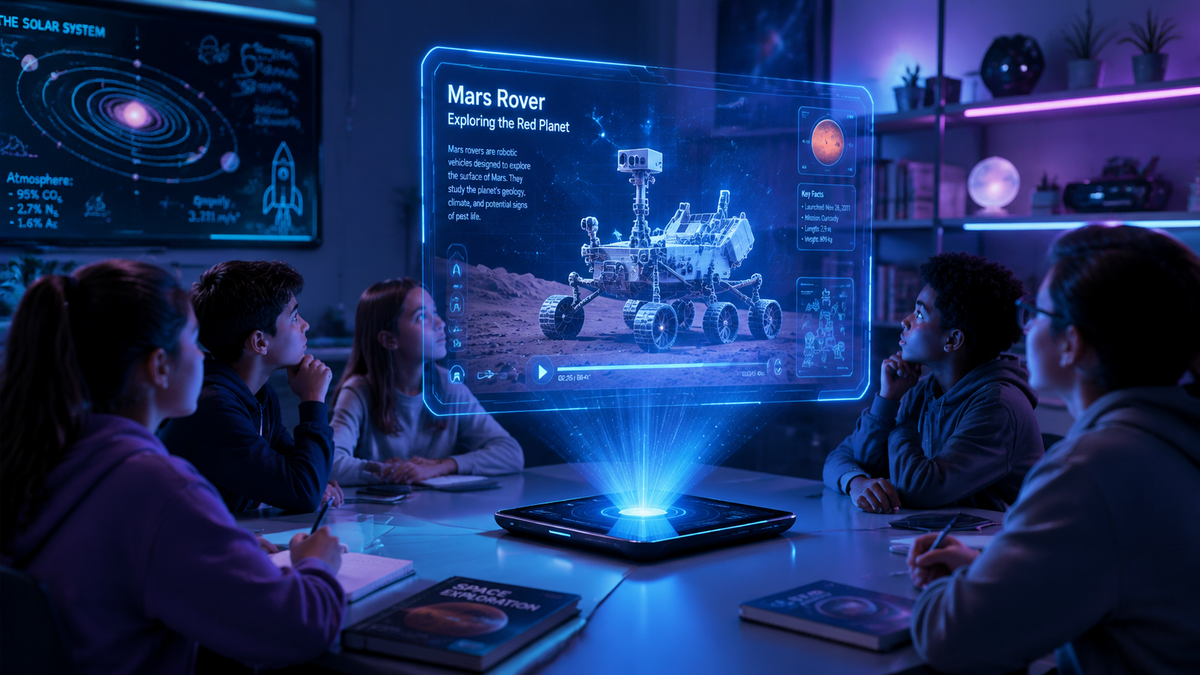
The best AI video generator for education free of charge in 2026 allows teachers and students to transform text prompts into high-quality instructional content without any upfront costs. By utilizing advanced text-to-video models, educators can create talking head avatars, cinematic lessons, and interactive tutorials in seconds. Tools like Mango AI, Vidnoz AI, and specialized content creator suites have revolutionized the classroom by making visual storytelling accessible to everyone.
An AI video generator for education free tool is a cloud-based application that uses artificial intelligence to convert lesson plans, scripts, or slides into narrated video content. These platforms typically offer a free tier featuring AI avatars, multi-language support, and automated editing, enabling educators to produce professional-grade learning materials without requiring video editing expertise or expensive hardware.
- ✓ Mango AI and Vidnoz AI are leading the 2026 market with robust free-to-use text-to-video features.
- ✓ Modern AI tools now support "AI Talking Photos," allowing static images of historical figures to narrate lessons.
- ✓ Free versions often include access to dozens of lifelike AI avatars and natural-sounding voiceovers.
- ✓ Educators can reduce content creation time by up to 80% compared to traditional manual video editing.
How to Use an AI Video Generator for Education Free
Integrating artificial intelligence into the curriculum has never been more straightforward. In 2026, the workflow for creating educational content has shifted from manual filming to prompt-based generation. This allows subject matter experts to focus on the accuracy of their information while the AI handles the aesthetic and technical production of the video.
To get started with a free AI video generator for education, follow these five essential steps to ensure your content is engaging and pedagogically sound:
- Select Your Tool: Choose a platform like Mango AI or Vidnoz AI that offers a dedicated free tier for educators.
- Input Your Script: Paste your lesson plan or a specific script into the text-to-video interface. Many tools now allow you to upload a PDF or PowerPoint which the AI then summarizes into a video script.
- Choose an AI Avatar: Select a digital presenter that fits the tone of your lesson. For history, you might use a "Talking Photo" of a historical figure; for science, a professional-looking 3D avatar.
- Customize Visuals: Add background images, text overlays, and diagrams to reinforce the key learning objectives mentioned in the narration.
- Generate and Export: Click the generate button to render the video. Once finished, you can share the link directly with students or download the file for use in a Learning Management System (LMS).
The Evolution of Free AI Video Tools in 2026
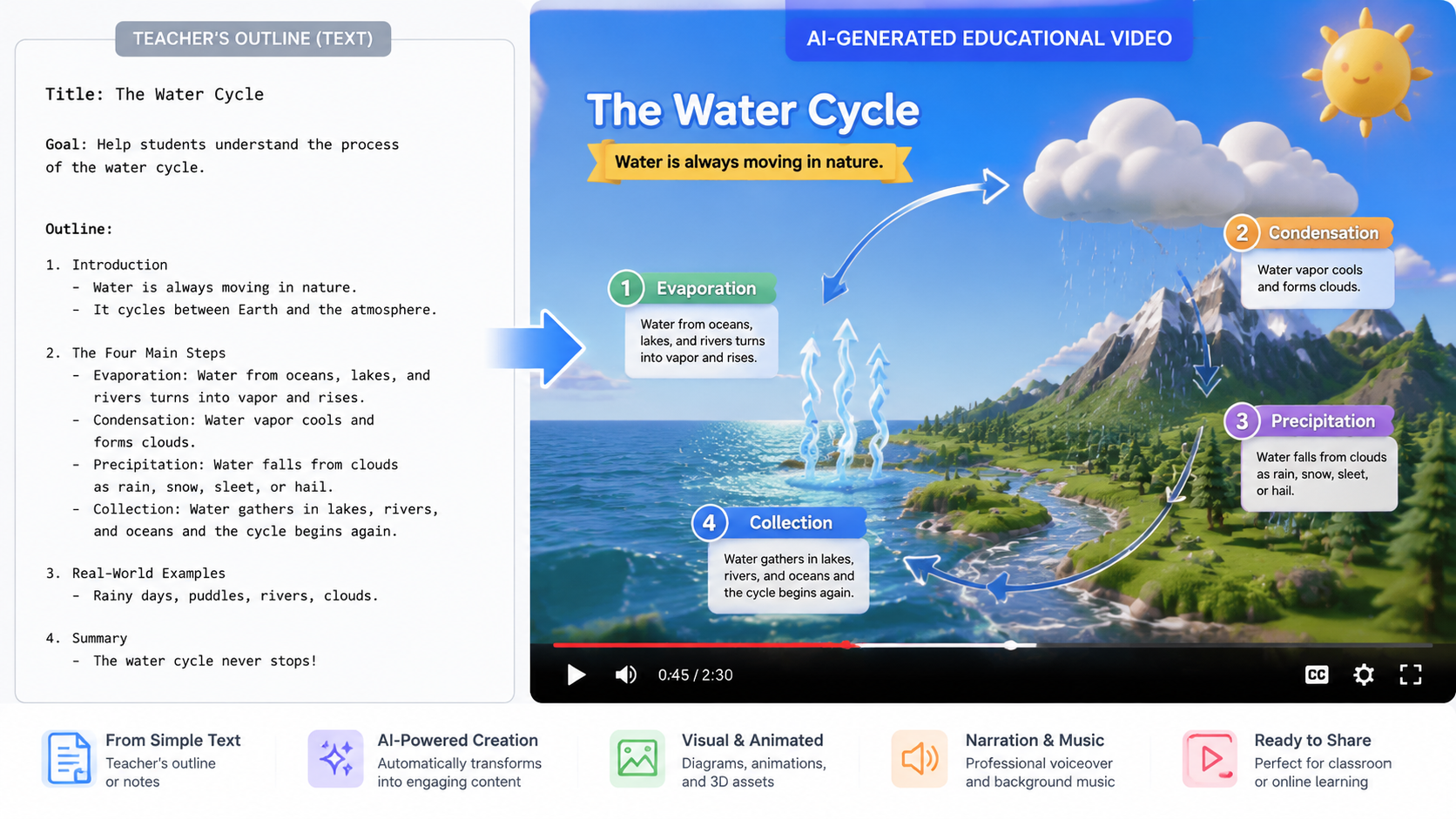
As we move through 2026, the landscape of digital education has been transformed by the democratization of video production. According to Tycoonstory Media, the latest free AI video generators have bridged the gap between cinematic quality and user-friendly interfaces, making "text-to-video" the standard for content creators. These tools no longer produce the robotic, uncanny animations of previous years; instead, they offer fluid movements and emotional resonance that keep students focused.
The rise of specialized features like "AI Talking Photos" has become a game-changer for the humanities. As reported by PC Tech Magazine in May 2026, these tools allow teachers to bring static portraits to life, providing a "first-person" account of history or literature. This level of immersion was previously reserved for high-budget documentaries but is now available for free to any classroom with an internet connection.
Mango AI: A Leader in Educational Video Creation
Mango AI has recently made waves in the educational sector by unveiling its updated text-to-video generator. According to PR Underground, the platform focuses on "effortless video creation," which is essential for busy teachers. The free version provides access to high-quality avatars that can speak multiple languages, making it an excellent choice for ESL (English as a Second Language) instructors who need to provide bilingual instructions.
Vidnoz AI and Instant Generation
Another major player in 2026 is Vidnoz AI. Research from findarticles.com highlights that Vidnoz allows users to create stunning videos "instantly." For education, this means a teacher can generate a recap video at the end of a lecture based on the notes taken during the hour, providing students with an immediate study resource before they even leave the classroom.
Comparing Top AI Video Generators for Education Free
Choosing the right tool depends on your specific classroom needs. Some platforms excel at realistic human avatars, while others are better for animated shorts or cinematic visuals. The following table compares the top free options available in 2026 based on their core features for educators.
| AI Tool | Key Free Feature | Best For | Output Limit |
|---|---|---|---|
| Mango AI | Text-to-Video & Avatars | Multi-language Lessons | 5 Videos/Month |
| Vidnoz AI | Instant Narrated Photos | Historical Re-enactments | 1 Min Daily |
| Tycoonstory Recommended | Cinematic Shorts | Science Simulations | Varies by Model |
| Built In Top 48 Pick | Automated Scripting | Quick Lesson Recaps | Unlimited Previews |
Why Educators are Switching to AI Video Generation
The primary driver behind the adoption of AI video generators in schools is the significant reduction in "time-to-content." In the past, creating a 5-minute educational video could take a full workday of filming and editing. Today, Built In reports that among the 48 top AI apps to know in 2026, those focusing on video automation are the most frequently used by professionals to streamline their workflows.
Furthermore, these tools address the diverse learning needs of students. Visual learners benefit from the dynamic imagery, while auditory learners benefit from the clear, AI-generated narration. Because many of these "ai video generator for education free" tools include closed-captioning by default, they also ensure that content is accessible to students with hearing impairments, fulfilling critical accessibility requirements in modern schooling.
Personalization at Scale
One of the most powerful aspects of AI in 2026 is personalization. A teacher can create one base video and then use the AI to generate variations for different reading levels. By simply adjusting the script, the AI regenerates the video with simpler vocabulary or more complex explanations, ensuring that no student is left behind regardless of their starting point.
Enhancing Classroom Engagement with AI Talking Photos
The "Talking Photo" feature is perhaps the most popular innovation mentioned in recent 2026 tech reviews. By uploading a portrait of a famous scientist, mathematician, or author, the AI animates the mouth and eyes to match a recorded or typed script. This provides a "living history" element that significantly boosts student engagement compared to traditional textbooks.
According to PC Tech Magazine, this technology has matured to the point where the lip-syncing is nearly indistinguishable from real video. For a free AI video generator for education, this means teachers can create a library of "guest speakers" from history to explain complex theories in a way that feels personal and direct. This method of storytelling has been shown to improve information retention rates among middle and high school students.
Best Practices for Using a Free AI Video Generator for Education
While the technology is powerful, the quality of the educational output depends on how the tool is used. Educators should prioritize the accuracy of the script above all else. Since AI can occasionally generate "hallucinations" or factual errors, it is vital to review the text before hitting the generate button. Use the AI as a production assistant, not as a replacement for subject matter expertise.
Another tip is to keep videos short. The "Micro-learning" trend of 2026 suggests that educational videos are most effective when they are between 2 to 5 minutes long. Most free tiers of AI video tools are optimized for this length, allowing you to create a series of short, punchy modules rather than one long, overwhelming lecture. This also helps stay within the "free" usage limits provided by platforms like Mango AI and Vidnoz.
Integrating AI Videos into Your LMS
Once your video is generated, the next step is distribution. Most AI generators provide an embed code or a direct download. For the best results, embed these videos directly into your Google Classroom, Canvas, or Moodle pages. Pair the video with a short quiz or a discussion prompt to transform passive viewing into an active learning experience.
Frequently Asked Questions
Is there a completely free AI video generator for teachers?
Yes, many platforms like Mango AI and Vidnoz AI offer free tiers specifically designed for creators and educators. While they may have daily or monthly limits on the number of videos you can export, the core features like text-to-video and AI avatars are accessible without a subscription.
Do I need expensive equipment to use an AI video generator?
No, you only need a standard computer or tablet with an internet browser. All the heavy processing is done on the AI provider's servers, meaning you can create high-definition videos even on a basic school-issued laptop.
Can I use AI-generated videos for commercial educational content?
Most free versions are intended for personal or classroom use. If you plan to sell your courses or use the videos for a commercial tutoring business, you should check the specific terms of service, as a "Pro" license is often required for commercial rights.
How long does it take to generate an AI educational video?
In 2026, the generation process is extremely fast. For a 2-minute video, most platforms will complete the rendering in less than 5 minutes, allowing for real-time content creation during prep periods.
Are AI video generators safe for student use?
Most reputable AI video tools have strict content filters to prevent the generation of inappropriate material. However, teachers should always supervise students when they are using these tools to ensure they are following digital citizenship guidelines.
In conclusion, finding the best ai video generator for education free in 2026 is about balancing ease of use with the quality of the AI avatars. With tools like Mango AI and Vidnoz leading the charge, educators now have the power to create a more inclusive, engaging, and visually rich learning environment than ever before.



Comments ()