
Best AI Video Generator for Education in 2026: Top Tools
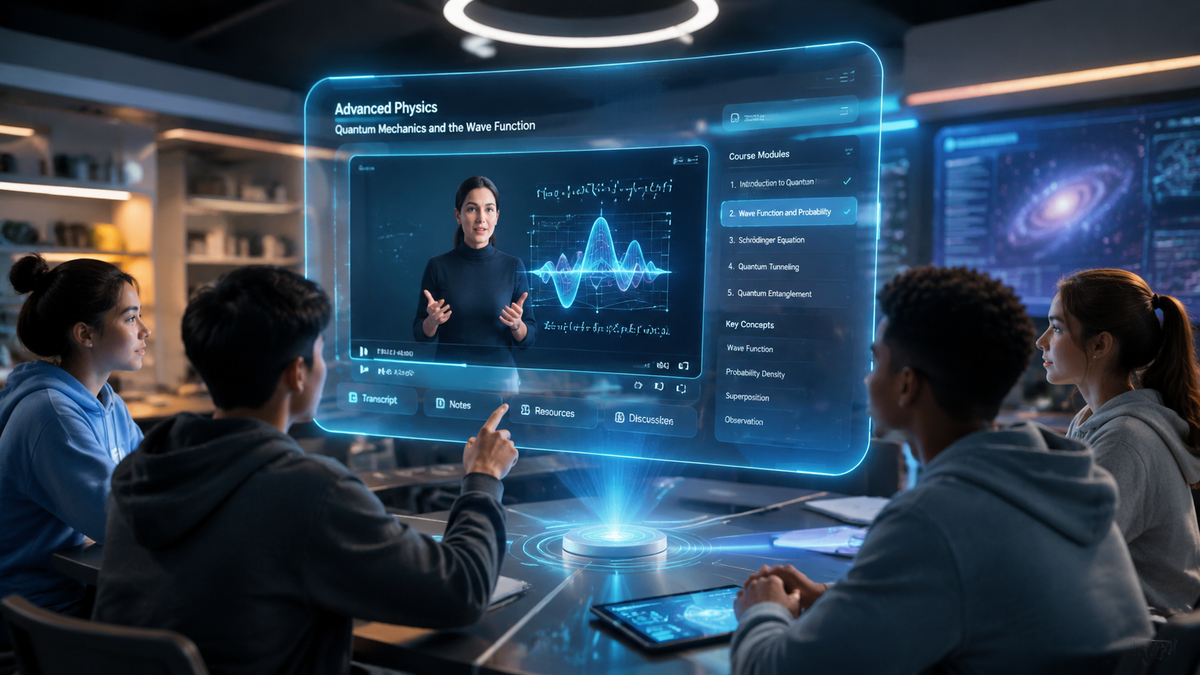
An ai video generator for education is a specialized artificial intelligence software that converts text prompts, lesson plans, or scripts into high-quality educational videos featuring realistic avatars, voiceovers, and visual aids. In 2026, these tools have become essential for educators looking to personalize learning at scale and create engaging content without the need for expensive filming equipment. By leveraging generative AI, teachers can now produce professional-grade instructional modules in minutes, significantly reducing the administrative burden of content creation.
The best ai video generator for education is a platform that combines high-fidelity AI talking photos with robust text-to-speech capabilities to create interactive lessons. As of 2026, top-tier tools focus on accessibility, multi-language support, and the ability to generate long-form educational content from simple text scripts or academic posters.
- ✓ AI video generators now support long-form educational content, moving beyond short clips.
- ✓ Integration of "AI Talking Photos" allows educators to animate historical figures or themselves.
- ✓ Modern platforms offer free-tier access, making digital creativity accessible to all classrooms.
- ✓ Automated poster-to-video conversion is a leading trend for 2026 academic presentations.
How to Use an AI Video Generator for Education: A Step-by-Step Guide
Implementing artificial intelligence in the classroom requires a structured approach to ensure pedagogical value. Modern tools in 2026 have streamlined the user interface, making it possible for even non-technical staff to produce high-impact visuals. According to Geek Vibes Nation, these generators are fundamentally transforming how online videos are created by removing the barrier of technical video editing skills.
- Define the Learning Objective: Start with a clear script or a lesson outline. Most AI tools now allow you to upload a PDF or a text file as a base for the video script.
- Select Your AI Avatar: Choose a realistic AI presenter or use an "AI Talking Photo" feature to animate a specific image, such as a famous scientist or a historical figure.
- Customize Visuals and Assets: Use integrated poster builders and stock libraries to add diagrams, charts, and text overlays that reinforce the spoken content.
- Generate and Review: Process the video. In 2026, even long-form videos (over 10 minutes) can be rendered in a fraction of real-time.
- Distribute and Assess: Export the video to your Learning Management System (LMS) and pair it with a quiz to measure student comprehension.
The Evolution of the AI Video Generator for Education in 2026
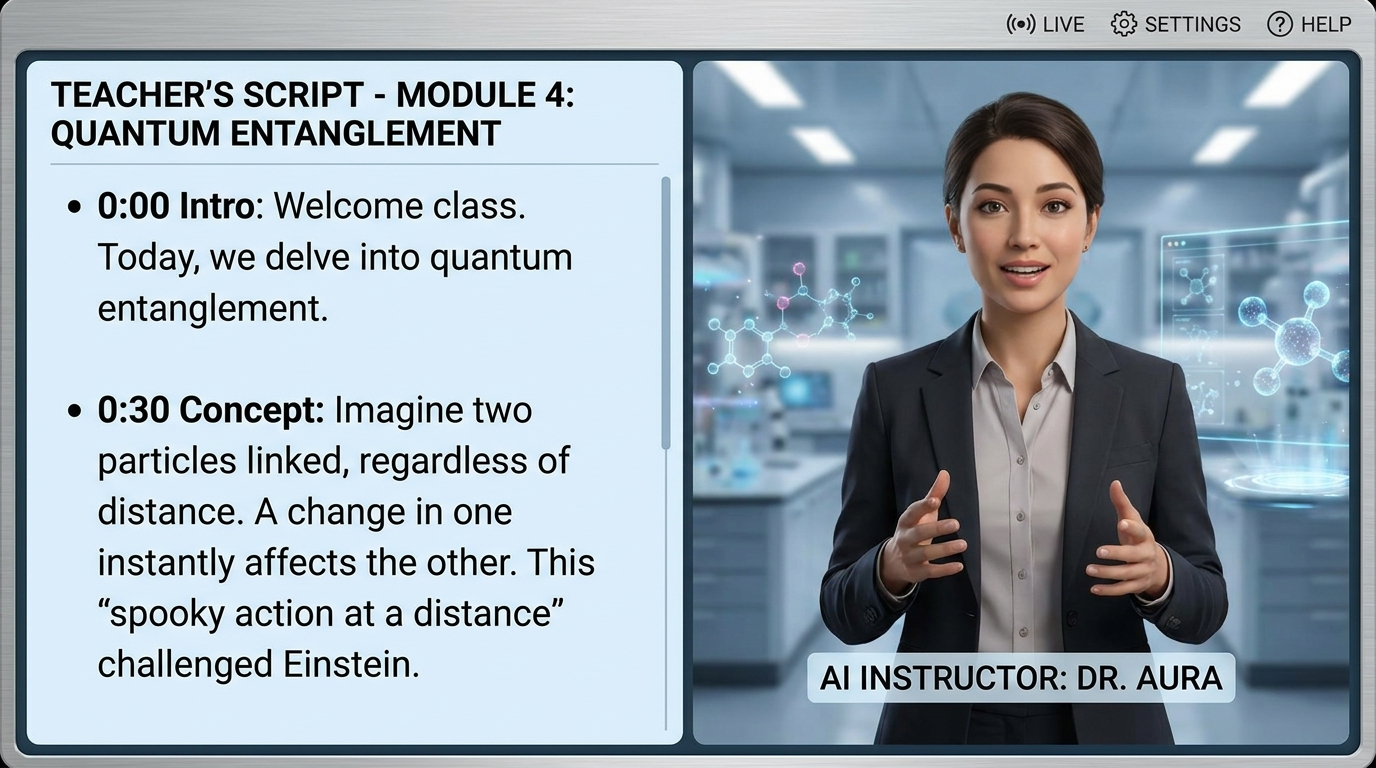
The landscape of educational technology has shifted dramatically this year. As noted by The Chronicle-Journal in their May 2026 review, the focus has moved from simple 30-second clips to sophisticated "long videos" that can cover entire chapters of a textbook. This shift is crucial for higher education, where complex subjects require detailed explanations that short-form content cannot provide. The ability to maintain consistency in AI characters across a 20-minute lecture is a hallmark of this year’s technological breakthroughs.
Furthermore, the democratization of these tools has reached a new peak. Vocal.media highlights that the "Best Free AI Tools" now offer features that were previously hidden behind expensive enterprise paywalls. For educators, this means that "AI Talking Photos"—which allow a static image of a teacher or a historical character to speak with natural lip-syncing—are now standard features in free versions. This accessibility ensures that schools with limited budgets can still provide students with cutting-edge visual materials.
Integrating Poster Builders and Video Generators
A significant trend reported by Programming Insider in May 2026 is the convergence of "Poster Builder Online" tools with AI video generators. This "complete companion to modern digital creativity" allows students to design a research poster and then instantly convert that data into a narrated video presentation. This dual-purpose workflow is particularly effective in STEM education, where students must present complex data in both visual and verbal formats.
Comparison of Top AI Video Features for Schools
When selecting an ai video generator for education, it is important to compare the specific features that cater to academic environments. The following table outlines the key capabilities of leading 2026 platforms based on recent industry reports.
| Feature | Standard AI Video Tools | Education-Focused AI Tools | 2026 Advanced Features |
|---|---|---|---|
| Max Video Length | 3 - 5 Minutes | 10 - 15 Minutes | Unlimited (Long-form support) |
| Avatar Customization | Generic Avatars | Teacher-Specific Avatars | AI Talking Photos (Historical Figures) |
| Collaboration | Single User | Classroom Sharing | Real-time Multi-student Editing |
| Output Formats | MP4 Only | MP4, SCORM, LTI | Interactive Video with Embedded Quizzes |
| Primary Focus | Marketing/Social Media | Instructional Design | Digital Creativity & Posters |
Empowering Students Through Digital Creativity
The use of an ai video generator for education is not limited to teachers; it is also a powerful tool for student expression. St. Bonaventure University recently demonstrated this potential when an SBU senior won a major AI video contest hosted by the Broadcast Education Association. This success highlights how AI tools are being integrated into journalism and communications curricula, allowing students to produce professional-quality broadcasts without a full studio setup.
According to PC Tech Magazine, the rise of "Free AI Video Generators" has encouraged a new wave of "Talking Photo" projects in K-12 education. Students can bring a photo of a Renaissance artist or a civil rights leader to life, scripting their "own" speeches based on historical facts. This active participation in content creation fosters a deeper connection to the subject matter than passive viewing ever could. By 2026, the focus has clearly shifted from AI as a "shortcut" to AI as a "creative partner."
The Role of AI in Long-Form Instructional Content
One of the biggest challenges in early AI video tech was the "uncanny valley" and the inability to handle long scripts. However, 2026 reviews from The Chronicle-Journal indicate that the latest engines have solved these issues. For education, this means that a single ai video generator for education can now produce a full 30-minute lecture that remains engaging. These systems use "dynamic pacing" to automatically insert b-roll, diagrams, and text highlights whenever the AI detects a key concept in the script.
Addressing Accessibility and Inclusion
Accessibility is a cornerstone of modern education, and AI video generators are playing a pivotal role in 2026. These tools automatically generate accurate subtitles and can translate a single video into over 100 languages with perfectly synced audio. This is a game-changer for ESL (English as a Second Language) students and for schools in linguistically diverse districts. According to reports from Geek Vibes Nation, the ability to "transform the way videos are created" includes making them universally accessible to students with hearing or visual impairments through automated audio descriptions and high-contrast text overlays.
Moreover, the "AI Talking Photo" technology mentioned by PC Tech Magazine allows for the creation of sign-language avatars. These digital presenters can translate spoken word into various sign languages in real-time, providing an inclusive environment for deaf and hard-of-hearing students. This level of automation ensures that no student is left behind due to a lack of specialized resources.
Cost-Effectiveness for Modern Districts
With the rise of "Free AI Tools for Content Creators" as highlighted by Vocal.media, the cost of entry for high-quality video production has plummeted. In the past, a school district would need a dedicated media lab and expensive software licenses. In 2026, a standard web browser and a free or low-cost AI subscription are all that is required. This shift allows districts to reallocate funds toward teacher training and hardware, while the AI handles the heavy lifting of video editing and asset generation.
Future Trends: What to Expect Beyond 2026
As we look toward the latter half of the decade, the integration of AI video generators with virtual reality (VR) and augmented reality (AR) is the next frontier. Educators will soon be able to generate 360-degree immersive environments using the same text-to-video prompts they use today. The "Poster Builder" tools mentioned by Programming Insider are already beginning to experiment with "AR-ready" posters that come to life when viewed through a smartphone, bridging the gap between physical and digital learning spaces.
The success of student competitions, such as the one won by the St. Bonaventure University senior, suggests that AI literacy will become a core part of the national curriculum. Understanding how to prompt, edit, and ethically cite AI-generated content is now as important as traditional writing skills. The ai video generator for education is no longer just a tool for making videos; it is a platform for teaching digital citizenship and critical thinking in an AI-driven world.
Frequently Asked Questions
What is the best free ai video generator for education in 2026?
The best free tools currently include those that offer "AI Talking Photo" features and "Poster Builder" integrations, as highlighted by PC Tech Magazine and Vocal.media. These platforms allow for the creation of high-quality visual content without upfront costs.
Can AI video generators create long educational lectures?
Yes, as of 2026, specialized AI video generators are capable of producing long-form content. Reviews from The Chronicle-Journal confirm that these tools can now handle extended scripts suitable for full-length classroom lessons.
How do AI talking photos benefit students?
AI talking photos allow educators to animate historical figures or themselves, making lessons more engaging. This technology helps students visualize historical contexts and provides a more personal connection to the learning material.
Is it difficult to learn how to use an ai video generator for education?
Not at all. Most 2026 tools are designed for "digital creativity" and feature intuitive drag-and-drop interfaces. According to Geek Vibes Nation, these tools are transforming video creation by making it accessible to everyone, regardless of technical skill.
Are AI-generated videos accessible for students with disabilities?
Yes, modern AI video tools include automated captioning, multi-language translation, and even sign-language avatar support to ensure all educational content is inclusive and accessible.



Comments ()