
Best AI Video Generator for Beginners: 2026 Complete Guide
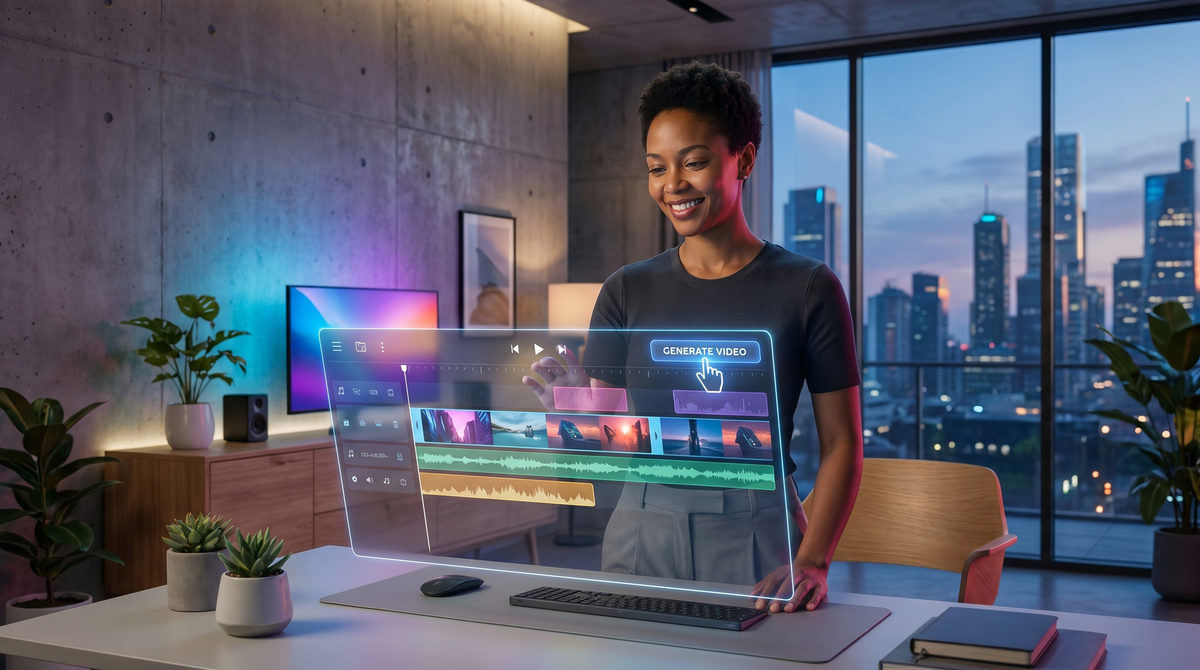
The landscape of digital storytelling has undergone a seismic shift as we move through 2026. Finding the right ai video generator for beginners is no longer just about shortcutting the editing process; it is about democratizing high-end cinematography for everyone from small business owners to hobbyist creators. Just a few years ago, producing a professional-grade video required expensive hardware and months of technical training. Today, generative AI allows you to transform a simple text prompt or a static photograph into a breathtaking cinematic experience in minutes.
An AI video generator for beginners is a software tool that uses artificial intelligence to create or edit video content from text, images, or audio inputs. In 2026, leading options like Grok AI, Sora, and specialized 'AI Twin' generators allow users to produce professional-quality visuals without prior technical video editing experience.
- ✓ AI video generators in 2026 prioritize natural language prompts over complex timelines.
- ✓ 'AI Twin' and 'Talking Photo' technologies are the top trends for personalized social media content.
- ✓ Most beginner-friendly platforms now offer free tiers or trial periods for experimentation.
- ✓ Integration with real-time web data allows for more accurate and timely video generation.
The Evolution of AI Video Production in 2026
As of 2026, the technology behind video synthesis has reached a level of realism that was previously indistinguishable from live-action footage. For a beginner, this means the barrier to entry is virtually non-existent. According to The AI Journal, the rise of the "Talking Photo" generator has become one of the most accessible entry points for new creators. These tools allow you to upload a single portrait and animate it with synchronized lip-syncing and emotional cues using only an audio file or text script.
Furthermore, the integration of real-time search capabilities within video engines has changed how we think about content. For instance, according to FinancialContent, the latest iterations of the Grok AI video generator allow users to pull in real-time data to create news-style updates or data visualizations instantly. This shift from static templates to dynamic, data-driven video generation is a hallmark of the 2026 creative suite.
Why Ease of Use is the Priority
In the past, "beginner-friendly" often meant "low quality." However, the 2026 generation of tools proves otherwise. According to Cybernews, the 16 best AI video generation tools currently on the market focus on "prompt engineering" rather than "pixel manipulation." This means the software does the heavy lifting of lighting, physics, and camera movement, while the user provides the creative direction. This allows beginners to focus on the story rather than the software.
Top Categories of AI Video Generators for Beginners
Choosing the best ai video generator for beginners depends largely on what you intend to create. The market has branched into several specialized niches, making it easier to find a tool that fits your specific workflow. Whether you are looking to create a marketing avatar or a cinematic short film, there is a dedicated platform designed for your skill level.
AI Twin and Avatar Generators
One of the most exciting developments in 2026 is the "AI Twin" technology. As reported by Programming Insider, AI Twin video generators have become a staple for influencers and corporate trainers. These tools allow you to create a digital version of yourself that can speak any language and perform scripts without you ever having to step in front of a camera. This is particularly useful for beginners who may be camera-shy but want a personal brand presence.
Text-to-Video Cinematic Engines
If your goal is to create storytelling content, text-to-video engines are the gold standard. These platforms take a descriptive paragraph and turn it into a high-definition video clip. According to perfectcorp.com, which recently reviewed 22 of the best generators, the focus in 2026 has shifted toward "temporal consistency," ensuring that characters and environments look the same from one frame to the next—a major hurdle that has finally been solved for the average user.
| Tool Category | Best For | Key Benefit in 2026 |
|---|---|---|
| Talking Photo | Social Media/Memes | Instant animation from 1 image |
| AI Twin | Personal Branding | Scale content without filming |
| Text-to-Video | Storytelling | No footage required |
| Grok AI Video | Real-time Updates | Integrated with live web data |
How to Choose Your First AI Video Generator
When searching for an ai video generator for beginners, you should look for three specific features: a robust template library, intuitive natural language processing, and fair pricing models. Many tools in 2026 offer a "freemium" model, but the quality of the free output varies significantly. As G2 Learning Hub notes in their April 2026 review, the best tools are those that offer a "What You See Is What You Get" (WYSIWYG) interface, removing the guesswork from the generation process.
Another factor to consider is the community and support system. The top-rated beginner tools in 2026, such as those highlighted by Cybernews, feature built-in prompt assistants. These are mini-AIs within the video generator that help you refine your instructions to get the best possible visual result. If you type "a cat in space," the assistant might suggest adding "cinematic lighting, 4k, synthwave aesthetic" to improve the outcome.
Understanding Ethics and Watermarking
As a beginner, it is crucial to understand the ethical landscape of 2026. Most reputable AI video generators now include invisible digital watermarking to comply with global transparency standards. When choosing a tool, ensure it has a clear policy on deepfake technology and content ownership. The best platforms for beginners are those that provide clear licensing, allowing you to use your generated videos for commercial purposes without legal headaches.
Step-by-Step: Creating Your First Video
To get started with an ai video generator for beginners, follow this simplified workflow that has become standard in 2026. First, define your objective. Are you making a 15-second TikTok or a 2-minute YouTube explainer? This will dictate which tool you select. Once you have chosen a platform, such as the ones recommended by The AI Journal, the process usually involves three main steps.
Step 1: Drafting the Prompt
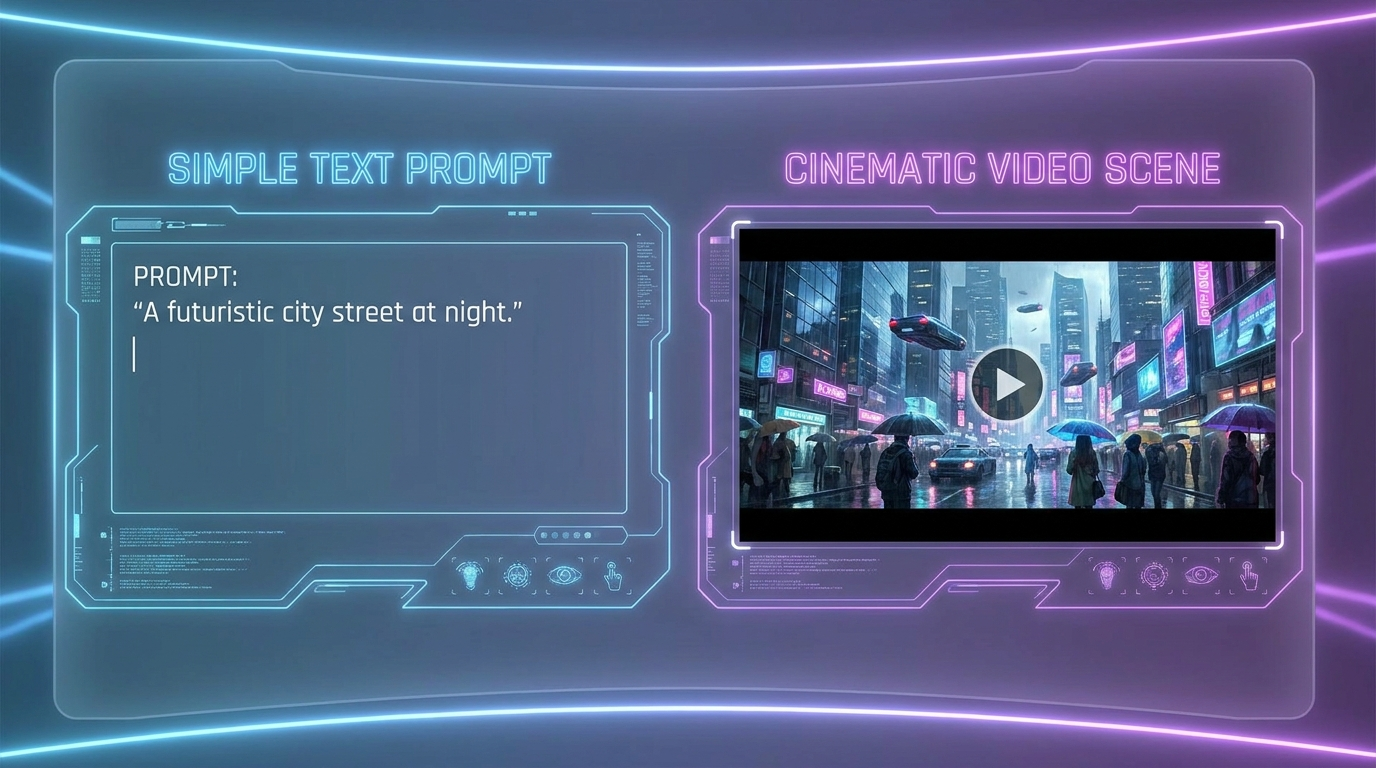
In 2026, prompts are more conversational. Instead of using complex tags, you can simply describe the scene as if you were talking to a director. For example: "Show a futuristic city in the rain with neon lights reflecting in puddles, slow-motion camera panning right." The AI's ability to interpret intent has improved dramatically, making this the most important part of the process.
Step 2: Selecting Styles and Ratios
Most beginner tools offer one-click style selections. You can choose between "Cinematic," "3D Animation," "Sketch," or "Hyper-realistic." Additionally, you will select your aspect ratio—9:16 for mobile shorts or 16:9 for traditional screens. According to perfectcorp.com, modern generators now automatically optimize the composition based on the ratio you choose.
Step 3: Refining and Exporting
Once the video is generated, you can use "in-painting" tools to change specific parts of the video. If you like the city but want the car to be red instead of blue, you can simply highlight the car and type the change. This level of granular control, once reserved for professionals, is now a standard feature for beginners in 2026. Finally, export your video in your desired resolution, with 4K being the standard for most free-tier trials.
The Future of AI Video for New Creators
Looking ahead through the rest of 2026, the integration of AI video tools into everyday software will continue to grow. We are already seeing these generators embedded directly into social media apps and document editors. For a beginner, this means you won't even need to visit a separate website to generate a video; it will be a feature within your existing workflow.
According to research highlighted by G2 Learning Hub, the next frontier is "interactive AI video," where viewers can change the outcome of a video in real-time. By starting your journey with an ai video generator for beginners now, you are positioning yourself at the forefront of a communication revolution. The skills you learn today in prompt engineering and visual storytelling will be the primary literacy of the late 2020s.
What is the easiest AI video generator for a total beginner?
In 2026, "Talking Photo" generators and Grok AI are considered the easiest because they require only a single image or a simple text prompt to produce high-quality results. Platforms like those reviewed by The AI Journal focus on one-click solutions for rapid content creation.
Can I use AI video generators for free?
Yes, many platforms offer free versions or trial credits. According to FinancialContent, the Grok AI video generator offers a practical free tier for users to test its real-time video capabilities before committing to a subscription.
Do I need a powerful computer to generate AI video?
No, almost all modern AI video generators are cloud-based. The heavy processing is handled on the provider's servers, meaning you can create professional videos on a standard laptop or even a smartphone.
Are AI-generated videos legal for commercial use?
Most professional-grade tools in 2026 provide commercial licenses with their paid plans. However, always check the specific terms of service, as some free tiers may restrict usage to personal projects only.
How long does it take to generate a video in 2026?
Generation times have improved significantly; a 10-second high-definition clip typically takes between 30 seconds and 2 minutes, depending on the complexity of the prompt and the server load.


Comments ()