
Best AI Video Free Tools 2026: Create Pro Videos Instantly
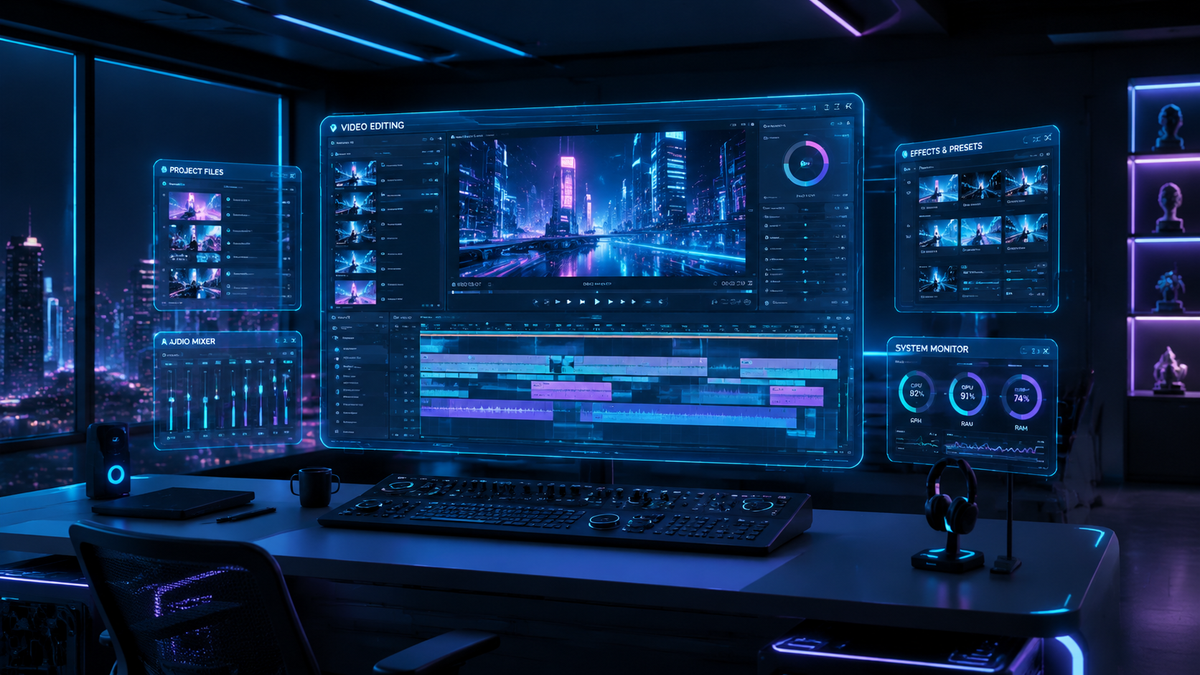
Finding the best ai video free tools in 2026 allows creators to transform simple text prompts or static images into high-definition cinematic sequences without a subscription. By leveraging advanced generative models from providers like Runway, Google, and Shutterstock, you can now produce professional-grade marketing assets, social media clips, and short films instantly. These tools provide a low-barrier entry for enthusiasts and businesses looking to scale their visual content production using state-of-the-art neural networks.
An ai video free tool is a generative artificial intelligence platform that allows users to create, animate, or edit video content at no cost. In 2026, these tools use multimodal diffusion models to convert text, images, or sketches into fluid video files, often providing a set number of free monthly credits or trial generations for public use.
- ✓ Leading platforms like Shutterstock now offer free generations via integrations with Google and Runway AI.
- ✓ Image-to-video AI has become the standard for creating high-fidelity realistic motion from static art.
- ✓ Most "free" tiers in 2026 operate on a credit-based system, resetting monthly for consistent creators.
- ✓ New competitors like diVine are emerging as AI-free alternatives, focusing on human-centric short-form loops.
How to Start Using AI Video Free Tools Today
Creating your first AI-generated video is a straightforward process that requires no prior editing experience. Most modern platforms have moved toward a "natural language" interface, meaning you simply describe what you want to see, and the engine handles the frame-by-step rendering. Because the technology has matured significantly by 2026, the latency between prompt and output has dropped from minutes to mere seconds.
If you are looking to maximize your ai video free experience, follow these steps to ensure high-quality results without spending a dime:
- Select your platform: Choose a provider like Shutterstock (which now includes Google and Runway AI engines) or a dedicated image-to-video specialist.
- Prepare your prompt: Write a descriptive prompt including the subject, lighting (e.g., "cinematic," "golden hour"), and camera movement (e.g., "slow pan right").
- Upload a reference image: For better consistency, use a free AI art generator to create a base image first, then upload it to the video tool.
- Adjust motion settings: Use the "motion brush" or "intensity slider" to dictate how much movement occurs in the scene.
- Generate and Export: Hit the generate button, preview the low-res draft, and use your free credits to export the final high-definition version.
The Evolution of Free AI Video in 2026
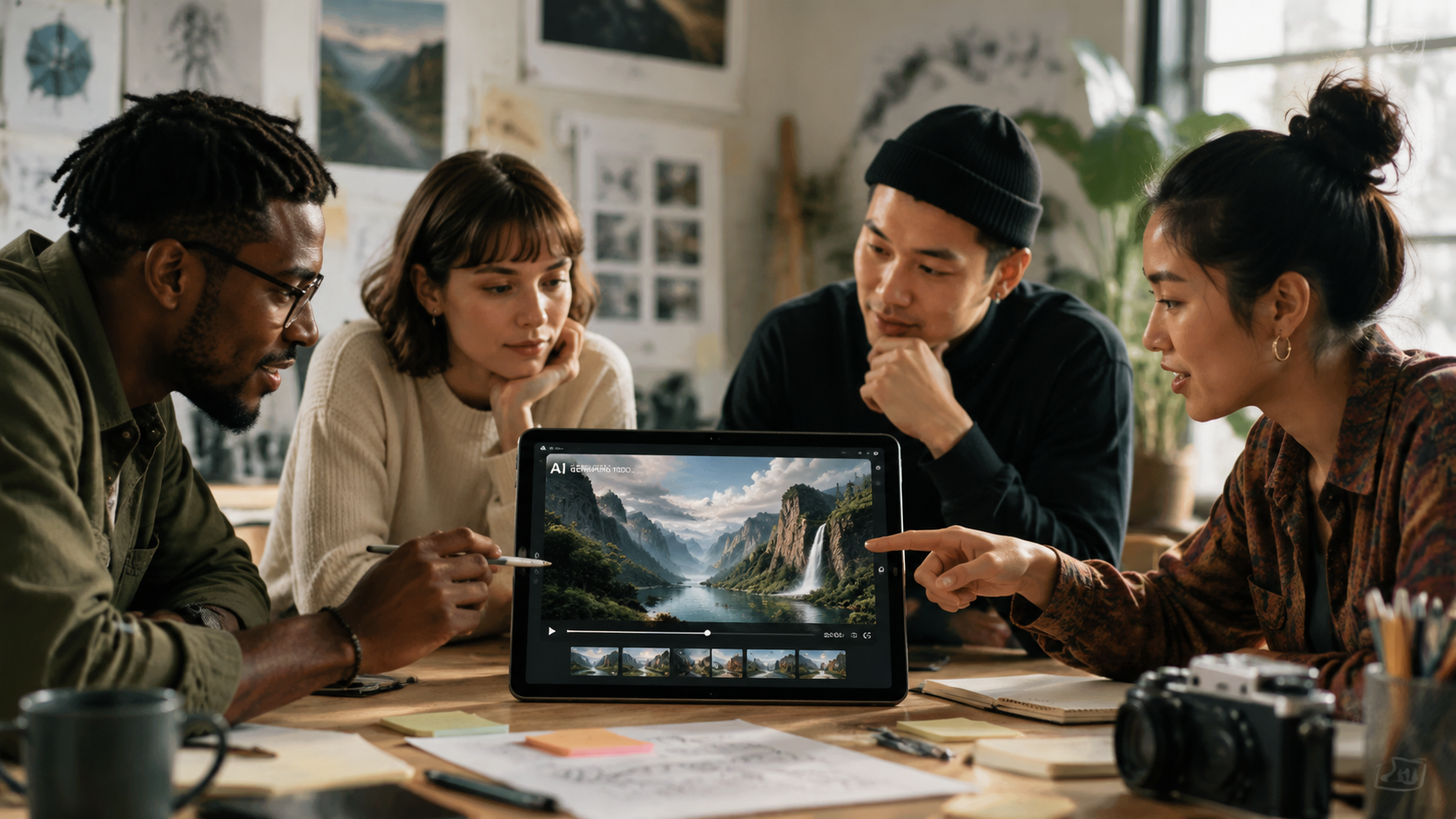
The landscape of generative media has shifted dramatically this year. According to The AI Journal, the "Complete Guide to Image to Video AI Free Tools in 2026" highlights that the gap between paid and free tiers has narrowed, with free users now gaining access to features previously locked behind enterprise paywalls, such as 4K upscaling and multi-track audio syncing. This democratization is fueled by the intense competition between tech giants and open-source communities.
One of the most significant updates this year comes from the stock photography world. As reported by Stock Titan, Shutterstock has officially added Google and Runway AI integrations, offering users two free video generations as part of their introductory package. This move signifies a trend where traditional content libraries are pivoting to become generative hubs, allowing users to remix existing assets into entirely new video compositions using ai video free credits.
Furthermore, the rise of "AI-Free" movements is a notable counter-trend. No Film School recently reported on the return of Vine as "diVine," a platform that serves as both an archive and a new space for non-AI, human-captured video. This highlights a diversifying market where creators can choose between the hyper-efficiency of generative AI and the raw authenticity of traditional filming, often utilizing both in a hybrid workflow.
Comparison of Top AI Video Free Tools 2026
To help you decide which tool fits your specific project needs, we have compared the leading platforms based on their free-tier offerings, core technology, and best-use cases. Each of these services provides a unique way to access ai video free technology without an upfront investment.
| Platform | Free Tier Limit | Core Technology | Best For... |
|---|---|---|---|
| Shutterstock + Google | 2 Generations / Month | Google Lumiere / Imagen Video | Hyper-realistic stock footage |
| Runway Gen-3 Alpha | 125 One-time Credits | Multimodal Diffusion | Cinematic camera control |
| Luma Dream Machine | 30 Frames / Day | Luma Transformer | Complex physics and lighting |
| Pika Labs 2.5 | 30 Credits / Daily Refresh | Pika Neural Engine | Animation and stylization |
| Kling AI (Global) | 66 Credits Daily | Kling-Diffusion | Long-form (10s) free clips |
Top Rated Features of AI Video Free Platforms
Multimodal Input Flexibility
The best ai video free tools in 2026 are no longer limited to just text-to-video. Users can now provide a variety of inputs, including sketches, audio files for lip-syncing, and existing video clips for "style transfer." This flexibility allows for a more iterative creative process. For instance, you can take a video of yourself walking in your backyard and use a free AI tool to transform the environment into a sci-fi Martian landscape while keeping your movement intact.
Real-Time Physics and Consistency
A major critique of early generative video was "hallucination"—where objects would morph or disappear. In 2026, as noted by CNET in their "Best AI Video Generators of 2026" review, advanced physics engines are now integrated into the generation process. This ensures that water flows realistically, hair reacts to wind, and characters maintain their facial features across multiple shots. This level of consistency is now available even in free versions of tools like Runway and Luma.
Integrated Editing Suites
Many free AI video platforms have evolved into full-scale editors. Instead of just generating a raw file, tools now offer "In-Painting" (changing a specific part of a video) and "Out-Painting" (expanding the aspect ratio). This means a user can generate a clip and then use ai video free tools to swap a character’s shirt color or change the background from day to night without rerendering the entire sequence.
Authority Insights: The Impact of Free Generative Tech
The accessibility of these tools is having a measurable impact on the global economy and job market. According to BlackPressUSA, events like the Black Wealth Summit are now hosting dedicated AI sessions and free job fairs to teach individuals how to leverage these ai video free tools to build independent media businesses. This suggests that AI video is no longer just a toy for tech enthusiasts but a legitimate vehicle for economic empowerment.
Research from eWeek regarding "6 Best Free AI Art Generators" also points out that the synergy between free art and free video tools has created a "no-cost masterpiece" pipeline. Creators can generate high-end concept art for free and then use that art as the seed for video generation. This ecosystem has lowered the cost of producing a high-quality video advertisement from thousands of dollars to nearly zero, provided the creator has the time to manage the credit limits of various free tiers.
Advanced Tips for Maximizing Free Credits
Since most ai video free tools operate on a credit system, efficiency is key. To avoid wasting your daily or monthly allowance, always start by generating a static image first. Most platforms allow you to generate images at a much lower credit cost (or even for free via tools like those mentioned in the eWeek report). Once you have an image that perfectly matches your vision, use the image-to-video function. This is significantly more reliable than text-to-video, which often requires multiple "rolls" to get the composition right.
Another tip is to utilize the "daily refresh" tools. Platforms like Kling and Pika offer a set amount of credits that replenish every 24 hours. By rotating between 3 or 4 different ai video free services, a creator can effectively produce 10-15 high-quality clips per day without ever hitting a hard paywall. This "stacking" method is the preferred strategy for social media managers and YouTubers in 2026.
The Future of AI Video: What to Expect Post-2026
As we look toward the end of 2026 and into 2027, the distinction between "generated" and "filmed" content will continue to blur. We are already seeing the emergence of "Interactive Video AI," where the viewer can change the plot or setting of a video in real-time. While these features are currently in beta or reserved for paid tiers, the history of the ai video free market suggests they will be available to the general public within 12 to 18 months.
We also expect to see more "edge-AI" applications, where the video generation happens locally on your smartphone or laptop rather than in the cloud. This would eliminate the need for credit systems entirely, allowing for unlimited ai video free generation. However, until consumer hardware catches up to the massive compute requirements of these models, the cloud-based platforms listed in this guide remain the gold standard for quality and speed.
Is there a truly 100% free AI video generator without watermarks?
While most free tiers include a small watermark or credit limit, some open-source models like Stable Video Diffusion can be run locally on your own hardware for 100% free, watermark-free generation. However, this requires a powerful GPU and technical setup knowledge.
Which AI video tool is best for social media like TikTok?
Pika Labs and Luma Dream Machine are currently the favorites for social media due to their high-motion capabilities and vertical aspect ratio support. They allow for the "viral" aesthetic that performs well on mobile-first platforms.
Can I use free AI-generated videos for commercial projects?
It depends on the platform's Terms of Service. Some, like the Shutterstock/Google integration, provide clearer commercial rights, while others may restrict ai video free tier outputs to personal use only. Always check the specific license before publishing a commercial ad.
How long can a free AI video be in 2026?
Most free tools generate clips between 3 and 10 seconds long. To create longer content, users typically "extend" the clip using additional credits or stitch multiple generated scenes together in a traditional video editor.
Do I need a powerful computer to use these free tools?
No, most ai video free services are cloud-based. The heavy processing happens on the provider's servers (like Google or Runway), so you only need a standard web browser and a stable internet connection to create videos.

Comments ()