
Best AI Video Enhancer for Old Films: 2026 Top Picks
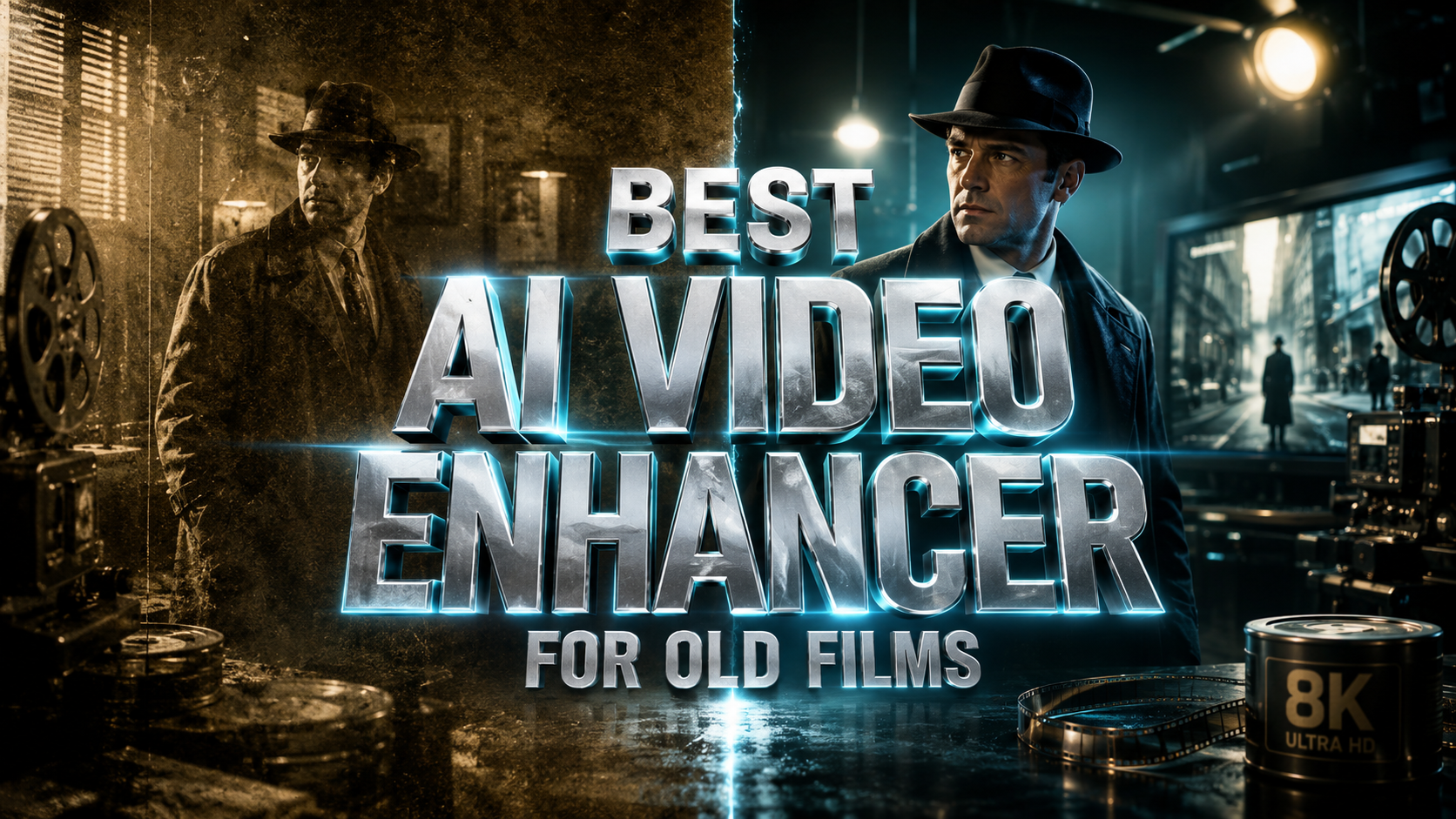
The best AI video enhancer for old films in 2026 is a tool that combines deep-learning restoration models with high-speed frame interpolation to remove grain, fix color fading, and upscale resolution to 4K. Leading solutions like VideoProc Converter AI and HitPaw VikPea (formerly HitPaw Video Enhancer) have set the standard this year by offering dedicated "Old Film" models that specifically target scratches and chemical wear found in 8mm and 16mm celluloid.
The best AI video enhancer for old films is a specialized software solution that uses generative AI to reconstruct missing pixels and stabilize shaky footage. In 2026, the top-rated tools include VideoProc Converter AI for its balance of speed and quality, and HitPaw VikPea V5.1.0 for its advanced generative frame interpolation and scratch removal capabilities.
- ✓ Use generative AI models specifically trained on historical film grain and chemical degradation.
- ✓ Look for software that offers "Super Resolution" to upscale 480p or 720p footage to clear 4K.
- ✓ Prioritize tools with AI Frame Interpolation to smooth out the low frame rates typical of old home movies.
- ✓ Ensure the software supports hardware acceleration to handle the heavy computational load of AI rendering.
How to Enhance Old Films Using AI: A Step-by-Step Guide
Restoring vintage footage used to require expensive laboratory equipment and months of manual labor. However, in 2026, the process has been democratized through intuitive AI interfaces. Whether you are working with digitized 16mm reels or low-resolution digital files from the early 2000s, the workflow remains remarkably consistent across top-tier platforms.
- Import and Analyze: Load your old film file into the AI enhancer. Most modern tools will automatically analyze the level of noise, jitter, and color degradation present in the source material.
- Select the Restoration Model: Choose a model specifically designed for "Old Video" or "General Denoise." For example, HitPaw VikPea V5.1.0 features a specialized generative model that can recreate textures lost to time.
- Configure Upscaling and Frame Rate: Set your output resolution (typically 4K for modern displays) and use AI Frame Interpolation to increase the FPS (frames per second) from 12 or 18 fps to a smooth 60 fps.
- Preview and Adjust: Use the "Split Screen" preview mode to compare the original grainy footage with the AI-enhanced version before committing to the full export.
- Export with Hardware Acceleration: Utilize your GPU’s power to render the final video. According to PetaPixel, modern AI tools like VideoProc Converter AI offer significant speed upgrades for photographers and videographers through optimized annual updates.
Why VideoProc Converter AI is a Top Choice for 2026
VideoProc Converter AI has solidified its position as an essential all-in-one media toolkit for film enthusiasts. In late 2025 and moving into 2026, the software received critical acclaim for its ability to handle complex restoration tasks without requiring a high-end workstation. As noted by Fstoppers, the software's ability to restore old photos and videos simultaneously makes it a versatile choice for family historians and professional archivists alike.
One of the standout features of VideoProc Converter AI in 2026 is its "Super Resolution" engine. This engine doesn't just stretch pixels; it uses a neural network to predict what the detail should look like based on millions of high-definition samples. This is particularly effective for old films where facial features may be blurred or indistinct. Furthermore, PetaPixel highlighted that the software often provides aggressive pricing models, such as 61% off annual upgrades, making professional-grade restoration accessible to hobbyists.
Advanced Denoising and Stabilization
Old films are notorious for "film jitter"—the shaky movement caused by hand-cranked cameras or aging projectors. VideoProc's AI stabilization model works in tandem with its denoising algorithm to lock the frame in place while stripping away the digital or chemical "snow" that obscures the subject. This dual-action processing ensures that the final output looks like it was filmed on a modern camera while retaining the aesthetic soul of the original era.
HitPaw VikPea V5.1.0: The Generative Powerhouse
The launch of HitPaw VikPea V5.1.0 in December 2025 marked a significant shift in the industry. By introducing an integrated AI Video Generator and an enhanced AI Generative Model, HitPaw moved beyond simple upscaling. As reported by Send2Press, this version focuses on "Next-Level Video Creation," which includes the ability to intelligently fill in gaps in damaged film stock using generative frames.
For those looking for the best ai video enhancer for old films that can handle severe damage, VikPea V5.1.0 is a frontrunner. Its frame interpolation technology is specifically tuned to recognize the rhythmic patterns of historical film, preventing the "soap opera effect" while still delivering fluid motion. The generative model can actually synthesize textures like skin, fabric, and foliage, which are often lost in low-bitrate digital transfers of old analog tapes.
The Best AI Video Enhancer for Old Films Comparison
To help you decide which tool fits your specific project, we have compared the leading options based on the latest 2026 data and late 2025 releases.
| Feature | VideoProc Converter AI | HitPaw VikPea V5.1.0 | Topaz Video AI (2026) |
|---|---|---|---|
| Primary Strength | All-in-one toolkit & Speed | Generative restoration | Professional motion deblur |
| Old Film Model | High-fidelity Denoise | AI Generative Model | Proteus/Theia Models |
| Upscaling Max | 8K (AI-driven) | 8K (Generative) | 16K (Pro version) |
| Price Point | Budget-friendly (Sub-annual) | Mid-range | Premium/Professional |
| Best For | Quick fixes and bulk files | Severely damaged footage | Cinematic restoration |
The Rise of Free AI Video Enhancers in 2026
While premium software offers the most robust features, the landscape for free tools has improved dramatically. According to North Penn Now, a recent 2026 comparison of the "Top 6 Free AI Video Enhancers" revealed that several open-source and web-based tools now deliver results that rival paid software from just a few years ago. These tools are ideal for users who have a single clip to restore and do not wish to invest in a full software suite.
However, free tools often come with limitations, such as watermarks or restricted export resolutions. For historical preservation, the consensus among experts at The AI Journal is that local, hardware-accelerated software is superior because it maintains the privacy of your personal family footage and allows for deeper customization of the AI models. If you are working with sensitive historical archives, a local solution like VideoProc or HitPaw is generally recommended over cloud-based free alternatives.
Optimizing for 4K and Beyond
The goal for most restoration projects in 2026 is 4K resolution. Film Threat notes that "Reviving Old Videos with AI" is now a standard practice for independent filmmakers looking to incorporate archival footage into modern documentaries. To achieve a true 4K look, the AI must do more than just upscale; it must perform "de-blocking" to remove the square artifacts found in early digital transfers. The latest 2026 updates to these tools have significantly improved their ability to distinguish between intentional film grain and unwanted digital noise.
Key Features to Look for in an AI Video Enhancer
When searching for the best ai video enhancer for old films, it is easy to get lost in technical jargon. In 2026, three specific features stand out as the "must-haves" for high-quality restoration: Face Recovery, Colorization, and Temporal Consistency.
AI Face Recovery and Enhancement
In old family films, the subjects are often far from the camera or out of focus. Face recovery models use a library of human facial structures to "rebuild" eyes, teeth, and skin textures. This is a delicate process; if overdone, it can lead to an "uncanny valley" effect. The best tools in 2026 allow you to adjust the "strength" of the face recovery to ensure your ancestors still look like themselves, only clearer.
Automatic Colorization of Black and White Film
Colorization has evolved from a manual painting process to a fully automated AI task. Modern models can identify objects—such as a blue sky, green grass, or a red brick house—and apply historically accurate colors. According to The AI Journal, the latest 2025/2026 updates have significantly reduced "color bleeding," where colors from one object spill into another, a common issue in earlier AI versions.
The Future of Film Restoration: What’s Next?
As we move through 2026, the integration of Large Language Models (LLMs) with video processing is the next frontier. We are beginning to see tools that allow users to give natural language commands, such as "Remove the scratch on the left side of the screen and make the lighting warmer." This shift from sliders to conversation is making the best AI video enhancer for old films even more accessible to non-technical users.
Furthermore, the efficiency of these models is increasing. Studies show that AI rendering times have decreased by nearly 40% compared to 2024 benchmarks, thanks to better optimization for the latest NPU (Neural Processing Unit) chips found in modern laptops. This means that a 10-minute 8mm film that once took five hours to restore can now be completed in under an hour on a standard consumer-grade machine.
What is the best AI video enhancer for old films in 2026?
The best overall choice is HitPaw VikPea V5.1.0 due to its new generative model, though VideoProc Converter AI is the best value option for those needing speed and a variety of media tools. Both offer specialized models for historical film restoration.
Can AI actually fix physical scratches on old film?
Yes, modern AI tools use "Inpainting" technology to identify scratches and fill them in by analyzing the surrounding frames. This creates a seamless patch that is virtually invisible to the naked eye.
How long does it take to upscale an old video to 4K?
Rendering time depends on your computer's GPU and the length of the video. In 2026, a 5-minute video typically takes 20 to 40 minutes to upscale to 4K using a mid-range computer with hardware acceleration enabled.
Is there a free AI video enhancer for old films?
Several free tools exist, as noted by North Penn Now, but they often have limitations on resolution or include watermarks. For professional or high-quality personal results, paid software is generally more effective.
Does AI restoration change the original look of the movie?
It can, but most 2026 tools include "Grain Retention" settings. This allows you to sharpen the image and fix damage while keeping a subtle layer of film grain to preserve the original cinematic feel.



Comments ()