
Best AI Video Enhancer for PC: Top 2026 Upscaling Software
The best ai video enhancer for pc in 2026 is a software solution that utilizes deep learning models to upscale low-resolution footage, remove digital noise, and restore lost textures with cinematic precision. Leading tools like VideoProc Converter AI and Aiarty Video Enhancer have set the gold standard this year by offering 4K upscaling, frame interpolation, and stabilization within a single, GPU-accelerated interface.
The best AI video enhancer for PC is VideoProc Converter AI, recognized in 2026 for its superior Super Resolution and stabilization features. It allows users to upscale 1080p footage to 4K effortlessly while utilizing Level-3 Hardware Acceleration to maintain high processing speeds without compromising the integrity of the original video data.
- ✓ VideoProc Converter AI remains the top-rated choice for 2026 due to its balance of speed and output quality.
- ✓ Modern AI enhancers now support real-time deblurring and noise reduction for professional HD results.
- ✓ Advanced tools like Aiarty can save editors hours of manual labor through automated generative filling.
- ✓ PC users benefit from dedicated GPU optimization, making upscaling up to 5x faster than cloud-based alternatives.
How to Enhance Video Quality on PC: A Step-by-Step Guide
Improving video quality no longer requires a degree in film editing. With the current generation of AI-driven software, the process is largely automated, focusing on "Super Resolution" models that predict and insert missing pixels to create a sharper image. Whether you are restoring old family archives or polishing professional marketing content, the workflow has been streamlined for maximum efficiency on Windows and Mac systems.
- Download and Install a Top-Rated Enhancer: Start by selecting a tool like VideoProc Converter AI or Aiarty Video Enhancer and ensure your GPU drivers are up to date for maximum performance.
- Import Your Media: Drag and drop your low-resolution (480p or 720p) files into the software interface.
- Select the AI Model: Choose between "Super Resolution" for upscaling, "Frame Interpolation" for smoother motion, or "De-noise" for grain removal.
- Configure Output Settings: Select your target resolution (e.g., 4K or 8K) and choose a high-quality codec like H.264 or HEVC.
- Run the AI Processor: Click 'Run' or 'Export' to allow the AI to reconstruct the video frames and save the enhanced file to your PC.
The Evolution of the Best AI Video Enhancer for PC in 2026
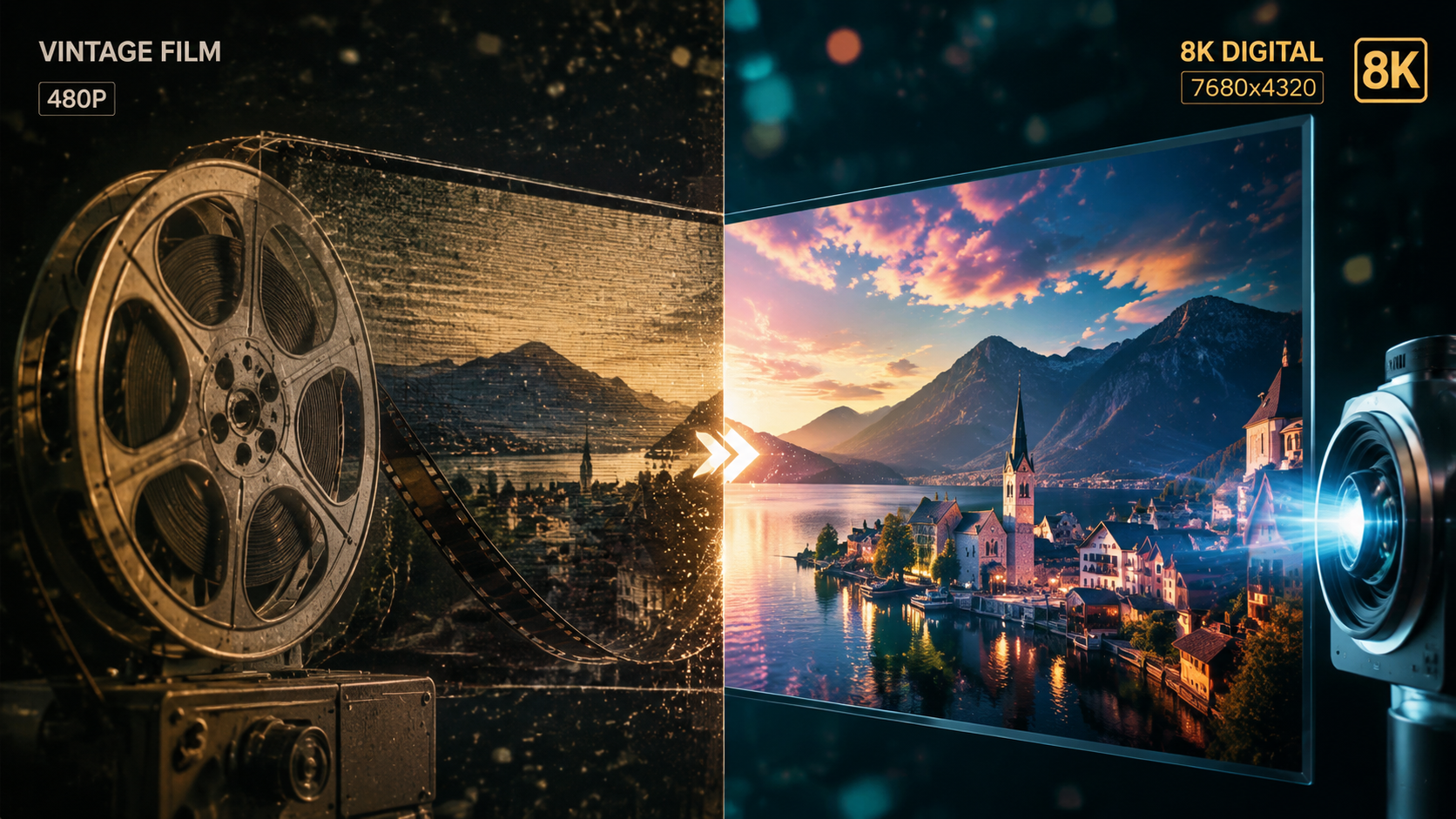
As we move through 2026, the landscape of video enhancement has shifted from simple sharpening filters to complex generative models. These tools don't just "stretch" an image; they understand the context of the scene. For instance, according to TweakTown, VideoProc Converter AI has been recognized as the best AI video and image enhancer in 2026, primarily due to its ability to handle complex textures like hair, skin, and fabric with lifelike accuracy.
The demand for these tools has surged as 4K and 8K displays become the standard for home entertainment. Users are no longer satisfied with blurry legacy content. Software developers have responded by integrating "Deep Neural Networks" (DNN) that have been trained on millions of high-quality frames. This allows the software to "guess" what a blade of grass or a distant mountain should look like when scaled up from a grainy source.
Furthermore, the integration of AI into the PC workflow has become more accessible. While professional studios once required massive server farms for these tasks, a modern PC with a dedicated graphics card can now perform these enhancements in a fraction of the time. This democratization of technology means that even hobbyists can achieve a "professional HD look," a trend highlighted by Cult MTL in their early 2026 analysis of top video tools.
Top AI Video Enhancers Comparison Table (2026)
To help you choose the right tool for your specific hardware and project needs, we have compared the leading software options currently dominating the market.
| Software Name | Primary Strength | Best For | Max Resolution |
|---|---|---|---|
| VideoProc Converter AI | Level-3 Hardware Acceleration | All-in-one conversion & upscaling | 8K UHD |
| Aiarty Video Enhancer | Generative Detail Restoration | Restoring heavily blurred footage | 4K / 8K |
| Topaz Video AI | Professional Motion De-blur | Commercial film production | 16K |
| AVCLabs Video Enhancer | Face Refinement Algorithms | Portrait and interview videos | 4K |
Key Features to Look for in the Best AI Video Enhancer for PC
Super Resolution and Upscaling
The most sought-after feature in 2026 is Super Resolution. Unlike traditional upscaling, which simply duplicates pixels and results in a "blocky" look, AI Super Resolution generates new data. This is essential for converting 1080p footage into 4K. According to AppleInsider, high-end enhancers now fix blur, reduce noise, and upscale to 4K seamlessly, ensuring that even older digital recordings look native on modern screens.
Frame Interpolation and Motion Smoothing
Another critical component of a high-quality enhancer is the ability to increase the frame rate (FPS). If you have a video shot at 24fps, AI can generate intermediate frames to create a smooth 60fps or even 120fps experience. This is particularly useful for sports footage or action sequences where motion blur can be distracting. This feature is often paired with "Slow Motion" capabilities, allowing for buttery-smooth replays from standard speed sources.
Intelligent Noise Reduction and De-interlacing
Old camcorder footage often suffers from "interlacing" lines and heavy digital noise. The best AI video enhancer for PC uses spatial and temporal noise reduction to clean up these artifacts without losing the underlying detail. Digital Production notes that tools like Aiarty Video Enhancer are specifically designed to fit into professional workflows by automating these tedious cleaning tasks, saving editors hours of manual labor.
Why PC Hardware Matters for AI Enhancement
While cloud-based tools exist, the best results are always achieved on a local PC with a powerful GPU. AI video enhancement is a computationally expensive task. According to reports from North Penn Now, comparing free AI enhancers reveals that local software consistently outperforms web-based tools in terms of both processing speed and the sharpness of the final result. This is because local software can utilize the full power of NVIDIA's Tensor cores or AMD's stream processors.
In 2026, the software is optimized to distribute the workload across the CPU and GPU. This "Hardware Acceleration" prevents your computer from freezing during the export process. If you are working with long-form content, such as a feature-length documentary or a 20-minute YouTube vlog, having a PC-based tool is non-negotiable for maintaining a productive workflow.
Moreover, privacy is a significant factor. Processing your videos locally on your PC ensures that sensitive or personal footage is never uploaded to a third-party server. This is a major reason why professional editors and privacy-conscious users prefer desktop software over "SaaS" (Software as a Service) models that require constant internet connectivity and data uploads.
Evaluating the Cost vs. Performance of 2026 Software
When searching for the best ai video enhancer for pc, you will encounter various pricing models, from free open-source tools to premium lifetime licenses. While free tools offer a great entry point, they often lack the sophisticated "Generative AI" models found in paid versions. For example, Cult of Mac recently highlighted launch deals for Aiarty, noting that the time saved by its automated features often outweighs the initial investment for serious creators.
Premium tools also offer more frequent updates. In the fast-moving world of AI, a model that was state-of-the-art six months ago may already be surpassed. Subscription or lifetime-purchase software typically includes monthly updates to their neural networks, ensuring your video quality continues to improve as the technology evolves. This "future-proofing" is a key consideration for anyone looking to maintain a high-quality video library over the next decade.
What is the best AI video enhancer for PC in 2026?
VideoProc Converter AI is widely considered the best overall choice due to its high-speed processing and versatile feature set. It effectively balances professional-grade upscaling with a user-friendly interface suitable for all skill levels.
Can AI really turn 1080p into 4K?
Yes, AI uses "Super Resolution" to analyze existing pixels and generate new ones that match the texture and color of the original scene. This results in a 4K image that looks significantly sharper and more detailed than a standard upscale.
Is there a free AI video enhancer for PC?
There are several free options, such as Upscayl or certain open-source models on GitHub. However, these often require more technical knowledge to set up and may lack the hardware acceleration features found in paid software like VideoProc or Aiarty.
Do I need a powerful graphics card for AI video enhancement?
While most software can run on a standard CPU, a dedicated GPU (NVIDIA or AMD) is highly recommended. Using a GPU can speed up the enhancement process by 10x to 20x compared to a CPU alone.
Can AI fix out-of-focus or blurry videos?
AI can significantly improve videos with slight motion blur or soft focus by reconstructing edges. However, if the footage is extremely distorted or completely "blacked out," there may not be enough data for the AI to restore the image perfectly.
In conclusion, choosing the best ai video enhancer for pc depends on your specific needs, but the 2026 market offers incredible options. From the all-around performance of VideoProc Converter AI to the specialized restoration capabilities of Aiarty, these tools have made it possible to preserve and enhance our digital memories with unprecedented clarity. By leveraging the power of your PC's hardware, you can transform low-quality clips into professional-grade masterpieces with just a few clicks.



Comments ()