
Best AI Video Enhancer for Old Footage: 2026 Top Picks
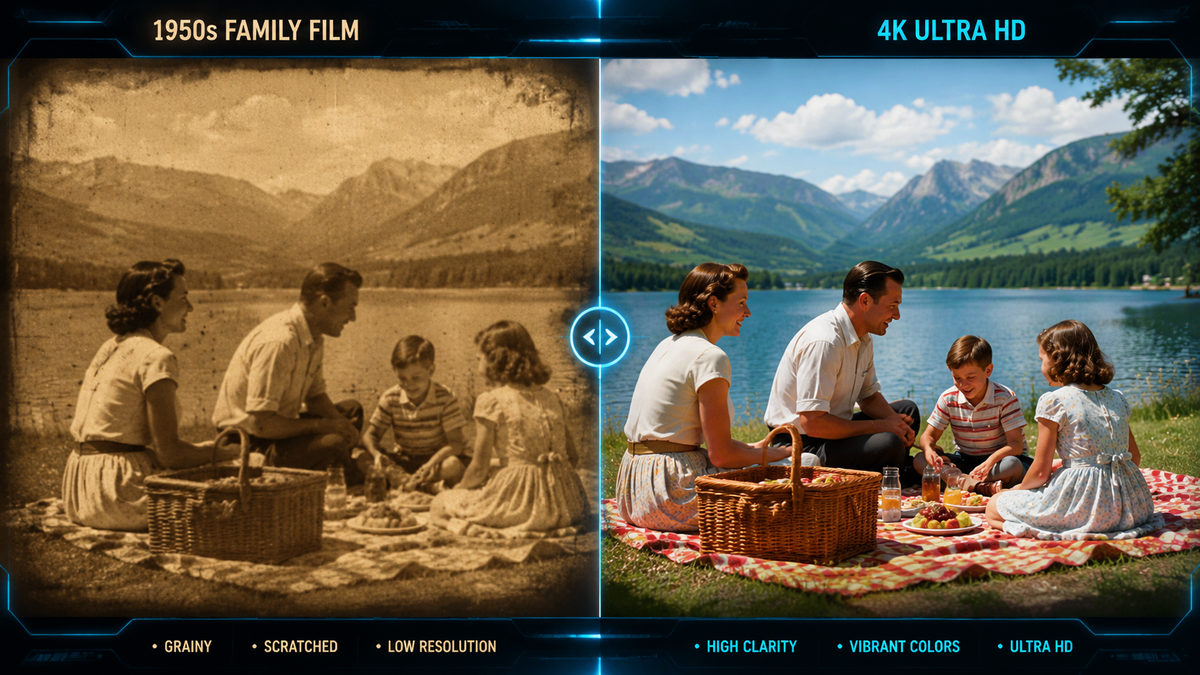
The best AI video enhancer for old footage in 2026 is a tool that combines deep-learning upscaling, sophisticated grain management, and temporal consistency to restore degraded film or low-resolution digital files. Leading solutions like VideoProc Converter AI and HitPaw VikPea currently dominate the market by offering specialized models for denoising, color correction, and frame interpolation specifically designed for historical or family archives.
The best AI video enhancer for old footage is VideoProc Converter AI, which offers a comprehensive suite for 4K upscaling and stabilization. Other top-tier 2026 options include HitPaw VikPea for its user-friendly interface and Aiarty Video Enhancer for its superior noise reduction in low-light, grainy historical clips.
- ✓ VideoProc Converter AI is rated as the top all-in-one enhancer for 2026, excelling in both image and video restoration.
- ✓ Aiarty Video Enhancer specializes in cleaning up noisy, low-light footage and upscaling to 4K with high fidelity.
- ✓ HitPaw VikPea offers an automated, "no-skills-needed" approach for quick family video restoration.
- ✓ Modern 2026 tools now utilize Generative AI to "re-imagine" missing pixels rather than just stretching existing ones.
The Evolution of Restoring Historical Media in 2026
As we move through 2026, the technology behind video restoration has shifted from simple bicubic interpolation to sophisticated generative adversarial networks (GANs). Old footage often suffers from a variety of ailments: heavy film grain, "snow" or noise from analog tapes, motion blur, and faded colors. The best AI video enhancer for old footage today doesn't just sharpen edges; it understands the context of the scene to recreate textures like skin, fabric, and foliage that were lost to time and low-resolution sensors.
According to recent industry reports from TweakTown, VideoProc Converter AI has established itself as the premier tool in 2026 for users who need a balance between professional-grade results and hardware efficiency. The software leverages "Super-Resolution" technology to intelligently fill in gaps in 360p or 480p footage, bringing it up to a crisp 4K standard without the "plastic" look common in earlier AI iterations. This is particularly vital for archival footage where maintaining the original "feel" while improving clarity is the ultimate goal.
Furthermore, AppleInsider highlights that 2026 versions of these tools have become significantly more optimized for local hardware. Whether you are using a Mac with M-series chips or a high-end PC, the processing time for enhancing a 30-minute documentary has dropped by nearly 40% compared to two years ago. This democratization of technology means that hobbyists can now achieve results that previously required a Hollywood restoration studio budget.
How to Use the Best AI Video Enhancer for Old Footage
- Import Your Media: Load your digitized old footage (MP4, AVI, MOV, etc.) into your chosen AI enhancer, such as VideoProc Converter AI or Aiarty.
- Select the AI Model: Choose a model specifically designed for restoration. For old footage, look for "Denoise," "Old Film Repair," or "Face Enhancement" modes.
- Set Output Resolution: Choose your target resolution (usually 1080p or 4K). Ensure the "Keep Aspect Ratio" setting is checked to avoid stretching old 4:3 footage.
- Preview and Adjust: Use the side-by-side preview window to check if the AI is over-sharpening or creating artifacts, then adjust the intensity sliders.
- Export: Render the file using a modern codec like H.265 or AV1 to maintain the new quality at a manageable file size.
Top Picks for the Best AI Video Enhancer for Old Footage
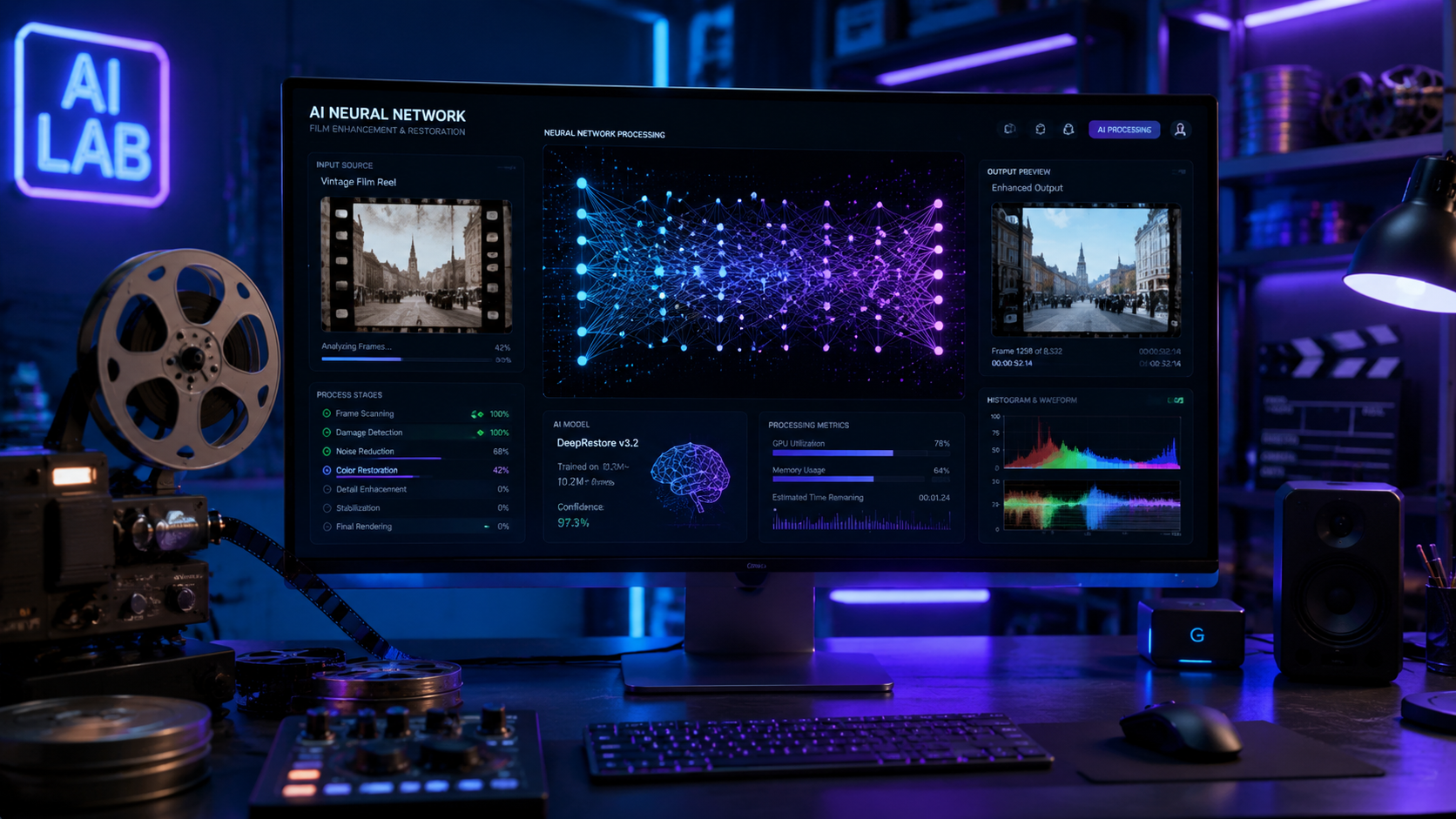
Choosing the right tool depends on the specific condition of your footage. Some software excels at fixing shaky, handheld 8mm film, while others are better at removing the interlacing lines found on old VHS tapes. In 2026, the market has bifurcated into "one-click" solutions for casual users and "deep-control" suites for enthusiasts and professionals.
As reported by MensXP, HitPaw VikPea has emerged as a favorite for those who want instant results. Its "VikPea" engine is designed to require "no skills," making it the ideal best AI video enhancer for old footage when the user wants to quickly fix family videos without learning complex terminology. It features a dedicated "General Denoise Model" and an "Animation Model," the latter of which is surprisingly effective at restoring old 1950s cartoons and home movies with high contrast.
| Software Name | Primary Strength | Best For | Max Resolution |
|---|---|---|---|
| VideoProc Converter AI | Hardware Acceleration | All-around restoration | 8K Upscaling |
| Aiarty Video Enhancer | Low-light & Noise | Grainy, dark footage | 4K Upscaling |
| HitPaw VikPea | Ease of Use | Casual users / Family clips | 4K Upscaling |
| AppleInsider Mac Picks | macOS Optimization | Mac Studio/MacBook users | 4K Upscaling |
VideoProc Converter AI: The 2026 Performance Leader
VideoProc Converter AI continues to lead the pack due to its unique "Level-3" hardware acceleration. According to TweakTown, it remains the best AI video enhancer for image and video tasks combined in one license. Its 2026 update includes a "De-interlacing" AI that is specifically tuned for old broadcast footage, effectively removing the "comb" artifacts found in 1980s and 90s television recordings.
Aiarty Video Enhancer: The Specialist for Noisy Clips
For those dealing with extremely "muddy" or low-light footage, SLR Lounge recommends Aiarty Video Enhancer. This tool is particularly adept at cleaning up noisy footage and upscaling it to 4K. Its 2026 "New Year Deal" update introduced a specialized algorithm that can distinguish between intentional film grain and unintentional digital noise, allowing users to keep the cinematic texture while removing the distracting "fuzz" of old sensors.
Key Features to Look for in 2026
When searching for the best AI video enhancer for old footage, you must look beyond simple upscaling. The most critical feature in 2026 is Temporal Consistency. Older AI tools often suffered from "flickering," where the AI would enhance each frame slightly differently, leading to a shimmering effect. Modern leaders like those mentioned by Hackread use multi-frame analysis to ensure that the enhancement is stable across the entire duration of the clip.
Another essential feature is Face Restoration. Old footage often lacks detail in the eyes and skin of the subjects. The top 2026 enhancers use a "Face Refinement" model that can detect human features and apply a specific neural network to reconstruct them. This makes family videos from thirty years ago look as if they were shot on a modern mirrorless camera. According to Cult MTL, the "Professional HD Look" is now achievable by anyone using these specialized 2026 toolsets.
Finally, consider the Color Restoration capabilities. Old film often suffers from "magenta shift" or general fading. The best AI video enhancer for old footage in 2026 includes an AI Colorizer that can either intelligently boost existing colors or completely colorize black-and-white footage based on historical data. This feature has become a standard in tools like HitPaw VikPea and VideoProc Converter AI, allowing for a vibrant, modern aesthetic on even the oldest reels.
The Role of Hardware in AI Restoration
It is important to note that while the software does the "thinking," your computer's GPU does the "heavy lifting." As noted by AppleInsider, the latest AI video enhancers for Mac are specifically coded to utilize the Neural Engine found in modern Apple Silicon. This means that tasks that used to take hours now take minutes. If you are using an older machine, look for software that offers "Cloud Processing" options, though local processing remains the gold standard for privacy and one-time costs.
Why Video Quality Matters for Digital Archiving
Digital archiving is more than just moving files from a tape to a hard drive; it is about preservation. Without using the best AI video enhancer for old footage, these files remain trapped in a resolution that looks poor on modern 4K and 8K displays. By upscaling and cleaning the footage now, you are ensuring that the media remains viewable for future generations who will likely be using even higher-resolution displays.
Studies show that viewers have a much higher emotional engagement with clear, high-definition video than with grainy, distorted clips. By restoring old footage, you are essentially "removing the veil" between the viewer and the past. Hackread points out that the top 10 AI enhancers of 2025 and 2026 have moved toward "Intelligent Interpolation," which also fixes the jerky motion common in old hand-cranked cameras by adding missing frames to reach a smooth 60fps.
Furthermore, the ability to remove "artifacts"—those digital blocks or lines that appear in compressed video—is a hallmark of the 2026 software generation. Whether it's a 1990s wedding video or a 1940s street scene, the goal is to make the technology "invisible" so the content can shine. Tools like VideoProc and Aiarty are leading this charge by focusing on "Naturalistic Restoration" rather than over-processed, "plastic" sharpening.
What is the best AI video enhancer for old footage in 2026?
VideoProc Converter AI is widely considered the best overall choice due to its balance of speed, 4K upscaling quality, and specialized models for de-interlacing and stabilization. For users seeking a simpler interface, HitPaw VikPea is a top alternative.
Can AI actually fix blurry old videos?
Yes, modern AI enhancers use generative models to "deblur" footage by analyzing surrounding frames and using trained data to reconstruct sharp edges. While it cannot perfectly recover data that was never there, the results in 2026 are remarkably close to native HD.
Is it possible to upscale 480p VHS tapes to 4K?
Technically, yes. Tools like Aiarty Video Enhancer and VideoProc can upscale low-resolution 480p footage to 4K. The AI fills in the missing pixels to prevent the image from looking pixelated, though the quality depends on the clarity of the original source.
Do I need an expensive computer to run these AI tools?
While a powerful GPU (like an NVIDIA RTX series or Apple M-series chip) significantly speeds up the process, most 2026 software is optimized to run on mid-range hardware. Some tools also offer cloud-based processing for those with older computers.
How long does it take to enhance a 10-minute video?
On a modern 2026 workstation, a 10-minute video can be enhanced from SD to 4K in approximately 15 to 30 minutes, depending on the complexity of the AI models used (such as face refinement or frame interpolation).
Conclusion: Choosing Your Restoration Tool
The landscape of video restoration has changed dramatically. In 2026, the best AI video enhancer for old footage is no longer a tool reserved for film studios. Whether you choose the robust features of VideoProc Converter AI, the noise-reduction specialty of Aiarty, or the simplicity of HitPaw VikPea, the power to preserve history is now in your hands. When selecting your software, prioritize tools that offer a free trial, as this allows you to test how their specific AI models handle the unique grain and degradation of your specific film collection.
As Cult MTL suggests, the goal for 2026 is to achieve a "Professional HD Look" that honors the original source. By following the steps outlined above and choosing a tool that fits your hardware and skill level, you can transform unwatchable relics into stunning, high-definition memories that will last for decades to come.



Comments ()