
Best AI Video Enhancer for Old Films: 2026 Top Picks
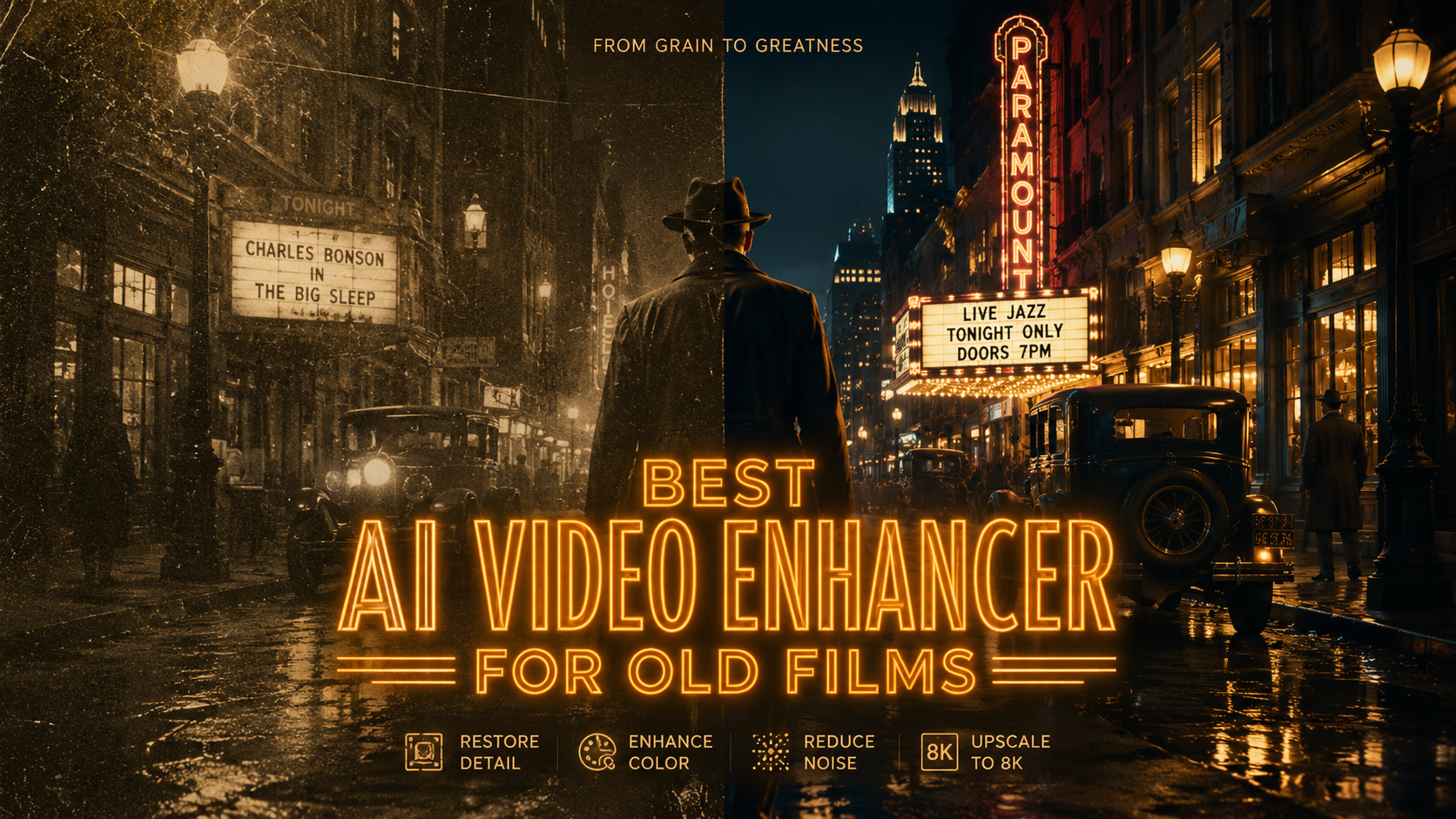
The best AI video enhancer for old films in 2026 is a tool that combines deep-learning restoration models with grain management and 4K upscaling capabilities. Leading solutions like VideoProc Converter AI and Topaz Video AI have become the industry standards for reviving vintage footage by removing scratches, stabilizing shaky frames, and reconstructing lost detail in low-resolution archives. By utilizing temporal interpolation, these tools allow enthusiasts and professionals alike to transform grainy, 8mm or 16mm film into crisp, modern 4K digital assets.
An AI video enhancer for old films is a specialized software that uses neural networks to repair, upscale, and colorize vintage footage. These tools analyze adjacent frames to intelligently fill in missing pixels, remove noise, and correct color fading, effectively restoring historical media to high-definition or 4K quality while maintaining the original cinematic texture.
- ✓ AI restoration can upscale low-resolution old films to 4K with one-click automation.
- ✓ Advanced temporal processing removes flickering and scratches common in analog film.
- ✓ Modern tools like VideoProc Converter AI offer all-in-one media kits for both photos and video.
- ✓ High-quality frame interpolation allows for smooth 60fps playback of jerky vintage recordings.
- ✓ Colorization models can now accurately predict historical hues based on grayscale values.
How to Restore Vintage Footage Using the Best AI Video Enhancer for Old Films
Restoring old films used to be a manual process reserved for high-budget Hollywood studios. However, as of 2026, generative AI has democratized this technology. To achieve the best results, users should focus on a workflow that prioritizes structural repair before color correction. According to Film Threat, reviving old videos involves a three-stage process: restore, enhance, and relive, often resulting in stunning 4K outputs that look as though they were filmed on modern equipment.
The process begins with digitizing your physical media, followed by the application of AI models specifically trained on film grain and celluloid degradation. Unlike standard upscalers, the best AI video enhancer for old films will distinguish between intentional cinematic grain and accidental "noise" or "snow" caused by age. This ensures that the soul of the film remains intact while the clarity is significantly improved.
- Import and Analyze: Upload your digitized film file into the AI enhancer. The software will perform a frame-by-frame analysis to identify scratches, dust, and motion blur.
- Select Restoration Model: Choose a model specifically designed for "Old Film" or "Vintage Restoration." This tells the AI to prioritize scratch removal and stabilization.
- Upscale to 4K: Set your output resolution. Modern enhancers use generative models to "hallucinate" missing details in textures like skin, fabric, and landscapes.
- Apply Colorization (Optional): If the film is black and white, apply a colorization layer. The AI uses historical data sets to apply realistic skin tones and environmental colors.
- Export and Preserve: Render the file using a high-bitrate codec like H.265 or AV1 to ensure the new details are preserved without massive file sizes.
Top Picks for AI Film Restoration in 2026
The landscape of video enhancement has shifted toward "all-in-one" toolkits that handle various media types. For instance, Fstoppers recently tested VideoProc Converter AI, highlighting its effectiveness as a comprehensive media toolkit that handles both photo and video restoration seamlessly. This versatility is crucial for archivists who may be dealing with mixed media collections from the mid-20th century.
VideoProc Converter AI: The All-in-One Powerhouse
VideoProc Converter AI has solidified its position as a top contender in 2026 due to its hardware acceleration capabilities. It utilizes Level-3 GPU acceleration to process heavy 4K upscaling tasks much faster than traditional CPU-based editors. Its "Super Resolution" feature is particularly adept at taking 480p home movies and upscaling them to 4K without the "plastic" look often associated with inferior AI. It also features a dedicated "De-interlacing" engine, which is vital for converting old television broadcasts or camcorder footage into progressive scan video.
Topaz Video AI: Professional-Grade Detail
For those seeking the absolute peak of sharpness, Topaz remains a heavy hitter. Its 2026 updates include enhanced "Iris" and "Themis" models, which are specifically tuned for face recovery and motion de-blurring. If you have old films where faces are blurry or unrecognizable, Topaz can often reconstruct features with startling accuracy. According to AppleInsider, these types of enhancers now allow for 4K upscaling on Mac with a single click, taking full advantage of the latest M-series neural engines.
Comparing the Best AI Video Enhancers for Old Films
Choosing the right tool depends on your specific needs—whether you prioritize speed, ease of use, or the depth of manual controls. The following table compares the top performers in the current 2026 market based on recent industry reports from The AI Journal and North Penn Now.
| Feature | VideoProc Converter AI | Topaz Video AI | AVCLabs Video Enhancer | HitPaw Video Enhancer |
|---|---|---|---|---|
| Primary Strength | Speed & Versatility | Professional Detail | Automated Colorization | User-Friendly Interface |
| Max Upscale | 8K | 16K | 4K | 4K |
| Film Restoration Mode | Excellent | Superior | Good | Good |
| Hardware Usage | High Efficiency (GPU) | Resource Intensive | Moderate | Moderate |
| Best For | Home Movies & Photos | Cinematic Archives | Colorizing B&W | Quick Social Sharing |
The Science of AI Film Restoration and Upscaling
Modern AI enhancers do not just "stretch" pixels; they use Generative Adversarial Networks (GANs) to predict what a high-resolution version of an image should look like. A study cited by MSN on AI film restoration notes that these technologies are now being used to bring classics back to life by filling in gaps caused by physical film rot. This process, known as inpainting, allows the software to look at the frames before and after a damaged section to "draw" a replacement that is indistinguishable from the original.
Furthermore, temporal stability has been a major breakthrough in 2026. Older AI versions often suffered from "flickering" where the AI would enhance pixels differently in every frame. New algorithms ensure that the enhancement is consistent across time, resulting in a rock-solid image that feels natural to the human eye. This is particularly important for the best AI video enhancer for old films, as vintage footage often suffers from inconsistent exposure and frame rates.
Frame Rate Interpolation and Fluidity
Old films were often shot at 12, 16, or 18 frames per second (fps). When played on modern 60Hz or 120Hz displays, this results in a "stuttery" appearance. The latest AI enhancers use "Optical Flow" and "AI Interpolation" to create entirely new intermediate frames. This transforms the jerky motion of a 1940s street scene into a smooth, lifelike 60fps experience, making the viewer feel as though they are looking through a window into the past rather than watching a dusty recording.
Key Features to Look for in 2026
When searching for the best AI video enhancer for old films, you must look beyond simple resolution sliders. The complexity of analog film requires specific tools that digital-born video does not. According to North Penn Now, which compared the top 6 free and paid AI enhancers, the "sharpest results" come from tools that offer granular control over noise suppression and grain retention.
Grain management is perhaps the most debated topic in film restoration. Completely removing grain can make a movie look like a cartoon. The best software in 2026 allows you to "De-grain" to remove noise and then "Re-grain" with a clean, synthetic film grain that mimics the texture of 35mm film. This creates a high-definition look that still feels "cinematic" and authentic to the era it was filmed.
Advanced Color Recovery
Over decades, the chemical dyes in film strips fade, often leaving footage with a heavy magenta or yellow tint. 2026 AI models now include "Deep Color Recovery," which can identify what the original colors likely were by analyzing the density of the remaining silver halides in the film scan. This is a massive step up from basic "Auto-Levels" found in standard video editors, as it understands the physics of how film fades over time.
What is the best AI video enhancer for old films in 2026?
VideoProc Converter AI and Topaz Video AI are currently the top-rated tools. VideoProc is preferred for its all-in-one toolkit and speed, while Topaz is favored by professionals for its deep reconstruction models and high-resolution output.
Can AI really fix scratched or damaged film?
Yes, modern AI uses a process called inpainting to identify physical damage like scratches or dust and replaces those pixels with data from surrounding frames. This results in a clean image that looks virtually untouched by physical decay.
Is it possible to upscale 8mm film to 4K?
Absolutely. While 8mm film has very low native resolution, AI enhancers can use generative models to add detail and texture, making a 4K upscale look significantly clearer than the original projection.
Does AI restoration change the "feel" of old movies?
It can, but the best tools allow you to adjust the "strength" of the restoration. By retaining some original grain and avoiding over-sharpening, you can maintain the nostalgic feel while improving the viewability of the film.
How long does it take to enhance an old film with AI?
Processing time depends on your computer's GPU and the length of the film. A 10-minute clip might take anywhere from 30 minutes to 2 hours to upscale to 4K using modern 2026 hardware acceleration.
In conclusion, the best AI video enhancer for old films is no longer a single-purpose tool but a sophisticated suite of neural networks. Whether you are using VideoProc Converter AI for its versatility or Topaz for its surgical precision, the ability to preserve family history and cultural archives has never been more accessible. As we move through 2026, these technologies continue to blur the line between the past and the present, ensuring that the visual legacy of the 20th century remains vibrant for generations to come.



Comments ()