
Best AI Video Enhancer for Mobile: 2026 Top Picks & Reviews
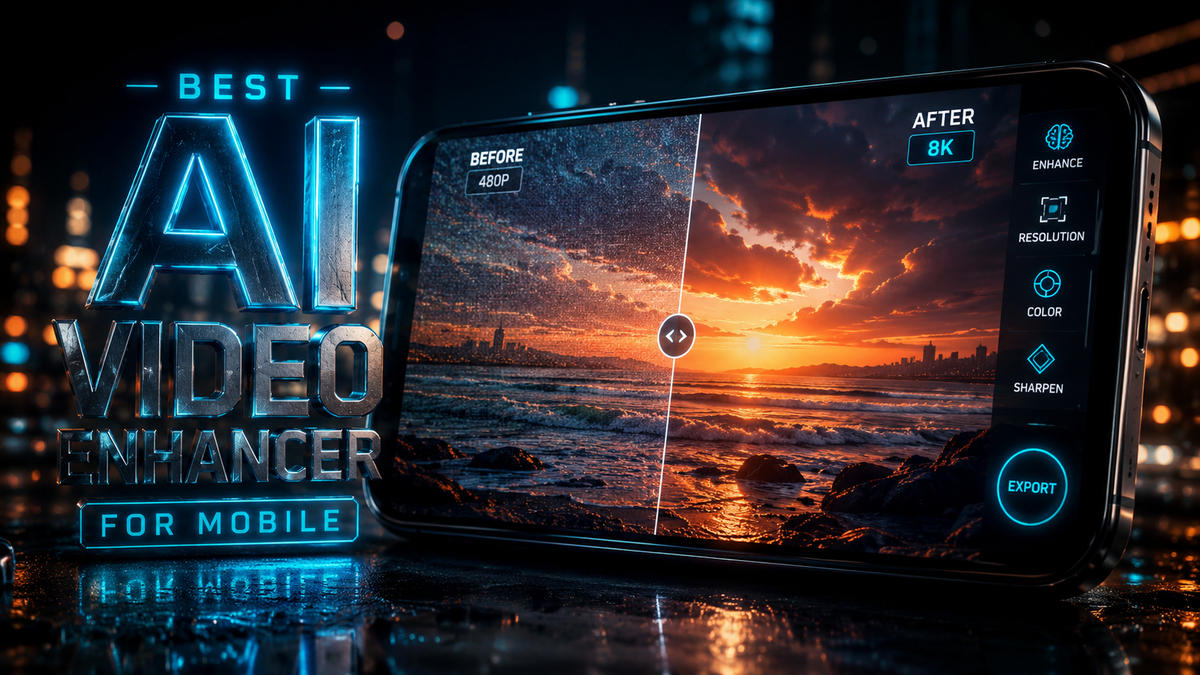
Finding the best ai video enhancer for mobile in 2026 involves selecting an application that utilizes neural networks to upscale resolution, remove grain, and stabilize footage directly on your smartphone. The top-rated solutions this year focus on on-device processing and cloud-hybrid rendering to transform blurry, low-resolution clips into crisp 4K content with a single tap. As mobile hardware has advanced, these tools have become essential for creators who need professional-grade post-production without a desktop workstation.
The best ai video enhancer for mobile is a tool that combines temporal multi-frame interpolation with spatial upscaling to improve clarity and frame rate. In 2026, leading apps like Vmake AI and specialized Android tools provide automated brightness correction, noise reduction, and resolution boosting from 720p to 4K using deep learning models optimized for mobile processors.
- ✓ AI video enhancers can now upscale mobile footage to 4K resolution in real-time or via cloud processing.
- ✓ Vmake AI has emerged as a dominant all-in-one toolkit for comprehensive video enhancement in 2026.
- ✓ Modern tools utilize "temporal consistency" to ensure that enhancements remain stable across every frame.
- ✓ Leading platforms now offer specialized features for social media optimization, such as automated lighting adjustment.
- ✓ Privacy and on-device processing are becoming standard for high-end mobile enhancement apps.
The Evolution of Mobile Video Enhancement in 2026
As we move through 2026, the landscape of mobile content creation has shifted significantly. We are no longer limited by the physical sensors of our smartphones; instead, software is bridging the gap between amateur hardware and professional cinematography. The best ai video enhancer for mobile now leverages sophisticated algorithms that can "guess" missing pixels with incredible accuracy, turning grainy night shots into clear, usable footage. This technological leap is largely due to the integration of dedicated NPU (Neural Processing Unit) chips in the latest mobile devices.
According to MobileAppDaily, AI video enhancement tools work by analyzing multiple frames simultaneously to identify patterns and textures. This process, known as temporal super-resolution, allows the app to distinguish between actual detail and digital noise. By the time a user hits "export," the AI has already rebuilt the video stream frame-by-frame, ensuring that the final product is not just larger in resolution, but objectively higher in quality and detail.
Furthermore, the democratization of these tools means that high-end features previously reserved for Hollywood studios are now accessible to anyone with an Android or iOS device. Whether you are a casual user trying to save a blurry family memory or a professional influencer looking to polish a viral reel, the current generation of mobile enhancers provides a level of precision that was unimaginable just a few years ago. The focus in 2026 is on "one-touch" solutions that hide the underlying complexity of the machine learning models.
How to Use the Best AI Video Enhancer for Mobile
- Download and install your chosen AI enhancer from the Google Play Store or Apple App Store.
- Import the video file you wish to improve from your local gallery or cloud storage.
- Select the specific enhancement model (e.g., "Upscale to 4K," "Denoise," or "Face Refinement").
- Adjust the intensity slider to balance between natural looks and maximum sharpness.
- Preview a short segment of the enhanced video to ensure the results meet your expectations.
- Tap "Export" or "Save" to process the full video and store it in your desired format.
Top Picks for the Best AI Video Enhancer for Mobile
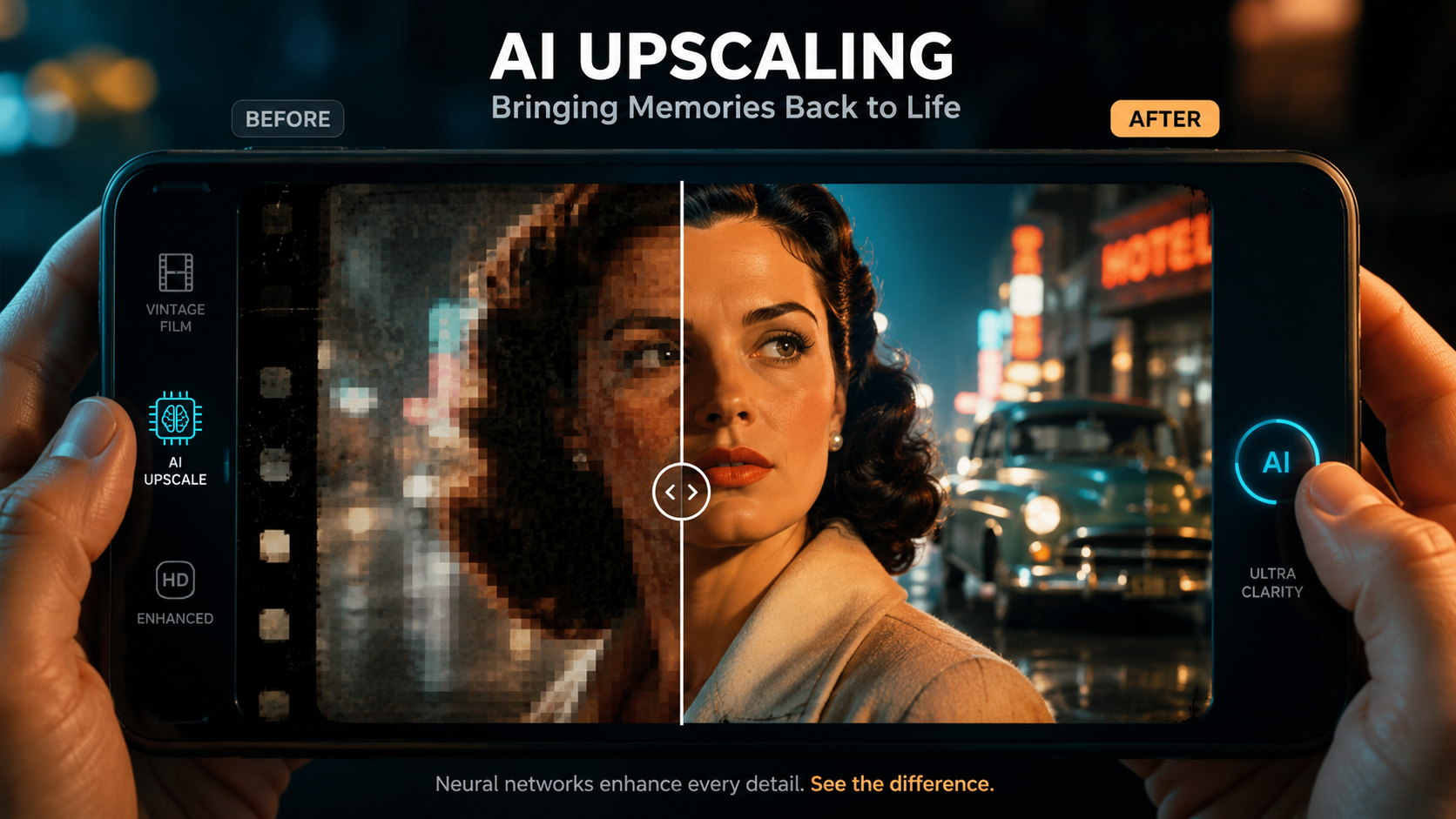
In the current market, several apps have distinguished themselves through superior processing power and user-friendly interfaces. A standout performer in 2026 is Vmake AI. According to a review by That Eric Alper, Vmake AI is considered the "ultimate all-in-one video enhancement toolkit," offering a suite of features that go beyond simple upscaling. It includes specialized modules for lighting correction, background removal, and high-fidelity audio syncing, making it a favorite for mobile-first creators.
For Android users, the options have expanded significantly. PlayStation Universe recently highlighted the "5 Best Video Enhancer Tools for Android in 2026," noting that these apps now utilize the same underlying technology found in high-end gaming consoles to render frames and improve visual fidelity. These tools are particularly effective at stabilizing shaky handheld footage, which remains one of the most common issues with mobile videography. The ability to perform these tasks without significant battery drain is a hallmark of this year's top-tier software.
Another major trend identified by Gearbrain in their "8 Best Video Enhancer Tools in 2026" comparison is the rise of hybrid processing. While some apps do the heavy lifting on your phone, others upload the footage to powerful cloud servers, perform the enhancement, and then send the polished file back. This allows even older mobile devices to achieve results that rival the latest flagship phones. Choosing the right tool often depends on whether you prefer speed (on-device) or maximum quality (cloud-based).
Comparison of Leading Mobile AI Video Enhancers
| App Name | Primary Strength | Best For | Processing Type |
|---|---|---|---|
| Vmake AI | All-in-One Toolkit | Professional Creators | Hybrid (On-device/Cloud) |
| EnhanceIt | One-Tap Upscaling | Casual Users | On-device |
| VideoCleaner Pro | Noise Reduction | Low-light Footage | Cloud-based |
| MotionFix AI | Stabilization | Action Sports | On-device |
| PixelBoost 2026 | Color Grading | Cinematic Looks | Hybrid |
Key Features to Look for in a Mobile AI Enhancer
When searching for the best ai video enhancer for mobile, it is crucial to look for features that address the specific limitations of smartphone cameras. The most important feature is "De-noising." Because mobile sensors are small, they often struggle in low light, resulting in "grain" or digital noise. A high-quality AI enhancer uses deep learning to identify this noise and remove it without smudging the actual details of the subject's face or the environment.
Another essential feature is "Face Refinement." In 2026, the best apps have specific models trained on human anatomy. According to Hackread, which compared the "10 Best AI Video Enhancers in 2025 and 2026," the ability to sharpen eyes, smooth skin naturally, and maintain facial expressions during upscaling is what separates premium apps from basic filters. This is particularly important for vloggers and social media users who want to look their best in high-definition formats.
Resolution Upscaling and Frame Interpolation
Resolution upscaling is the core function of these apps, but not all upscaling is created equal. Look for apps that offer "4K AI Upscaling." This doesn't just stretch the video; it generates new pixels based on the surrounding data. Additionally, "Frame Interpolation" (often called Slo-Mo AI) can turn a standard 30fps video into a smooth 60fps or 120fps masterpiece. This makes the video feel more fluid and lifelike, which is a key metric for quality in 2026.
Automated Lighting and HDR Reconstruction
Many videos filmed on mobile suffer from poor dynamic range—meaning the sky is too bright or the shadows are too dark. Modern AI enhancers can reconstruct High Dynamic Range (HDR) data from Standard Dynamic Range (SDR) footage. By analyzing the exposure levels of every pixel, the AI can bring back detail in the highlights and shadows that appeared lost, giving the video a professional, balanced look similar to high-end DSLR cameras.
The Impact of Platform Integration: YouTube and Beyond
The tech giants are also entering the space of video enhancement. Ars Technica reported that YouTube has been secretly testing AI video enhancement features directly within its mobile upload interface. This suggests that in the near future, the best ai video enhancer for mobile might be built directly into the apps we use to share content. However, for now, third-party apps still offer significantly more control and higher-quality output than built-in platform tools.
This integration is a response to the "quality arms race" on social media. As screens on mobile devices become more advanced (with many now supporting 4K OLED and high refresh rates), users are becoming more sensitive to low-quality content. A video that looked "fine" in 2023 now looks blurry and dated on a 2026 flagship phone. Using a dedicated enhancer ensures that your content remains competitive and visually engaging regardless of the platform it is viewed on.
Furthermore, the rise of AI-driven enhancement has led to new standards in accessibility. Some enhancers now include automated subtitle generation and visual clarity boosts for those with visual impairments. This holistic approach to "enhancement" means that the software isn't just making videos look better; it's making them more functional and inclusive for a global audience.
Future Trends: What to Expect After 2026
Looking ahead, the best ai video enhancer for mobile will likely move toward "Generative Video Refinement." Instead of just fixing what is there, AI will be able to replace entire backgrounds or change the weather in a scene with perfect lighting consistency. We are already seeing the beginnings of this with Vmake AI’s toolkit, which allows for sophisticated object removal and replacement directly on a smartphone. The line between "enhancing" and "re-creating" is blurring.
Privacy will also become a major selling point. As AI models become more efficient, more of the processing will happen "on-edge" (locally on your phone) rather than in the cloud. This ensures that your private videos never leave your device, addressing a major concern for users in 2026. Experts suggest that by 2027, real-time AI enhancement during live video calls will become the new standard, effectively "airbrushing" reality as it happens.
What is the best AI video enhancer for mobile in 2026?
Vmake AI is currently considered the top choice due to its comprehensive toolkit that includes upscaling, noise reduction, and lighting correction. Other strong contenders include specialized Android tools highlighted by PlayStation Universe for their stabilization capabilities.
Can I upscale 1080p video to 4K on my phone?
Yes, modern AI video enhancers use spatial upscaling algorithms to generate extra pixels, effectively converting 1080p footage into 4K. The quality depends on the complexity of the AI model and the processing power of your mobile device.
Do these apps work on both Android and iOS?
Most leading AI video enhancers, such as Vmake AI and various tools reviewed by Gearbrain, are available on both platforms. However, some apps may perform faster on specific hardware depending on their optimization for Apple’s A-series or Qualcomm’s Snapdragon chips.
Is it better to use on-device or cloud-based enhancement?
On-device enhancement is faster and more private, making it ideal for quick edits. Cloud-based enhancement usually offers higher quality because it uses more powerful server-side GPUs, which is better for professional-grade projects.
Will using an AI enhancer drain my battery?
AI video processing is computationally intensive and will consume significant battery power. It is recommended to have your phone plugged in or have a full charge before starting a long video enhancement process in 2026.



Comments ()