
Best AI Video Enhancer 2026: Top 8 Tools for 8K Quality
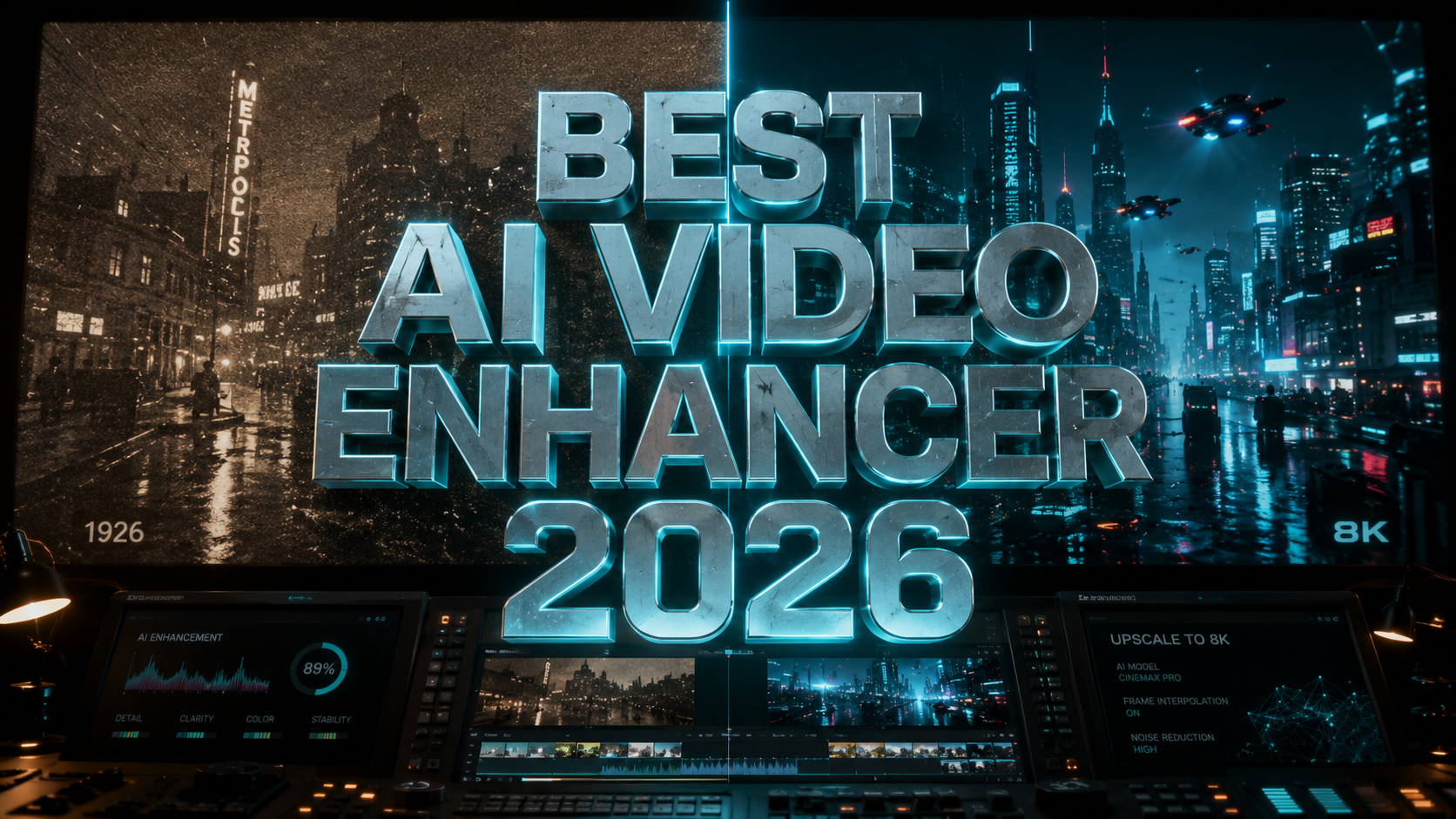
The best AI video enhancer 2026 is a software solution that leverages deep learning algorithms and neural networks to automatically improve the visual quality of digital video files. By analyzing individual frames and temporal data across sequences, these tools can upscale resolution to 8K, remove compression artifacts, stabilize shaky footage, and restore color accuracy with surgical precision. In 2026, the shift toward 8K displays has made high-performance AI upscaling essential for both professional creators and casual hobbyists looking to modernize legacy content.
The best AI video enhancer 2026 is VideoProc Converter AI, followed closely by Topaz Video AI and AVCLabs. These tools utilize Generative AI models to transform low-resolution 480p or 1080p footage into crisp 8K quality. According to recent industry benchmarks, VideoProc Converter AI stands out for its unique balance of GPU acceleration and high-fidelity output for both desktop and mobile platforms.
- ✓ Achieve true 8K resolution from standard definition sources using advanced temporal upscaling.
- ✓ Reduce motion blur and camera shake with AI-driven frame interpolation and stabilization.
- ✓ Benefit from specialized models for anime, old home movies, and high-action sports footage.
- ✓ Leverage hardware acceleration to process high-bitrate 8K video in a fraction of real-time.
The Evolution of Video Quality: Why You Need the Best AI Video Enhancer 2026
As we move further into 2026, the demand for ultra-high-definition content has reached an all-time high. With 8K televisions becoming the household standard and mobile devices supporting high-dynamic-range (HDR) playback, standard HD footage often looks blurry or pixelated on modern screens. The best AI video enhancer 2026 uses generative models to "fill in the blanks," creating new pixels that didn't exist in the original recording. This process, known as super-resolution, is far superior to traditional bicubic upscaling, which simply stretches existing pixels and results in a "soft" image.
According to a 2026 report by The AI Journal, the integration of AI into video post-production has reduced manual restoration time by over 80%. Modern tools no longer just sharpen edges; they understand the context of the scene. For example, if the AI detects a human face, it applies a specific "Portrait Model" to enhance skin textures and eye clarity without introducing the "uncanny valley" effect. This contextual awareness is what separates the top-tier tools from basic filters, allowing users to preserve the artistic intent of the original footage while bringing it into the modern era of 8K clarity.
Furthermore, the accessibility of these tools has expanded significantly. In early 2026, PlayStation Universe highlighted that even mobile platforms now feature dedicated AI video enhancers for Android, allowing users to polish 4K social media clips directly on their devices. However, for those seeking true 8K quality and professional-grade noise reduction, desktop software remains the gold standard due to the intensive computational requirements of processing millions of pixels per second.
How to Use an AI Video Enhancer for 8K Quality
- Import Your Source Footage: Load your video file (MP4, MOV, or MKV) into the software. Ensure your hardware supports GPU acceleration for faster processing.
- Select the AI Model: Choose a model based on your content type. Use a "Cine" model for movies, a "High-Speed" model for sports, or a "Denoise" model for low-light footage.
- Set Output Resolution to 8K: Select the 7680 × 4320 (8K) preset. If the software supports it, enable "Frame Interpolation" to increase the frame rate to 60fps or 120fps for smoother motion.
- Configure Advanced Settings: Adjust the "Grain" or "Sharpness" sliders to avoid an overly digital look. Many users prefer adding a slight layer of film grain to make 8K upscales look more natural.
- Preview and Export: Generate a 5-second preview to check for artifacts. Once satisfied, start the full export process using H.265 or AV1 encoding for maximum efficiency.
Top 8 AI Video Enhancers of 2026 Compared
Selecting the right tool depends on your specific needs, whether you are looking for a free online solution or a heavy-duty workstation application. TweakTown recently named VideoProc Converter AI as the most versatile tool of 2026, citing its ability to handle both video and image enhancement within a single streamlined interface. Meanwhile, Pressat.co.uk emphasizes that testing and comparing these tools is vital, as different AI models excel at different tasks, such as removing interlacing from old DVDs versus upscaling 4K drone footage.
| Software Name | Max Resolution | Key Strength | Platform |
|---|---|---|---|
| VideoProc Converter AI | 8K+ | Level-3 Hardware Acceleration | Windows, Mac |
| Topaz Video AI v5.x | 16K | Professional Motion Stabilization | Windows, Mac |
| AVCLabs Video Enhancer | 8K | Automatic Face Refinement | Windows, Mac, Online |
| HitPaw Video Enhancer | 8K | One-Click Repair Models | Windows, Mac |
| Adobe Premiere (AI Suite) | 8K | Professional Workflow Integration | Windows, Mac |
| CapCut Desktop AI | 4K/8K | Social Media Optimization | Windows, Mac, Mobile |
| Remini Video AI | 4K | Best for Mobile Portraits | Android, iOS |
| TensorPix | 8K | Cloud-Based Processing | Web Browser |
1. VideoProc Converter AI: The All-Rounder
As noted by TweakTown in March 2026, VideoProc Converter AI has solidified its position as the best AI video enhancer 2026 for the average user. It utilizes "Super Resolution" technology that can upscale low-quality videos by 200%, 300%, or 400% while maintaining a natural look. What sets it apart is its ability to utilize the full power of modern NVIDIA, AMD, and Intel GPUs, ensuring that 8K rendering doesn't take days to complete. It also includes "AI Deinterlacing," which is essential for converting old analog recordings into digital formats without the jagged lines typical of older conversion methods.
2. Topaz Video AI: The Professional Standard
For cinematographers, Topaz Video AI remains the powerhouse of the industry. In 2026, its "Apollo" and "Chronos" models for frame interpolation have reached near-perfect accuracy, allowing users to create slow-motion sequences from standard 24fps footage without ghosting artifacts. Its 8K upscaling is particularly renowned for its "Themis" model, which specifically targets motion blur caused by camera shake. While it requires a robust hardware setup, the results are often indistinguishable from native 8K recordings.
3. AVCLabs Video Enhancer AI: Best for Automation
AVCLabs has focused heavily on the user experience in 2026, offering a highly automated "multi-model" approach. Instead of manually tweaking settings, the software can scan a clip and automatically apply different models to different segments. For instance, it can apply a face-enhancement model when a subject is in the frame and switch to a landscape-sharpening model for wide shots. This makes it an excellent choice for users who want 8K results without a steep learning curve.
Key Features to Look for in 2026
When searching for the best AI video enhancer 2026, you must look beyond simple resolution increases. The latest generation of software focuses on "Generative Fill" and "Temporal Consistency." Temporal consistency ensures that the enhancements applied to one frame match the next, preventing the "flickering" effect that plagued earlier AI upscalers. According to North Penn Now, the sharpest results in 2026 come from tools that use "Recursive Neural Networks," which look at multiple frames simultaneously to predict the most accurate pixel placement.
AI Noise Reduction and Grain Management
High-resolution 8K video is notoriously sensitive to digital noise. The best tools in 2026 offer sophisticated denoising that doesn't "smudge" fine details. A common complaint with cheaper AI tools is that they make skin look like plastic; the top 8 tools listed above include grain management systems that re-introduce a fine layer of controlled noise to maintain a cinematic texture. This is crucial for achieving a "Professional HD Look" as described by Cult MTL in their recent review of 2026's top editing suites.
Frame Rate Expansion (AI Interpolation)
A video's "smoothness" is just as important as its resolution. In 2026, the best AI video enhancers can take a 24fps cinematic clip and convert it to a buttery-smooth 60fps or even 120fps for VR applications. This is done through "Optical Flow" analysis, where the AI calculates the movement of objects between frames and draws new frames in between. This feature is particularly popular for sports highlights and action sequences where motion clarity is paramount.
The Impact of AI on Mobile and Free Enhancers
While high-end desktop software dominates the professional market, 2026 has seen a massive leap in mobile and free AI tools. PlayStation Universe highlighted 5 best video enhancer tools for Android that allow users to upscale 720p phone recordings to 4K with surprising efficiency. These mobile apps often use "Cloud Inference," where the heavy processing is done on a remote server, returning the enhanced video to your phone in minutes. However, for 8K quality, local processing on a PC or Mac is still recommended to avoid the heavy compression used by many cloud-based free services.
Free tools, as compared by North Penn Now in late 2025, have also improved. Open-source models like Waifu2x and various Stable Video Diffusion implementations allow tech-savvy users to achieve 8K results without a subscription. The trade-off is usually the lack of a user-friendly interface and the requirement for manual command-line configuration. For most users, the "Top 8" paid or freemium tools provide a much better balance of speed, quality, and ease of use.
What is the best AI video enhancer 2026 for 8K?
VideoProc Converter AI and Topaz Video AI are widely considered the top choices in 2026. VideoProc offers the best speed-to-quality ratio, while Topaz provides the most advanced controls for professional cinematography and 8K upscaling.
Can I upscale 1080p to 8K without losing quality?
Yes, using AI super-resolution, you can upscale 1080p to 8K while actually improving the perceived quality. The AI generates new pixels based on learned patterns, resulting in a sharper image than the original, though the quality of the source material still influences the final result.
Do I need a powerful computer for 8K AI upscaling?
Yes, 8K upscaling is computationally expensive. According to 2026 benchmarks, a dedicated GPU with at least 8GB of VRAM (like an NVIDIA RTX 40-series or 50-series) is recommended to process video at reasonable speeds.
Are there any free AI video enhancers that support 8K?
While some free tools like CapCut or certain open-source projects offer AI enhancement, they often cap free exports at 4K. For true 8K output without watermarks, professional paid software is generally required in 2026.
How long does it take to enhance a video to 8K?
Processing time depends on the AI model and your hardware. On a modern 2026 workstation, a 1-minute 1080p clip can typically be upscaled to 8K in about 5 to 10 minutes using high-speed models.



Comments ()