
10 Best AI Video Effects Software for 2026: Pro Tools
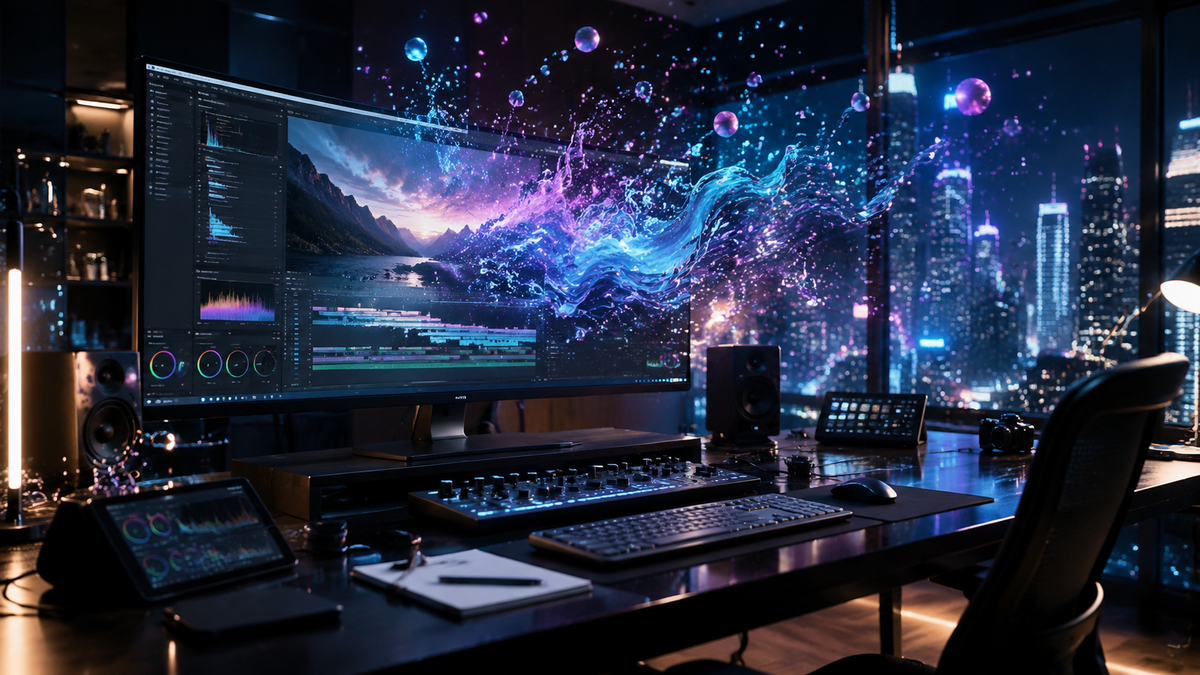
Finding the best ai video effects software in 2026 requires a balance between creative control and the sheer speed of generative intelligence. As of May 2026, the industry has shifted from simple automation to deep neural integration, allowing editors to manipulate lighting, physics, and character performances with natural language prompts. Whether you are a professional colorist or a social media creator, these pro-level tools represent the pinnacle of video transformation technology available today.
The best ai video effects software is a suite of tools characterized by neural engine integration, such as Adobe Premiere Pro (with Firefly Video), DaVinci Resolve 19/20, and specialized platforms like Runway Gen-3 and Sora. These tools allow for real-time rotoscoping, generative object replacement, and automated cinematic lighting adjustments using advanced machine learning models.
- ✓ AI video effects have transitioned from "gimmicky filters" to professional-grade generative workflows.
- ✓ Real-time neural rendering is now the standard for high-end desktop video editing software in 2026.
- ✓ Hybrid workflows—combining local hardware acceleration with cloud-based generative AI—offer the best performance.
- ✓ Accessibility has improved significantly, with major publications like Amateur Photographer noting that 2026 tools are usable by virtually anyone.
How to Use AI Video Effects to Enhance Your Projects
Implementing the best ai video effects software into your workflow is no longer a complex technical hurdle. Modern software has streamlined the process into intuitive, prompt-based actions. According to TechRadar, which tested over 70 AI tools in April 2026, the most effective way to utilize these features is through a layered approach: starting with structural corrections and ending with generative aesthetic enhancements.
- Import and Analyze: Load your raw footage into an AI-enabled timeline. Most modern NLEs (Non-Linear Editors) will automatically index the footage for objects, faces, and depth maps.
- Apply Neural Masks: Use "Magic Mask" or "Smart Mask" features to isolate subjects. In 2026, this process is instantaneous and requires no manual frame-by-frame adjustment.
- Generative In-Painting: Select unwanted objects or areas that need enhancement and use text prompts to replace them with contextually accurate textures or new elements.
- Atmospheric AI Lighting: Adjust the "Virtual Sun" or "Relight" tools to change the time of day or light source direction without reshooting.
- Upscale and Export: Use AI-driven super-resolution to ensure the final output meets 8K standards without losing detail or introducing artifacts.
The Evolution of Best AI Video Effects Software in 2026
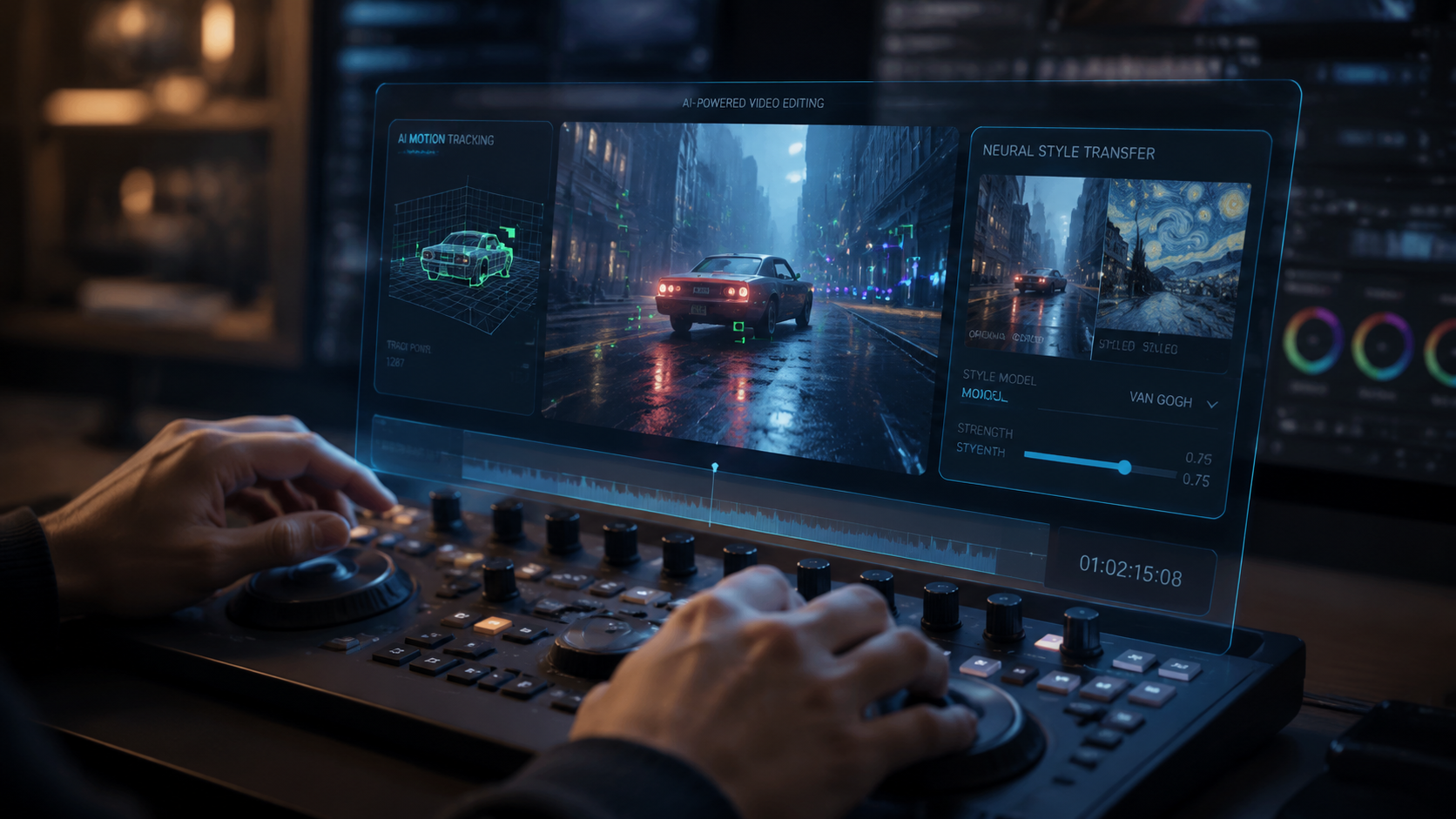
The landscape of video production has been fundamentally altered by the rapid advancement of generative models. As noted by Creative Bloq in February 2026, many professionals who previously avoided AI have finally embraced these tools due to their newfound precision and respect for the creator's intent. The "black box" nature of early AI has been replaced by granular controls that allow for "surgical" edits rather than just broad, unpredictable changes.
PCMag's comprehensive testing in May 2026 highlights that the gap between mobile AI apps and professional desktop suites has narrowed, but high-end software still leads in "temporal consistency"—the ability to keep an effect stable across thousands of frames. This consistency is the hallmark of professional-grade software and is a key factor when ranking the top contenders for the best ai video effects software this year.
1. Adobe Premiere Pro & After Effects (Firefly Video Suite)
Adobe's 2026 updates have fully integrated the Firefly Video Model into the core timeline. This allows editors to extend clips by generating new frames that don't exist in the original footage. The "Generative Extend" feature has become a lifesaver for editors who need an extra two seconds of a reaction shot that the camera didn't catch. Furthermore, the integration with After Effects allows for complex 3D scene reconstruction from 2D video, making it a top-tier choice for visual effects artists.
2. Blackmagic DaVinci Resolve 20
DaVinci Resolve continues to dominate the color grading and finishing space. In 2026, its "Neural Engine" has been upgraded to support real-time depth-map generation for every clip. This means you can apply a color grade specifically to the "background" of a shot without ever drawing a mask. CNET’s April 2026 review ranked Resolve as the most "technically accurate" AI tool for professional colorists, citing its ability to maintain skin tone integrity while applying complex AI-driven environmental effects.
3. Runway Gen-3 Alpha (Pro Edition)
Runway remains the leader in pure generative video. While Premiere and Resolve focus on editing existing footage, Runway Gen-3 is designed for creating something from nothing or "style-transferring" video into entirely new realities. In 2026, their "Motion Brush" technology has evolved to allow for multi-directional vector control, giving creators the ability to dictate exactly how an AI-generated effect moves within a frame. This tool is essential for those looking for the best ai video effects software that pushes the boundaries of traditional cinematography.
Comparing the Top AI Video Software Features
When selecting the best ai video effects software, it is important to understand which tools excel at specific tasks. Some are built for speed and social media, while others are designed for feature-film level precision. According to data from TechRadar’s 2026 tool audit, the following table summarizes the key capabilities of the market leaders.
| Software Name | Primary AI Feature | Best For | Platform |
|---|---|---|---|
| Adobe Premiere Pro | Generative Extend & Fill | Narrative Editing | Windows/Mac |
| DaVinci Resolve 20 | AI Depth Map & Relighting | Color Grading/VFX | Win/Mac/Linux |
| Runway Gen-3 | Video-to-Video Synthesis | Experimental/Creative | Web-based |
| CapCut Desktop 2026 | Auto-Captions & AI Stylization | Social Media Content | Win/Mac/Mobile |
| Topaz Video AI 6.0 | Enhancement & Motion Deblur | Restoration/Upscaling | Windows/Mac |
Specialized AI Tools for Niche Video Effects
Beyond the "Big Three" editors, the best ai video effects software market in 2026 includes specialized tools that do one thing exceptionally well. For instance, Topaz Video AI has become the industry standard for upscaling and motion interpolation. If you have shaky, low-resolution footage from an older camera, Topaz's "Apollo" and "Chronos" AI models can transform it into smooth 4K 60fps footage that looks like it was shot on a modern cinema rig.
Another rising star in 2026 is Wonder Dynamics, which has been integrated into several professional pipelines. This software allows users to automatically animate, light, and compose a 3D character into a live-action scene. According to Red Shark News, these types of "Actually Useful" AI tools have reduced the cost of high-end VFX by nearly 70% compared to traditional 2023 methods, making Hollywood-level effects accessible to independent filmmakers.
4. Luma Dream Machine 2.0
Luma AI has transitioned from a 3D scanning tool to a powerhouse in generative video effects. Their Dream Machine 2.0 release in early 2026 introduced "Keyframe Control," which allows editors to upload two images and have the AI generate a cinematic transition between them. This has become a favorite for music video directors looking for surreal, liquid-motion effects that were previously impossible to hand-animate.
5. Sora for Pro-Creators
OpenAI's Sora, which saw a wide commercial release in late 2025, has become a staple for B-roll generation in 2026. While it is less of an "editor" and more of a "generator," its ability to create hyper-realistic environmental effects—such as snow falling in a desert or a city turning into a forest—makes it an indispensable part of the modern editor's toolkit. CNET’s 2026 ranking placed Sora at the top for "Visual Fidelity," though it noted that it requires a high level of prompt engineering to master.
The Impact of AI on Professional Workflows
The transition to AI-driven video editing has not been without its challenges. However, as Amateur Photographer pointed out in April 2026, these programs are now "literally anyone can use," which has democratized the field of visual storytelling. The best ai video effects software is no longer defined by how many buttons it has, but by how well it understands the user's creative vision.
Studies show that editors using AI-integrated platforms in 2026 are finishing projects 40% faster than they were two years ago. This efficiency gain is largely due to the elimination of "grunt work" like rotoscoping, manual tracking, and noise reduction. Instead, editors are spending more time on the "art" of the edit—pacing, emotion, and story—while the AI handles the technical execution of complex effects.
Future-Proofing Your Video Production in 2026
To stay competitive, creators must choose software that offers "Model Flexibility." This is the ability to swap between different AI models (like choosing between a "fast" model for drafts and a "high-quality" model for final renders). The best ai video effects software of 2026, such as the latest version of Magix Vegas Pro or CyberLink PowerDirector, now includes "Neural Plugin Support," allowing users to plug in custom-trained models for specific aesthetic looks.
Furthermore, cloud-based rendering has become a standard feature. Even if your local machine doesn't have the latest GPU, most of the software listed here allows you to offload the heavy AI processing to remote servers. This ensures that the "best" tools are available to anyone with a stable internet connection, regardless of their hardware specs.
What is the best ai video effects software for beginners in 2026?
CapCut Desktop and Adobe Express are widely considered the best options for beginners. They offer "one-click" AI effects such as background removal, auto-reframe, and AI-generated subtitles that require no prior editing experience.
Can AI video effects replace professional VFX artists?
No, AI is a tool that augments VFX artists rather than replacing them. While AI can handle repetitive tasks like masking and tracking, a professional artist is still needed to oversee the creative direction and ensure the final output meets the specific needs of a production.
Is AI video software expensive in 2026?
Pricing varies, but most professional tools like Premiere Pro and DaVinci Resolve operate on subscription or one-time license models (around $299 for Resolve). Many generative tools like Runway use a "credit-based" system where you pay for the amount of video you generate.
What hardware do I need for the best ai video effects software?
While many tools now offer cloud processing, a local machine with at least 32GB of RAM and a GPU with 12GB+ of VRAM (like an NVIDIA RTX 50-series or Apple M5 chip) is recommended for real-time AI performance in 2026.
Are AI-generated video effects legal for commercial use?
Most major software providers (Adobe, Blackmagic, etc.) use "commercially safe" AI models trained on licensed or public domain data. However, always check the Terms of Service for specific generative platforms like Sora or Runway to ensure you have the rights for commercial distribution.



Comments ()