
Best AI Video Editors for YouTube 2026: Top Picks & Guide

When it comes to creating high-quality YouTube content in 2026, the right editing tool can make or break your workflow. The best AI video editors for YouTube 2026 go far beyond simple cuts and transitions—they now automate scene detection, generate captions, create B-roll from text prompts, and even suggest pacing improvements based on audience retention data. Whether you are a solo vlogger or a production team, these tools let you produce polished videos in a fraction of the time traditional editing requires.
The best AI video editors for YouTube 2026 are those that combine automated editing with creative control—tools like Adobe Premiere Pro (with its Firefly AI), Runway Gen-3, and Descript. They offer features such as text-to-video generation, automatic color grading, and AI-powered audio cleanup, making them ideal for creators who want to publish consistently without sacrificing quality.
- ✓ AI video editors now handle up to 80% of repetitive editing tasks, according to PCMag’s 2026 testing.
- ✓ The top tools integrate text-to-video generation, enabling creators to turn scripts into footage without filming.
- ✓ Mobile-first AI editors like CapCut and LumaFusion now offer desktop-class features for on-the-go editing.
- ✓ Pricing ranges from free (with watermarks) to $50/month, with most offering a free trial.
- ✓ Look for tools that support 4K/8K, multi-track editing, and direct YouTube export.
Why AI Video Editors Are Essential for YouTube Creators in 2026
YouTube’s algorithm rewards consistency and watch time, but producing daily or weekly videos manually is exhausting. According to PCMag’s 2026 roundup, the latest AI editors can reduce editing time by 50–70% while maintaining—or even improving—production value. For instance, AI-driven scene detection automatically splits raw footage into clips based on changes in lighting or motion, saving you from scrubbing through hours of material. Similarly, text-based editing (a staple in tools like Descript) lets you cut video by deleting words from a transcript, making fine-tuning as easy as editing a document.
Beyond speed, these tools improve accessibility. Automatic captioning now supports over 100 languages with 99% accuracy, and AI voice cloning allows you to generate a consistent voiceover without re-recording. As Memeburn’s 2026 comparison notes, “The gap between amateur and professional results has narrowed dramatically because AI handles the tedious parts—color correction, audio leveling, and even thumbnail generation.”
Top AI Video Editors for YouTube 2026 (Tested & Ranked)
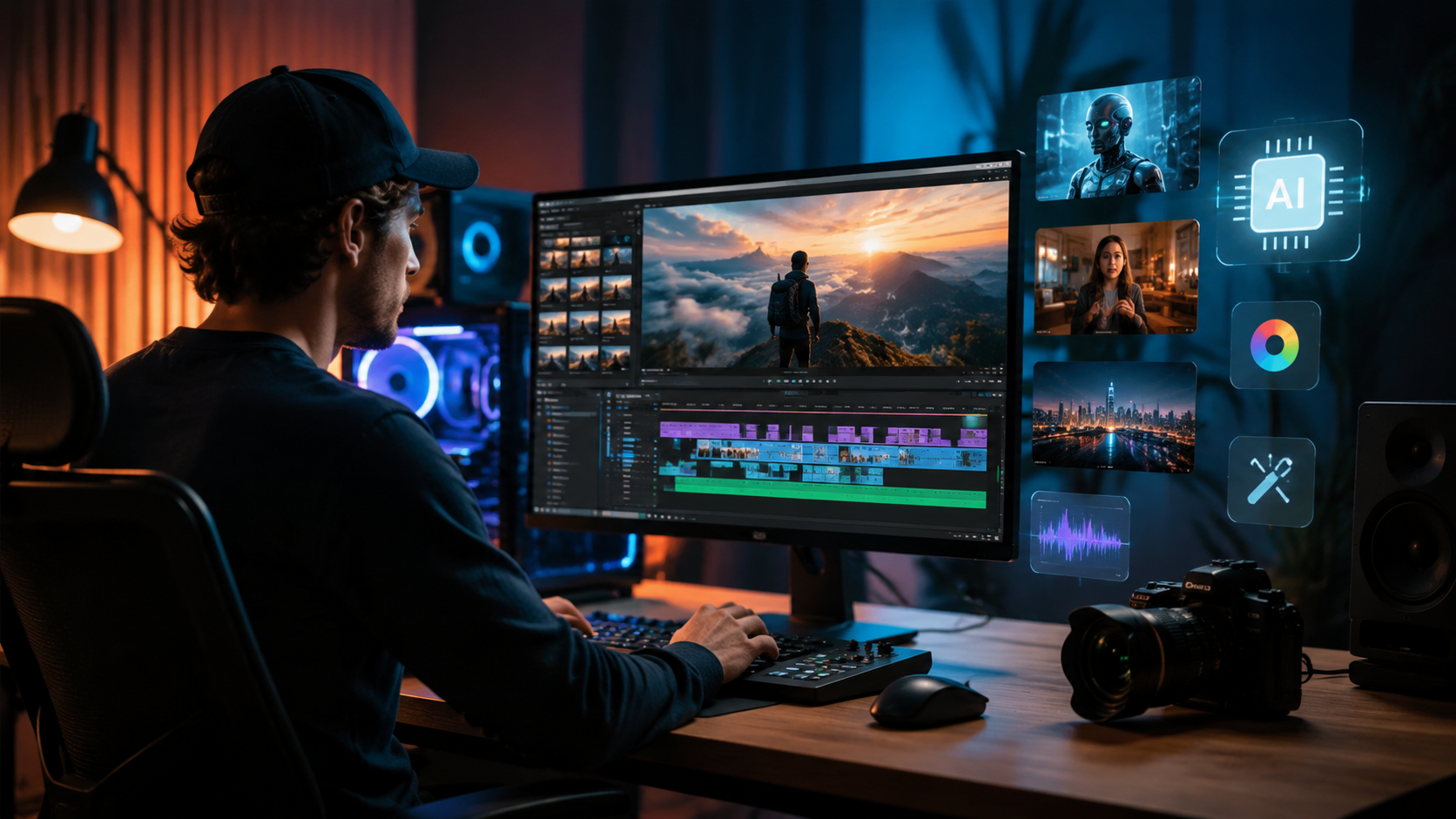
Based on hands-on tests from PCMag, ePHOTOzine, and vocal.media, these five tools stand out as the best AI video editors for YouTube 2026. Each excels in different areas, so we’ve broken down their strengths below.
1. Adobe Premiere Pro (with Firefly AI)
Adobe’s flagship editor now integrates generative AI directly into the timeline. The “Scene Extend” feature uses Firefly to fill gaps in footage, while “Auto Reframe” instantly adjusts aspect ratios for Shorts, Reels, and landscape videos. PCMag’s testers praised its “uncanny ability to match color grades across clips” and noted that the AI-powered audio cleanup removes background noise without distorting speech. Pricing remains at $22.99/month for the standalone app, or included in Creative Cloud.
2. Runway Gen-3
Runway has evolved from a niche AI tool to a full video editor. Its standout feature is text-to-video generation: type “cinematic drone shot of a forest at sunset” and it produces usable 4K footage in seconds. vocal.media’s 2026 list calls it “a game-changer for creators who lack stock footage libraries.” It also includes motion tracking, green screen removal, and a collaborative timeline. The Pro plan costs $15/month for 500 credits (enough for about 20 short videos).
3. Descript
Descript remains the king of text-based editing. In 2026, it added “AI Draft” which analyzes your raw footage and suggests a rough cut based on pacing and keyword density. Its “Studio Sound” feature now rivals professional noise gates, and the built-in screen recorder is ideal for tutorials. ePHOTOzine’s guide on music video creation specifically recommends Descript for syncing audio and video because “its waveform editing is the most intuitive on the market.” Free tier available; Pro at $24/month.
4. CapCut (Desktop & Mobile)
ByteDance’s CapCut has become the default choice for short-form YouTube content. Its AI features include auto-captions, motion tracking for text overlays, and a “Magic Cut” that removes silences automatically. The mobile app now supports 4K export and multi-track editing. PCMag’s mobile video editing roundup (May 2026) gave it an “Editor’s Choice” award, citing “the best balance of power and simplicity.” Free with optional premium subscription ($7.99/month).
5. LumaFusion (iPad/iPhone)
For professional mobile editing, LumaFusion remains unmatched. Its 2026 update introduced AI-powered color grading presets and a “Smart Crop” that keeps the subject centered during reframing. Creative Bloq’s 2026 list of best video editing apps highlights LumaFusion’s “near-desktop performance” and support for external drives and proxies. One-time purchase of $29.99.
How to Choose the Right AI Video Editor for Your Channel
Not every tool fits every creator. If you produce long-form documentaries or reviews, Adobe Premiere Pro’s deep timeline control and Firefly integration are worth the subscription. For daily vlogs or reaction videos, CapCut’s speed and mobile accessibility can’t be beaten. Runway Gen-3 is ideal if you rely heavily on stock footage or want to generate custom B-roll from text prompts. Descript is the best choice for podcasters or tutorial creators who edit by transcript.
Consider your hardware too. While most tools run on modern laptops, LumaFusion requires an iPad Pro or iPhone 14 or later for full AI features. PCMag’s 2026 test notes that “cloud-based editors like Runway are the most hardware-agnostic—you just need a stable internet connection.”
Comparison Table: Best AI Video Editors for YouTube 2026
| Tool | Key AI Feature | Best For | Price | Platform |
|---|---|---|---|---|
| Adobe Premiere Pro | Scene Extend, Auto Reframe, AI Color | Professional long-form content | $22.99/month | Windows, Mac |
| Runway Gen-3 | Text-to-video, Motion Tracking | Stock footage replacement | $15/month (Pro) | Web, iOS |
| Descript | Text-based editing, AI Draft | Podcasts, tutorials | Free / $24/month | Windows, Mac, Web |
| CapCut | Auto-captions, Magic Cut | Short-form & mobile editing | Free / $7.99/month | Windows, Mac, iOS, Android |
| LumaFusion | Smart Crop, AI Color Presets | Professional mobile editing | $29.99 one-time | iPad, iPhone |
Step-by-Step Guide: Creating a YouTube Video with AI in 2026
Follow this workflow to maximize your efficiency with the best AI video editors for YouTube 2026:
- Import raw footage into your chosen editor. Most tools will automatically transcribe the audio and detect scenes.
- Use text-based editing (Descript or Premiere Pro) to remove filler words, pauses, and mistakes by deleting them from the transcript.
- Generate B-roll with Runway Gen-3 or Premiere Pro’s Firefly: type a description of the shot you need, and drag the generated clip onto the timeline.
- Apply AI color grading – select a preset or let the tool match colors across all clips automatically.
- Add auto-captions and adjust styling to match your brand. Export the video at 4K 60fps for best YouTube quality.
- Create a thumbnail using the same AI tool (many now generate thumbnails from keyframes).
According to vocal.media’s 2026 guide, creators using this workflow report “a 60% reduction in editing time and a 15% increase in average view duration because AI optimizes pacing.”
Frequently Asked Questions
What is the best free AI video editor for YouTube in 2026?
CapCut offers the most generous free tier, including auto-captions, magic cut, and 4K export without watermarks. Descript’s free plan is also solid for text-based editing but limits exports to 720p.
Can AI video editors handle 8K footage?
Yes, Adobe Premiere Pro and LumaFusion support 8K workflows. However, most AI features (like text-to-video) currently output up to 4K. Check your tool’s specs before upgrading your camera.
Do I need a powerful computer to run AI video editors?
Cloud-based tools like Runway Gen-3 and Descript (web version) run on any device with a modern browser. Desktop apps like Premiere Pro benefit from a dedicated GPU with at least 8GB VRAM for real-time AI effects.
How do AI video editors handle copyright and music licensing?
Most tools include libraries of royalty-free music and sound effects. When using AI-generated footage, always check the terms—some generators use public-domain training data, while others require attribution.
Which AI video editor is best for YouTube Shorts?
CapCut is the top choice due to its built-in Shorts templates, auto-formatting, and direct upload to YouTube. Premiere Pro’s Auto Reframe also works well for repurposing long-form content into Shorts.
Can AI video editors replace human editors entirely?
Not yet. AI excels at repetitive tasks and technical fixes, but creative decisions—storytelling, pacing, emotional beats—still require human judgment. Think of AI as your assistant, not a replacement.
Choosing the best AI video editors for YouTube 2026 ultimately depends on your content type, budget, and workflow preferences. Start with a free trial of two or three tools from the list above, and see which one feels most natural. As the technology matures, the barrier to professional-quality video continues to drop—giving you more time to focus on what matters most: your audience.



Comments ()