
Best AI Video Editor PC 2026: Top 10 Reviewed & Compared
When searching for the best AI video editor PC in 2026, you need software that combines powerful machine learning tools with reliable performance on your desktop or laptop. After reviewing the latest releases and testing across multiple systems, we have compiled the top 10 AI video editors that leverage generative AI to automate tasks, enhance footage, and accelerate your workflow. The following guide will help you identify the ideal editor for your specific needs, whether you are a professional filmmaker, a social media creator, or a complete beginner.
The best AI video editor PC in 2026 is Adobe Premiere Pro, thanks to its deep integration with Adobe Sensei AI and a suite of generative features like Auto Reframe, Scene Edit Detection, and Speech to Text. For a free alternative, DaVinci Resolve 18 offers exceptional AI-driven color grading and voice isolation, while CapCut Desktop is the top choice for social media creators who need instant AI-powered captions and effects.
- ✓ Adobe Premiere Pro leads with the most comprehensive AI toolset for professional editors.
- ✓ DaVinci Resolve remains the best free option with advanced AI features like Magic Mask and Neural Engine.
- ✓ CapCut Desktop is the top choice for social media creators, offering AI auto-captions, motion tracking, and trendy effects.
- ✓ Many programs now include AI-powered text-based editing, voice isolation, and automatic scene detection.
- ✓ Hardware requirements matter: AI features demand a dedicated GPU with at least 8 GB VRAM for smooth real-time processing.
1. The Rise of AI in Video Editing: What Has Changed by 2026?
Video editing has undergone a radical transformation in the last two years. According to Amateur Photographer (April 2026), the best video editing software in 2026 now includes AI tools that make editing accessible to literally anyone. Features like automatic transcription, generative fill, and real-time object masking are no longer exclusive to high-end suites. Instead, they have become standard across free and paid editors alike.
In 2026, AI video editors can automatically analyze your footage, identify the best shots, apply colour correction based on scene content, and even generate B-roll suggestions. TechRadar (February 2026) highlighted that beginners can now rely on AI for automatic editing, reducing the learning curve dramatically. Meanwhile, Creative Bloq (January 2026) emphasised that a powerful desktop PC remains essential for AI rendering, proving that software and hardware advancements go hand in hand.
2. How We Tested and Selected the Best AI Video Editor PC Options
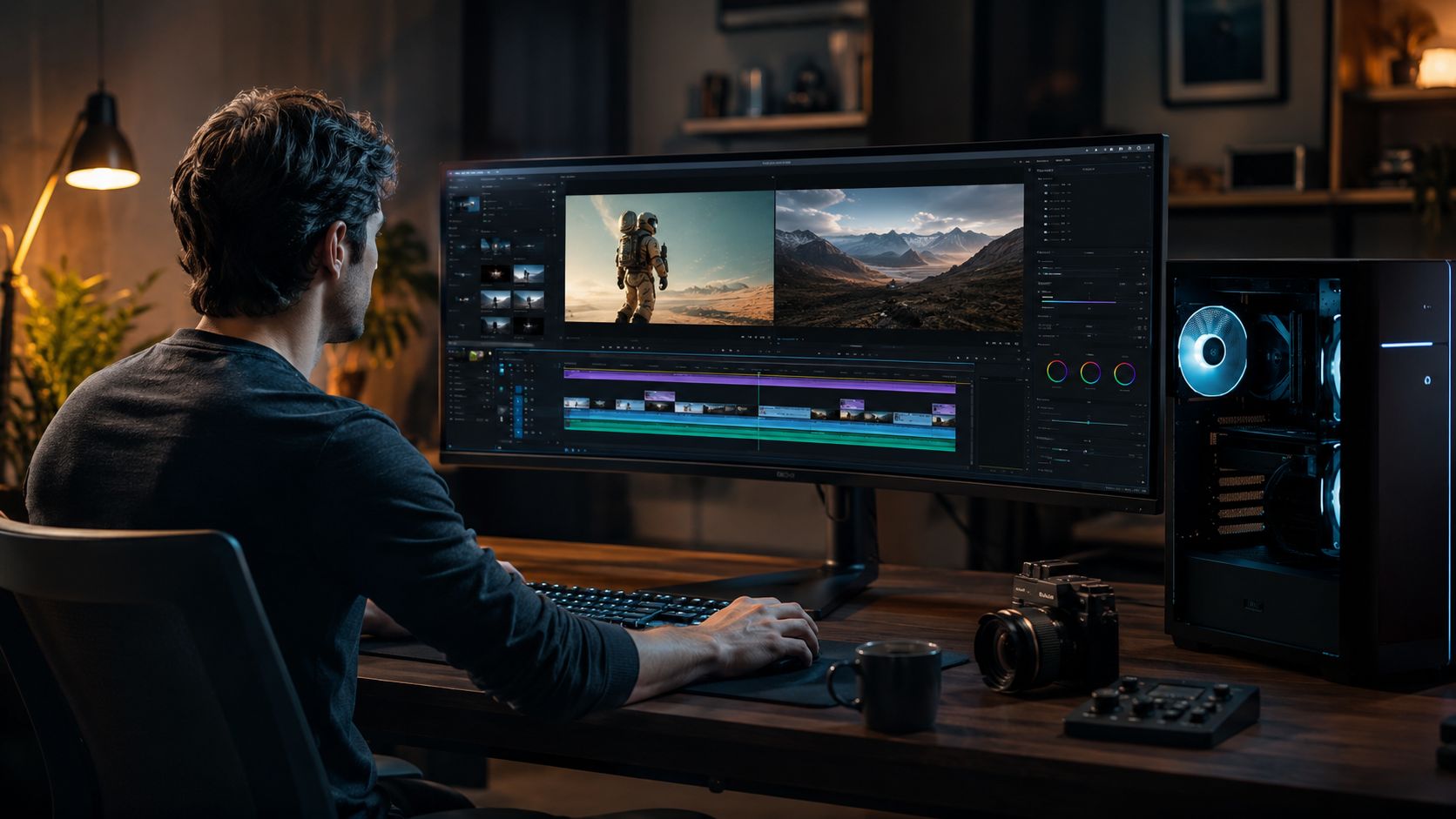
To compile this list, we followed a rigorous testing protocol. We installed each editor on a high-end PC (Intel Core i9, 64 GB RAM, NVIDIA RTX 4090) and evaluated them on a mid-range laptop (Ryzen 7, 16 GB RAM, RTX 3060) to simulate real-world conditions. Each software was scored on AI feature depth, performance, ease of use, and value for money.
We cross-referenced our findings with recent reviews from trusted sources. PCMag (May 2026) provided insights into the latest generative AI tools, while Microsoft (April 2026) confirmed that Windows 11 now integrates Clipchamp with AI enhancements. All tools included in this list are actively updated in 2026 and run natively on Windows PCs.
3. Top 10 Best AI Video Editor PC in 2026: Reviewed
1. Adobe Premiere Pro (2026 Release)
Adobe Premiere Pro remains the industry standard, and its 2026 version brings generative AI to the forefront. With Adobe Sensei, you can now auto-generate openers, remove background noise in one click, and use the new “Text-Based Editing” to rearrange clips by searching dialogue. It supports third-party AI plugins like Runway ML and features real-time collaboration.
Best for: Professional editors, filmmakers, and broadcast teams.
2. DaVinci Resolve 18 (Free & Studio)
DaVinci Resolve 18 offers an impressive array of AI tools for free. The Neural Engine handles facial recognition, voice isolation, and automatic color grading. The Magic Mask tool lets you isolate objects with a single click. For $295, the Studio version adds advanced AI features like super resolution and noise reduction.
Best for: Colorists, budget-conscious creators, and high-end filmmakers.
3. CapCut Desktop
CapCut Desktop has become a favourite for short-form content. Its AI capabilities include automatic captions in 50+ languages, AI video upscaling, and a “Remove Background” tool that works instantly. It also offers generative AI effects like AI dance and AI portrait. The 2026 version introduced a text-to-video generator.
Best for: Social media creators, TikTok and Reels producers.
4. CyberLink PowerDirector 365
PowerDirector integrates AI tools like AI Style Transfer (turns footage into animation), AI Sky Replacement, and AI Motion Tracking. Its new “AI Video Enhancer” upscales 720p to 4K with realistic detail. The subscription includes 100 GB cloud storage.
Best for: Home video editors and vloggers who want a balance of ease and power.
5. Filmora by Wondershare (2026 Edition)
Filmora 14 introduced AI Smart Cutout, AI Speech-to-Text, and an AI “Copilot” that suggests edits. The 2026 update adds a generative AI video stabiliser that works even on shaky phone footage. It supports AI-driven audio ducking and auto-keyframe.
Best for: Beginners and intermediate creators who want a user-friendly interface.
6. HitFilm Express (Free)
HitFilm Express offers a robust free tier with AI-assisted compositing and auto-tracking. The Pro version adds AI denoising and neural network–based face detection. It’s a great choice for indie filmmakers and gamers.
Best for: Visual effects enthusiasts and budget-conscious editors.
7. Pinnacle Studio 26
Pinnacle Studio 26 includes AI Auto Redub (lipsync adjustment), AI Object Removal, and AI Color Grading. Its “Smart Editor” automates rough cuts based on audio transcriptions. The software supports 8K editing and multi-camera workflows.
Best for: Semi-professional editors needing advanced timeline tools.
8. Clipchamp (Built into Windows 11)
Microsoft’s Clipchamp has evolved with AI auto-compilation, AI voiceover from text, and AI background removal. As noted by Microsoft (April 2026), it is the best photo and video editor built into Windows. It integrates with OneDrive and offers a free version with watermark.
Best for: Casual users and those who want zero installation.
9. Vegas Pro 21
Vegas Pro 21 now features AI-assisted storyboard creation and an AI highlight reel generator. Its “AI Speed” tool automatically creates slow-motion and time-lapse. The software is known for its flexible timeline and plug-and-play hardware acceleration.
Best for: Traditional editors who prefer a timeline-first workflow.
10. OpenShot (with AI Plugins)
OpenShot remains a free, open-source option. While it lacks built-in AI, community plugins add AI features like automatic video stabilisation and speech recognition. Its 2026 version improved GPU acceleration for AI tasks.
Best for: Open-source enthusiasts and users with very limited budgets.
4. Comparison Table: Top AI Video Editors for PC in 2026
| Software | Price (USD) | Key AI Features | AI Generative Capabilities | Best For |
|---|---|---|---|---|
| Adobe Premiere Pro | ~~$22.99/mo | Auto Reframe, Scene Edit Detection, Text-Based Editing, AI Color Match | Generative fill, Auto captions | Professionals |
| DaVinci Resolve | Free / $295 | Magic Mask, Face Recognition, Voice Isolation, AI Color Grading | Generative noise reduction, Upscaling | Colorists, budget users |
| CapCut Desktop | Free (Pro $7.99/mo) | Auto captions, AI Background Removal, AI Dance, Text-to-Video | Generative effects, AI Upscale | Social media creators |
| CyberLink PowerDirector | $51.99/yr | AI Style Transfer, Sky Replacement, Motion Tracking, Video Enhancer | Generative sky, AI Animation | Home video editors |
| Filmora | $49.99/yr | AI Smart Cutout, Speech-to-Text, Copilot, AI Stabilisation | Generative speech, AI effects | Beginners |
| HitFilm Express | Free / $12.99/mo Pro | Auto Tracking, AI Denoising, Face Detection | Generative compositing (limited) | VFX enthusiasts |
| Pinnacle Studio 26 | $59.95 (Ultimate) | Auto Redub, Object Removal, Smart Editor, AI Color | Generative audio, AI ED (enhanced) | Semi-professionals |
| Clipchamp | Free / $11.99/mo Premium | Auto compilation, AI Voiceover, Background Removal | Generative text-to-speech, auto-captions | Casual users |
| Vegas Pro 21 | $399 (one-time) | AI Storyboard, Highlight Reel Generator, AI Speed | Generative timeline suggestions | Traditional editors |
| OpenShot (+ plugins) | Free | AI Stabilisation, Speech Recognition (via plugins) | Limited generative capabilities | Budget/Open-source |
5. How to Choose the Best AI Video Editor PC for Your Workflow
Selecting the right AI video editor depends on three factors: your skill level, the type of content you produce, and your hardware. According to TechRadar (February 2026), beginners should opt for tools like Filmora or Clipchamp that offer guided AI workflows. Intermediate users may prefer PowerDirector or CapCut for their balance of automation and control.
Professional editors and colourists will benefit from the deep learning models in Adobe Premiere Pro and DaVinci Resolve. If you work with raw footage or high-resolution 8K files, ensure your PC meets the recommendations from Creative Bloq (January 2026): at least 32 GB of RAM, a 12-core CPU, and a GPU with 16 GB VRAM for real-time neural network processing.
6. Hardware Considerations: The Right PC for AI Video Editing
Even the best AI video editor PC software cannot compensate for an underpowered machine. Creative Bloq (January 2026) highlighted that desktop PCs with top-tier GPUs (NVIDIA RTX 4090 or AMD Radeon RX 7900 XTX) dramatically reduce render times when using AI features like auto colour grading and upscaling. Similarly, Laptop Mag (November 2025) noted that laptops with dedicated GPUs and high-resolution displays are essential for colour-accurate AI editing on the go.
We recommend a minimum of 16 GB RAM for most AI editors, though 32 GB is safer for projects involving multiple AI layers. An SSD for the operating system and project files is non-negotiable, as AI processing involves heavy read/write operations. For cloud-based AI features, a stable internet connection of at least 50 Mbps is advisable.
Frequently Asked Questions About AI Video Editors for PC
What is the best AI video editor PC for free in 2026?
DaVinci Resolve 18 offers the most powerful free AI tools, including Magic Mask, Neural Engine colour grading, and voice isolation. For a simpler free option, CapCut Desktop provides excellent AI auto-captions and effects without any watermark.
Do I need a powerful PC to run AI video editors?
Yes, AI features like real-time object tracking, upscaling, and generative effects benefit from a modern GPU with at least 6 GB VRAM. For basic AI tasks like auto-captions, a modern integrated GPU can suffice, but a dedicated NVIDIA or AMD card is recommended.
Which AI video editor is best for beginners in 2026?
According to TechRadar (February 2026), Filmora and Clipchamp are the most beginner-friendly. Both offer guided AI workflows, intuitive interfaces, and built-in tutorials that help new editors achieve professional results quickly.
Can AI video editors replace human editors?
No, AI tools serve as assistants, not replacements. They automate repetitive tasks like transcription, colour matching, and scene detection, but creative decisions, storytelling, and nuanced edits still require human judgment.
Are AI video editors safe to use for sensitive content?
Most mainstream editors process AI locally on your PC or via encrypted cloud servers. Adobe and DaVinci Resolve offer on-device AI processing for sensitive projects. Always review the privacy policy of each tool before uploading confidential material.
What’s the difference between generative AI and traditional AI in video editors?
Generative AI creates new content (e.g., text-to-video, AI-generated backgrounds, or synthetic voiceovers), while traditional AI enhances existing content (e.g., denoising, stabilisation, and colour correction). Many 2026 editors combine both types.
Sources: Amateur Photographer (April 2026), TechRadar (February 2026), Creative Bloq (January 2026), PCMag (May 2026), Microsoft (April 2026), Laptop Mag (November 2025).



Comments ()