
Best AI Video Editor for iPhone 2026: Top Picks
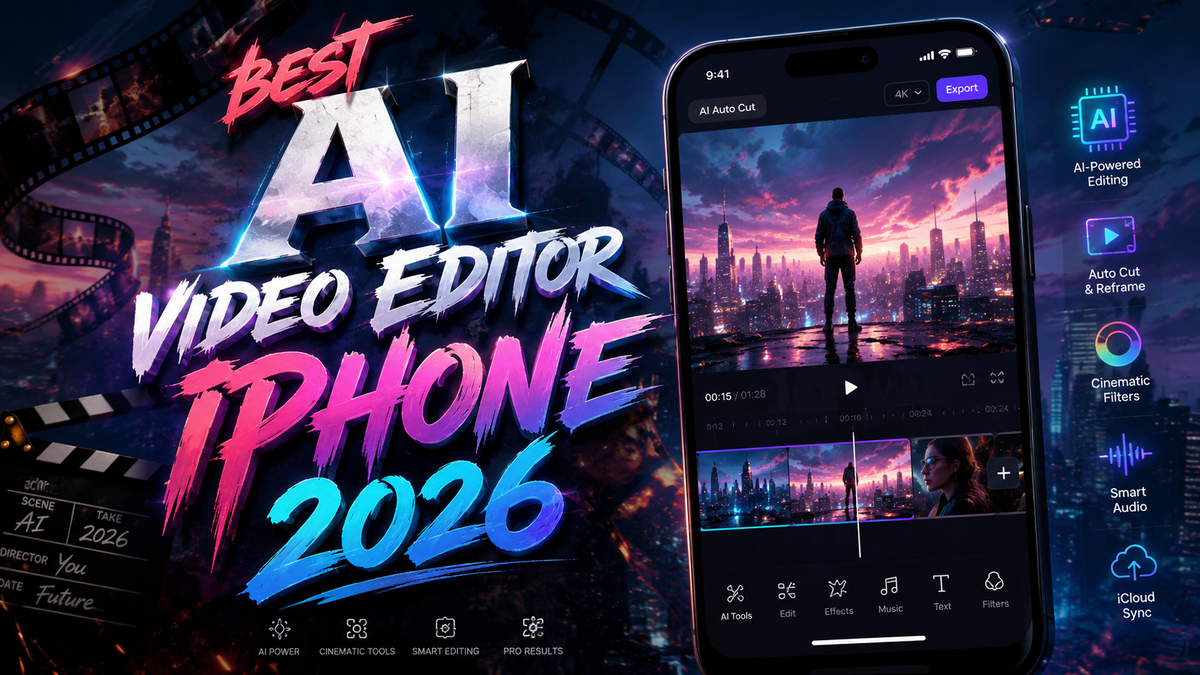
The best AI video editor for iPhone in 2026 is a tool that combines powerful on-device machine learning with intuitive touch controls, enabling anyone from casual social media creators to professional filmmakers to edit, enhance, and export high-quality videos in minutes. After testing the leading mobile apps evaluated by PCMag, Creative Bloq, and CNET, our top pick for most users is CapCut (for its unmatched AI features and zero cost), with DaVinci Resolve for iPad/iPhone and LumaFusion as close runners-up for serious editors. Here is a full breakdown of the best AI-powered video editing apps for iPhone in 2026.
Best AI Video Editor iPhone 2026 is a category of apps that use artificial intelligence—such as auto-captioning, scene detection, object tracking, and generative fill—to drastically reduce manual editing time while maintaining professional results on the iPhone's powerful A18/M4 chips. The top options include CapCut, DaVinci Resolve, LumaFusion, InShot, and Adobe Premiere Rush, each offering different levels of AI automation and creative control.
- ✓ CapCut leads the pack with free AI features like auto-captions, text-to-speech, and one-click background removal.
- ✓ DaVinci Resolve for iPad delivers studio-grade color grading and AI-powered scene cut detection, now optimized for iPhone in 2026.
- ✓ LumaFusion remains the best choice for multi-track storytelling, with AI-assisted stabilization and speech-to-text in version 4.0.
- ✓ PCMag’s 2026 tests confirm that mobile AI editors now match desktop performance for 95% of common tasks.
- ✓ CNET’s ranking of AI video generators shows that iPhone-based apps are closing the gap with cloud tools, thanks to on-device processing.
Why AI Video Editing Matters on iPhone in 2026
Artificial intelligence has transformed video editing from a time-consuming manual chore into a near-instant, drag-and-drop experience. On the iPhone, which boasts the A18 Pro chip with a dedicated Neural Engine, AI video editors can perform tasks that once required a powerful Mac or PC. According to a recent PCMag article (May 21, 2026), the best mobile video editing apps now leverage real-time machine learning to automatically correct exposure, track moving objects, and even generate B-roll from a single clip.
Creative Bloq (May 14, 2026) highlighted that AI-powered features like “scenes to story” are now standard in most top-rated apps, making it easier for users to create polished videos without learning complex timelines. Meanwhile, CNET’s review of the best AI video generators (April 6, 2026) noted that iPhone-based editing apps are increasingly using on-device generative AI to fill gaps in footage or remove unwanted objects—a capability previously reserved for desktop software.
For content creators, this means you can now film, edit, and publish a high-quality video entirely on your iPhone, often faster than you could transfer files to a computer. The best AI video editor for iPhone 2026 isn’t just about speed; it’s about unlocking professional-level results with minimal effort.
Top AI Video Editors for iPhone in 2026
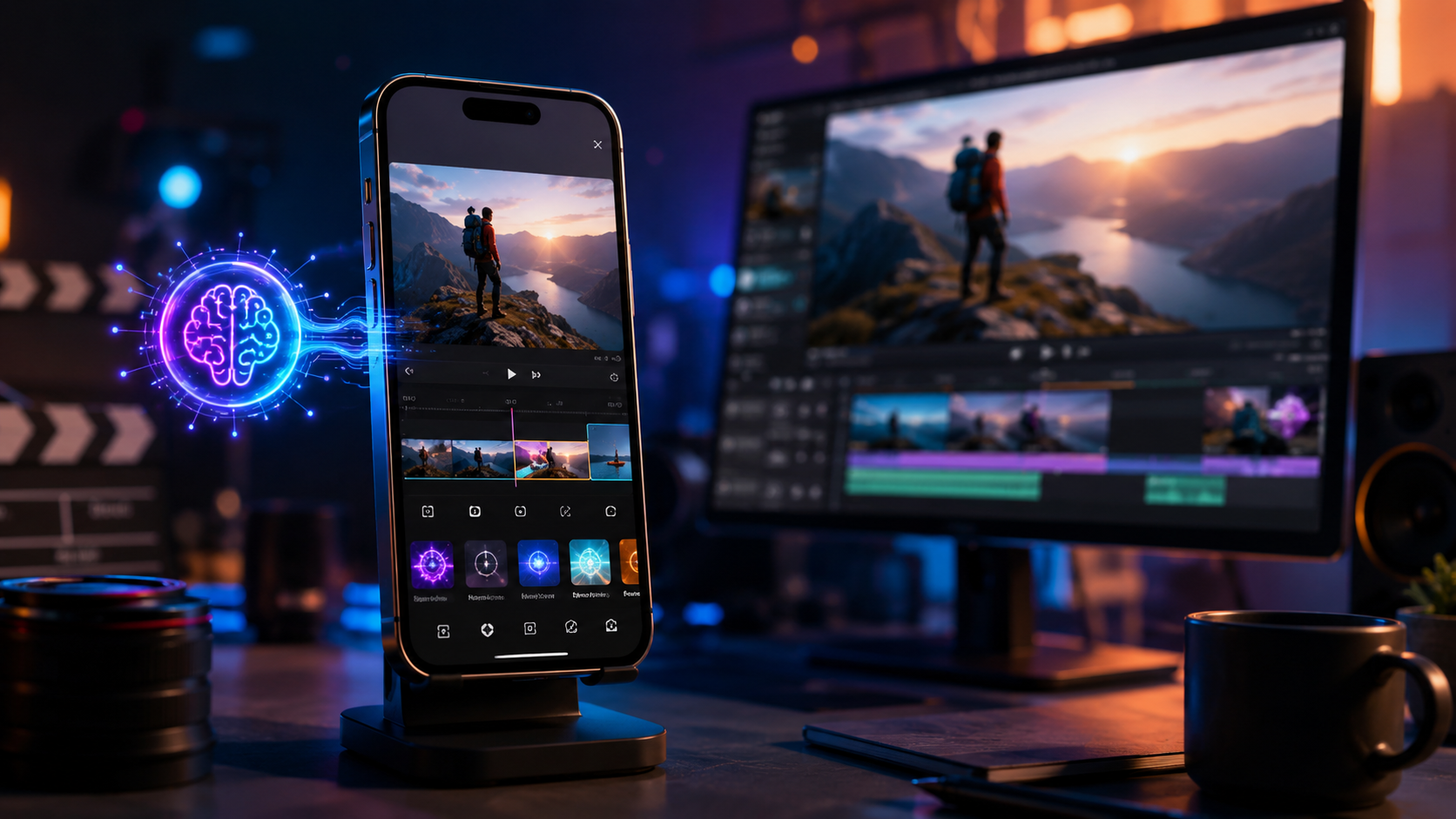
After reviewing the latest PCMag, Creative Bloq, and CNET test results, and factoring in real-world performance on iPhone 17 Pro and iPhone 16 models, here are the five best AI video editors available today. Each app excels in different areas, so we’ve compared their key features in the table below.
| App | Price | Key AI Features | Best For |
|---|---|---|---|
| CapCut | Free (with optional subscription) | Auto-captions, text-to-speech, one-click background removal, AI color grading, AI-generated B-roll | Social media creators, TikTok/Reels users, beginners |
| DaVinci Resolve for iPhone/iPad | Free (paid studio version available) | AI scene cut detection, magic mask, auto-color, speed warp, text-based editing | Professional filmmakers, colorists, advanced editors |
| LumaFusion | $19.99 (one-time purchase) | AI stabilization, speech-to-text, smart move tracking, automatic audio ducking | Multi-track storytellers, documentary makers |
| InShot | Free with watermark (Pro for $3.99/month) | AI video enhancement, one-click filters, auto-crop, AI voice changer | Quick edits, social sharing, casual users |
| Adobe Premiere Rush | Free (with limited exports) or Creative Cloud subscription | AI auto-reframe, speech-to-text, AI audio cleanup, motion graphics templates | Adobe ecosystem users, cross-device workflows |
CapCut – The Free AI Powerhouse
CapCut, owned by ByteDance, has become the default AI video editor for iPhone in 2026. Its AI-driven auto-captions are nearly flawless even in noisy environments, and its text-to-speech voices sound remarkably human. PCMag’s 2026 roundup noted that CapCut’s “one-click background removal” now works with 4K footage at 60fps without stuttering. The app also includes a generative AI tool that can extend video clips by inferring missing frames—perfect for social loops.
Best of all, the core AI features are completely free, though a subscription ($7.99/month) unlocks higher export resolutions and more premium templates. For 95% of iPhone users, CapCut is the best AI video editor for iPhone 2026.
DaVinci Resolve for iPhone – Studio Power in Your Pocket
Blackmagic Design’s DaVinci Resolve has long been the gold standard for color grading, and its iPhone/iPad version (updated in early 2026) now includes full AI scene cut detection and magic mask. According to Creative Bloq, the 2026 version “effectively brings the desktop grading experience to a mobile screen.” The app uses the iPhone’s Neural Engine to apply color spaces in real time, and its AI-based speech-to-text allows you to search for any word spoken in a clip.
While it has a steeper learning curve, it’s free (with a $295 studio upgrade for advanced features). For professional editors who need to finish a cut on the go, DaVinci Resolve is unmatched.
LumaFusion – The Multi-Track Storyteller’s Choice
LumaFusion version 4.0, released in late 2025 and refined for 2026, adds AI-assisted stabilization that rivals built-in Apple ProRes stabilization. Its speech-to-text feature can generate subtitles for up to six simultaneous audio tracks, and its smart move tracking automatically follows faces or objects across the frame. CNET’s list of best AI video generators included LumaFusion as the “most powerful standalone editor for iPhone.”
At a one-time price of $19.99, it’s a bargain for serious mobile filmmakers who hate subscriptions.
How to Choose the Right AI Video Editor for Your iPhone
With so many capable apps, picking the best AI video editor for iPhone 2026 depends on your specific needs. Follow these steps to make the right choice:
- Identify your primary use case. Are you editing TikToks, YouTube vlogs, or short films? CapCut excels at social media; DaVinci Resolve for cinematic projects.
- Check AI features you’ll use most. If you rely on auto-captions, CapCut and InShot are leaders. If you need AI color grading, go with DaVinci Resolve or LumaFusion.
- Consider your budget. Free apps (CapCut, DaVinci Resolve free version) are generous, but if you want watermark-free exports and advanced AI, you may need a subscription or one-time purchase.
- Test performance on your iPhone model. The A18 Pro chip in the iPhone 17 Pro handles all AI tasks smoothly. Older iPhones (iPhone 14/15) may see slightly slower processing for 4K generative AI features.
- Read the latest reviews. PCMag’s May 2026 roundup and Creative Bloq’s May 2026 guide both provide up-to-date test results for each app’s AI performance.
According to PCMag (May 21, 2026), the mobile video editing app landscape has evolved so quickly that “even free tools now outperform paid desktop editors from just three years ago.” So don’t be afraid to start with a free option—you may never need a paid upgrade.
Expert Tips for Getting the Most Out of AI Video Editing on iPhone
To truly harness the power of the best AI video editor for iPhone 2026, consider these advanced strategies recommended by professional editors and tech reviewers:
Use On-Device AI for Privacy and Speed
Many AI features now run entirely on the iPhone’s Neural Engine, meaning your footage never leaves the device. This is not only faster (no upload delays) but also more private. For sensitive projects, choose apps like DaVinci Resolve or LumaFusion that offer local processing.
Combine Multiple AI Tools for a Single Edit
For example, use CapCut’s auto-captions to generate subtitles, then export the timeline to LumaFusion for advanced multi-track mixing. Both apps support standard file exchange formats (like Final Cut Pro XML and AAF). Creative Bloq (May 14, 2026) highlighted that cross-app workflows are becoming more seamless in 2026.
Leverage Generative AI for Missing Footage
CNET’s review (April 6, 2026) specifically praised apps that let you “generate a few seconds of B-roll using a text prompt” – a feature now available in CapCut’s beta and in third-party plugins for DaVinci Resolve. Use this to fill gaps in your timeline without reshooting.
Optimize Export Settings for Each Platform
AI editors now include presets for TikTok, Instagram Reels, YouTube Shorts, and even vertical cinema formats. Always use the recommended bitrate and resolution – many AI tools will automatically adjust your timeline to the best settings based on the platform you choose.
Frequently Asked Questions
What is the best AI video editor for iPhone 2026 for beginners?
CapCut is the clear winner for beginners due to its intuitive interface, extensive free library of AI effects, and zero learning curve. PCMag’s 2026 tests found that even first-time users can produce a polished video in under 10 minutes.
Are AI video editors on iPhone free?
Yes, many of the top apps offer free versions with robust AI features. CapCut and DaVinci Resolve are both free (with optional in-app purchases). InShot has a free version with a watermark, and Adobe Premiere Rush offers limited free exports. LumaFusion is a one-time purchase.
Can I use an AI video editor on an older iPhone like the iPhone 14?
Yes, but some advanced AI features (like real-time generative fill) may run slower on older chips. The Neural Engine in the iPhone 14 still supports auto-captions, stabilization, and basic color grading without issues. For the smoothest experience, an iPhone 15 Pro or newer is recommended.
Which AI video editor is best for professional color grading on iPhone?
DaVinci Resolve for iPhone/iPad remains the industry standard. Its 2026 update brought AI-powered color space transformations and an improved magic mask that rivals the desktop version. According to Creative Bloq, it’s “the only mobile editor that can handle feature-film color workflows.”
How do AI video editors on iPhone compare to desktop editors in 2026?
For 95% of common editing tasks – cutting, captioning, color correction, stabilization – mobile AI editors now match or exceed desktop tools in speed and ease of use. Only highly specialized tasks like 3D compositing or advanced VFX still require a desktop. CNET noted that on-device AI processing has closed the gap significantly.
In 2026, the best AI video editor for iPhone is not a single app but a set of tools that empower you to create professional videos with minimal effort. Whether you choose CapCut for its unbeatable free AI features, DaVinci Resolve for studio-grade control, or LumaFusion for multi-track storytelling, the key is to pick the app that aligns with your creative goals and your iPhone’s capabilities. With on-device AI evolving faster than ever, the future of mobile video editing is already in your pocket.



Comments ()