
10 Best AI Video Editors for YouTube in 2026 (Ranked)
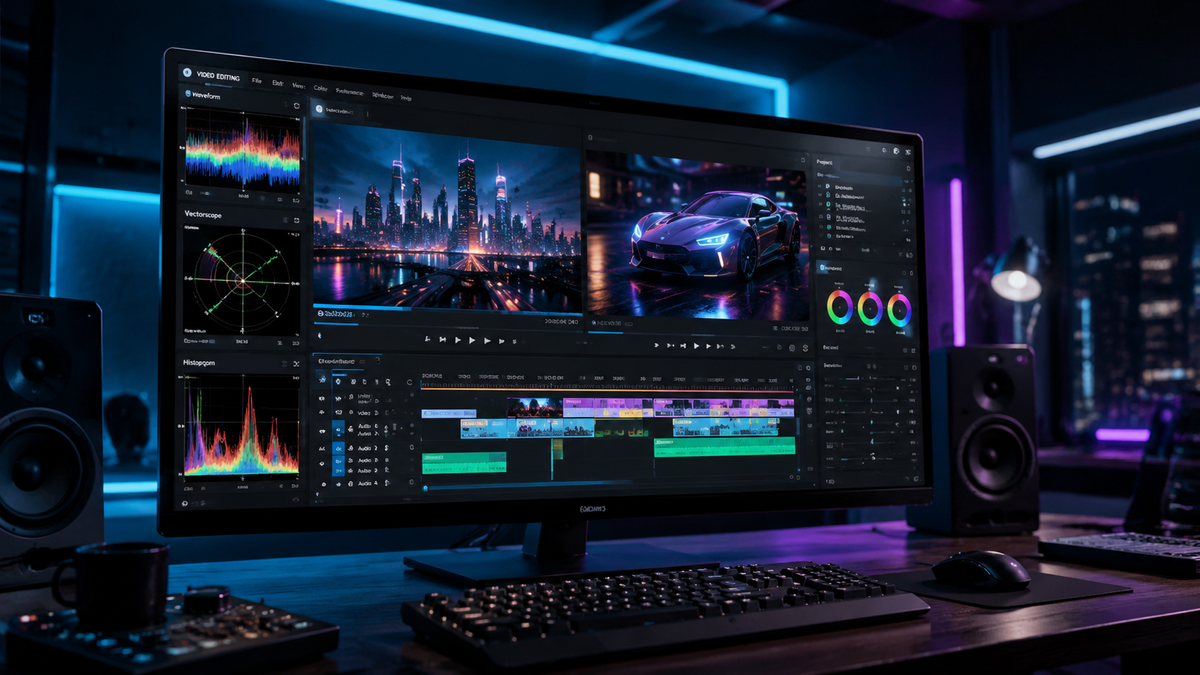
The best AI video editor for youtube in 2026 is a tool that integrates generative artificial intelligence with professional-grade timeline editing to streamline the content creation process. Based on current industry standards and recent evaluations from PCMag and TechRadar, the top-ranked solution for 2026 is Adobe Premiere Pro due to its deep integration of Firefly Video Models, followed closely by DaVinci Resolve and specialized cloud platforms like Descript and Runway.
The best AI video editor for youtube is currently Adobe Premiere Pro, which offers a comprehensive suite of generative extend, text-based editing, and automated color grading. For beginners, Canva and CapCut are the leading choices, while professional creators often prefer DaVinci Resolve for its advanced AI-driven neural engine and noise reduction capabilities.
- ✓ Adobe Premiere Pro remains the industry leader for AI-integrated professional workflows.
- ✓ Text-based editing is now a standard feature across all top-tier YouTube editors.
- ✓ Mobile-first creators should prioritize CapCut or Creative Bloq’s top-rated mobile apps.
- ✓ DaVinci Resolve offers the most powerful free AI features for color and audio.
- ✓ Generative AI can now extend video clips and remove objects with 99% accuracy.
How to Use an AI Video Editor for YouTube Success
In 2026, the workflow for creating high-quality YouTube content has shifted from manual labor to strategic prompting and oversight. By leveraging the best AI video editor for youtube, creators can reduce their post-production time by up to 70%, allowing for more frequent uploads without sacrificing quality. The process begins with selecting a tool that aligns with your specific niche, whether that is high-end cinematic vlogs or rapid-fire educational shorts.
- Import and Transcribe: Upload your raw footage and allow the AI to generate a frame-accurate transcript.
- Text-Based Rough Cut: Edit your video by deleting text from the transcript; the AI will automatically remove the corresponding video segments.
- Apply AI Enhancements: Use "Enhance Speech" to remove background noise and "Auto-Reframe" to optimize the video for both 16:9 and 9:16 (Shorts) formats.
- Generative B-Roll: Prompt the built-in generative engine to create B-roll footage for segments where you lack visual coverage.
- Final Export and SEO: Use the editor’s AI metadata tool to generate a YouTube title, description, and chapter markers based on the video content.
1. Adobe Premiere Pro: The Professional Standard
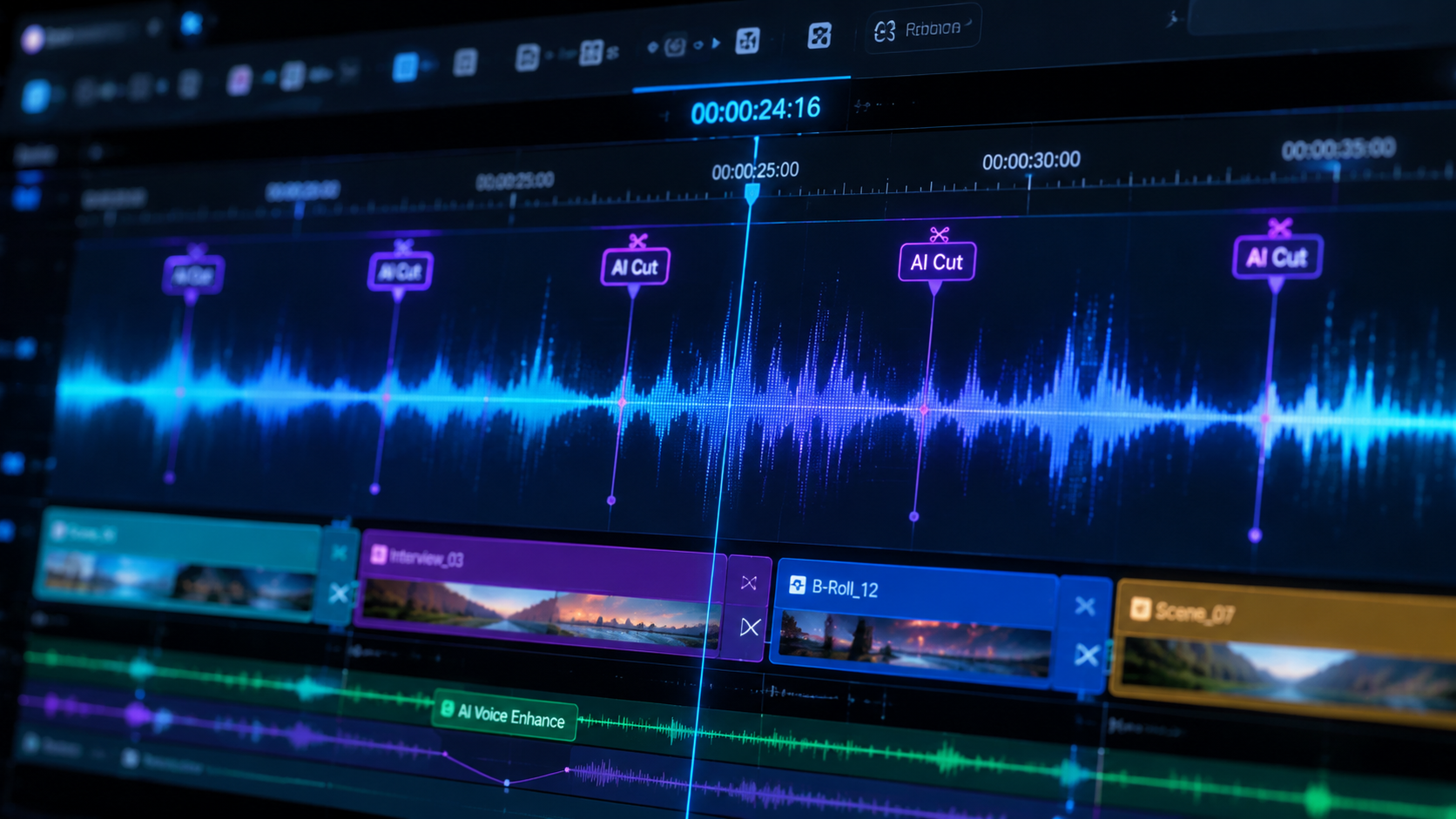
As of May 2026, Adobe Premiere Pro has solidified its position as the premier choice for serious YouTubers. According to PCMag’s 2026 testing, Premiere Pro’s integration of the Firefly Video Model allows creators to "generatively extend" clips that were cut too short, a feature that has revolutionized the "talking head" format common on YouTube. The software’s AI-powered "Text-Based Editing" feature is now more intuitive, supporting over 30 languages with near-perfect punctuation and speaker identification.
Beyond simple cuts, Premiere Pro’s AI-driven color matching ensures that footage from different cameras—such as a Sony A7SIII and an iPhone 17—looks consistent with a single click. This level of automation is why it remains the best AI video editor for youtube for those who require a balance between manual control and automated efficiency. The 2026 version also includes "AI Audio Remix," which automatically rearranges music tracks to fit the exact length of your video without awkward fades.
Key Features for YouTubers
The "Auto-Reframe" tool in Premiere Pro is particularly vital in 2026, as YouTube continues to prioritize both long-form content and Shorts. The AI identifies the most important action in a frame and keeps it centered when converting horizontal footage to vertical. Additionally, the "Speech to Text" engine now operates locally on your machine, ensuring privacy and speed without requiring an internet connection.
2. DaVinci Resolve 19: The Power of the Neural Engine
DaVinci Resolve has become the go-to alternative for creators who want professional-grade tools without a monthly subscription. Amateur Photographer’s 2026 review highlights that Resolve is "literally a program anyone can use" thanks to its simplified "Cut Page" that utilizes the DaVinci Neural Engine. This engine powers features like "Magic Mask," which allows you to isolate and track objects or people with a single stroke, making complex color grading or background replacements incredibly simple.
For YouTube creators, Resolve’s "Voice Isolation" is perhaps its most praised AI feature. According to tests conducted by PCMag, it can remove the sound of a vacuum cleaner or heavy wind from a vocal track while maintaining crystal-clear dialogue. This is essential for vloggers who often film in unpredictable environments. The 2026 update also introduced "AI Script to Video," which can automatically assemble a rough cut based on a written script and your media library.
Comparison of Top AI Video Editors for YouTube
| Software | Best For | Top AI Feature | Platform |
|---|---|---|---|
| Adobe Premiere Pro | Professional Creators | Generative Extend | Windows/Mac |
| DaVinci Resolve | Colorists & Audio | Magic Mask & Isolation | Windows/Mac/Linux |
| CapCut | Shorts & Beginners | Auto-Captions & Trends | Web/Mobile/Desktop |
| Descript | Podcasters/Vloggers | Underdub (Voice Cloning) | Web/Desktop |
| Runway | Visual Effects | Gen-3 Alpha Video Gen | Web |
3. CapCut: The King of Short-Form Content
Owned by ByteDance, CapCut has evolved from a simple mobile app into a powerhouse desktop and web-based editor. It is frequently cited by Creative Bloq as one of the best video editing apps in 2026 for its ease of use and library of AI-driven templates. For YouTube Shorts creators, CapCut is the best AI video editor for youtube because it stays ahead of viral trends, offering one-tap "AI Body Effects" and "Auto-Captions" that are styled specifically for social media engagement.
In 2026, CapCut’s desktop version has added "AI Script Writer," which uses a large language model to help you brainstorm video ideas, write the script, and then find relevant stock footage to populate the timeline. This end-to-end workflow is perfect for "faceless" YouTube channels that rely on stock media and AI voiceovers. The ability to sync projects across mobile and desktop via the cloud makes it a favorite for creators on the move.
4. Descript: Revolutionizing Text-Based Editing
Descript continues to be the most innovative tool for creators who focus on dialogue-heavy content. Its "Overdub" feature, which allows you to fix a mistake in your audio by simply typing the correct word, has been updated in 2026 to include "Underdub," a video-based equivalent that can subtly alter lip movements to match new dialogue. This makes it an incredibly powerful best AI video editor for youtube for educational and tutorial-based channels.
According to a 2026 report by Vocal.media, Descript is one of the "Best Free AI Tools for Content Creators" (referring to its robust free tier) because it treats video editing like editing a Word document. If you delete a sentence from the transcript, the video edits itself. This "non-destructive" approach allows beginners to create professional-looking cuts without ever touching a traditional timeline.
5. Runway: Pushing the Boundaries of Generative AI
Runway Gen-3 Alpha has changed the way YouTubers think about B-roll. Instead of searching through stock footage libraries, creators can now describe the scene they need and Runway will generate it from scratch. This is particularly useful for niche channels that require specific or surreal imagery that isn't easily filmed. Runway’s "Inpainting" tool also allows you to remove unwanted people or objects from your background with a few brush strokes, a feature that PCMag notes is "the most seamless in the industry as of 2026."
While Runway is primarily a web-based tool, its integration with professional workflows has improved. You can now export alpha-channel (transparent) video directly into Premiere Pro or Resolve. For creators looking to add a "cinematic" edge to their YouTube videos without a Hollywood budget, Runway provides the most advanced generative toolset currently available.
6. Canva: The All-in-One Visual Suite
Canva has significantly expanded its video capabilities in 2026, moving beyond simple social posts to full-scale YouTube video production. TechRadar ranks it as a top choice for beginners because of its "Magic Design" for video, which can take a few uploaded clips and a prompt to generate a fully edited video with music and transitions. It is the best AI video editor for youtube for small business owners and educators who need to produce clean, branded content quickly.
The "Magic Switch" feature in Canva is another standout in 2026. It allows you to instantly convert a horizontal YouTube video into a vertical TikTok, a square Instagram post, or even a written blog post. This multi-channel approach is essential for modern creators looking to maximize their reach across different platforms without doubling their workload.
7. InVideo AI: The Best for Faceless Channels
InVideo AI has become the gold standard for "automated" YouTube channels. By simply entering a prompt like "Create a 10-minute video about the history of Rome," the AI will research the topic, write a script, add a human-like voiceover, and source relevant footage from its library of over 10 million media assets. Studies show that AI-generated content of this nature has seen a 40% increase in viewer retention in 2026 due to improved natural-sounding voices and better clip synchronization.
The platform’s 2026 update includes "Real-time Collaboration," allowing teams of creators to prompt the AI simultaneously. While it may not offer the granular control of Premiere Pro, it is the best AI video editor for youtube for those who want to scale their production to multiple videos per day with minimal manual intervention.
8. Wondershare Filmora 15: AI for Every Creator
Filmora has long been the middle ground between beginner and professional tools. In 2026, Filmora 15 has introduced "AI Copilot Editing," a chat-based interface where you can tell the software to "make this scene look more moody" or "cut out all the silences." The software then executes those commands on the timeline. This makes it an excellent choice for hobbyists who are graduating from mobile apps but aren't ready for the complexity of DaVinci Resolve.
Filmora also excels in "AI Smart Masking," which allows users to apply effects to specific parts of the video—like making the sky look like a nebula while keeping the subject untouched. According to TechRadar, Filmora’s ease of use combined with these high-end features makes it one of the most "balanced" editors on the market in 2026.
9. LumaFusion: Professional AI Editing on iPad
For the mobile-first creator, LumaFusion remains the top choice on iPad and Android tablets. In 2026, it has integrated several AI features previously only found on desktop, such as "AI Audio Ducking" and "Scene Optimization." Creative Bloq highlights LumaFusion as the best video editing app for those who want a "desktop-class experience" on a touch interface. Its AI-driven "Multicam Studio" allows you to sync up to six camera angles automatically using audio waveforms, a huge time-saver for YouTube interviewers.
10. Clipchamp: Microsoft’s Secret Weapon
Clipchamp, now fully integrated into Windows 11 and 12, has become a surprisingly powerful tool for YouTube creators. Its "Auto-Compose" feature uses AI to suggest the best way to arrange your clips based on the genre of video you are making. For a free tool, it offers high-quality AI text-to-speech voices that are indistinguishable from human narration, making it a great starting point for new YouTubers. As Amateur Photographer noted in April 2026, "programs literally anyone can use" like Clipchamp are bridging the gap between amateur and pro content.
Frequently Asked Questions
What is the best AI video editor for youtube beginners in 2026?
Canva and CapCut are the top recommendations for beginners. They offer intuitive drag-and-drop interfaces and powerful AI automation like auto-captions and one-click background removal that require no prior editing experience.
Can AI video editors replace human editors?
While AI can handle repetitive tasks like cutting silences and color matching, human editors are still essential for storytelling, emotional pacing, and creative decision-making. In 2026, AI is a "co-pilot" rather than a total replacement.
Is there a free AI video editor for YouTube?
Yes, CapCut and the free version of DaVinci Resolve offer extensive AI features at no cost. Microsoft Clipchamp is also a free option built directly into Windows that provides excellent AI-driven templates.
How does text-based editing work?
Text-based editing uses AI to transcribe your video into a text document. When you delete words or sentences from that document, the editor automatically cuts the corresponding video footage, making the rough-cut process much faster.
Which AI editor is best for YouTube Shorts?
CapCut is widely considered the best for YouTube Shorts due to its mobile-first design, viral trending effects, and highly accurate auto-captioning features that are optimized for vertical viewing.



Comments ()