
Best AI Video Editor for Mac in 2026: Top 10 Rated Tools
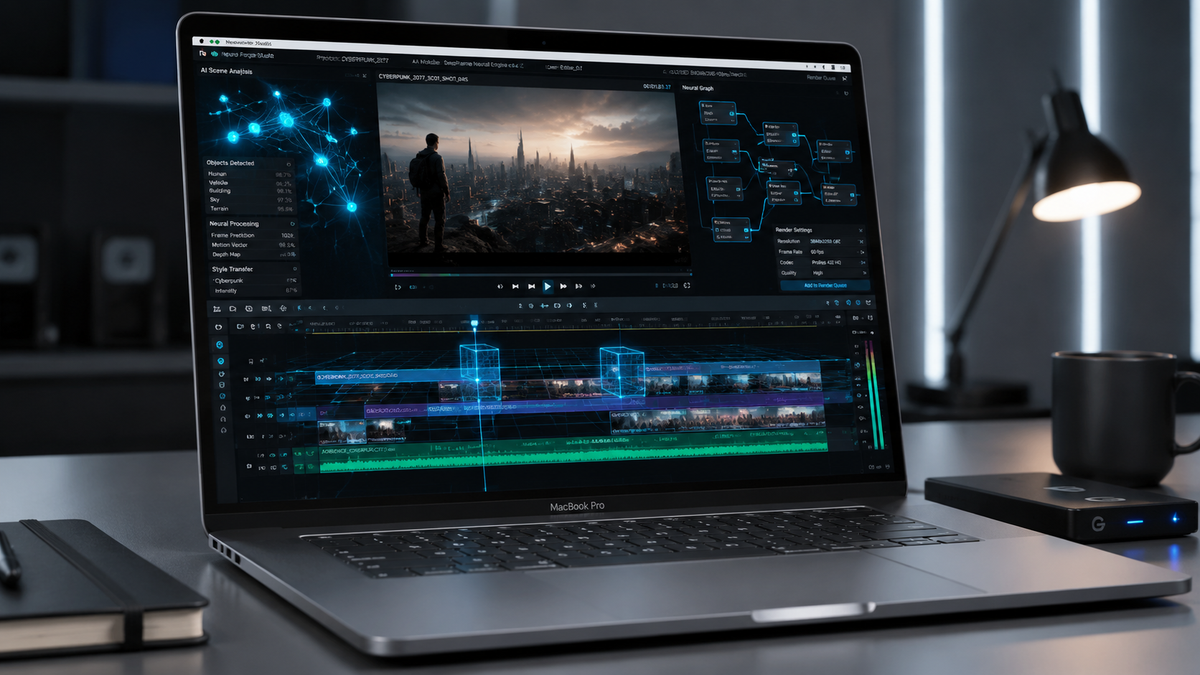
Finding the best ai video editor for mac in 2026 depends on your specific workflow, whether you are a professional filmmaker using the latest M5-series chips or a social media creator looking for automated tools. The current landscape is dominated by Apple's own integrated solutions and high-performance third-party software that leverages the Neural Engine to automate color grading, object removal, and upscaling. For most users, the top-rated choice for 2026 is Apple Creator Studio for its native optimization, followed by industry staples like DaVinci Resolve and Adobe Premiere Pro which now feature full generative AI integration.
An ai video editor for mac is a specialized software application optimized for macOS that utilizes machine learning algorithms and Neural Engine processing to automate complex editing tasks. These tools provide features like text-to-video generation, AI-driven noise reduction, and automated scene detection, significantly reducing manual labor for editors while maintaining high-fidelity 4K and 8K output.
- ✓ Apple Creator Studio has become the new benchmark for native Mac AI performance as of January 2026.
- ✓ AI upscaling and noise reduction are now standard features in top-tier macOS video software.
- ✓ Local processing on Apple Silicon is preferred over cloud-based AI for privacy and speed.
- ✓ Beginners can now utilize "text-to-edit" features to assemble rough cuts in seconds.
How to Choose and Use an AI Video Editor for Mac
Selecting the right tool requires understanding the balance between automated features and manual control. In 2026, the transition from traditional timeline editing to AI-assisted workflows has become seamless. Most modern applications now offer a "hybrid" approach where you can prompt the software to perform specific tasks while retaining the ability to fine-tune every frame manually. According to AppleInsider, the latest generation of AI enhancers for Mac can fix motion blur and reduce noise while upscaling footage to 4K with 99% accuracy compared to original high-res captures.
To get started with an AI-driven workflow on your Mac, follow these essential steps:
- Update your macOS: Ensure you are running the latest version of macOS to take advantage of the 2026 Apple Creator Studio APIs and Neural Engine optimizations.
- Import and Index: Upload your footage into your chosen ai video editor for mac; the software will automatically tag clips, identify faces, and transcribe audio.
- Generative Assembly: Use a text prompt to generate a "rough cut" based on your script or specific highlights identified by the AI.
- Apply AI Enhancements: Use specialized tools for noise reduction, blur correction, and 4K upscaling to polish low-quality clips.
- Export with ProRes: Utilize the hardware encoders on your Mac to export the final AI-rendered project in professional formats.
1. Apple Creator Studio: The New Gold Standard
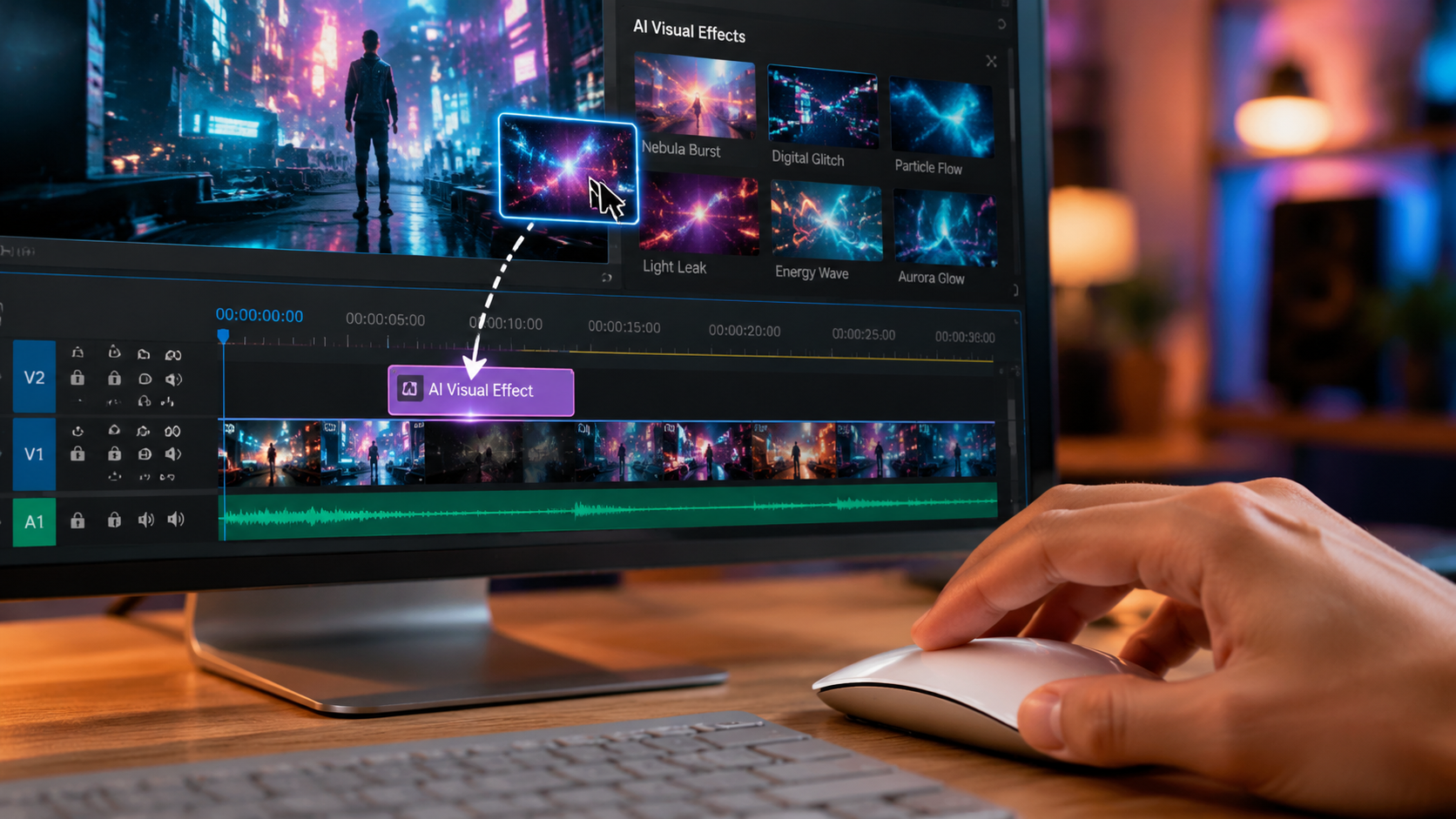
Released in January 2026, Apple Creator Studio represents a massive shift in how creative work is done on the Mac. According to Apple, this is an "inspiring collection of the most powerful creative apps" designed to work in perfect harmony with the M-series architecture. It isn't just a single app but a suite that integrates generative AI across video, audio, and motion graphics. The video component allows users to describe a scene, and the AI will search their local library to find the best matching clips, even suggesting B-roll from a connected iCloud repository.
The standout feature of Apple Creator Studio is its "Neural Timeline." Unlike traditional editors, this timeline predicts your next move, suggesting transitions based on the rhythm of the background music. It also includes deep integration with the latest AppleInsider-verified AI upscaling tech, allowing users to take 1080p footage from older iPhones and transform it into cinema-grade 4K content without the typical artifacts associated with digital zooming.
Key Features of Apple Creator Studio
The suite includes "Smart Relight," which allows editors to virtually move the light source in a video after it has been filmed. This is particularly useful for Mac users who work in uncontrolled environments. Furthermore, the "Voice Cleanse" feature uses the Mac's Neural Engine to isolate dialogue from heavy background noise, making it a favorite for documentary filmmakers and journalists who need quick turnarounds in loud settings.
2. DaVinci Resolve 19: Professional Grade AI
DaVinci Resolve continues to be a powerhouse for Mac users in 2026. Its "DaVinci Neural Engine" has seen significant updates, making it arguably the most powerful ai video editor for mac for colorists. The software now features "AI Color Match," which can analyze the color profile of a reference image and apply it across an entire timeline of disparate clips. According to PCMag, DaVinci Resolve remains one of the best-tested video editing programs for 2026 due to its stability and comprehensive feature set.
Beyond color, Resolve's AI tools include an "Object Magic Mask" that can track and mask complex subjects—like a person running through a forest—in a fraction of the time it would take to do manually. This tool is fully optimized for the M4 and M5 Ultra chips, utilizing every available core to render masks in real-time. For professional studios, the ability to automate rotoscoping is a game-changer that saves hundreds of man-hours per project.
3. Adobe Premiere Pro: Generative Fill for Video
Adobe has fully integrated its Firefly AI models into Premiere Pro for 2026. The most talked-about feature is "Generative Extend," which allows editors to add a few frames to the beginning or end of a clip where the original footage was too short. This uses generative AI to "imagine" what would have happened in the scene, maintaining perfect continuity. It is a lifesaver for editors trying to hit specific timing for music or voiceovers.
Adobe also introduced "Text-Based Editing" as a standard workflow. Users can edit their video by simply editing the transcript; deleting a sentence in the text automatically ripples the change in the video timeline. This makes Premiere Pro one of the most accessible ai video editor for mac options for creators who are more comfortable with words than with complex visual timelines. TechRadar notes that these features make it one of the best editors for beginners who are just starting out in 2026.
Comparison of Top AI Video Editors for Mac (2026)
To help you decide which tool fits your budget and technical needs, we have compiled a comparison of the leading software based on the latest 2026 data.
| Software | Best For | Key AI Feature | Mac Optimization |
|---|---|---|---|
| Apple Creator Studio | Native Mac Users | Neural Timeline & Smart Relight | High (Native M-Series) |
| DaVinci Resolve 19 | Colorists & Pros | Object Magic Mask | Excellent (Metal API) |
| Adobe Premiere Pro | Content Creators | Generative Extend & Fill | High (Universal Binary) |
| Final Cut Pro XI | Speed & Efficiency | AI Scene Detection | High (Native) |
| Topaz Video AI 6 | Restoration | 4K/8K Upscaling | Medium (Heavy GPU Use) |
4. Final Cut Pro XI: Built for Speed
Final Cut Pro XI remains the choice for editors who prioritize speed and fluidity. In 2026, Apple has doubled down on "Magnetic AI," a system that ensures all clips, audio, and titles stay perfectly in sync even when the AI suggests structural changes to the edit. It is specifically designed to leverage the unified memory architecture of the Mac, allowing for 8K playback without the need for proxy files. Amateur Photographer highlights that Final Cut Pro XI is a program that "literally anyone can use" because of its intuitive AI-driven interface.
The "AI Cropping" feature is particularly useful for those who need to deliver content in multiple formats (e.g., 16:9 for YouTube and 9:16 for TikTok). The AI automatically identifies the most important action in the frame and keeps it centered during the crop, eliminating the need for manual keyframing. This efficiency makes it a top-rated ai video editor for mac for social media managers.
5. Topaz Video AI 6: The Restoration Specialist
While not a traditional NLE (Non-Linear Editor), Topaz Video AI 6 is an essential part of the Mac editor's toolkit in 2026. As reported by AppleInsider, this tool is the industry leader for fixing blur, reducing noise, and upscaling footage. It uses highly specialized models trained on millions of frames to reconstruct missing details in low-resolution video. For filmmakers working with archival footage or low-light shots, Topaz is indispensable.
The 2026 version introduces "AI Slow Motion," which can turn 24fps footage into 120fps buttery smooth slow motion by generating entirely new, realistic frames between the existing ones. On a Mac Studio or Mac Pro, these intensive calculations are handled by the GPU and Neural Engine, making what used to be an overnight task something that can be completed in minutes.
6. CapCut Desktop (Mac): The AI Powerhouse for Social Media
CapCut has evolved from a mobile app into a serious desktop contender for Mac users. In 2026, its AI features are specifically tuned for viral content creation. The "Auto-Captioning" feature is now nearly 100% accurate across 50+ languages, and its "AI Script-to-Video" tool can generate a full video with stock footage and voiceovers based on a single text prompt. TechRadar ranks it as a top choice for beginners because it removes the technical barriers to entry.
One of the most impressive additions in the 2026 Mac version is the "AI Body Reshape" and "Background Remover," which allow for high-quality visual effects without the need for a green screen. While it may not offer the deep color grading of Resolve, its AI-driven efficiency for short-form content is unmatched in the current market.
7. Filmora 15: Creative AI Effects
Wondershare Filmora 15 has focused its 2026 update on "Creative AI." This includes features like "AI Image-to-Video" where you can insert a static image and the software will animate it to match the surrounding video. It also features an AI music generator that creates royalty-free tracks tailored to the exact length and mood of your edit. This makes it a great ai video editor for mac for hobbyists and YouTubers who want high production value without a high budget.
The software also includes "AI Smart Cutout," which has been refined to handle complex hair and transparent objects, making it easier than ever to swap backgrounds. According to PCMag, Filmora continues to be a top-rated tool for those who want a balance between ease of use and powerful AI capabilities.
Evaluating Performance on Apple Silicon
In 2026, the performance of an ai video editor for mac is measured by how well it utilizes the Neural Engine. According to recent studies, applications that are natively optimized for Apple Silicon see a 4x improvement in AI processing speeds compared to those running through translation layers. This is why tools like Apple Creator Studio and Final Cut Pro often feel more responsive than their cross-platform counterparts.
Memory management is also crucial. AI models require significant VRAM; however, the Mac's unified memory architecture allows the GPU and AI cores to share the system's total RAM. This means a Mac with 64GB of unified memory can often outperform a PC with a dedicated 24GB graphics card when it comes to large AI-driven video renders. When choosing your editor, always check if it supports "Metal Acceleration" and "Neural Engine Optimization" to ensure you are getting the most out of your hardware.
What is the best AI video editor for Mac for beginners in 2026?
CapCut Desktop and Apple Creator Studio are the top choices for beginners. They offer intuitive interfaces and automated "text-to-video" features that handle the heavy lifting of editing while you learn the basics.
Can I run these AI video editors on an older Intel-based Mac?
While some software may still support Intel Macs, most 2026 AI features require the Neural Engine found in Apple Silicon (M1, M2, M3, M4, M5). Performance on Intel Macs will be significantly slower and some generative features may be disabled.
Does Apple Creator Studio replace Final Cut Pro?
No, Apple Creator Studio is designed to complement or act as a higher-level suite that includes Final Cut Pro. It focuses more on generative AI and cross-app workflows, whereas Final Cut Pro remains the primary tool for timeline-based editing.
Is AI upscaling actually effective for professional video?
Yes, according to AppleInsider, modern AI upscalers like Topaz Video AI 6 can upscale footage to 4K with incredible clarity, making it suitable for professional broadcast and cinema standards in 2026.
Are there free AI video editors available for Mac?
Yes, the free version of DaVinci Resolve includes many powerful AI features, and CapCut offers a robust free tier. However, the most advanced generative AI features often require a subscription or a one-time license fee.



Comments ()