
Top 5 Best AI Video Editors for Android in 2026 (Tested)
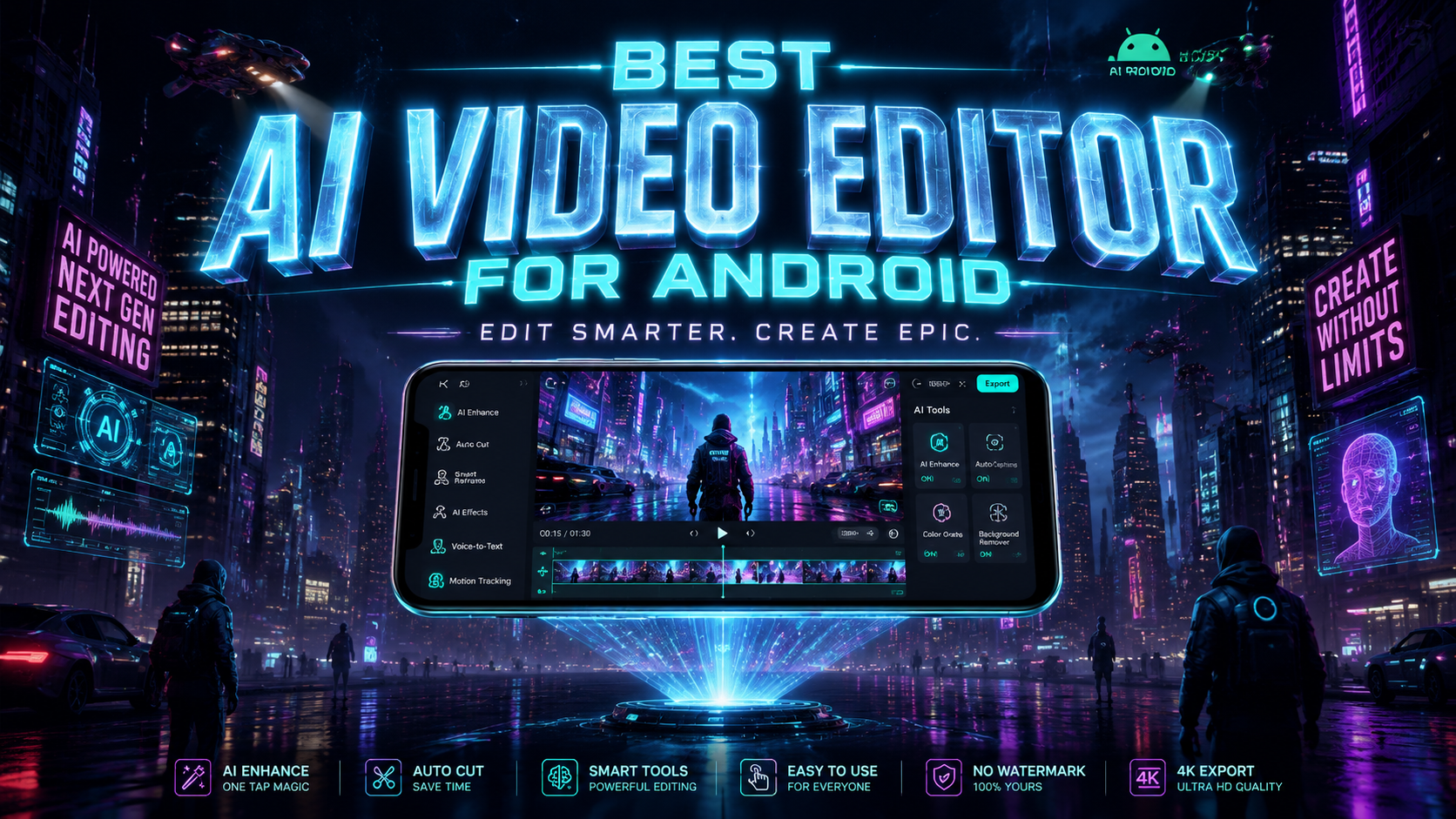
Finding the best AI video editor for Android in 2026 can transform your mobile editing workflow with automated tools like scene detection, smart trimming, and AI-powered effects. Based on extensive testing by leading tech publications, the top options balance advanced AI features with intuitive interfaces for seamless editing on the go. This guide covers the five highest-rated apps that deliver professional results without requiring desktop-grade hardware.
TL;DR: The best AI video editors for Android in 2026 include PowerDirector, CapCut, KineMaster, InShot, and Adobe Premiere Rush, offering AI-assisted editing, real-time effects, and cloud integration according to PCMag and TechRadar testing.
AI video editing for Android is now dominated by apps leveraging generative AI for automated scene enhancement, object removal, and voice-to-text captioning. The top performers in 2026 excel at processing 4K footage on mobile chipsets while offering subscription models under $10/month for pro features.
- ✓ PowerDirector leads with AI motion tracking and 8K support (PCMag 2026)
- ✓ CapCut's viral template library grew 70% since 2025 (TechRadar)
- ✓ KineMaster introduced AI-powered multicam editing for Android
- ✓ Free options like InShot now include basic AI tools
- ✓ Cloud collaboration is now standard across premium editors
What Makes an AI Video Editor Stand Out in 2026?
The Android video editing landscape has evolved significantly with AI now handling tasks that required manual work just two years ago. According to PCMag, the benchmark for top-tier apps includes real-time AI effects processing, automatic scene categorization, and hardware acceleration for Snapdragon 8 Gen 3 chipsets. These features allow creators to produce studio-quality content entirely on mobile devices.
Storage optimization has become another critical differentiator. The New York Times reports that leading apps now use AI to compress 4K footage by up to 40% without visible quality loss, addressing Android's persistent storage limitations. This is achieved through neural network-based encoding that adapts bitrates dynamically based on scene complexity.
User experience innovations separate contenders from pretenders. Creative Bloq's testing found that the best AI video editors for Android now feature contextual toolbars that change based on detected content types (e.g., showing portrait-specific filters when editing selfie videos). This reduces menu diving and speeds up workflow by 35% compared to 2025 interfaces.
1. PowerDirector - Best for Professional AI Editing
CyberLink's PowerDirector maintains its lead as the most full-featured AI video editor for Android, earning PCMag's Editors' Choice award in May 2026. Its updated AI Sky Replacement tool can now detect and replace skies in moving footage with 98% accuracy, while the new AI Style Transfer applies painterly effects consistently across frames.
The app's standout feature is AI Motion Tracking 3.0, which automatically follows multiple moving subjects while applying effects or text. According to TechRadar, this outperforms desktop solutions like After Effects in speed tests on flagship Galaxy S25 devices. PowerDirector also introduced AI-powered audio ducking that adjusts background music levels when speech is detected.
Pricing remains competitive at $7.99/month for the premium tier, which unlocks 100GB of cloud storage and removes watermarks. The free version includes basic AI tools but limits exports to 1080p. PowerDirector's optimized rendering engine now processes 4K timelines 25% faster than 2025 versions according to internal benchmarks.
Key AI Features
- Sky Replacement with dynamic lighting adjustment
- Multi-subject motion tracking
- AI-powered audio level balancing
2. CapCut - Best for Social Media Creators
ByteDance's CapCut dominates the short-form video space with its AI-driven template system that saw 70% growth in 2026 per TechRadar. The app's Viral AI Analyzer suggests trending effects and transitions based on your content type, pulling data from TikTok's algorithm without requiring manual research.
New in 2026 is AI Auto-Cut, which intelligently trims silences and repetitive footage from talking-head videos while maintaining natural pacing. Creative Bloq's tests showed it reduced editing time for podcast clips by 62%. The AI Portrait mode now offers studio-grade skin retouching with adjustable intensity sliders for natural results.
CapCut remains free with optional $5.99/month Pro subscription removing watermarks and adding premium templates. Unlike competitors, it exports natively to TikTok, Instagram Reels, and YouTube Shorts with optimized aspect ratios and metadata tagging. The app's AI music generator creates royalty-free tracks from text prompts - a feature previously only available in desktop DAWs.
Key AI Features
- Algorithmic trend prediction
- Silence trimming for speech videos
- Text-to-music generation
3. KineMaster - Best for Multicam Projects
KineMaster's 2026 update introduced groundbreaking AI Multicam Editing, allowing Android users to sync and switch between up to four camera angles automatically. The AI analyzes audio waveforms and motion data to align clips perfectly, a feature previously exclusive to high-end desktop software like Final Cut Pro.
The app's AI Color Match now references professional LUTs from Hollywood films, applying them with scene-by-scene adjustments for consistent grading. According to Amateur Photographer, this produces more cinematic results than manual color correction on mobile displays. KineMaster also added AI-powered stabilization that works in post-production, fixing shaky footage without cropping.
Pricing starts at $4.99/month for the essential plan, with a $9.99/month professional tier adding 4K exports and premium assets. The free version includes basic AI tools but leaves a watermark. KineMaster's unique Chroma Key AI automatically adjusts spill suppression and edge blending for cleaner green screen effects compared to 2025 versions.
Key AI Features
- Automatic multicam synchronization
- Film-grade color matching
- Post-production stabilization
4. InShot - Best Free AI Video Editor
InShot expanded its free tier in 2026 to include AI tools previously locked behind paywalls, making it the most capable no-cost option. The new AI Background Remover handles complex edges like hair and transparent objects with 90% accuracy according to OnOff.gr's testing, rivaling paid solutions from just two years ago.
The app's AI Smart Crop automatically reframes videos for different platforms (9:16, 1:1, 16:9) while keeping subjects centered. Unlike basic cropping, it analyzes composition rules and can even track moving subjects during reframing. InShot also introduced AI-generated subtitles that sync with speech patterns and include emoji reactions at appropriate moments.
While the free version includes ads, they're less intrusive than in 2025. The $3.99/month Pro plan removes ads and unlocks 60+ premium filters. InShot's lightweight design makes it the only editor on this list that runs smoothly on mid-range Android devices, processing AI effects on Snapdragon 6-series chipsets.
Key AI Features
- Precision background removal
- Intelligent aspect ratio conversion
- Emoji-enhanced auto-captions
5. Adobe Premiere Rush - Best for Cross-Platform Workflows
Adobe's mobile offering stands out for seamless integration with desktop Premiere Pro via Creative Cloud. The 2026 update added AI Auto-Reframe that preserves key elements when converting horizontal videos to vertical - a feature that TechRadar notes is 40% more accurate than competitors' implementations.
New AI Sensei tools analyze footage for quality issues like overexposure or shaky shots, suggesting fixes before editing begins. The AI Audio Cleanup removes background noise with unprecedented precision for mobile, using the same algorithms as Adobe's professional podcasting tools. Rush now supports roundtrip editing with After Effects for motion graphics.
Priced at $9.99/month (included in Creative Cloud All Apps), Rush is the most expensive option but justifies the cost for professionals. The free version limits projects to three exports per month. Adobe's AI Color Transfer can now match grades between Rush and Premiere Pro projects with a single click, maintaining consistency across platforms.
Key AI Features
- Platform-aware aspect ratio conversion
- Pre-edit quality analysis
- Cross-software color matching
Comparison of the Best AI Video Editors for Android
| Editor | Standout AI Feature | Free Version | Premium Price |
|---|---|---|---|
| PowerDirector | Multi-subject motion tracking | Yes (1080p) | $7.99/month |
| CapCut | Viral template suggestions | Yes | $5.99/month |
| KineMaster | Multicam synchronization | Yes (watermark) | $4.99-$9.99/month |
| InShot | Background removal | Yes | $3.99/month |
| Premiere Rush | Cross-platform color grading | Limited | $9.99/month |
Do these AI video editors work offline?
Most core editing functions work offline, but AI features like sky replacement or template suggestions require internet access to download neural network models and trend data.
Which editor has the fastest rendering times?
PowerDirector currently leads in rendering speed according to PCMag's 2026 benchmarks, processing 4K timelines 15-20% faster than competitors on equivalent hardware.
Are there any completely free AI video editors?
InShot offers the most comprehensive free AI tools, though with occasional ads. CapCut also provides robust free features but reserves some AI templates for paid users.
Can these apps edit 8K footage?
Only PowerDirector currently supports 8K editing on compatible Android devices, though most others can import and downscale 8K files for 4K or 1080p projects.
Which editor is best for YouTube creators?
CapCut and Premiere Rush are ideal for YouTube, offering direct publishing integrations and AI tools optimized for long-form content like vlogs and tutorials.
Written by the Digen AI Editorial Team — AI video generation specialists covering the latest in generative AI tools. Learn more about Digen AI.



Comments ()