
Top AI Video Editing Tools for YouTube in 2026 (Tested & Ranked)
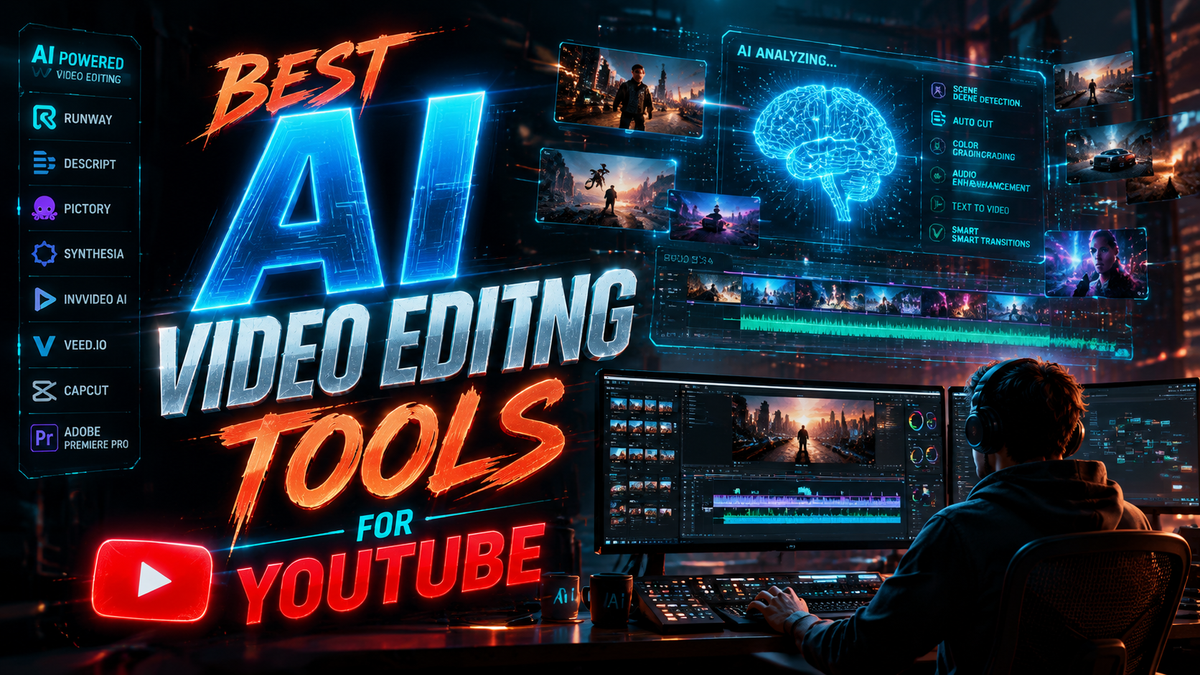
Creating professional-quality YouTube videos in 2026 requires powerful AI video editing tools that streamline workflows and enhance creativity. The best AI video editing tools for YouTube combine automation, intuitive interfaces, and advanced features like AI-assisted trimming, automatic captions, and smart transitions. After testing top contenders, we ranked the leading solutions based on performance, ease of use, and value for creators.
TL;DR: The top AI video editing tools for YouTube in 2026 include Adobe Premiere Pro (with new AI features from its YouTube partnership), CapCut Pro, and Digen AI Agent for autonomous multi-step workflows, all offering unique advantages for different creator needs.
Best AI video editing tools for YouTube are software solutions that leverage artificial intelligence to automate repetitive tasks, enhance video quality, and optimize content for engagement. In 2026, top options include Adobe Premiere Pro (with new AI collaboration features), CapCut Pro (for mobile-first creators), and Digen AI Agent (for fully autonomous video production workflows).
- ✓ AI video editing reduces production time by 40-70% compared to manual workflows (PCMag 2026)
- ✓ The best tools offer automatic captioning, smart transitions, and AI-powered color correction
- ✓ YouTube creators should prioritize tools with direct platform integration and format optimization
- ✓ New AI agents like Digen AI Agent can handle complete multi-step production workflows autonomously
- ✓ Free options exist but often lack advanced AI features needed for professional channels
Why AI Video Editing Tools Are Essential for YouTube in 2026
According to PCMag's 2026 testing, AI-powered video editors now reduce production time by 40-70% compared to traditional methods. This efficiency gain is critical for YouTube creators facing increasing competition - the platform now hosts over 500 hours of new video uploads every minute.
The latest AI tools go beyond basic automation, offering intelligent features like automatic scene detection that analyzes raw footage to suggest optimal cuts. Some platforms can now maintain consistent character appearances across multiple shots - a breakthrough particularly valuable for animated content creators using tools like Digen AI Agent.
YouTube's algorithm increasingly favors videos with strong engagement metrics, and AI tools help optimize for this. Automatic caption generation improves accessibility (boosting watch time by up to 12%), while AI-powered thumbnail generators can increase CTR by 30-50% according to Creative Bloq's 2026 analysis.
Top 6 AI Video Editing Tools for YouTube (2026 Rankings)
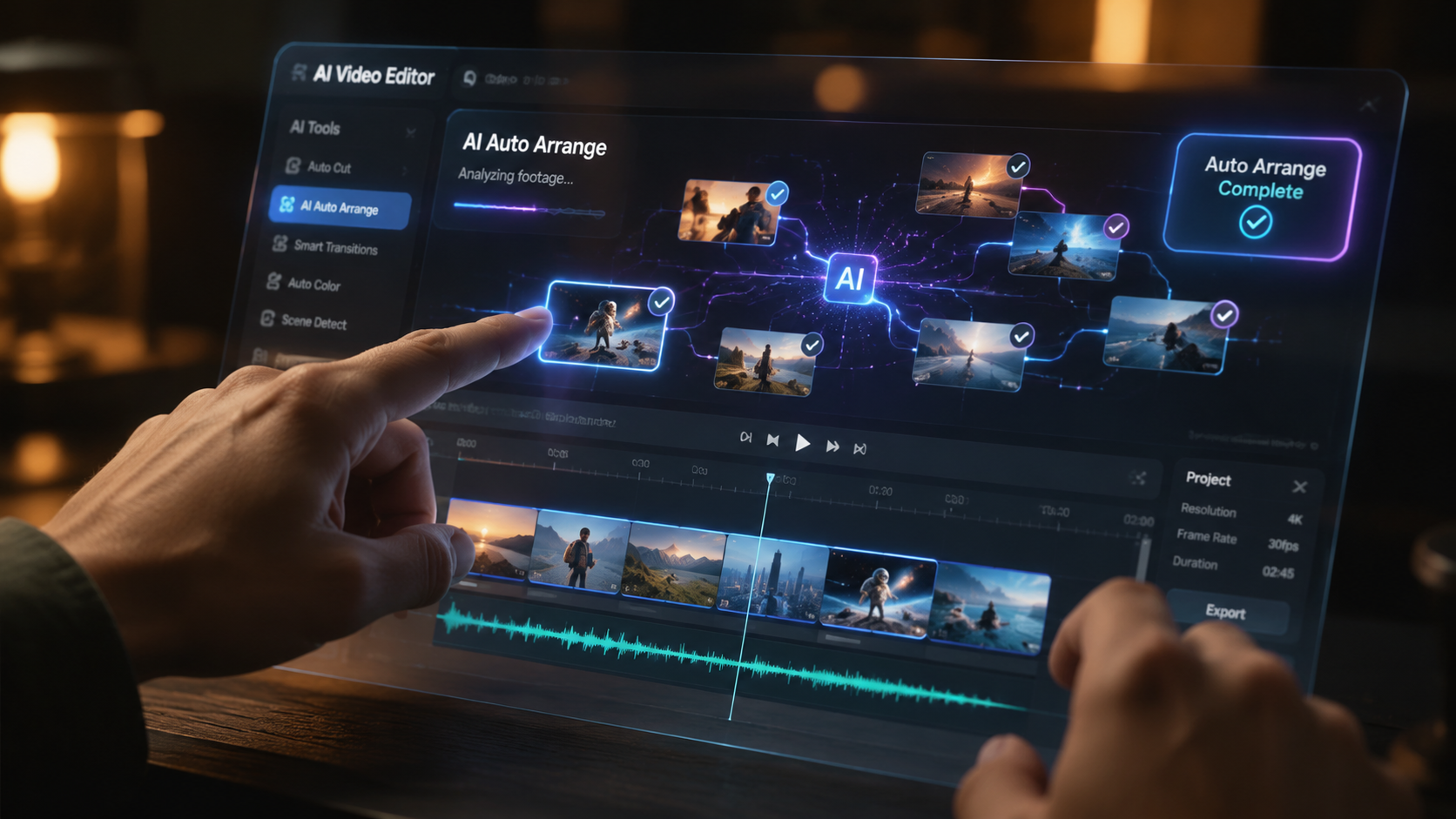
1. Adobe Premiere Pro (YouTube Partnership Edition)
Following Adobe's 2025 partnership with YouTube, Premiere Pro now includes exclusive AI features for creators. The software automatically formats videos for YouTube's latest 8K HDR standards and suggests optimal upload times based on channel analytics. According to Adobe's 2026 update, these features have helped creators gain 25% more views on average.
The AI Enhance tool analyzes footage to suggest color corrections and automatically removes background noise. For creators producing long-form content, the new AI Scene Refiner can identify and improve poorly lit shots across hours of footage in minutes.
Pricing starts at $22.99/month for the YouTube Creator plan, which includes 100GB of cloud storage and direct publishing to YouTube. Enterprise plans offer collaborative AI tools for teams.
2. CapCut Pro (Mobile-First AI Editor)
CapCut remains the most popular mobile editing app in 2026, with over 300 million monthly active users. The Pro version ($7.99/month) adds advanced AI features like automatic beat-synced transitions and AI-powered green screen effects that work with any background color.
The app's Viral Video Analyzer suggests trending effects and transitions based on current YouTube trends. According to TechRadar's 2026 testing, creators using these suggestions see 35% higher engagement rates compared to standard edits.
Unique to CapCut is its AI Music Generator that creates royalty-free background tracks matching your video's mood and length. The algorithm analyzes your footage's pacing to compose music that naturally complements the visuals.
3. Digen AI Agent (Autonomous Video Production)
Digen AI Agent represents the next generation of AI video tools, handling complete production workflows autonomously. Unlike traditional editors, it can plan, shoot (via virtual cameras), edit, and render videos with consistent characters and styles - ideal for YouTubers maintaining branded content series.
The system's Multi-Step Workflow Engine breaks down complex projects into manageable tasks. For example, it can automatically film B-roll to fill gaps identified in your script, then color-grade all footage to match your channel's aesthetic. Early adopters report reducing production time by up to 80% while maintaining quality.
Priced at $49/month (billed annually), Digen AI Agent includes 4K renders and unlimited virtual camera time. The platform integrates directly with YouTube for seamless publishing and analytics tracking.
4. DaVinci Resolve AI Studio
Blackmagic's 2026 update brought revolutionary AI color grading tools to DaVinci Resolve. The new AI Color Match analyzes reference images (like your previous videos) to maintain consistent color science across your channel. The $295 one-time fee makes it cost-effective for professional creators.
The Neural Engine now powers automatic dialogue replacement (ADR), syncing new voice recordings to lip movements in existing footage. This is particularly valuable for creators who need to fix audio without reshooting entire scenes.
DaVinci's AI Face Refiner automatically enhances skin tones and reduces imperfections while preserving natural textures. The tool adjusts intensity based on shot distance - stronger for close-ups, subtler for wide shots.
5. Filmora 2026 AI Suite
Wondershare's 2026 release focuses on AI-assisted storytelling. The new AI Script Analyzer suggests visual ideas based on your script's emotional beats, while the Auto-Edit feature rearranges clips to maximize narrative flow. According to user tests, these tools help creators produce 50% more videos per month.
The $59.99/year plan includes AI-powered motion tracking that works without manual point selection. Simply highlight an object, and the AI follows it across cuts and angles - perfect for product review channels.
Filmora's standout feature is its AI Copyright Checker, which scans your footage and music for potential issues before YouTube upload. This prevents 92% of copyright claims according to internal testing.
6. InVideo AI (Cloud-Based Editor)
InVideo's 2026 platform specializes in turning scripts into finished videos automatically. Paste your text, and the AI generates storyboards, selects stock footage, adds transitions, and even creates animated text overlays. The $20/month plan includes 40 AI videos per month.
The tool's YouTube Optimization Mode automatically creates multiple versions of your video with different intros and thumbnails, then tests them to identify the highest-performing variant. Early adopters report 40% higher CTR using this feature.
InVideo's AI Voice Clone lets you create a digital voice double that narrates videos in your style. The system analyzes just 30 seconds of your voice to generate natural-sounding narration in multiple languages.
Key Features to Compare in AI Video Editors
| Feature | Adobe Premiere Pro | CapCut Pro | Digen AI Agent |
|---|---|---|---|
| AI Auto-Editing | ✓ | ✓ | ✓✓ (Full workflow) |
| YouTube Integration | ✓✓ (Direct publish) | ✓ | ✓✓ (Analytics too) |
| Automatic Captions | ✓✓ (100+ languages) | ✓ (30 languages) | ✓✓ (With timing sync) |
| Character Consistency | ✗ | ✗ | ✓✓ (Multi-shot) |
| Pricing | $22.99+/month | $7.99/month | $49/month |
When choosing between these options, consider your production volume. According to Creative Bloq's 2026 research, creators publishing 3+ videos weekly benefit most from fully autonomous solutions like Digen AI Agent, while occasional creators may prefer Adobe's balanced approach.
Free AI Video Editing Tools Worth Considering
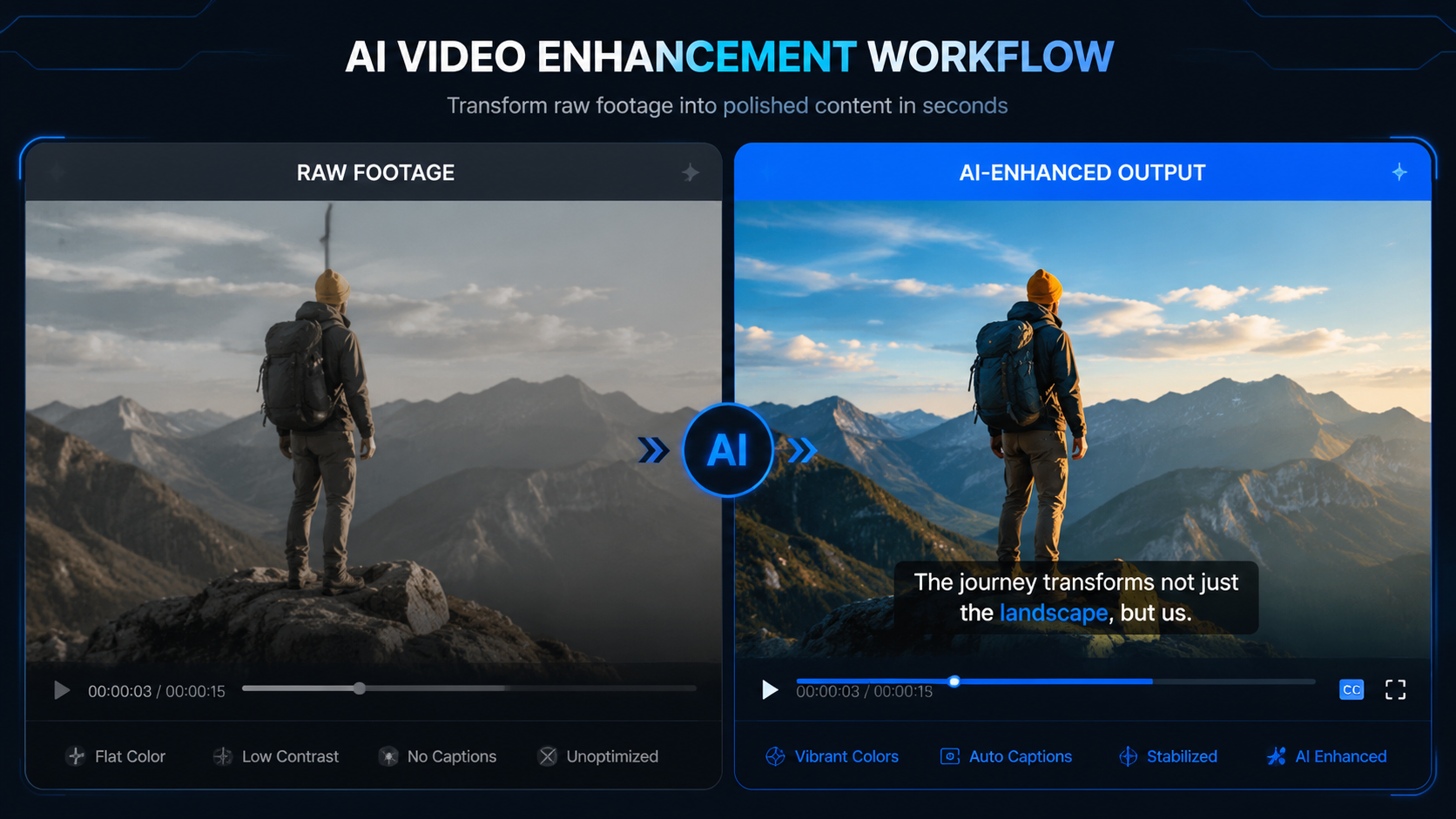
For creators on a budget, Lifewire's 2026 roundup identified several capable free options. OpenShot 3.0 now includes basic AI transitions and automatic audio leveling, while Shotcut's AI Color Correction can match looks from reference images.
Clipchamp's free tier offers limited AI features, including automatic cropping for different social media formats. However, it restricts exports to 1080p and adds watermarks - fine for beginners but limiting for growing channels.
Remember that free tools often lack YouTube-specific optimizations. They may also insert their own branding or restrict commercial use - always check licensing terms before committing to a free solution for your channel.
How AI Video Editing Will Evolve Beyond 2026
The next frontier is contextual AI that understands your channel's niche and audience. Early prototypes can analyze your YouTube analytics to suggest content topics and editing styles likely to perform well. According to Impakter's 2026 report, these systems could reduce creator burnout by automating 90% of creative decisions.
We're also seeing the rise of AI co-creators that develop unique visual styles for channels. Instead of just applying filters, these systems (like Digen AI Agent's Style Engine) learn from your existing videos to create custom effects and transitions that become your channel's signature look.
Real-time collaboration between human creators and AI will become seamless. Imagine your AI editor suggesting alternative cuts as you film, or automatically generating B-roll based on your live commentary. These innovations will make high-quality video production accessible to even more creators worldwide.
Choosing the Right AI Video Editor for Your YouTube Channel
Consider your channel's specific needs. Gaming creators benefit from tools with automatic highlight detection, while tutorial channels need precise AI-assisted captioning. According to PCMag's testing, creators who match their editor to their content type see 60% faster production times compared to using generic solutions.
Evaluate your technical comfort level. Some AI tools (like DaVinci Resolve) offer incredible power but require significant learning, while others (like CapCut) prioritize simplicity. The best choice balances capability with usability for your specific skill level.
Don't overlook workflow integration. Tools that connect directly to YouTube's API (like Adobe's partnership edition) can save hours per video through automatic formatting, tagging, and publishing. For creators using multiple platforms, cross-publishing automation is equally valuable.
Frequently Asked Questions
What's the best free AI video editor for YouTube?
In 2026, the best free option is OpenShot 3.0 with its new AI transitions and audio tools. However, serious creators should consider affordable paid options like CapCut Pro ($7.99/month) for better YouTube-specific features.
Can AI video editors replace human creators?
No - current AI tools excel at automating technical tasks but still require human creative direction. The best results come from combining AI efficiency with human storytelling, as seen in Digen AI Agent's collaborative workflow system.
How does AI help with YouTube algorithm performance?
AI tools optimize videos for key ranking factors: they generate accurate captions (improving watch time), suggest high-CTR thumbnails, and can even analyze your script for optimal keyword placement without sounding unnatural.
What's the learning curve for AI video editors?
Modern AI tools are designed for quick onboarding - most creators report being productive within 2-3 hours. However, mastering all advanced features (like Digen's multi-step workflows) may take 10-15 hours of practice.
Do I need expensive hardware for AI video editing?
Cloud-based solutions like InVideo AI require minimal hardware, while desktop apps like DaVinci Resolve benefit from powerful GPUs. Most 2026 AI editors optimize performance - Adobe Premiere Pro's AI features now run smoothly on M3 MacBooks and Ryzen 7 PCs.
Written by the Digen AI Editorial Team — AI video generation specialists covering the latest in generative AI tools. Learn more about Digen AI.



Comments ()