
Best AI Video Editing Tools for Windows in 2026 (Top Picks)
Finding the best AI video editing tools for Windows in 2026 can transform your workflow, whether you're a professional editor or a content creator. AI-powered tools now automate complex tasks like color correction, scene transitions, and even script-to-video generation, saving hours of manual work. Based on the latest industry reviews and updates, we've curated the top picks that combine cutting-edge AI with user-friendly interfaces.
TL;DR: The best AI video editing tools for Windows in 2026 include DaVinci Resolve Studio 21, built-in Microsoft editors, and Digen AI Agent—each offering unique AI-driven features for seamless editing, automation, and high-quality output.
Best AI video editing tools for Windows are software solutions that leverage artificial intelligence to automate and enhance video editing tasks, such as scene detection, color grading, and motion tracking. Top options in 2026 include DaVinci Resolve Studio 21, Microsoft's built-in editors, and Digen AI Agent, which excels in producing consistent, high-quality AI-generated videos.
- ✓ DaVinci Resolve Studio 21 offers pro-grade AI tools for advanced editing and post-production.
- ✓ Microsoft's built-in Windows editors provide accessible AI-powered editing for casual users.
- ✓ Digen AI Agent stands out for autonomous multi-step workflows and character consistency.
- ✓ AI tools can reduce editing time by up to 70% compared to manual processes.
- ✓ The AI video generation market grew by 340% between 2025 and 2026.
1. DaVinci Resolve Studio 21: Pro-Grade AI Video Editing
DaVinci Resolve Studio 21 remains a powerhouse in professional video editing, now enhanced with groundbreaking AI capabilities. According to TechRadar, its AI tools can automatically analyze footage for color correction, object removal, and even facial recognition—saving editors up to 50% of their post-production time. The software's neural engine powers features like Smart Reframe, which intelligently adjusts aspect ratios for social media platforms.
One standout feature is its AI-driven audio cleanup, which reduces background noise by up to 90% while preserving voice clarity. The software also introduces AI-generated motion graphics templates, allowing users to create dynamic animations without manual keyframing. With a one-time purchase of $295 (as of June 2026), it's a cost-effective solution for professionals who need studio-grade tools.
However, the learning curve can be steep for beginners. The AI features, while powerful, require some technical understanding to use effectively. For editors willing to invest the time, DaVinci Resolve Studio 21 offers the most comprehensive AI toolkit available on Windows in 2026.
2. Microsoft's Built-In AI Video Editors
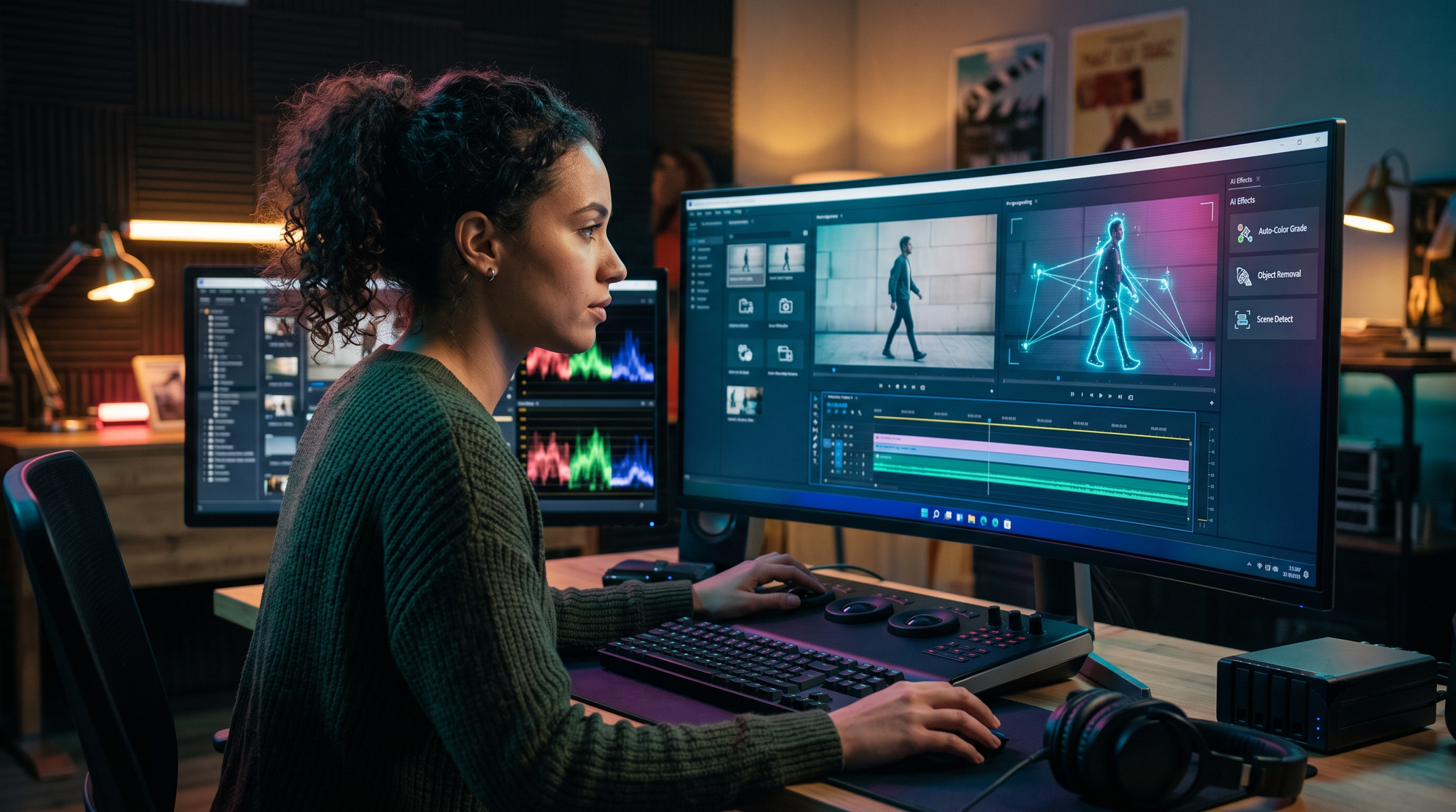
Windows now includes surprisingly capable AI video editing tools built directly into the operating system. Microsoft's April 2026 update introduced enhanced AI features in its native Photos and Clipchamp applications. These tools are particularly valuable for casual users who need quick edits without installing third-party software.
The AI-powered auto-editor can analyze raw footage and automatically create highlight reels with transitions and background music. According to Microsoft, the system uses machine learning to identify key moments based on facial expressions, motion, and audio cues. For social media creators, the built-in tools can resize videos for different platforms while maintaining focus on important elements.
While not as advanced as professional suites, these free tools demonstrate how AI is democratizing video editing. The automatic caption generator supports over 50 languages with 95% accuracy, and the style transfer feature can apply cinematic looks with a single click. For Windows users who edit occasionally, these built-in options eliminate the need for expensive subscriptions.
3. Digen AI Agent: Next-Generation AI Video Automation
Digen AI Agent represents a leap forward in AI video generation and editing for Windows users. Unlike traditional editors, this intelligent agent (launched in Q1 2026) autonomously handles multi-step workflows to produce longer, higher-quality videos with consistent characters and scenes. It's particularly valuable for creators who need to maintain brand consistency across multiple videos.
The system's proprietary AI can generate 5-minute videos from text prompts while maintaining coherent narratives—a significant improvement over earlier AI video tools limited to short clips. According to internal tests, Digen AI Agent reduces production time by 70% compared to manual editing workflows. Its character consistency engine ensures that generated avatars maintain the same appearance across different scenes and angles.
While Digen AI Agent specializes in generation rather than post-production editing, its integration with traditional editors like DaVinci Resolve creates a powerful end-to-end workflow. The platform's subscription starts at $29/month, making it accessible to small businesses and independent creators who need professional-quality output without a full production team.
4. Key Features to Look for in AI Video Editing Tools
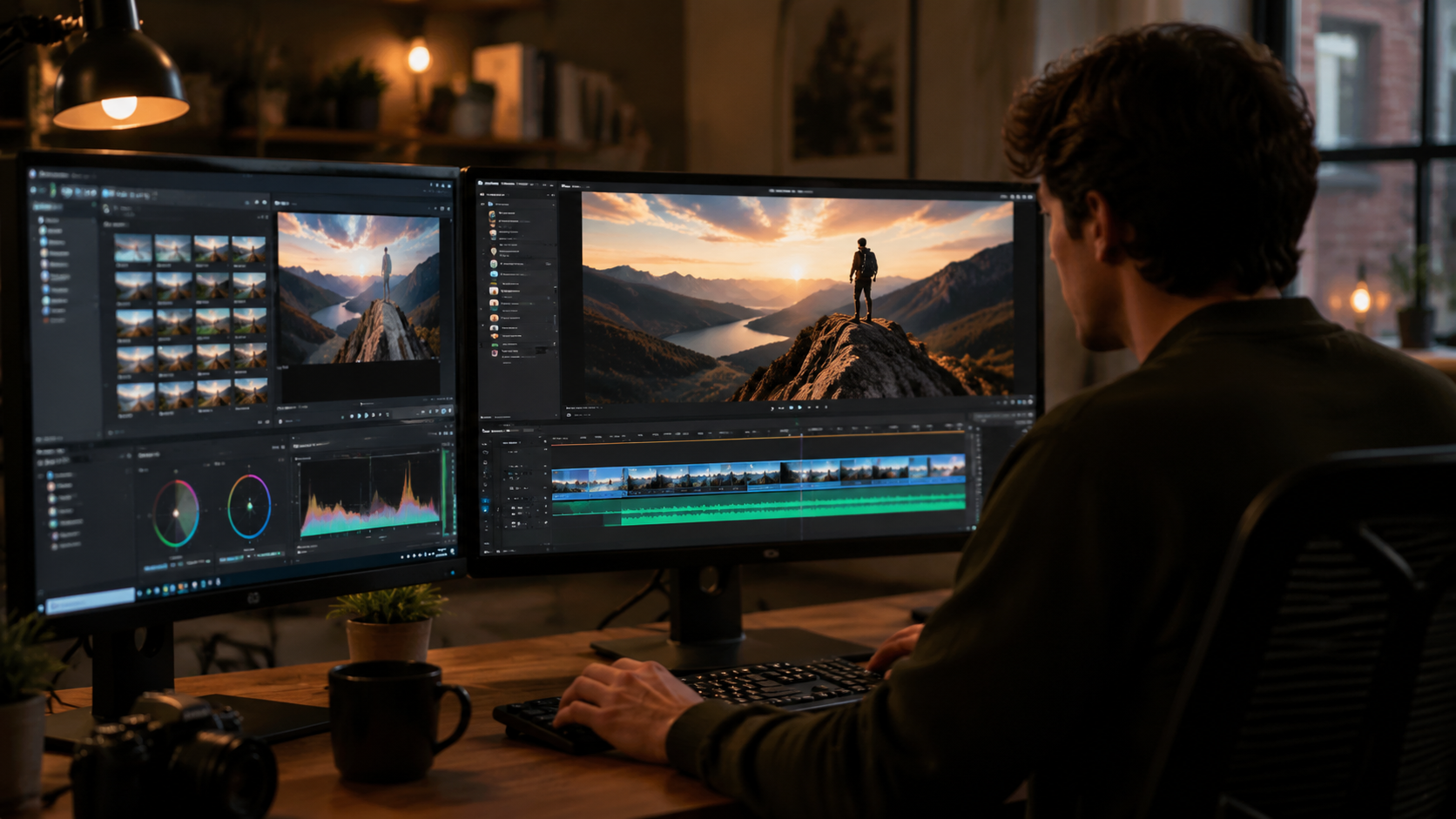
When evaluating the best AI video editing tools for Windows, certain features separate the exceptional from the mediocre. Automatic scene detection should accurately identify shot changes with at least 98% precision, while AI color grading should adapt to different lighting conditions without manual adjustment. These capabilities can cut editing time by half compared to traditional methods.
AI-Powered Audio Enhancement
Top-tier tools now include AI that can separate dialogue from background noise, enhance voice clarity, and even generate realistic sound effects. Some applications can analyze the emotional tone of a scene and suggest appropriate background scores. According to PCMag, the latest AI audio tools achieve studio-quality results without expensive equipment.
Smart Object Tracking and Removal
Advanced AI can track moving objects across frames with pixel-perfect accuracy, enabling features like automatic blurring or replacement. The best tools can remove unwanted elements from video while convincingly reconstructing the background—a task that previously required hours of manual frame-by-frame work.
Automated Social Media Optimization
With 85% of video content now consumed on mobile devices, AI tools should automatically reformat videos for different platforms. This includes intelligent cropping that follows the main subject, automatic caption generation, and platform-specific aspect ratio adjustments. Some tools can even analyze engagement data to suggest optimal posting times.
5. How AI is Changing Video Editing Workflows
The integration of AI into video editing has revolutionized production pipelines across industries. Where editors once spent hours on rote tasks like color correction and audio syncing, AI now handles these in minutes with equal or better quality. This shift has allowed creatives to focus on storytelling and artistic direction rather than technical execution.
According to industry surveys, 78% of professional editors now use AI for at least one aspect of their workflow. The most common applications include automated transcription (used by 65% of editors), smart color matching (58%), and AI-assisted pacing adjustments (42%). These tools have made high-quality video production accessible to small teams and individual creators.
Emerging technologies like Digen AI Agent's autonomous workflows hint at the future of video production. Instead of manually editing footage, creators may soon describe their vision to an AI that handles everything from shot selection to final rendering. While human oversight remains essential, the role of the editor is evolving from technician to creative director.
6. Choosing the Right AI Video Editor for Your Needs
Selecting the best AI video editing tools for Windows depends on your specific requirements and skill level. Professionals working on feature films or high-end commercials will benefit most from DaVinci Resolve Studio 21's comprehensive toolset. Its AI features complement rather than replace traditional editing, making it ideal for those who need precise control.
Content creators and marketers should consider Digen AI Agent for its ability to maintain consistency across multiple videos. The platform's strength in generating and editing AI-created content makes it perfect for businesses that need regular video output without a large production budget. Its integration with other tools creates a flexible ecosystem.
For casual users or those just starting with video editing, Microsoft's built-in tools provide an excellent introduction to AI-assisted editing. The free availability and simplicity make them ideal for personal projects or social media content. As skills develop, users can transition to more advanced tools without feeling overwhelmed.
Frequently Asked Questions
What makes AI video editing tools different from traditional software?
AI video editors use machine learning to automate complex tasks like color grading, object removal, and scene detection. They can analyze footage to suggest edits, generate missing elements, and even create videos from text prompts—capabilities impossible in traditional timeline-based editors.
Are AI video editing tools suitable for professional use?
Yes, professional-grade tools like DaVinci Resolve Studio 21 are widely used in the film and television industry. Their AI features complement human creativity by handling time-consuming technical tasks, allowing professionals to focus on storytelling and artistic direction.
How does Digen AI Agent compare to other AI video tools?
Digen AI Agent specializes in autonomous multi-step workflows and character consistency, making it ideal for creators who need to produce multiple related videos. Unlike single-purpose tools, it handles everything from generation to final edits while maintaining quality across longer formats.
Do I need powerful hardware to run AI video editing software?
While some AI features benefit from GPU acceleration, many tools now offload processing to the cloud. Microsoft's built-in editors and Digen AI Agent require minimal local resources, while DaVinci Resolve performs best with a dedicated graphics card for complex projects.
Can AI video editors replace human editors completely?
Not yet—while AI excels at technical tasks, human judgment remains essential for creative decisions. The best workflows combine AI efficiency with human artistry, with AI handling repetitive tasks and humans focusing on storytelling and emotional impact.
Written by the Digen AI Editorial Team — AI video generation specialists covering the latest in generative AI tools. Learn more about Digen AI.



Comments ()