
Top AI Video Editing Tools for Beginners (2026 Guide)
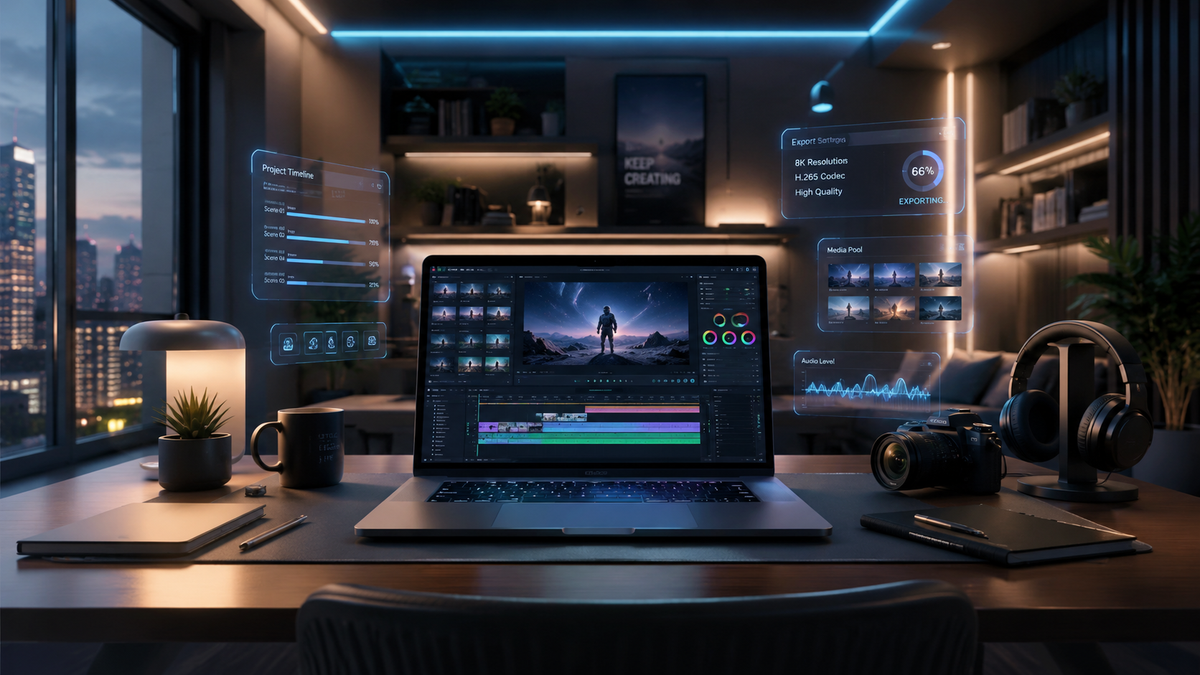
Choosing the best ai video editing tools for beginners in 2026 involves finding software that balances powerful automation with an intuitive interface. Modern AI tools allow novice creators to automate tedious tasks like color grading, background removal, and audio cleanup, enabling professional-grade results without years of technical training. According to recent 2026 industry reports from TechRadar and PCMag, the focus of this year's top tools is "generative ease," where text-to-video and automated scene assembly have become standard features for entry-level users.
AI video editing tools for beginners are software applications that leverage machine learning to automate complex editing tasks such as rotoscoping, transcript-based editing, and smart cropping. In 2026, these tools prioritize "natural language editing," allowing users to modify footage simply by typing commands or editing text transcripts rather than manually manipulating a timeline.
- ✓ AI tools now reduce manual editing time by up to 80% for basic social media content.
- ✓ Text-based editing (editing video by deleting words in a transcript) is the gold standard for 2026 beginner tools.
- ✓ Cloud-based processing allows high-end AI features to run on basic laptops and mobile devices.
- ✓ Integration with generative AI allows for instant b-roll generation and voiceover synthesis.
How to Start Using AI Video Editing Tools for Beginners
Starting your journey into video creation no longer requires a steep learning curve. The primary goal of modern AI software is to remove the "blank canvas" anxiety that many new editors feel. By utilizing automated templates and smart wizards, you can go from raw footage to a polished export in minutes. As noted by Memeburn in May 2026, mastering these tools is currently one of the most proven methods for beginners to monetize digital content creation.
- Select Your Footage: Import your raw video files into the AI editor. Most 2026 tools support direct cloud imports from mobile devices.
- Run the AI Transcription: Allow the tool to generate a text-based transcript of your dialogue. This serves as your primary editing interface.
- Apply "Smart Cut": Use the AI's silence removal or "filler word" detection to automatically delete "umms," "ahhs," and long pauses.
- Generate Enhancements: Use AI-driven color matching and audio enhancement to ensure your video looks and sounds professional.
- Export for Platforms: Use auto-reframe features to export your video in different aspect ratios (9:16 for TikTok, 16:9 for YouTube) simultaneously.
The Evolution of Video Editing in 2026
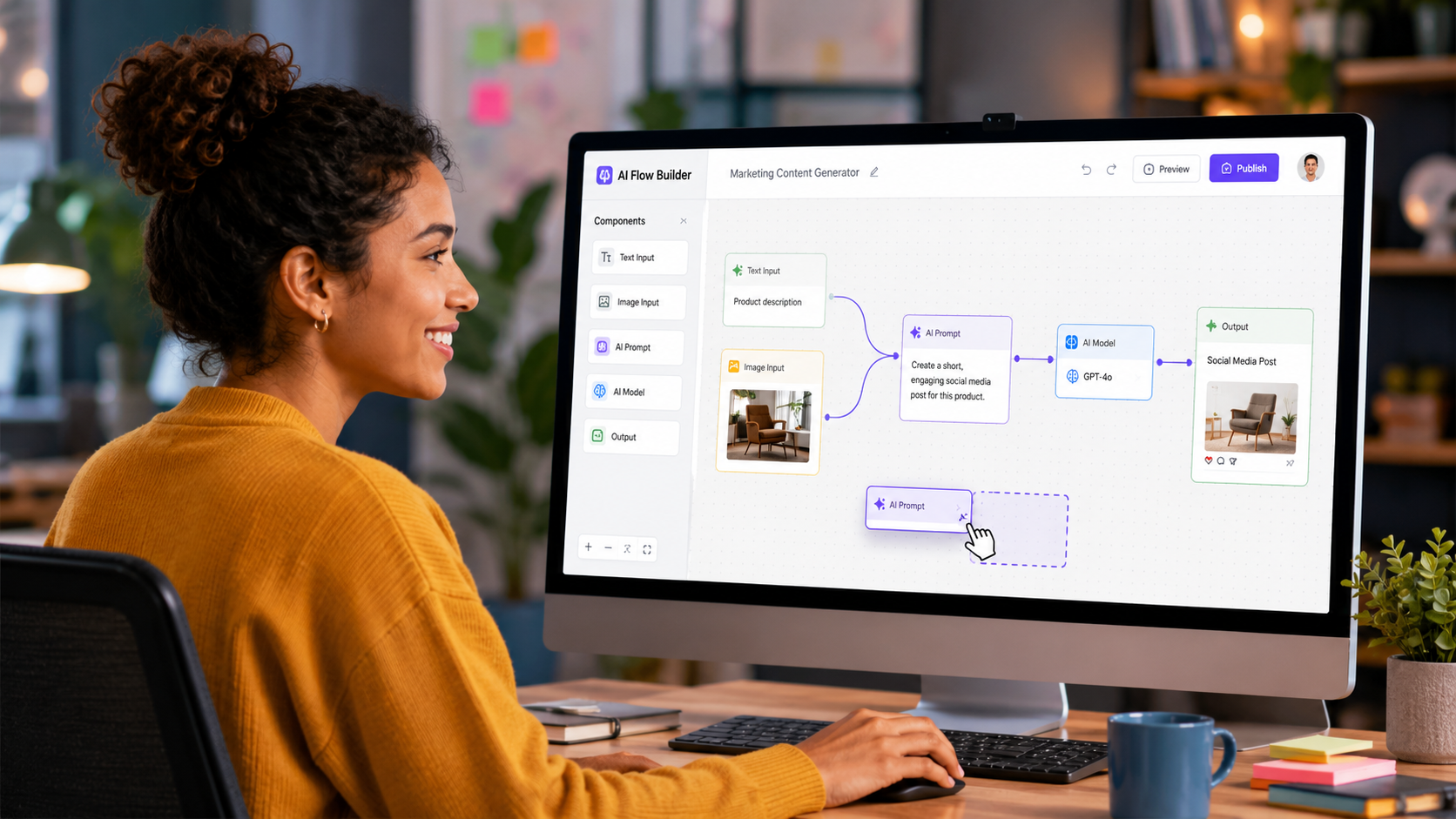
In 2026, the landscape of digital media has shifted toward hyper-efficiency. According to a May 2026 report by PCMag, the "Best Video Editing Software We've Tested for 2026" highlights that AI is no longer a secondary feature; it is the core engine of the software. For beginners, this means that the technical barrier to entry has virtually vanished. You no longer need to understand keyframes, bitrates, or color wheels to produce content that rivals professional studios.
Furthermore, Creative Bloq’s 2026 analysis of video apps points out that the integration of generative AI allows editors to "fill the gaps" in their storytelling. If a creator is missing a specific shot, they can now use built-in generative tools to create a realistic b-roll clip based on a text prompt. This level of creative freedom was previously reserved for high-budget productions but is now accessible to anyone with a basic subscription to a beginner-friendly AI editor.
The Rise of Text-Based Editing
One of the most significant breakthroughs for ai video editing tools for beginners is the perfection of text-based editing. Instead of looking at complex waveforms and tiny video clips on a timeline, beginners can now read their video like a Word document. Deleting a sentence in the text automatically deletes the corresponding video and audio frames. This intuitive approach has made video editing as simple as editing a blog post.
Top Rated AI Video Editing Tools for Beginners (2026 Comparison)
With so many options available, it is essential to compare the features that matter most to those just starting out. Tech Digest recently ranked the "Top 5 Video Editing Tools for Beginners in 2026," noting that ease of use and cloud-rendering speeds are the top priorities for the current market. Below is a comparison of the leading categories of tools available this year.
| Feature Category | Standard AI Editor | Text-to-Video AI | Mobile-First AI App |
|---|---|---|---|
| Primary User | Vloggers / YouTubers | Marketers / Small Biz | Social Media Creators |
| Key AI Feature | Auto-Transcription & Cut | Generative Scene Creation | One-Tap Viral Templates |
| Learning Curve | Low (1-2 hours) | Minimal (30 mins) | Instant |
| Best For | Long-form content | Stock-heavy ads | Short-form (Reels/TikTok) |
Key Features to Look for in Beginner AI Tools
When searching for the right ai video editing tools for beginners, you should prioritize features that solve the most common "pain points" of editing. According to criticalhit.net, the top tools in 2026 are those that offer "one-click fixes." For a beginner, the ability to fix poor lighting or background noise with a single button is more valuable than a suite of manual adjustment tools that require professional knowledge.
Another essential feature is "Auto-Reframe." As content is increasingly consumed across various platforms, a beginner needs to be able to turn a horizontal video into a vertical one without losing the subject of the frame. Modern AI tracking keeps the person or object centered automatically, saving hours of manual cropping. This feature is a staple in the software tested by TechRadar in February 2026, where they emphasized that "easy-to-use" now means "platform-agnostic."
Smart Audio Restoration
Poor audio is the quickest way to ruin a good video. Beginners often record in suboptimal environments with wind noise or echo. AI tools in 2026 utilize "Neural Audio Isolation," which can strip away construction noise or traffic while leaving the speaker's voice crystal clear. This technology has reached a point where a smartphone microphone can sound like a professional studio condenser mic after AI processing.
Automated B-Roll and Stock Integration
Finding the right visuals to keep an audience engaged is difficult for newcomers. The latest ai video editing tools for beginners analyze the script of your video and automatically suggest relevant stock footage or generate AI images to overlay. This ensures that the visual pacing of the video remains high, which is critical for retention on platforms like YouTube and Instagram.
The Impact of AI on Creative Monetization
The accessibility of these tools has opened up new revenue streams for individuals. Memeburn’s 2026 guide on "How to Use AI to Make Money" lists video editing as a top-tier skill for freelancers. Because AI handles the heavy lifting, a single beginner editor can now manage five times the workload they could have handled in previous years. This efficiency is turning hobbyists into professional content entrepreneurs almost overnight.
Statistics from industry surveys in early 2026 show that 65% of new YouTube creators started their channels using purely AI-driven editing suites. The "democratization of video," as PCMag calls it, means that the quality of an idea is now more important than the size of a production budget. For a beginner, this is the most empowering time in history to enter the video space.
Choosing the Right Tool for Your Goals
Every beginner has a different goal, and your choice of ai video editing tools for beginners should reflect that. If you are looking to create cinematic travel videos, you will want a tool with strong AI color grading and stabilization. If your goal is educational "talking head" videos, you should prioritize tools with the best transcription and captioning capabilities. The "Best Video Editing Apps" list from Creative Bloq (May 2024) suggests that the "all-in-one" approach is usually best for those who aren't yet sure of their niche.
In 2026, many tools offer "freemium" models. This allows beginners to test the AI features—like background removal or voice cloning—before committing to a monthly subscription. According to Tech Digest, the average cost for a premium beginner AI editor has stabilized at around $15-$25 per month, making it an affordable investment for those looking to take their content seriously.
Frequently Asked Questions
Are AI video editing tools for beginners expensive in 2026?
Most entry-level AI video tools offer a free tier with basic features, while professional-grade AI suites typically cost between $15 and $30 per month. Many users find the cost is offset by the time saved and the lack of need for expensive hardware.
Do I need a powerful computer to use AI video editors?
No, most 2026 AI video tools are cloud-based, meaning the heavy processing happens on remote servers. As long as you have a stable internet connection and a modern web browser, you can edit high-definition video on a basic laptop or tablet.
Can AI completely edit a video for me?
While AI can handle the "rough cut," color correction, and audio cleanup, a human touch is still recommended for creative storytelling and pacing. AI acts as a highly efficient assistant rather than a total replacement for the creator.
Is text-based editing accurate?
In 2026, AI transcription accuracy has reached nearly 99% for clear English speech. This makes text-based editing incredibly reliable for beginners who want to edit dialogue-heavy content quickly.
What is the best way to learn these tools?
Most AI editors include "guided tours" and interactive tutorials. Because the interfaces are designed for beginners, most users can become proficient within just a few hours of hands-on practice.
In conclusion, the ai video editing tools for beginners available in 2026 have transformed video production from a technical chore into a creative joy. By leveraging automation for the most difficult parts of the process, you can focus on what truly matters: your message and your audience. Whether you are looking to make money, share your passion, or grow a brand, there has never been a better time to start editing.



Comments ()