
10 Best AI Video Editing Software Tools for 2026 (Ranked)
The best AI video editing software in 2026 combines generative artificial intelligence with professional-grade timeline tools to automate tedious tasks like rotoscoping, color grading, and audio syncing. As reported by TechRadar in April 2026 after testing over 70 AI tools, the industry has shifted from simple filters to comprehensive "co-pilot" systems that allow anyone to produce cinematic content with minimal technical expertise. Whether you are a professional filmmaker or a beginner using Windows-native apps, these tools leverage neural networks to cut editing time by up to 80%.
The best AI video editing software is a platform that utilizes machine learning to automate video production tasks such as object removal, automated transcription, and generative scene expansion. Leading tools in 2026, including Adobe Premiere Pro, DaVinci Resolve, and specialized AI generators reviewed by CNET, offer seamless workflows for both desktop and mobile creators.
- ✓ AI video tools in 2026 now feature "Generative Extend" to add frames to clips that are too short.
- ✓ Text-to-video integration allows creators to generate B-roll directly within their editing timeline.
- ✓ Windows 11 and 12 now include built-in AI video editors that rival paid professional software.
- ✓ Automation of audio cleanup and dialogue leveling has become a standard industry baseline.
The Evolution of AI Video Editing in 2026
As we move through 2026, the landscape of digital content creation has undergone a radical transformation. According to a recent report by Creative Bloq, even long-time skeptics are finally adopting AI tools because the technology has moved past "uncanny valley" glitches into high-fidelity, reliable production assets. The focus is no longer just on "making a video," but on using AI to handle the cognitive load of technical editing, allowing the human creator to focus entirely on storytelling and creative direction.
The current year marks the stabilization of "Generative Video." Unlike the experimental tools of 2024, the best AI video editing software of 2026 integrates generative models directly into the NLE (Non-Linear Editor). This means you can highlight a gap in your timeline and simply type "cinematic drone shot of a sunset over the Alps" to fill it instantly. Major tech players like Microsoft have also integrated these capabilities into Windows-native apps, ensuring that high-quality video production is accessible to every PC user without requiring expensive third-party subscriptions.
Furthermore, Tech Times notes that the distinction between mobile and desktop editing has blurred. In 2026, the top-ranked apps offer cross-platform parity, meaning the AI models running on your smartphone are just as capable as those on a high-end workstation. This democratization of video editing has led to a surge in high-quality independent journalism and small-business marketing that looks indistinguishable from big-budget studio work.
How to Choose the Best AI Video Editing Software
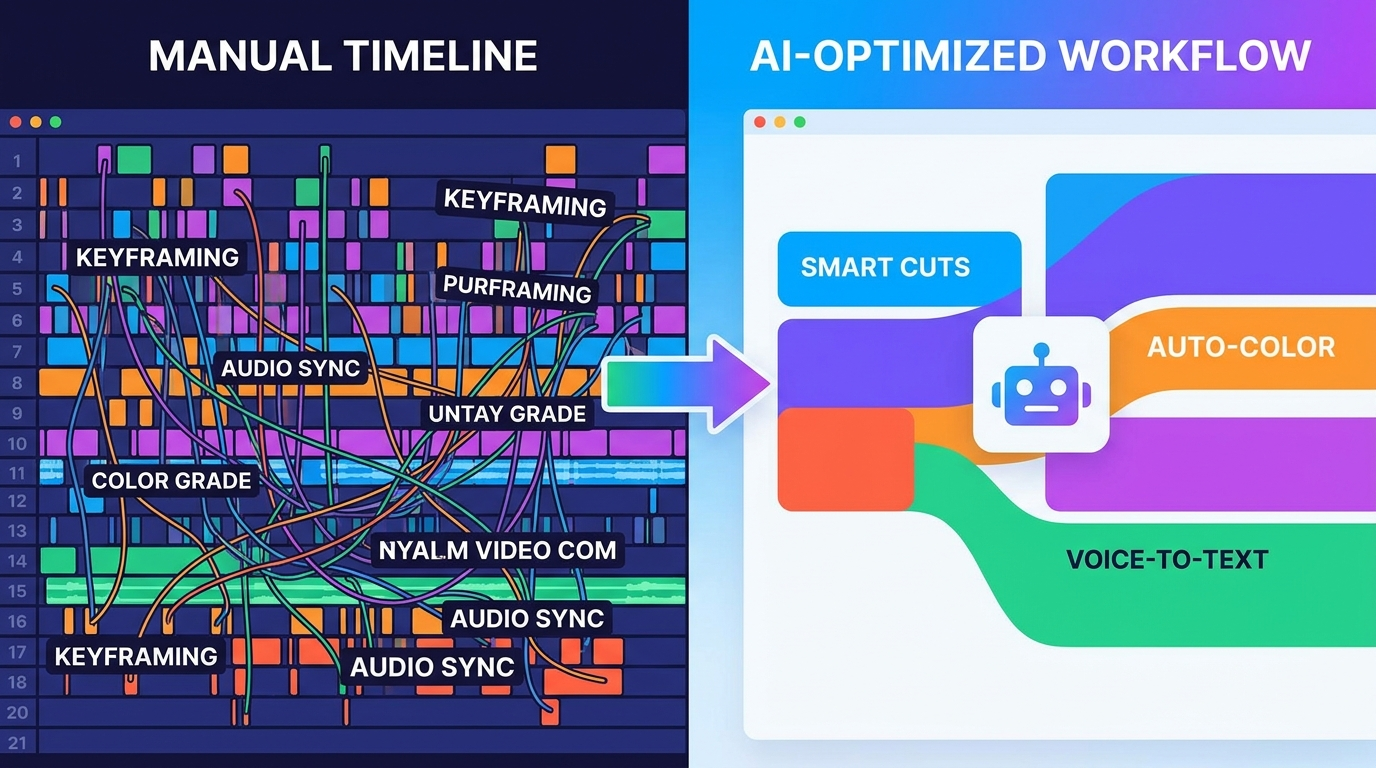
Selecting the right tool depends on your specific needs—whether you are looking for automated social media clips or full-length feature film capabilities. Follow these steps to find your ideal match:
- Identify Your Output: Determine if you need short-form vertical content (TikTok/Reels) or long-form horizontal content (YouTube/Cinema).
- Assess Your Hardware: Decide if you prefer cloud-based processing (good for older laptops) or local GPU processing (faster for high-resolution 8K projects).
- Test the Generative Features: Look for software that offers "In-painting" and "Out-painting" to modify backgrounds or remove unwanted objects seamlessly.
- Check for Integration: Ensure the software plays well with your existing workflow, such as Adobe Creative Cloud or Microsoft’s ecosystem.
- Evaluate the Learning Curve: As Amateur Photographer points out, the best tools in 2026 are those "literally anyone can use" without a degree in film editing.
Comparison of Top AI Video Editors (2026 Rankings)
To help you navigate the crowded market, we have compared the leading contenders based on their AI capabilities, ease of use, and platform availability.
| Software Name | Best For... | Key AI Feature | Platform |
|---|---|---|---|
| Adobe Premiere Pro (2026) | Professionals | Generative Extend & Object Removal | Windows/Mac |
| DaVinci Resolve 19+ | Colorists & Filmmakers | Magic Mask & Neural Engine Grading | Windows/Mac/Linux |
| Microsoft Clipchamp Pro | Windows Users/Beginners | Auto-Compose & AI Voiceover | Windows/Web |
| CapCut Desktop | Social Media Creators | AI Script-to-Video | Windows/Mac/Mobile |
| Runway Gen-3 Alpha | Visual Effects Artists | Multi-Motion Brush Control | Web-based |
Detailed Reviews: The 10 Best AI Video Editing Software Tools
1. Adobe Premiere Pro (Generative AI Edition)
Adobe remains the industry leader by successfully integrating Firefly Video Models into the Premiere Pro timeline. In 2026, the standout feature is "Generative Extend," which allows editors to add two seconds of footage to the beginning or end of a clip to make a transition smoother. This solves a decade-old problem where editors lacked the necessary "handles" for a perfect dissolve. According to TechRadar, Adobe’s implementation is the most stable for professional workflows.
2. DaVinci Resolve: The Neural Engine Powerhouse
Blackmagic Design has doubled down on its "Neural Engine." In 2026, the best AI video editing software for colorists is undoubtedly Resolve. Its AI-driven "Magic Mask" can now track complex objects through occlusions with 99% accuracy. Additionally, its AI audio isolation can remove the sound of a vacuum cleaner from an interview while keeping the subject's voice crystal clear, a feature that has become a staple for documentary filmmakers this year.
3. Microsoft Clipchamp (AI Enhanced)
As noted by Microsoft in their April 2026 updates, Clipchamp is no longer just a basic tool. It is now one of the best photo and video editor apps built into Windows. For 2026, it features an "Auto-Compose" mode that takes your raw footage, analyzes the best moments using AI, and cuts them to the beat of a music track automatically. It is the perfect entry point for small business owners who need professional results without the steep learning curve.
4. Runway Gen-3: The Creative Frontier
Runway continues to push the boundaries of what is possible with generative video. Reviewed and ranked by CNET as a top AI generator in 2026, Runway allows for "Director Mode," where you can control the camera movement of an AI-generated scene with granular precision. It is less of a traditional editor and more of a "creative partner" that can generate entire sequences from a single text prompt.
5. Descript: The Text-Based Revolution
Descript has perfected the "Edit by Text" workflow. In 2026, its "Underlord" AI assistant can automatically remove filler words, generate social media clips from long-form podcasts, and even "eye-contact" correct a speaker who was looking at their notes instead of the camera. It remains the gold standard for YouTubers and podcasters who prioritize speed and efficiency.
6. CapCut: The Social Media King
Owned by ByteDance, CapCut has become a powerhouse on desktop in 2026. Its AI-powered "Script-to-Video" feature is unrivaled; it can write a script based on a product description, find relevant stock footage, add captions, and export a finished ad in under 60 seconds. Tech Times highlights it as the top app for beginners who need to maintain a high volume of social media output.
7. InVideo AI: The Ultimate Template Engine
InVideo AI in 2026 focuses on the "prompt-to-video" workflow. It is particularly effective for educational and "faceless" YouTube channels. By simply typing a topic, the software generates the script, the voiceover, the background media, and the transitions. It’s an all-in-one solution for creators who want to scale their content production without hiring a full team.
8. Wondershare Filmora 15
Filmora has maintained its reputation for being "powerful yet simple." In 2026, it introduced "AI Smart Cutout 3.0," which allows users to remove complex backgrounds (like flowing hair or transparent water) without a green screen. Its "AI Copilot" stays in a side panel, ready to answer questions like "How do I make this look like a Wes Anderson film?" and then applying the necessary LUTs and effects automatically.
9. Luma Dream Machine (Integration Suite)
Luma has transitioned from a standalone generator to a tool that integrates directly with professional NLEs via plugins. In 2026, it is used primarily for creating high-fidelity 3D environments from 2D video clips. This "NeRF" (Neural Radiance Fields) technology allows editors to move a virtual camera around a scene that was originally shot on a static tripod.
10. CyberLink PowerDirector 365
PowerDirector remains a favorite for Windows enthusiasts. In 2026, its AI motion tracking is the fastest in the industry, capable of following multiple subjects in an 8K 120fps video without dropping frames. It also includes an "AI Restoration" suite that can upscale old, grainy 480p footage to 4K with remarkable clarity, making it the best choice for archival and family video projects.
Future Trends: What to Expect Beyond 2026
The trajectory of the best AI video editing software suggests that by 2027, "Real-Time Collaborative AI" will be the next frontier. We are already seeing the beginnings of this in 2026, where multiple editors can work on the same cloud-based timeline while an AI agent manages version control and suggests "B-roll" alternatives in real-time. According to Amateur Photographer, the barrier to entry for high-end cinematography has effectively disappeared, shifting the competitive advantage from "who has the best gear" to "who has the best ideas."
Ethical AI and "Content Credentials" have also become standard. As of early 2026, most top-tier editors automatically embed metadata (C2PA standards) to indicate which parts of a video were AI-generated. This transparency is crucial for maintaining trust in journalism and commercial media. As AI continues to evolve, the software will likely become even more invisible, acting as a seamless extension of the creator's intent rather than a separate set of tools.
Is AI video editing software safe for beginners?
Yes, most AI video editing tools in 2026 are designed specifically for beginners. Apps like Microsoft Clipchamp and CapCut use "Auto-Compose" features that handle the technical side of editing, allowing new users to create professional-quality videos simply by selecting their favorite clips.
What is the best AI video editing software for professional filmmakers?
Adobe Premiere Pro and DaVinci Resolve are the top choices for professionals in 2026. These platforms integrate AI "co-pilots" that assist with complex tasks like object removal, generative frame extension, and advanced audio clean-up without sacrificing manual control.
Can AI generate a whole video from just a text prompt?
Yes, tools like Runway Gen-3 and InVideo AI can generate entire video sequences, including scripts, voiceovers, and visuals, from a single text prompt. While these are excellent for B-roll and short ads, they are often used alongside traditional editors for longer projects.
Does Windows have a built-in AI video editor?
As of April 2026, Microsoft has integrated advanced AI features into the native Windows "Photos" and "Clipchamp" apps. These tools allow Windows users to perform AI-driven background removal and automatic video assembly without downloading third-party software.
How much does AI video editing software cost in 2026?
Pricing varies from free versions (like CapCut and Clipchamp) to professional subscriptions ranging from $20 to $60 per month. Many tools now offer "pay-per-generation" credits for high-end generative AI features that require significant cloud computing power.



Comments ()