
Best AI Video Editing Software for Windows in 2026
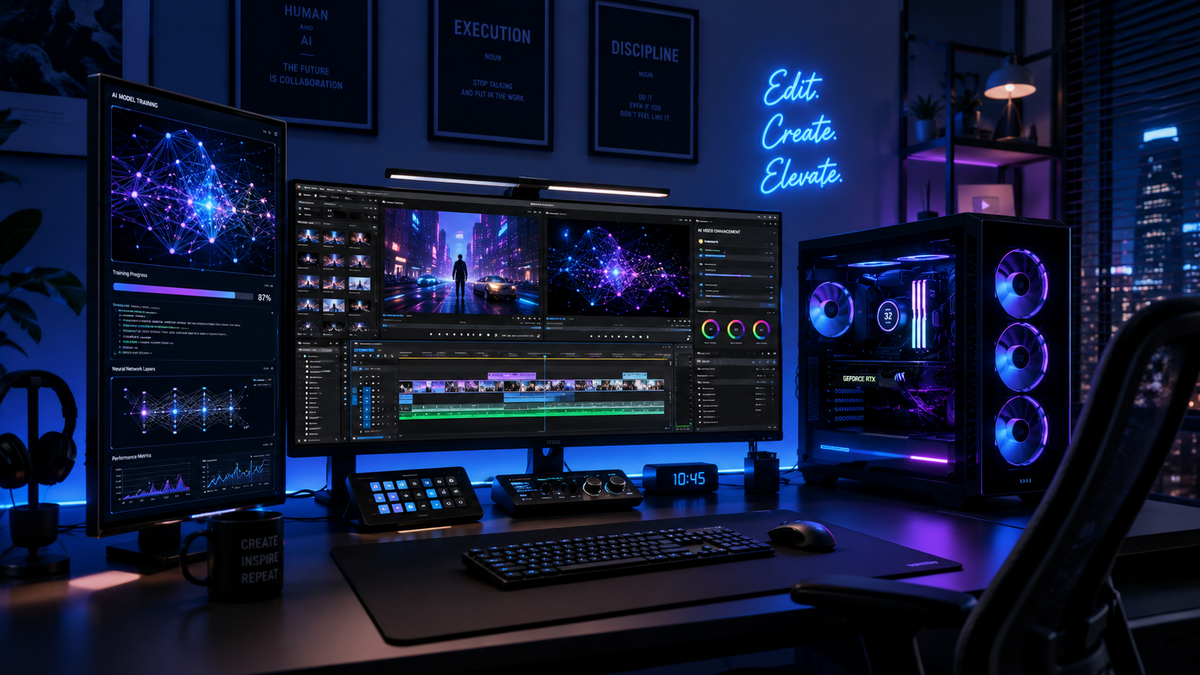
Finding the best ai video editing software for windows in 2026 involves selecting tools that leverage deep learning to automate tedious tasks like color grading, object removal, and transcript-based editing. As of mid-2026, the industry has shifted toward generative workflows where AI doesn't just assist in editing but actively creates assets via integrated models like Adobe Firefly. For Windows users, the top choice remains a balance between high-end professional suites and accessible, built-in system tools that utilize the latest NPU (Neural Processing Unit) hardware.
The best AI video editing software for Windows is a category of creative applications that use machine learning to automate video production. In 2026, leading options include Adobe Premiere Pro for professional generative AI features, Microsoft Clipchamp for integrated Windows 11/12 accessibility, and DaVinci Resolve for advanced AI-driven color and audio mastering.
- ✓ Adobe Premiere Pro leads the market with its 2026 Firefly integration for text-to-video generation.
- ✓ Microsoft’s built-in Windows apps now offer robust AI-powered background removal and auto-reframing.
- ✓ Modern AI editors require a Windows PC with a dedicated NPU or high-end GPU for real-time processing.
- ✓ Accessibility has improved, with "literally anyone" now able to edit via natural language prompts.
According to research by Amateur Photographer, the current landscape of video editing software in 2026 has evolved into programs that "literally anyone can use," thanks to the democratization of generative tools. This shift means that the barrier to entry for high-quality video production on the Windows platform has never been lower.
How to Use AI Video Editing Software for Windows
Modern video editing on Windows has moved beyond the traditional timeline. If you are looking to start your first project using artificial intelligence, follow these steps to maximize efficiency and output quality.
- Select Your AI Model: Choose between local processing (using your PC's hardware) or cloud-based AI. Adobe Firefly and Microsoft's latest tools often offer a hybrid approach.
- Import and Transcribe: Use the "Text-Based Editing" feature to automatically generate a transcript. You can then edit your video by simply deleting or moving text in the transcript window.
- Apply Generative Fill: If you need to extend a shot or remove an unwanted object, use the generative AI tools to fill in the gaps based on surrounding pixels.
- Automate Audio Mastering: Utilize AI voice leveling and noise reduction to ensure professional-grade sound without manual keyframing.
- Export for Multiple Platforms: Use AI-powered auto-reframing to instantly convert your 16:9 landscape video into 9:16 vertical formats for social media.
Top AI Video Editing Software for Windows Comparison
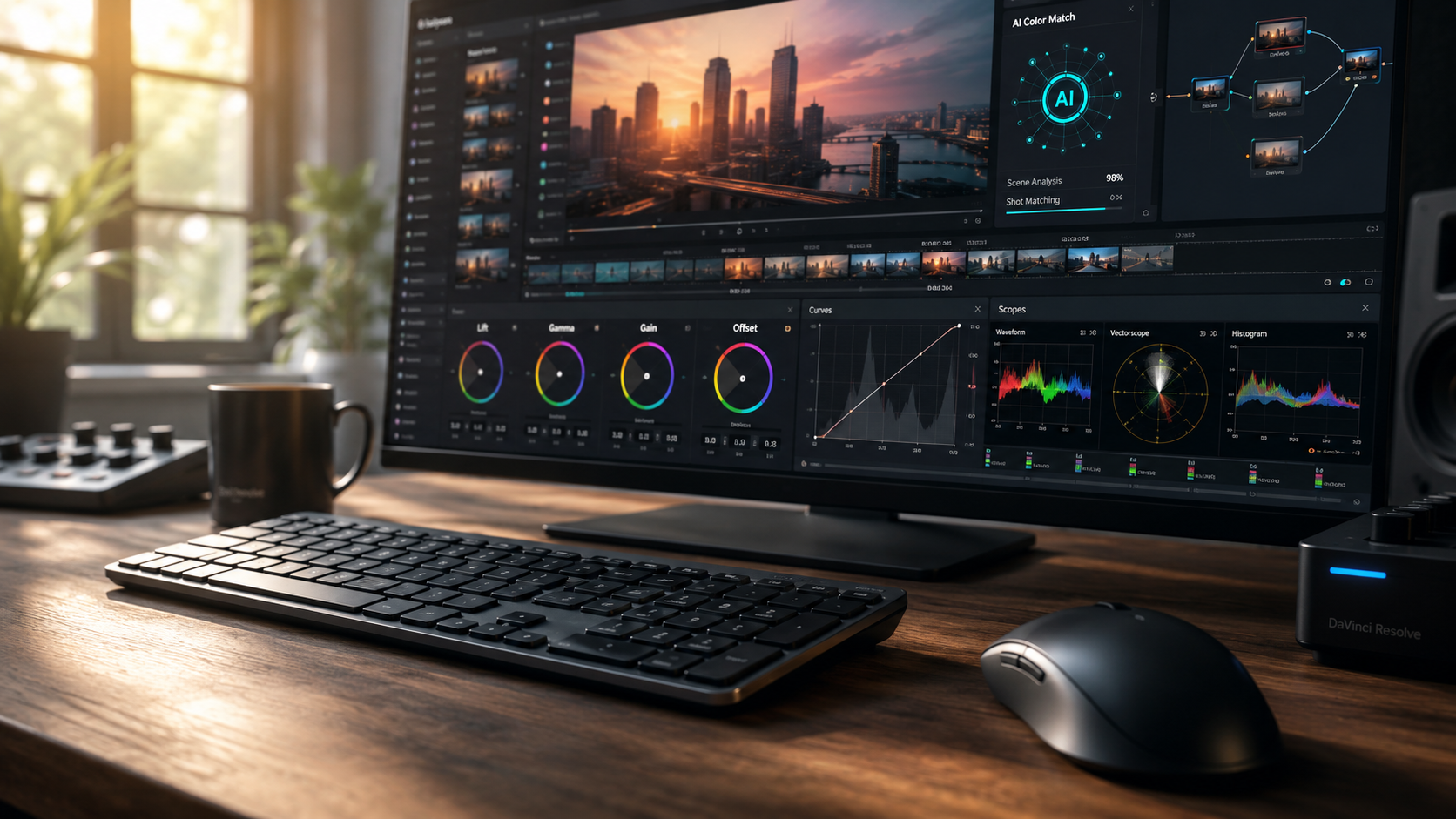
Choosing the right ai video editing software for windows depends on your budget and technical requirements. The following table compares the leading software options available in 2026 based on recent industry reports from Creative Bloq and PCMag.
| Software | Key AI Feature | Target User | Windows Integration |
|---|---|---|---|
| Adobe Premiere Pro | Firefly Generative Video | Professional / Enterprise | High (Optimized for Win 11/12) |
| Microsoft Clipchamp | Auto-Composition & Text-to-Speech | Beginners / Casual Creators | Native (Built into Windows) |
| DaVinci Resolve | Neural Engine Color Grading | Colorists / Filmmakers | High (GPU Accelerated) |
| CapCut Desktop | AI Script-to-Video | Social Media Influencers | Moderate |
Adobe Premiere Pro: The Generative Powerhouse
In April 2026, Adobe announced a significant milestone in video technology, unleashing new AI-powered creation within its Firefly ecosystem. This update specifically targeted Windows users by reinventing color workflows for editors. The integration allows for "Generative Extend," which uses AI to add frames to the beginning or end of a clip when you're just a few frames short of a perfect transition.
The 2026 version of Premiere Pro also introduces "Text-to-Video" directly within the timeline. According to Adobe's latest releases, editors can now describe a scene or a b-roll requirement in plain English, and the software will generate a high-definition clip that matches the project's color profile and resolution. This eliminates the need for extensive stock footage searches, making it a premier choice for ai video editing software for windows.
Furthermore, the "Reinventing Color" initiative has simplified the grading process. Using AI, Premiere Pro can now match the color grade of a professional reference image to your entire sequence in seconds. This level of automation ensures that even novice editors can achieve a cinematic look that previously required years of expertise in color theory.
Advanced Firefly Integration
The Firefly video model is not just about generating new content; it is about intelligent manipulation. Windows users benefit from deep hardware integration that allows Firefly to utilize local GPU resources to speed up rendering times. This makes tasks like "Object Addition" or "Wardrobe Swapping" in post-production a reality for 2026 editors.
Microsoft’s Native AI Solutions for Windows
Microsoft has made significant strides in ensuring that Windows remains the primary platform for creators. As reported by Microsoft in early 2026, the best photo and video editor apps are now built directly into the Windows operating system. This native approach ensures that the software is perfectly optimized for the specific hardware configurations of modern PCs.
Clipchamp, the default video editor for Windows, has been infused with "Copilot for Video." This AI assistant can take a folder of raw footage and, within minutes, assemble a cohesive story with music, transitions, and titles. For users who need quick results without a steep learning curve, this is arguably the most efficient ai video editing software for windows available today.
According to Microsoft, these built-in tools now leverage the "Windows Copilot Runtime," allowing for on-device AI processing. This means your data stays private and the editing process is faster because it doesn't rely entirely on cloud servers. Features like "Background Blur" and "Eye Contact Correction" are now standard across all video applications within the Windows ecosystem.
Photos App Video Integration
The Windows Photos app has also received an AI overhaul. In 2026, it serves as a lightweight editor that can automatically create "Memory Highlights." Using facial recognition and scene detection, it identifies the most impactful moments in your library and suggests a rhythmic edit synced to AI-generated soundtracks.
DaVinci Resolve and the Neural Engine
While Adobe dominates the generative space, DaVinci Resolve continues to lead in "Precision AI." The DaVinci Neural Engine is a dedicated AI architecture that handles tasks like "Magic Mask," "Depth Map," and "Voice Isolation." In 2026, the software has been optimized specifically for Windows workstations equipped with the latest NPU chips.
One of the standout features of Resolve in 2026 is its AI-driven audio mastering. As video content becomes more professional, audio quality is paramount. Resolve’s AI can now distinguish between different speakers in a room and apply individual EQ and compression settings automatically, ensuring that every voice is crisp and clear regardless of the recording environment.
For Windows users, DaVinci Resolve provides a professional-grade alternative that offers a "free" version with substantial AI capabilities. This makes it a favorite among independent filmmakers who require high-end features like 8K AI upscaling and motion estimation without the subscription costs associated with other platforms.
AI-Powered Color Matching
The 2026 update to Resolve's color page includes a "Global Harmonizer." This tool analyzes every clip in your timeline and creates a unified visual style based on a single "hero shot." It accounts for lighting changes and camera sensors, effectively performing hours of manual grading in a single click.
Choosing the Right Software for Your Hardware
When selecting ai video editing software for windows, you must consider your PC's specifications. Creative Bloq notes that the "best video editing apps" in 2026 are those that can effectively utilize the local hardware's AI acceleration. If you are running an older Windows machine without a dedicated AI processor, you may find cloud-based editors more responsive.
High-end Windows laptops and desktops in 2026 often feature dedicated "AI Boost" buttons or integrated NPUs. Software like Premiere Pro and DaVinci Resolve are specifically coded to offload AI tasks to these components, leaving the CPU and GPU free to handle the standard playback and rendering. This results in a much smoother editing experience, even when working with complex generative effects.
For those on mobile Windows devices, such as the Surface Pro line, lightweight AI editors like Clipchamp or the mobile-to-desktop version of CapCut are recommended. These apps provide a balance of AI power and energy efficiency, ensuring that you can edit high-quality video without draining your battery in an hour.
What is the best AI video editor for Windows in 2026?
The best overall choice is Adobe Premiere Pro due to its comprehensive Firefly generative AI integration. However, for users looking for a free, built-in option, Microsoft Clipchamp offers powerful AI-assisted editing natively on Windows.
Does AI video editing require a powerful PC?
While many AI features can run in the cloud, professional software like DaVinci Resolve 19+ and Premiere Pro 2026 perform best on Windows PCs with a dedicated NPU or a modern GPU. This allows for real-time AI processing without lag.
Can I edit video on Windows using only text prompts?
Yes, in 2026, software like Adobe Premiere Pro and various web-based Windows apps allow for "Text-to-Video" creation. You can describe a scene, and the AI will generate the footage, or you can edit existing footage by modifying a text transcript.
Is there a free AI video editor for Windows?
Microsoft Clipchamp is included with Windows 11 and 12 and offers significant AI features for free. Additionally, the free version of DaVinci Resolve includes many of its sophisticated "Neural Engine" tools at no cost.
What is the difference between AI video editing and traditional editing?
Traditional editing requires manual cutting, color correction, and audio syncing. AI video editing automates these tasks using machine learning, allowing for features like automatic object removal, instant transcriptions, and generative scene creation.
In conclusion, the ai video editing software for windows market in 2026 is defined by its diversity and power. Whether you are a professional filmmaker utilizing Adobe's generative Firefly tools or a casual creator using Microsoft's native apps, the ability to produce high-quality video content has never been more accessible. As hardware continues to evolve alongside software, the line between human creativity and artificial intelligence will continue to blur, leading to even more innovative storytelling possibilities on the Windows platform.



Comments ()