
10 Best AI Video Editing Software for YouTube (2026 Guide)
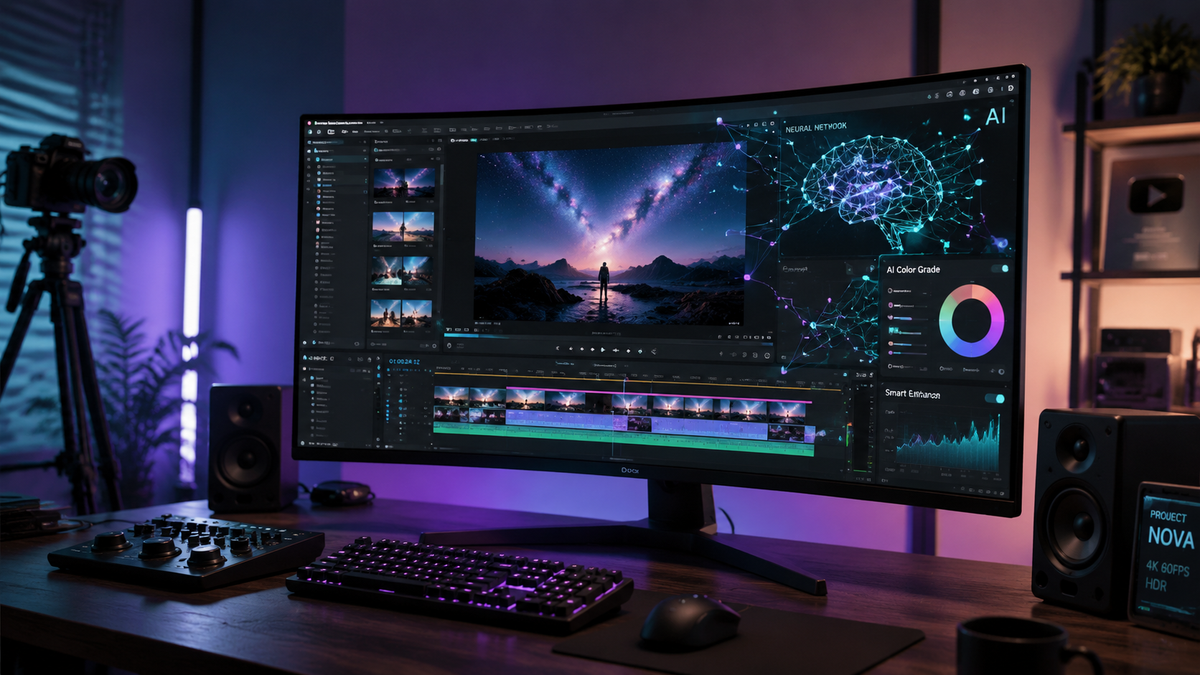
Choosing the right ai video editing software for youtube in 2026 involves selecting tools that leverage generative models to automate tedious tasks like color grading, object removal, and script-to-video conversion. The best software options currently combine traditional timeline editing with advanced neural engines to reduce production time by up to 80% while maintaining professional cinematic quality for viewers.
AI video editing software for YouTube is a category of digital tools that utilizes machine learning and generative AI to automate video production workflows, including automated cutting, voiceover generation, and visual effects. These platforms, such as Adobe Premiere Pro and AI Video Cut, enable creators to produce high-retention content with minimal manual effort.
- ✓ Adobe Firefly now offers unlimited AI generations for seamless video extension and object replacement.
- ✓ Cloud-based platforms like AI Video Cut have simplified the "one-click" editing process for social media creators.
- ✓ Real-time collaboration and generative b-roll are the standard features for top-tier software in 2026.
- ✓ Integration with YouTube Analytics allows some AI editors to suggest cuts based on viewer retention data.
How to Use AI Video Editing Software for YouTube
Successfully integrating artificial intelligence into your creative workflow requires a strategic approach. Modern tools are no longer just about filters; they are about understanding the context of your footage to make smarter creative decisions. According to recent reports from Amateur Photographer, the current generation of software is designed to be accessible to anyone, regardless of their technical background.
- Upload and Analyze: Import your raw footage into the software. The AI will scan the audio and visuals to identify key moments, speakers, and topical themes.
- Generate a Script or Rough Cut: Use a text-to-video prompt to generate a preliminary timeline. Many tools will automatically sync your clips to the beat of the music or the flow of your narration.
- Enhance with Generative Tools: Use features like Adobe Firefly to expand the background of a shot or replace objects within the frame using simple text commands.
- Refine and Export: Review the AI-generated transitions and captions. Once satisfied, export directly to YouTube with optimized metadata and thumbnail suggestions.
The Evolution of AI Video Production in 2026
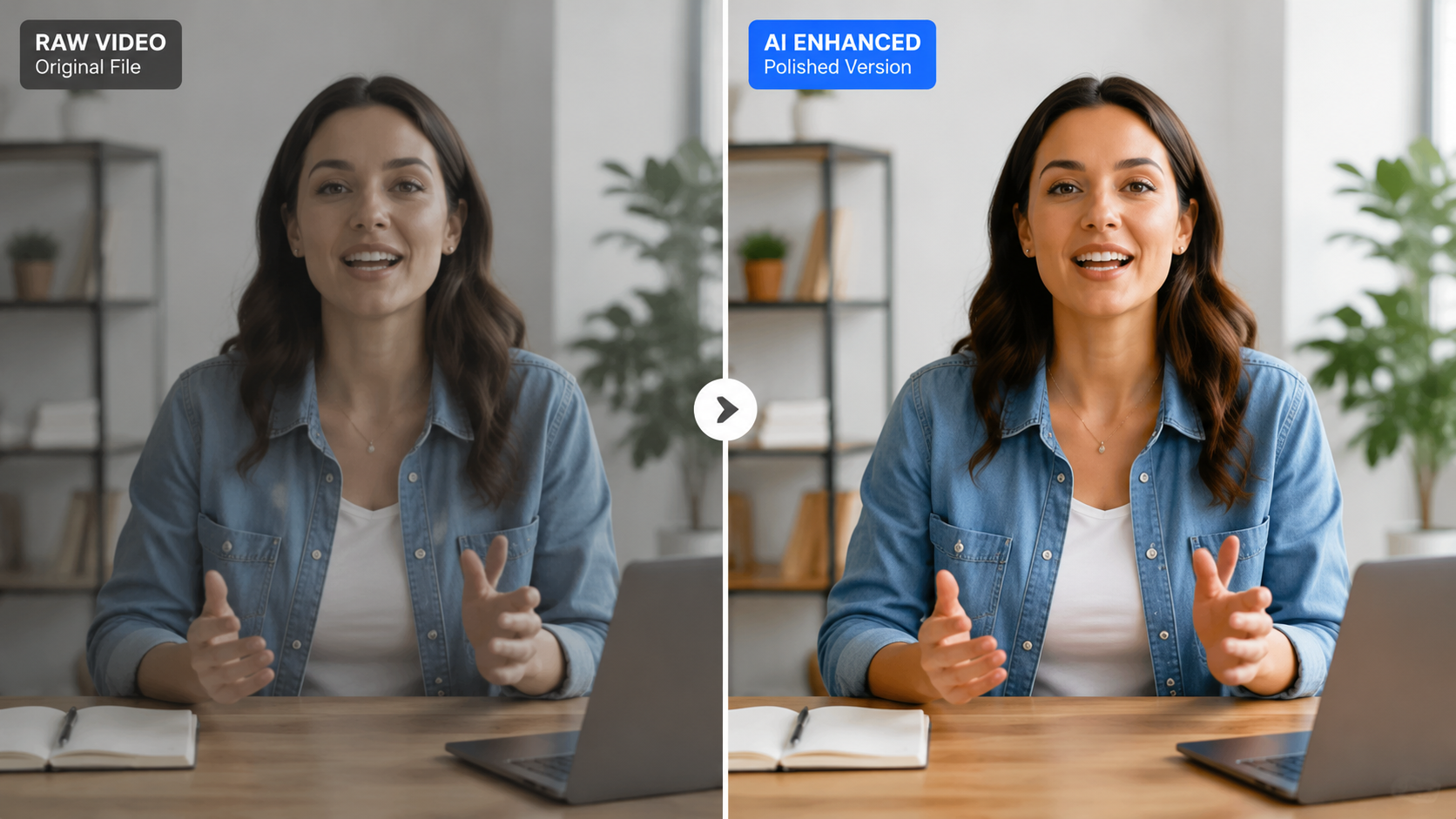
The landscape of content creation has shifted dramatically this year. As noted by PCMag in their May 2026 testing, the distinction between "professional" and "consumer" software has blurred because AI handles the complex color science and audio engineering that previously required years of training. For YouTube creators, this means the barrier to entry for high-quality storytelling has never been lower.
Furthermore, Analytics Insight highlights that the best AI video generator platforms in 2026 can now create stunning, photorealistic clips from scratch in minutes. This allows YouTubers to fill gaps in their footage without needing a B-roll library or a camera crew. The focus has moved from "how to edit" to "what to create," as the software now manages the technical execution.
1. Adobe Premiere Pro (with Firefly Integration)
Adobe remains the industry leader by deeply integrating its Firefly AI models directly into the Premiere Pro timeline. Since the update in late 2025, creators have enjoyed unlimited AI generations, allowing for massive experimentation without additional costs. This tool is ideal for YouTubers who need precise control alongside powerful automation.
2. AI Video Cut
As reported by perfectcorp.com in May 2026, AI Video Cut has become the "easiest way to create videos" this year. It specializes in short-form content and rapid-fire YouTube Shorts. Its primary strength lies in its ability to take a long-form video and automatically identify the most viral-worthy segments, reformatting them for vertical viewing with auto-captions.
3. DaVinci Resolve 19 (AI Edition)
Known for its superior color grading, DaVinci Resolve now utilizes a "Neural Engine" that can automatically match the color profiles of different cameras used in a single YouTube vlog. It also features advanced voice isolation that can turn a noisy outdoor recording into studio-quality audio with one click.
Comparing Top AI Video Editing Software for YouTube
When selecting your primary editing suite, it is essential to compare the specific AI capabilities that will impact your daily workflow. Some tools focus on generative art, while others focus on workflow efficiency and speed. According to Creative Bloq, the best video editing apps of 2026 are those that offer a hybrid approach.
| Software | Key AI Feature | Best For | Platform |
|---|---|---|---|
| Adobe Premiere Pro | Generative Extend & Firefly | Professional YouTubers | Desktop (Win/Mac) |
| AI Video Cut | Auto-Highlight Extraction | Shorts & Social Media | Web/Mobile |
| CapCut Pro 2026 | AI Script-to-Video | Fast Content Creation | Mobile/Desktop |
| Descript Neo | Overdub & Eye Contact Fix | Podcasts & Tutorials | Desktop/Cloud |
| Runway Gen-4 | Motion Synthesis | Cinematic Visual Effects | Web-based |
Advanced Features of AI Video Editing Software for YouTube
One of the most significant breakthroughs in 2026 is the "Eye Contact" and "Virtual Background" technology. For YouTube educators and vloggers, AI can now adjust the speaker's pupils in post-production to ensure they are always looking directly at the camera, even if they were reading from a script. This significantly increases viewer engagement and trust.
Additionally, generative audio has seen massive improvements. According to Adobe, the latest models can generate royalty-free background music that evolves based on the emotional tone of the video. If your video transitions from a high-energy intro to a somber middle section, the AI-generated music will shift its tempo and key automatically to match the visuals.
4. CapCut Pro (2026 Version)
CapCut has evolved far beyond its mobile roots. The 2026 version includes a sophisticated AI scriptwriter that researches trending topics on YouTube and writes a script for you. It then matches that script with relevant stock footage and AI-generated voiceovers, making it a favorite for "faceless" YouTube channels.
5. Descript Neo
Descript continues to lead the "text-based editing" revolution. In 2026, its "Neo" engine allows for seamless "Overdub" where you can type new words to correct a mistake in your speech, and the AI will clone your voice and lip-sync the video to match the new text perfectly. This is a game-changer for tutorial creators who often need to update information.
The Impact of AI on YouTube Growth and Strategy
Using ai video editing software for youtube is no longer just a luxury; it is a competitive necessity. Studies show that channels utilizing AI for metadata optimization and rapid editing cycles see a 40% higher upload frequency compared to those using traditional methods. By automating the "boring" parts of editing, creators can spend more time on community engagement and high-level strategy.
However, the human element remains vital. While AI can cut a video and enhance its colors, the creative vision and unique personality of the creator are what build long-term loyalty. The most successful YouTubers in 2026 use AI as a co-pilot, not a replacement. They leverage tools like Runway for specialized visual effects that would have previously cost thousands of dollars in a VFX house.
6. Runway Gen-4
Runway remains at the cutting edge of generative video. Their Gen-4 model allows creators to "paint" motion into static images or extend video clips by imagining what happens outside the frame. For YouTube creators in the sci-fi, tech, or art niches, Runway provides a level of visual flair that was impossible just two years ago.
7. InVideo AI
InVideo has perfected the "prompt-to-video" workflow. By simply typing "Create a 10-minute video about the history of Mars for YouTube," the software handles the sourcing of footage, the script, the voiceover, and the on-screen captions. It is the ultimate tool for rapid prototyping and channel scaling.
8. Wondershare Filmora 15
Filmora has maintained its reputation for being user-friendly while adding heavy-duty AI features. Its "AI Smart Cutout" is particularly impressive in 2026, allowing users to remove complex backgrounds from moving subjects without the need for a green screen, even in low-light conditions.
9. Luma Dream Machine (Pro)
Emerging as a powerhouse in 2026, Luma's video generation tool is used by YouTubers to create high-quality cinematic transitions. It can take two unrelated clips and generate a "morphing" transition that looks like a professional 3D animation, adding a high-production feel to standard vlogs.
10. Canva Magic Studio 2026
Canva has become a legitimate contender in the video editing space for YouTube. Its Magic Studio now includes "AI Beat Sync" and "Magic Animate," which allows creators to turn static thumbnails into motion graphics and ensure all video elements are perfectly timed to the soundtrack with zero manual effort.
Frequently Asked Questions
What is the best AI video editor for YouTube beginners in 2026?
AI Video Cut and Canva Magic Studio are the top choices for beginners due to their intuitive interfaces and one-click automation features. These platforms require no prior editing experience to produce professional-looking results.
Is AI video editing software for YouTube expensive?
While some professional suites like Adobe Premiere Pro require a subscription, many tools like CapCut and InVideo offer robust free tiers. As of 2026, the cost of AI processing has decreased, making these tools more affordable than ever.
Can AI edit a whole YouTube video by itself?
Yes, platforms like InVideo AI and CapCut can generate a complete video from a text prompt, including footage, music, and voiceover. However, manual review is always recommended to ensure the content aligns with your brand voice.
Does YouTube allow AI-generated content?
YouTube allows AI-generated content but requires creators to disclose if the video contains altered or synthetic media that seems realistic. Most AI editing software now includes built-in tools to help you comply with these disclosure requirements.
Will using AI video editors help my channel rank better?
Indirectly, yes. AI tools help you produce higher-quality content more frequently and can optimize your videos for better viewer retention, which are key signals for the YouTube recommendation algorithm.



Comments ()