
10 Best AI Video Editing Software for Beginners (2026)
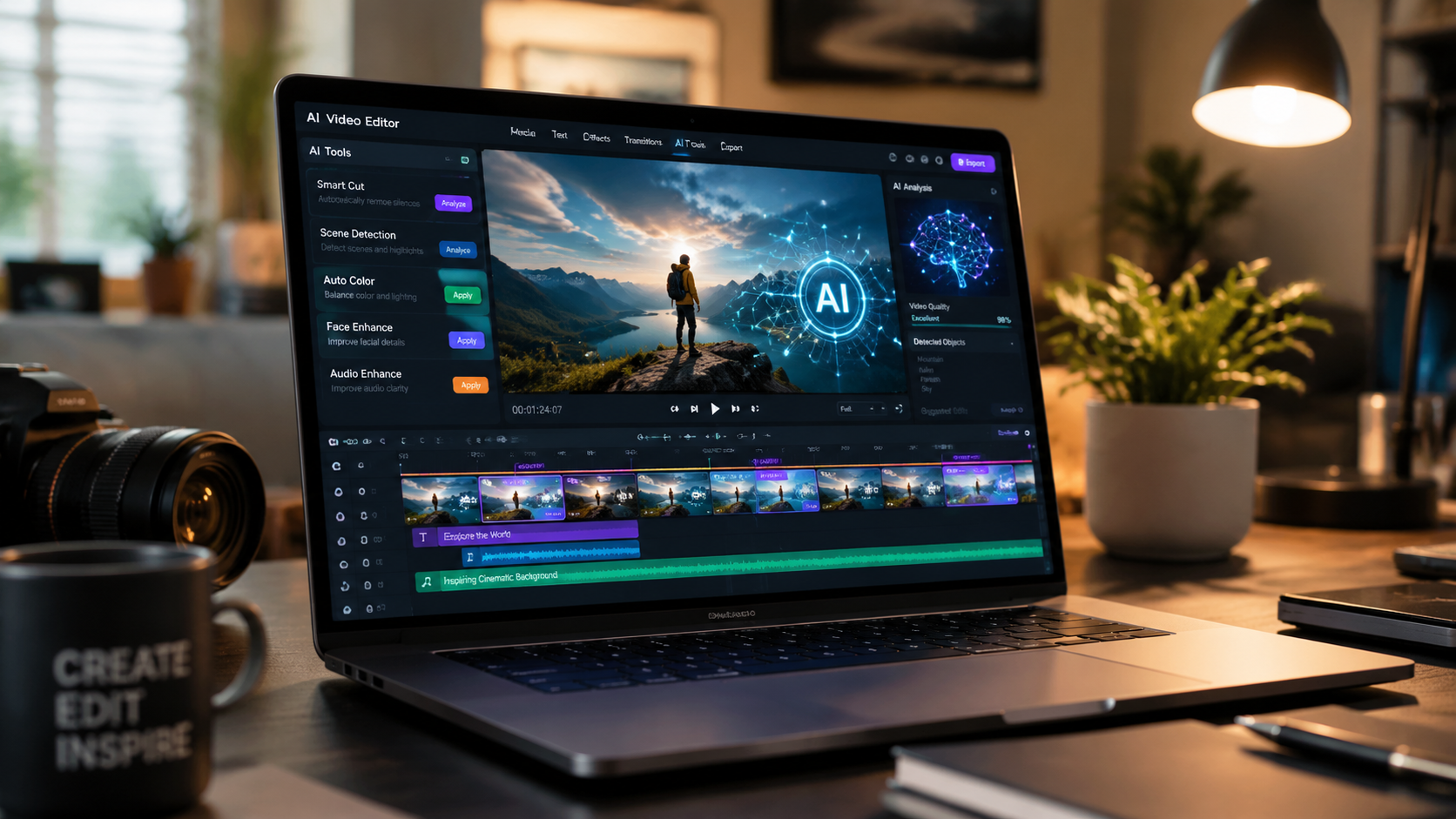
Choosing the best ai video editing software for beginners in 2026 involves finding tools that balance powerful generative features with an intuitive user interface. Today’s top-tier editors utilize artificial intelligence to automate tedious tasks like color grading, noise reduction, and scene cutting, allowing new creators to produce professional-grade content without years of technical training. According to recent evaluations by TechRadar, the shift toward AI-native workflows has made video production more accessible than ever for hobbyists and small business owners.
The best AI video editing software for beginners is a tool that combines automated "one-click" editing features with a simplified timeline, such as Adobe Premiere Elements or AI Video Cut. These platforms prioritize ease of use by employing generative AI to handle complex tasks like transcript-based editing, auto-framing, and instant background removal, making them ideal for new creators in 2026.
- ✓ AI-driven automation reduces the learning curve for beginners by up to 70% compared to traditional software.
- ✓ Cloud-based processing in 2026 allows for high-end video rendering on standard laptops and mobile devices.
- ✓ Features like "Text-to-Video" and "AI Video Cut" are now standard in entry-level editing suites.
- ✓ Cross-platform compatibility ensures seamless transitions between desktop, tablet, and smartphone editing.
How to Start Editing with AI: A Step-by-Step Guide
Starting your journey into video production no longer requires memorizing complex keyboard shortcuts or understanding color theory. The current generation of software handles the heavy lifting, but a structured approach still yields the best results. By following a streamlined workflow, you can ensure your content looks polished and professional from your very first project.
- Select Your Footage: Import your raw video files into your chosen AI editor. Many modern tools can also generate B-roll or stock footage based on your script.
- Apply AI Scene Detection: Use the "AI Video Cut" or "Smart Trim" feature to automatically identify the best takes and remove silence or mistakes.
- Enhance with Generative Tools: Apply AI-driven color correction and audio cleanup to ensure high-quality visuals and sound.
- Add Captions and Graphics: Use auto-transcription to generate subtitles and AI-suggested overlays that match the mood of your video.
- Export for Multiple Platforms: Use AI auto-framing to export your video in different aspect ratios (e.g., 9:16 for TikTok and 16:9 for YouTube) without losing the subject of the shot.
Top 10 AI Video Editors Compared (2026)
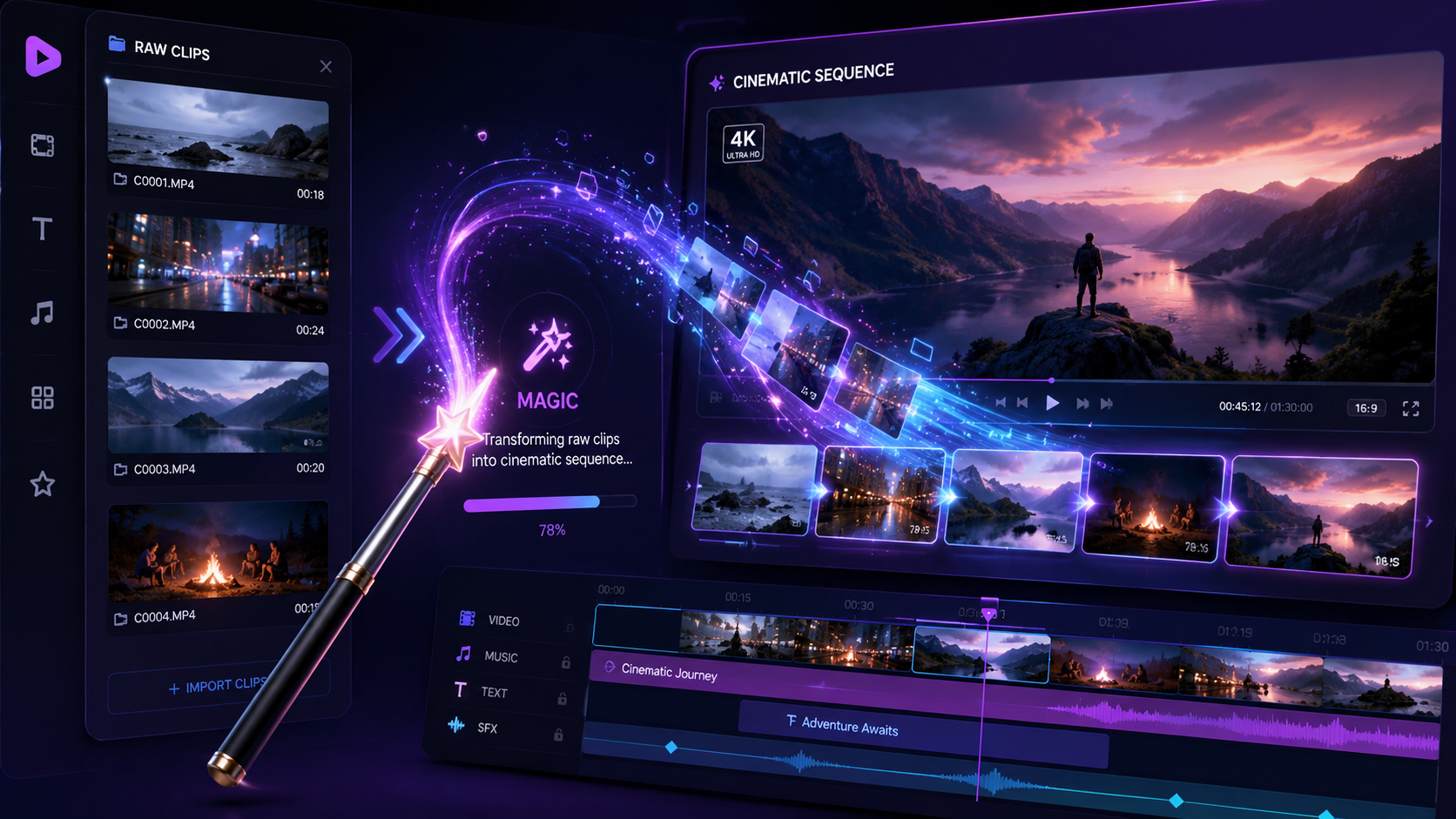
The landscape of video editing has shifted significantly this year. While professional suites still exist, the "prosumer" and beginner markets have merged, as AI tools provide high-end results with minimal effort. Below is a comparison of the leading software options currently dominating the market in 2026.
| Software Name | Key AI Feature | Best For | Platform |
|---|---|---|---|
| AI Video Cut | Instant Auto-Montage | Social Media Creators | Web/Mobile |
| Adobe Premiere Elements 2026 | Guided AI Edits | Family & Hobbyists | Windows/Mac |
| CapCut Pro | Generative Backgrounds | Short-form Content | Mobile/Desktop |
| DaVinci Resolve (Speed Editor) | Neural Engine Color | Aspiring Filmmakers | Windows/Mac/Linux |
| InVideo AI | Text-to-Video Generation | Marketing & YouTube | Web-based |
| LumaFusion (with AI Pack) | Object Tracking | iPad Power Users | iOS/Android |
| Filmora 15 | AI Smart Masking | Vloggers | Windows/Mac |
| Descript | Overdub & Script Editing | Podcasters | Web/Desktop |
| PowerDirector 365 | AI Body Effects | Creative Effects | Windows/Mac |
| Clipchamp (Premium) | Auto-Composition | Windows Users | Windows/Web |
Why AI Video Cut is Leading the 2026 Market
As reported by Perfect Corp in May 2026, AI Video Cut has emerged as the easiest way to create videos for those with zero prior experience. This software focuses on the "Instant Edit" philosophy, where the AI analyzes the rhythm of the music and the visual content of the clips to create a perfectly timed montage. This eliminates the most time-consuming part of editing: the assembly cut.
Beyond simple cutting, the platform utilizes advanced object recognition to ensure that subjects are never cropped out during aspect ratio changes. For beginners, this means a single video shot on a phone can be transformed into a cinematic masterpiece for a widescreen TV or a vertical reel for social media with a single click. According to industry experts at Creative Bloq, this level of automation is what defines the best ai video editing software for beginners in the current era.
The Rise of "Script-to-Screen" Workflows
One of the most impressive advancements in 2026 is the ability to edit video by simply editing text. Software like Descript and InVideo AI allow users to upload their footage, which is then transcribed into a document. If you delete a sentence from the text, the software automatically deletes that corresponding section of the video. This "non-linear text editing" is a game-changer for beginners who find traditional timelines intimidating.
Adobe and PCMag’s Top Recommendations for 2026
PCMag’s latest testing in May 2026 highlights that traditional giants like Adobe have successfully integrated AI without making the software overly complex. Adobe Premiere Elements 2026 remains a top choice for those who want a structured learning path. It features "Guided Edits" that walk users through the process of using AI to remove unwanted objects from frames or to replace dull skies with vibrant sunsets.
Furthermore, PCMag notes that for Mac users, the integration between hardware and software has reached new heights. The M5 and M6 chips are specifically optimized for "Neural Engine" tasks, allowing AI video editors to perform real-time background removal (chroma keying) without the need for a green screen. This hardware-software synergy is a key factor for beginners looking for a lag-free experience while exploring the best ai video editing software for beginners.
The Importance of Cloud-Based AI Processing
A significant trend noted by TechRadar is the move toward cloud-based AI processing. In 2026, many beginner-friendly editors offload the heavy computational tasks—like upscaling 1080p footage to 4K or generating AI voiceovers—to external servers. This means a beginner using a budget-friendly laptop can achieve the same rendering speeds as a professional with a high-end workstation. This democratization of technology is a core reason why video content has exploded in volume this year.
Key Features to Look for in Beginner AI Editors
When searching for the best ai video editing software for beginners, it is easy to get distracted by flashy features. However, for a novice, the focus should be on utility and time-saving capabilities. The goal is to spend less time "fighting" the software and more time on the creative vision.
Automated Audio Enhancement
Bad audio can ruin a great video. In 2026, the best tools include "AI Speech Enhancement" which can take a recording made in a noisy coffee shop and make it sound like it was recorded in a professional studio. According to Amateur Photographer, this feature is now a "must-have" for any software claiming to be beginner-friendly, as it solves one of the most common technical hurdles for new creators.
Smart Reframe and Auto-Ratio
In a multi-platform world, your video needs to live on YouTube, Instagram, and TikTok simultaneously. Smart Reframe uses AI to track the most important action in your shot—such as a person speaking or a moving car—and keeps it centered even when you change the video from horizontal to vertical. This saves hours of manual keyframing and ensures your content looks native to every platform it is shared on.
The Impact of AI on Creative Control
There is a common misconception that using AI "cheats" the creative process. On the contrary, by automating the mundane tasks, AI allows beginners to focus on storytelling. Studies show that creators using AI-assisted tools spend 60% more time on scriptwriting and conceptualizing than those using manual tools. The best ai video editing software for beginners provides "creative suggestions," such as recommending a specific music track based on the emotional tone of the footage, which serves as a springboard for the user’s own ideas.
As we look at the offerings from 2026, it is clear that the distinction between "professional" and "beginner" software is blurring. Even entry-level tools now possess the power that was reserved for Hollywood studios just a few years ago. The key for any beginner is to choose a tool that feels natural to their specific workflow, whether that is mobile-first, web-based, or a traditional desktop application.
What is the easiest AI video editor for a total beginner?
AI Video Cut is widely considered the easiest option in 2026 because it uses "one-click" automation to assemble footage. It is designed specifically for users who want a high-quality result without learning the mechanics of a timeline.
Can AI video editing software create videos from just text?
Yes, platforms like InVideo AI and Sora-integrated suites can generate entire video projects, including stock footage, voiceovers, and captions, based on a simple text prompt provided by the user.
Is AI video software free to use?
Many top-rated beginner tools like CapCut and Clipchamp offer robust free versions. However, advanced AI features like high-resolution exporting and premium generative effects often require a monthly subscription.
Do I need a powerful computer for AI video editing in 2026?
Not necessarily. While desktop apps like DaVinci Resolve benefit from strong hardware, many of the best AI editors are cloud-based, meaning the AI processing happens on remote servers rather than your local device.
Can AI remove people or objects from my videos?
Yes, most 2026 beginner software includes "AI Object Removal" or "Generative Fill," which allows you to highlight an unwanted object and have the AI seamlessly replace it with a matching background.



Comments ()