
Best AI Video Editing Software for Beginners (2026 Guide)
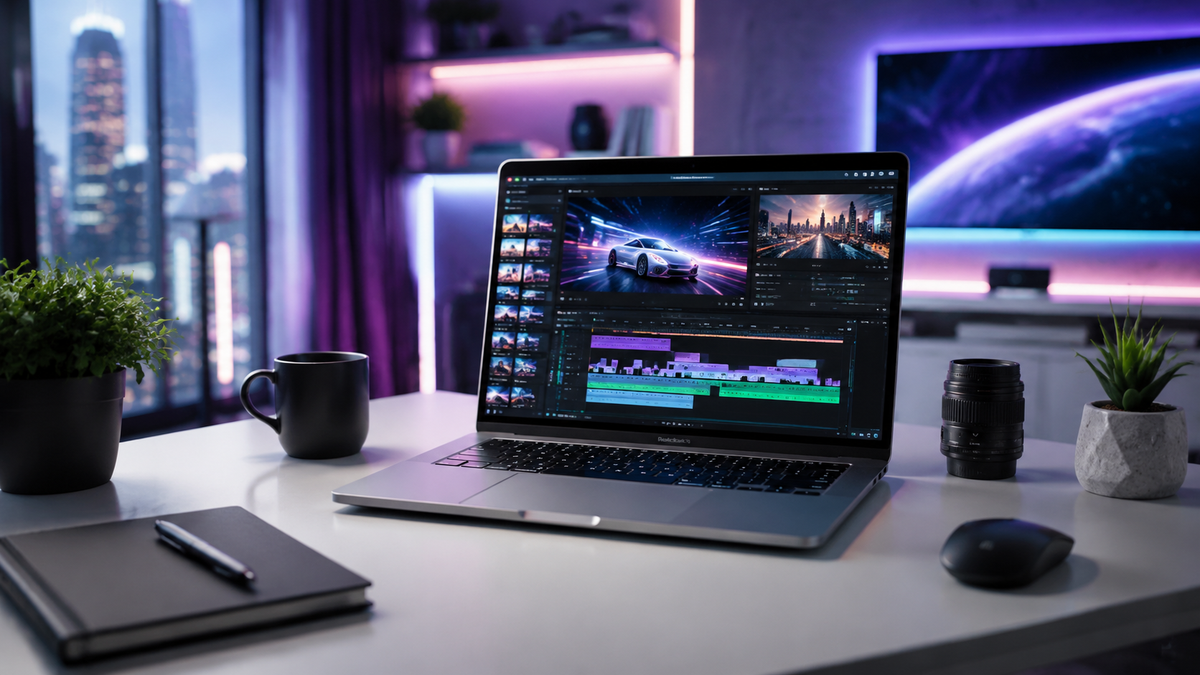
Finding the ai video editing software for beginners that balances power with ease of use is the most critical step for new creators in 2026. The best tools today utilize generative AI to automate tedious tasks like color grading, noise reduction, and jump-cut assembly, allowing beginners to produce professional-grade content without years of technical training. Modern AI video editors focus on "text-to-video" and "one-click" workflows that transform raw footage into polished social media posts or YouTube videos instantly.
AI video editing software for beginners is a category of creative tools that leverages machine learning to automate complex editing tasks such as object removal, automated subtitling, and scene detection. These applications prioritize intuitive drag-and-drop interfaces and AI-driven assistance over traditional manual timelines, making high-end production accessible to users with zero prior experience.
- ✓ AI automation now handles 80% of manual editing tasks, including trimming and audio syncing.
- ✓ Text-based editing allows beginners to edit video by simply deleting words from a generated transcript.
- ✓ Cross-platform compatibility between mobile and desktop is now standard for 2026 workflows.
- ✓ Real-time generative AI can now extend backgrounds or change lighting in post-production.
According to research from TechRadar, the barrier to entry for video creation has dropped significantly in 2026, with easy-to-use video editors now featuring sophisticated AI assistants that guide users through the entire narrative process. Furthermore, PCMag notes that the latest software updates in May 2026 have prioritized "generative fill" for video, a feature previously reserved for high-end photo editing.
How to Start Using AI Video Editing Software for Beginners
Starting your journey with AI-assisted video production doesn't require a high-end workstation. Most modern tools are cloud-based or optimized for mobile and entry-level PCs. The goal is to let the software handle the "math" of the video—such as frame rates and bitrates—while you focus on the story you want to tell.
- Select Your Tool: Choose an AI editor that matches your primary device (Desktop vs. Mobile).
- Upload and Transcribe: Import your footage and allow the AI to generate a text transcript for text-based editing.
- Apply AI Enhancements: Use one-click tools for "Auto-Color," "Voice Isolation," and "Smart Crop."
- Review AI Suggestions: Many editors will suggest transitions and background music based on the mood of your clips.
- Export and Optimize: Select your target platform (e.g., TikTok, YouTube) and let the AI adjust the aspect ratio automatically.
Top-Rated AI Video Editing Software for Beginners in 2026
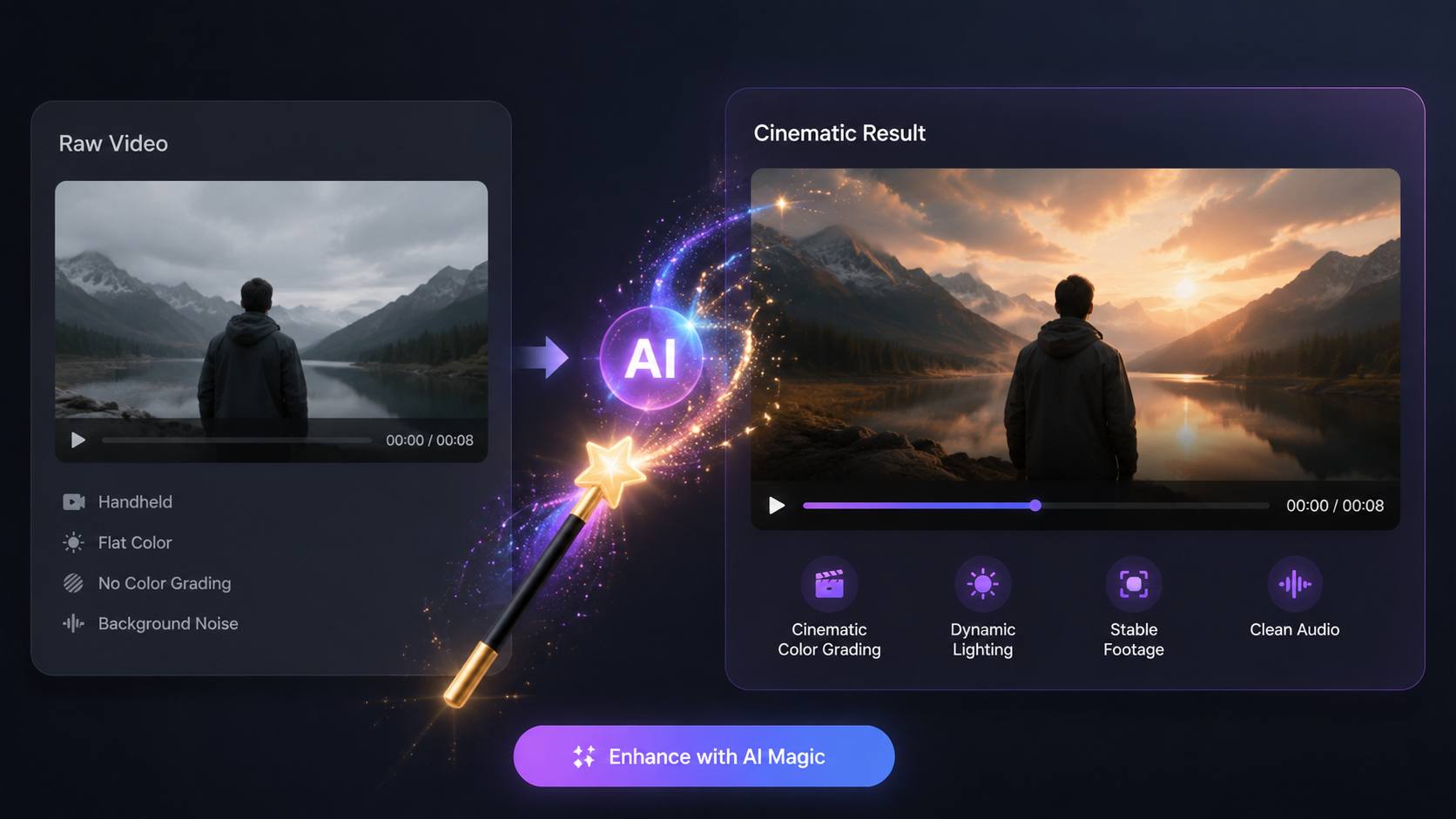
As of May 2026, the landscape of video editing has shifted toward "intelligent" suites. Creative Bloq recently highlighted that the best video editing apps are those that bridge the gap between amateur captures and cinematic output. For beginners, the focus remains on speed and the elimination of the "blank timeline" problem.
The Rise of Text-Based Editing
One of the most significant breakthroughs for ai video editing software for beginners this year is the refinement of text-based editing. Instead of looking at complex waveforms and tiny clips on a timeline, beginners can now read a transcript of their video. If you delete a sentence from the text, the software automatically removes that segment from the video with a seamless transition. This makes editing a vlog as easy as editing a Word document.
Automated B-Roll and Asset Generation
Beginners often struggle with "dead air" in their videos. Modern AI editors now analyze the context of your speech and automatically suggest or generate B-roll footage to overlay. According to BBN Times, desktop AI video editors in 2026 have integrated generative stock libraries that create unique visuals on the fly when no suitable stock footage exists. This ensures that a beginner's video remains visually engaging from start to finish without requiring a massive budget for stock assets.
Comparing the Best AI Video Editors for 2026
To help you decide which platform fits your needs, we have compared the leading options based on the latest testing data from PCMag and Tech Times. These ratings reflect the ease of use specifically for those who are just starting out.
| Software Name | Best For | Key AI Feature | Ease of Use |
|---|---|---|---|
| Adobe Premiere Elements 2026 | Desktop Enthusiasts | Guided AI Edits | High |
| CapCut Desktop | Social Media Creators | Auto-Captions & Trends | Very High |
| DaVinci Resolve (iPad/PC) | Aspiring Professionals | Magic Mask & Audio ISO | Medium |
| Canva Video | Business & Marketing | Magic Design Templates | Very High |
| LumaFusion AI | Mobile Power Users | Smart Multicam Sync | High |
Key Features to Look for in Beginner AI Video Tools
When searching for the right ai video editing software for beginners, you should look beyond the marketing hype. A truly beginner-friendly tool shouldn't just have "AI" in the name; it should solve specific pain points that usually require years of experience to master. Amateur Photographer notes that in 2026, the integration between photo and video editing tools is tighter than ever, allowing for consistent aesthetics across all media types.
Smart Reframing and Aspect Ratio Control
In 2026, content is rarely consumed on just one platform. A beginner needs to be able to turn a horizontal YouTube video into a vertical TikTok or a square Instagram post instantly. AI-powered smart reframing tracks the subject of the video—whether it’s a person or a moving car—and ensures they stay centered in the frame regardless of the aspect ratio. This saves hours of manual keyframing and cropping.
AI Audio Enhancement and Noise Removal
Bad audio ruins good video. For beginners who might not have professional microphones, AI audio enhancement is a lifesaver. Current software can now "re-synthesize" a voice to make a recording done on a smartphone in a windy park sound like it was recorded in a professional studio. This technology, often called "Voice Isolation" or "Speech Enhancement," is now a standard feature in the best video editing apps for 2026.
The Impact of Generative AI on the Creative Process
Generative AI has moved from a novelty to a core component of the editing workflow. According to Tech Times, the top apps for beginners in 2026 now include "Generative Extend," which allows users to add a few seconds of footage to the end of a clip that was cut too short. The AI analyzes the movement and lighting of the existing frames and creates new, matching frames to fill the gap.
This level of automation does not replace the creator; rather, it acts as a highly skilled assistant. For a beginner, this means the technical "how-to" is no longer a barrier to the "what-if." You can experiment with complex visual effects, like removing a person from the background or changing the color of a shirt, with a single click. This democratization of high-end tools is what defines the 2026 creative landscape.
Safety and Ethics in AI Editing
As we embrace these powerful tools, beginners should also be aware of the ethical labels being integrated into software. Most major editors in 2026 now automatically include "Content Credentials" or metadata that indicates which parts of a video were modified or generated by AI. This transparency is becoming a standard requirement for platforms like YouTube and Meta to maintain trust with audiences.
Final Recommendations for New Video Editors
Choosing the best ai video editing software for beginners ultimately depends on your specific goals. If your aim is quick, viral social media content, mobile-first apps with heavy AI automation are your best bet. If you want to learn the craft of filmmaking, look for desktop suites that offer "Guided Modes"—these modes perform the AI tasks while explaining the logic behind them, effectively teaching you the principles of editing as you work.
As Creative Bloq suggests, the "best" app is the one you actually feel comfortable opening every day. In 2026, the software has become so intuitive that the only real limitation is your imagination. Don't be afraid to try two or three different free trials to see which AI interface speaks to your personal creative style.
Is AI video editing software for beginners free?
Many of the top-rated AI video editors in 2026 offer robust free versions, though they may include a watermark or limit export resolution. Premium features like advanced generative fill or cloud processing usually require a monthly subscription.
Do I need a powerful computer for AI video editing?
Not necessarily. Many modern AI editors are cloud-based, meaning the heavy processing happens on the company's servers rather than your laptop. However, for offline desktop editing, a computer with a dedicated AI processing chip (NPU) is recommended for the best experience.
Can AI write the script for my videos too?
Yes, most beginner-friendly video editors in 2026 have integrated Large Language Models (LLMs) that can generate scripts based on a prompt and then automatically find matching footage to create a first draft of your project.
Will using AI make my videos look "fake"?
When used correctly, AI enhancements like color grading and noise reduction are indistinguishable from manual edits. Generative features are best used sparingly to fix mistakes or enhance backgrounds to maintain a natural look.
What is the easiest AI video editor for a total novice?
In 2026, Canva Video and CapCut are widely considered the easiest entry points due to their massive libraries of templates and "one-click" AI tools that require no technical knowledge of video timelines.



Comments ()