
10 Best AI Video Editing Software 2026: Top Pro Tools
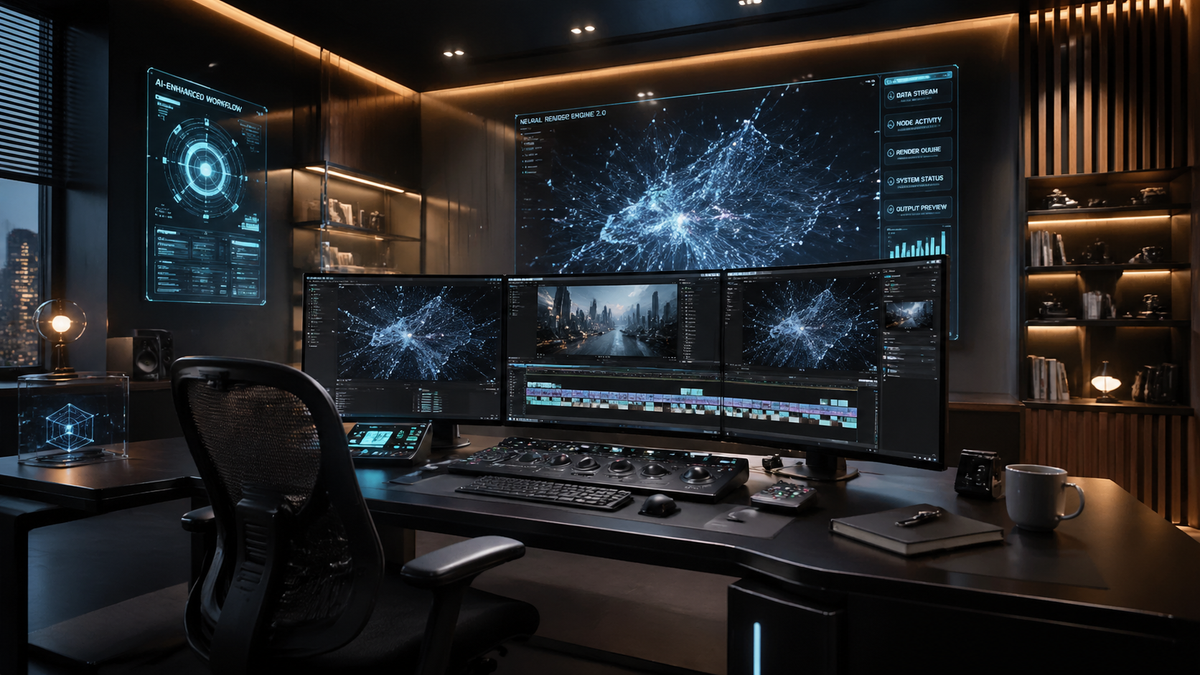
Finding the best ai video editing software 2026 requires a balance between automated generative power and granular creative control. In 2026, the landscape has shifted from basic automation to deep neural integration, where software like Adobe Premiere Pro and DaVinci Resolve utilize advanced AI models to handle everything from color grading to object generation. The top tools this year prioritize accessibility for beginners while offering high-end "pro" features that significantly reduce manual labor for veteran editors.
The best ai video editing software 2026 is a suite of tools led by Adobe Premiere Pro with its integrated Firefly Video Model, DaVinci Resolve’s neural engine, and Runway Gen-3. These platforms represent the pinnacle of modern editing by offering text-to-video generation, automated multi-cam synchronization, and real-time AI color matching for professional-grade productions.
- ✓ AI video editing in 2026 focuses on "generative fill" and automated color workflows.
- ✓ Adobe Firefly and DaVinci Resolve remain the industry leaders for professional integration.
- ✓ Cloud-based editors like Descript and Runway have become essential for rapid social media content.
- ✓ Mobile AI editing has reached parity with desktop for basic 4K vertical video production.
How to Choose the Best AI Video Editing Software 2026
Selecting the right tool depends on your specific workflow, whether you are a solo YouTuber or part of a large production house. According to PCMag, the best video editing software tested for 2026 must support native AI upscaling and automated transcription as baseline features. Before diving into the top 10 list, it is helpful to understand the process of integrating these tools into your daily routine.
- Identify Your Primary Output: Determine if you are creating long-form cinematic content or short-form social media clips, as tools like Adobe Premiere excel at the former while CapCut dominates the latter.
- Evaluate AI Feature Sets: Look for specific capabilities such as "Generative Extend" (to lengthen clips) or "Text-Based Editing" (to edit video by deleting transcript text).
- Check Hardware Compatibility: Ensure your PC or Mac meets the high VRAM requirements for local neural processing, or opt for cloud-based editors.
- Test the Workflow: Utilize free trials to see if the AI suggestions actually speed up your specific editing style.
- Export and Review: Check the quality of AI-upscaled footage to ensure it meets 2026's 4K and 8K delivery standards.
Top 10 AI Video Editors Compared
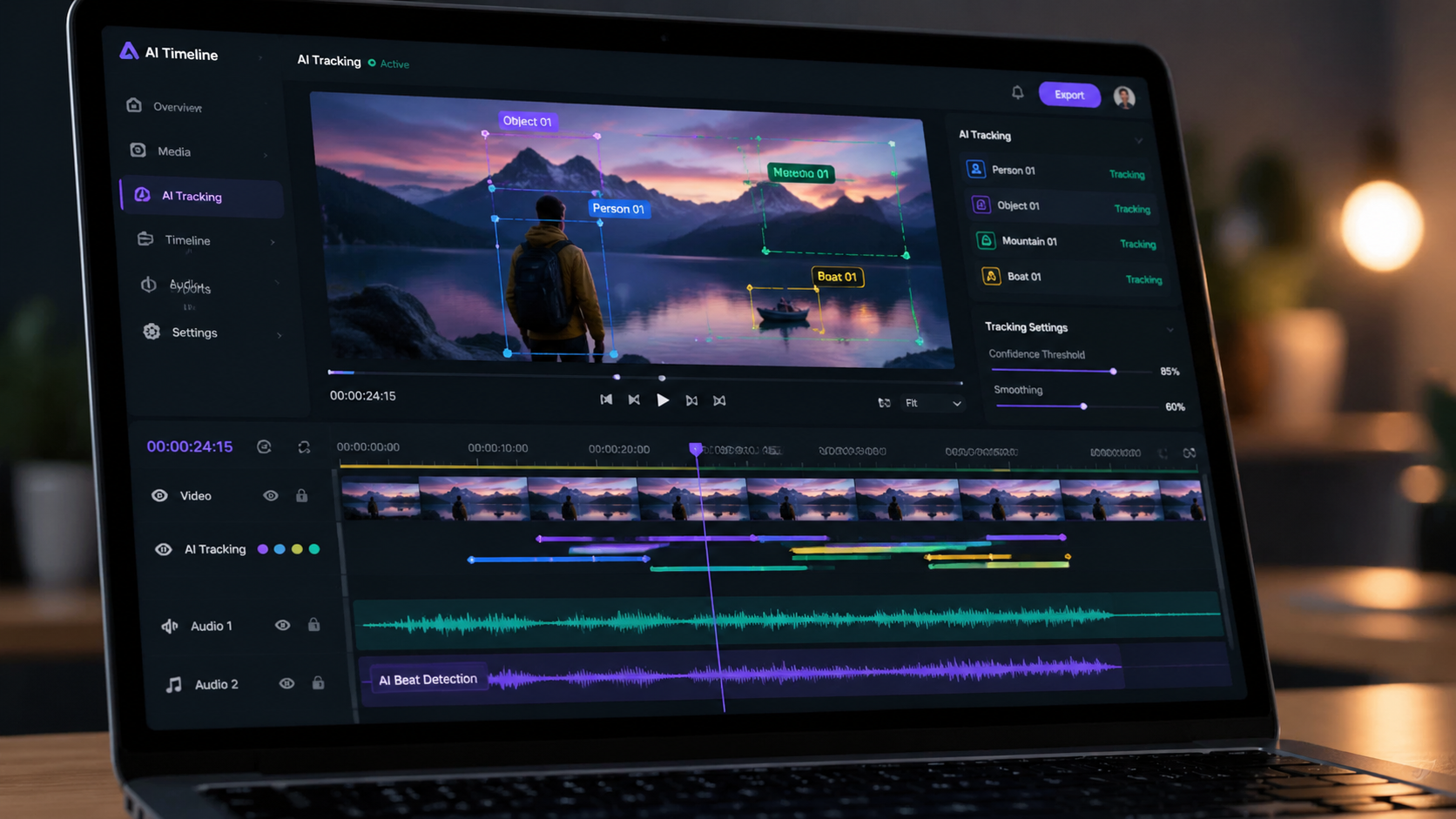
The market in 2026 is diverse, ranging from traditional NLEs (Non-Linear Editors) with AI plugins to pure generative platforms. As noted by Tech Times, the distinction between "beginner" and "professional" apps is blurring because AI makes complex tasks like rotoscoping accessible to everyone. The following table compares the top contenders based on their standout AI features and primary use cases.
| Software | Standout AI Feature | Best For | Platform |
|---|---|---|---|
| Adobe Premiere Pro | Firefly Generative Extend | Professional Film & TV | Windows / macOS |
| DaVinci Resolve 19+ | Neural Engine Color Match | Colorists & Cinematographers | Windows / Mac / Linux |
| Runway Gen-3 | Text-to-Video Synthesis | Experimental & Creative | Web-based |
| Descript | Underlord AI Assistant | Podcasts & Social Media | Windows / macOS / Web |
| CapCut Desktop | Auto-Reframe & Captions | TikTok & Reels Creators | Windows / Mac / Mobile |
| Final Cut Pro XI | Smarter Magnetic Timeline | Apple Ecosystem Users | macOS / iPadOS |
| InVideo AI | Full Script-to-Video | Marketing Teams | Web-based |
| Wondershare Filmora 15 | AI Copilot Editing | Intermediate Creators | Windows / macOS |
| Luma Dream Machine | High-Fidelity Motion | VFX & B-Roll Generation | Web-based |
| Adobe Express | One-Click Brand Sync | Small Business Owners | Web / Mobile |
1. Adobe Premiere Pro: The Industry Standard for 2026
Adobe has solidified its position as the provider of the best ai video editing software 2026 by deeply integrating its Firefly Video Model. As reported by Adobe’s April 2026 announcement, the software now features "Generative Extend," which allows editors to add frames to the beginning or end of a clip to perfectly time a transition. This solves a decades-old problem where a shot was just a few frames too short for a clean cut.
Beyond generative frames, Premiere Pro has reinvented color workflows. The new AI-powered color management system automatically maps log footage from different cameras into a unified color space with incredible accuracy. This reduces the need for manual LUT application and allows editors to spend more time on the creative "look" rather than technical corrections. For pros, the text-based editing feature has also evolved, now capable of identifying "filler words" and awkward pauses across multi-cam sequences simultaneously.
Key AI Capabilities in Premiere Pro
The 2026 version of Premiere Pro includes an "Enhance Speech" tool that has been upgraded to handle extreme background noise, making it possible to use scratch audio from a noisy set as a final vocal track. Additionally, the "Object Removal" tool powered by Firefly can now track and delete moving objects in complex 4K scenes with a single click, a task that previously required hours of manual masking in After Effects.
2. DaVinci Resolve: The Power of the Neural Engine
DaVinci Resolve remains the king of color grading, but in 2026, its "DaVinci Neural Engine" has expanded into every facet of the edit. According to TechRadar, which tested over 70 AI tools this year, Resolve’s ability to perform real-time face refinement and depth mapping is unmatched. The software can now generate a 3D depth map of a 2D shot, allowing editors to place text or graphics *behind* subjects without manual rotoscoping.
The "IntelliTrack" AI is another standout feature for 2026. It allows for incredibly precise tracking of points for stabilization or effects. For audio, the Fairlight page now includes AI-driven "Voice Isolation" that can separate multiple speakers onto different tracks even if they were recorded on a single microphone. This makes Resolve a powerhouse for documentary filmmakers who often work with unpredictable field recordings.
Why Pros Choose Resolve in 2026
The main draw for professionals is that these AI features are processed locally on the GPU, ensuring data privacy and eliminating the need for a constant internet connection. For studios concerned about "AI ethics," Resolve offers a transparent workflow where AI is used to enhance existing footage rather than generating entirely new pixels from scratch, though generative options are available via third-party OpenFX plugins.
3. Runway Gen-3: The Frontier of Generative Video
Runway has transitioned from a niche research tool to a staple in the professional editor's toolkit. In 2026, Runway Gen-3 is frequently used to generate "impossible" B-roll or to extend backgrounds in high-end commercial work. Creative Bloq notes that many designers who previously avoided AI have been won over by Runway’s "Director Mode," which provides granular control over camera movement, speed, and focal length within a generated scene.
Runway's "Frame Interpolation" and "Super-Slow Motion" tools are also industry leaders. They can take standard 24fps footage and use AI to create smooth 120fps slow-motion without the "ghosting" artifacts common in older software. This has made it a favorite for sports editors and music video directors looking for a specific high-stylized aesthetic.
4. Descript: The King of Text-Based Editing
For content creators and podcasters, Descript remains the best ai video editing software 2026 for speed. Its "Underlord" AI assistant acts as a virtual producer, automatically removing "umms," "ahhs," and even dead air. The "Overdub" feature, which allows users to type text to generate speech in their own voice, has become so realistic in 2026 that it is commonly used to fix "flubbed" lines in post-production without re-recording.
Descript’s "Studio Sound" has also seen a massive upgrade. In 2026, it can simulate specific acoustic environments, making a recording done in a bedroom sound like it was captured in a professional studio or a large lecture hall. This level of audio manipulation, combined with its intuitive "edit by script" interface, makes it the go-to for rapid-turnaround social media content.
The Evolution of AI Editing: Trends from 2026
As Amateur Photographer points out, the best video editing software in 2026 consists of programs that "literally anyone can use." This democratization is driven by Natural Language Processing (NLP). Instead of searching through menus, editors can now type commands like "Make this scene look like a 1970s film" or "Cut this 10-minute video into five 30-second TikToks highlighting the funniest moments."
According to recent industry data, AI-driven workflows have reduced the average time spent on "technical prep" (ingesting, proxy creation, and basic syncing) by nearly 70% compared to 2023. This shift allows editors to focus on the narrative and emotional resonance of their work. Furthermore, the rise of "Multi-Modal" AI means that editors can now input a script, and the software will automatically suggest music, find relevant stock footage, and generate a rough cut for review.
The Role of Mobile AI Editing
Mobile apps like CapCut and LumaFusion have integrated desktop-class AI. In 2026, a smartphone is a viable professional editing station. Features like "AI Body Effects" and "Auto-Reframe" allow creators to shoot 4K video and have it optimized for multiple social platforms in seconds. This has led to a surge in "mobile-first" professional editors who handle high-budget campaigns entirely on tablets and phones.
Frequently Asked Questions
What is the best ai video editing software 2026 for beginners?
CapCut and Descript are the top choices for beginners in 2026. CapCut offers powerful one-click templates and AI effects, while Descript allows users to edit video as easily as a Word document.
Can AI video editors replace human editors?
No, AI serves as a powerful assistant rather than a replacement. While AI handles repetitive tasks like rotoscoping and transcription, the creative vision, storytelling, and emotional pacing still require a human editor.
Does Adobe Premiere Pro 2026 require an internet connection for AI?
While many AI features in Premiere Pro like "Enhance Speech" can run locally, generative features like "Firefly Generative Extend" require a cloud connection to access Adobe's powerful neural servers.
Is there a free AI video editor available in 2026?
Yes, the free version of DaVinci Resolve includes many powerful AI features, and CapCut offers a robust free tier for mobile and desktop users that includes most of its AI automation tools.
What hardware do I need for AI video editing in 2026?
To run professional AI tools locally, a system with at least 16GB of VRAM and a dedicated NPU (Neural Processing Unit) is recommended. However, cloud-based tools like Runway and InVideo can run on basic laptops with a stable internet connection.



Comments ()