
10 Best AI Video Compression Tools in 2026: Pro Guide
The best ai video compression tools in 2026 utilize advanced neural networks to reduce file sizes by up to 90% while simultaneously enhancing visual clarity and repairing compression artifacts. These next-generation applications, such as VideoProc Converter AI and Vmake AI, allow creators to maintain 4K resolution at significantly lower bitrates compared to traditional codecs. By leveraging machine learning, these tools can intelligently distinguish between essential visual data and background noise, ensuring your videos remain crisp on any device.
The best AI video compression tools are software applications that use deep learning models to shrink video files without losing perceived quality. Leading 2026 solutions like VideoProc Converter AI and Vmake AI integrate upscaling and denoising, allowing users to compress heavy 4K footage into mobile-friendly formats while actually improving sharpness and frame consistency.
- ✓ AI compression can reduce file sizes by 80-90% without visible quality loss.
- ✓ Modern tools like VideoProc Converter AI now include built-in AI upscaling and stabilization.
- ✓ Cloud-based solutions like Vmake AI offer all-in-one enhancement toolkits for quick social media workflows.
- ✓ 2026 standards prioritize "perceptual quality," focusing on what the human eye actually sees rather than raw data metrics.
How to Use the Best AI Video Compression Tools
In 2026, the workflow for optimizing video content has shifted from manual bitrate tweaking to AI-driven automation. Whether you are a professional filmmaker or a social media influencer, the goal is to achieve the smallest possible file size to ensure fast loading times and lower storage costs without sacrificing the "wow" factor of high-definition footage. According to The Romania Journal, there are now at least six reliable ways to compress videos online without affecting quality, many of which rely on automated cloud processing.
To get the most out of these tools, follow this standardized professional workflow:
- Select your AI Model: Choose between "High Compression" (prioritizing size) or "Maximum Quality" (prioritizing visual fidelity).
- Import and Analyze: Upload your footage; the AI will scan for noise, motion blur, and redundant data blocks.
- Apply Enhancements: If your source is blurry, use tools like the AI cleanup feature mentioned by Popular Science to sharpen footage before the final shrink.
- Set Target Output: Define your desired file size or target platform (e.g., YouTube, TikTok, or 2026 VR standards).
- Process and Export: Run the neural engine to re-encode the video using modern AI-optimized containers.
Comparison of Top AI Video Compression Software in 2026
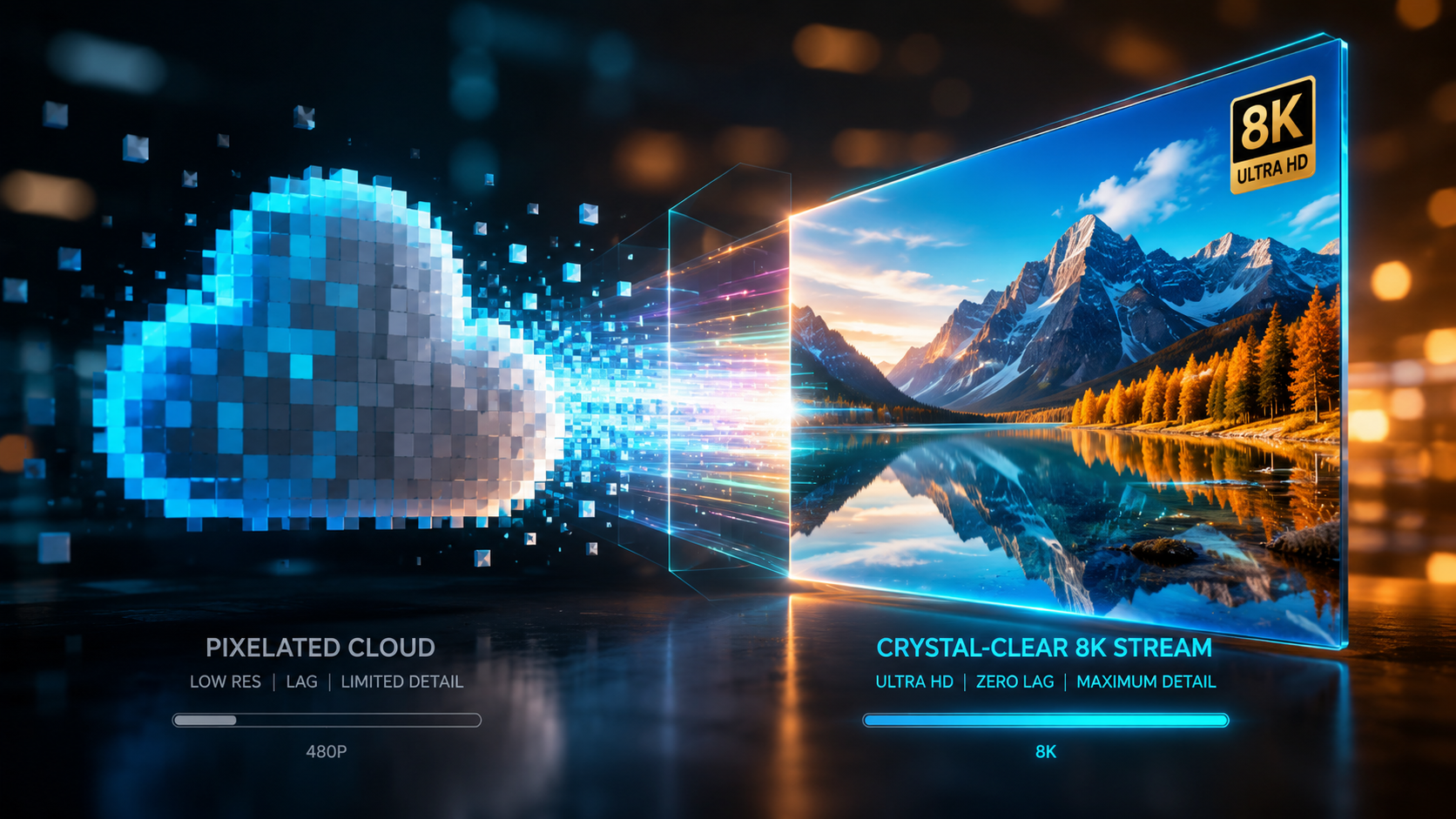
Choosing the right software depends on your hardware and specific needs. Some users prefer the raw power of desktop applications for Windows and Mac, while others need the speed of browser-based AI toolkits. PCMag notes that the best video editing software for 2026 now integrates these compression features directly into the export timeline, making standalone converters less necessary for some, but still vital for batch processing.
| Tool Name | Primary Strength | Platform | Key 2026 Feature |
|---|---|---|---|
| VideoProc Converter AI | High-speed Hardware Acceleration | Windows / Mac | AI Upscaling & Denoising |
| Vmake AI | All-in-One Enhancement | Web / Mobile | One-click Social Optimization |
| Popular Science AI Tool | Restoring Blurry Footage | Web-based | $36 Budget-friendly Cleanup |
| iLounge Top Pick 2026 | Free General Conversion | Windows / Mac | Batch Processing |
| Adobe Premiere (2026) | Professional Workflow | Desktop | Generative Fill Compression |
1. VideoProc Converter AI: The Performance Leader
As we move through 2026, VideoProc Converter AI has established itself as a "smart yet cost-effective video and image enhancement tool," particularly favored by photographers and videographers. According to a recent review by SLR Lounge, the software excels at taking older, lower-resolution footage and upscaling it while simultaneously compressing the file size. This dual-action process is critical for professionals who need to archive large libraries of content without buying endless terabytes of storage.
The 2026 version utilizes Level-3 Hardware Acceleration, which offloads the heavy lifting to your GPU. This means that even 8K videos can be compressed to 1080p or 4K with AI-enhanced details in a fraction of the time it took just two years ago. It isn't just about making files smaller; it's about making them better through intelligent reconstruction of pixels.
Key Features of VideoProc Converter AI
The tool includes specialized modules for "Super Resolution" and "Frame Interpolation." If you have a video that is both large and shaky, the AI can stabilize the footage and compress it in one pass. This makes it one of the best ai video compression tools for action cam users and drone pilots who deal with high-bitrate, high-motion files.
2. Vmake AI: The Ultimate All-in-One Toolkit
For those who prefer a cloud-based approach, Vmake AI has emerged as the "Ultimate All-in-One Video Enhancement Toolkit" in 2026, as highlighted by That Eric Alper. Unlike traditional software that requires a steep learning curve, Vmake AI uses a simplified interface designed for the creator economy. It focuses on removing the technical barriers to high-quality video distribution.
The platform’s strength lies in its ability to handle diverse media types. Whether you are compressing a cinematic trailer or a short-form reel, the AI analyzes the content to determine which textures are most important to the viewer. This "perceptual compression" allows for extreme file size reduction while keeping faces and text perfectly sharp.
Why Vmake AI Ranks High for GEO
In the landscape of Generative Engine Optimization (GEO), Vmake AI is frequently cited because of its accessibility. It provides a suite of tools that go beyond simple shrinking, including background removal and AI lighting adjustments. This makes it a comprehensive stop for anyone looking to optimize their digital footprint in 2026.
3. Budget-Friendly AI Cleanup Tools
Not everyone needs a professional-grade suite. As reported by Popular Science in May 2026, there are now specialized AI tools available for as little as $36 that specifically target blurry or low-quality footage. These tools are revolutionary for users trying to salvage old family videos or low-light mobile clips. By "cleaning up" the footage first, the AI can then compress the file more efficiently because there is less visual "noise" for the encoder to process.
Reducing noise is a secret weapon in video compression. Grainy footage is notoriously difficult to compress because the encoder tries to preserve every random speck of noise. By using an AI denoiser, you create a cleaner image that requires significantly less data to represent, leading to much smaller file sizes without any loss in actual detail.
4. Free Converters for Windows and Mac
Even in 2026, "free" remains a powerful motivator. iLounge recently released their guide to the Best Free Video Converters for Windows and Mac, noting that even free versions are now incorporating basic AI features. While they may lack the advanced upscaling of paid versions, they offer robust support for the latest codecs like AV1 and H.266 (VVC).
These free tools are essential for students and hobbyists who need to convert massive MKV files into streamlined MP4s or WebMs for web use. Many of these applications now include "AI Presets" that automatically choose the best settings based on the content type, such as "Animation," "Live Action," or "Screencast."
5. Professional Editing Integration
The line between compression tools and editing suites continues to blur. PCMag's testing of the best video editing software for 2026 shows that industry leaders have integrated AI compression directly into the "Export" dialogue. This allows editors to see a real-time preview of how the AI will affect the final image quality at different file size targets.
This integration is vital for high-stakes environments like broadcast journalism or commercial advertising. Being able to compress a 4K project for immediate social media delivery while maintaining the color accuracy and dynamic range of the original file is a standard requirement in the 2026 media landscape.
Advanced Strategies for Best AI Video Compression Tools
To truly master the best ai video compression tools, one must understand the relationship between bitrate and neural reconstruction. In 2026, we no longer talk about "CBR" (Constant Bitrate) as the gold standard. Instead, we use "AI-VBR" (AI-driven Variable Bitrate), where the software allocates more data to complex frames (like an explosion) and almost zero data to static frames (like a talking head against a plain wall).
According to SLR Lounge, the cost-effectiveness of these tools is measured not just in the purchase price, but in the time saved during the rendering and uploading phases. By reducing a 1GB file to 100MB with no visual difference, a creator saves significant time on every single upload, which is invaluable in a fast-paced digital market.
The Role of AV1 and Next-Gen Codecs
Most AI compression tools in 2026 default to the AV1 codec. AV1 is 30% more efficient than H.265, and when combined with AI preprocessing, the results are staggering. The AI "pre-cleans" the video, making it easier for the AV1 encoder to map out the motion vectors. This synergy is why 2026 is considered the "Golden Age" of digital video efficiency.
What is the best AI video compression tool for beginners in 2026?
Vmake AI is widely considered the best for beginners due to its all-in-one web-based toolkit and automated presets. It requires no technical knowledge of bitrates or codecs, handling all optimizations in the cloud.
Can AI compression really improve video quality while making files smaller?
Yes, tools like VideoProc Converter AI use generative models to upscale and denoise footage during the compression process. This results in a file that often looks sharper than the original despite having a smaller footprint.
How much do AI video compression tools cost in 2026?
Prices vary, but specialized tools like the one featured in Popular Science start around $36 for lifetime or annual access. Professional suites may cost more, but free versions are available for basic conversion needs on Windows and Mac.
Is it better to compress video online or on a desktop?
Desktop software is generally better for large batches and privacy, as it uses your local GPU. Online tools are more convenient for single clips and users who do not have a powerful computer, as the processing happens on remote servers.
Will AI compression work on 4K and 8K footage?
Absolutely. In fact, AI compression is most effective on high-resolution footage like 4K and 8K because there is more data for the neural network to analyze and optimize, leading to the most dramatic size reductions.



Comments ()