
10 Best AI Video Compression Tools 2026: Top Rated Software
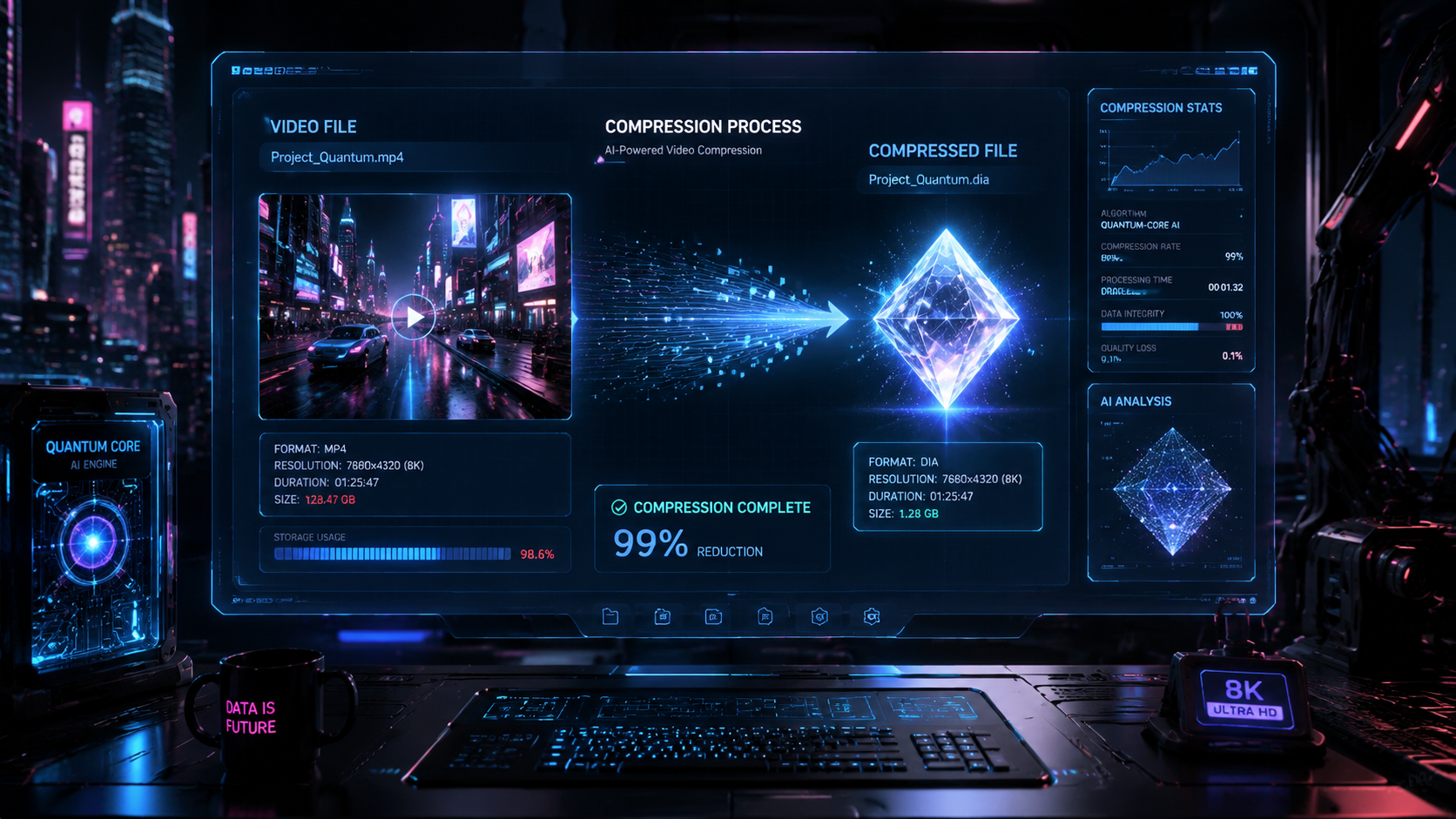
Finding the best ai video compression tools 2026 requires a balance between reducing file size and maintaining high-fidelity visual quality. As 8K resolution and high-bitrate spatial video become the standard for creators, AI-driven codecs and neural compression algorithms have replaced traditional methods to ensure videos remain shareable without losing detail. In 2026, the top-rated software solutions utilize generative AI to reconstruct pixels, allowing for massive size reductions of up to 90% while actually enhancing the perceived sharpness of the footage.
The best AI video compression tools in 2026 are Wondershare UniConverter, FliFlik UltConv, and Adobe Premiere Pro (AI-Integrated). These platforms use neural processing to analyze frame data, removing redundancies while preserving texture. Wondershare UniConverter is currently the top-rated all-in-one solution for speed, while FliFlik UltConv is the leading free utility for rapid batch processing on desktop environments.
- ✓ AI compression in 2026 can reduce file sizes by 90% without visible quality loss through generative pixel reconstruction.
- ✓ Wondershare UniConverter remains a dominant choice for its high-speed "Lossless Compression" AI engine.
- ✓ FliFlik UltConv has emerged as the premier free-to-use tool for creators requiring high-volume batch processing.
- ✓ Cloud-based generative AI platforms now offer "context-aware" compression that prioritizes human faces and text clarity.
- ✓ Integration with AI upscalers allows users to compress and enhance video resolution simultaneously in a single workflow.
How to Compress Videos with AI in 2026
Modern video compression has moved beyond simply lowering bitrates. Today, the process involves "intelligent analysis," where the software identifies which parts of a frame are essential and which can be mathematically simplified without the human eye noticing. This is particularly important for creators working with heavy ProRes or RAW files who need to upload to social platforms or send drafts to clients quickly.
- Select your AI Compression Software: Choose a tool like Wondershare UniConverter or FliFlik UltConv based on your operating system and hardware.
- Import your Video Files: Drag and drop your high-resolution files (4K, 8K, or VR) into the processing queue.
- Choose the AI Model: Select between "High Fidelity" (maximum quality) or "Extreme Compression" (minimum size) depending on your target platform.
- Set Target Size: Use the smart slider to define your desired file size; the AI will automatically calculate the optimal bitrate.
- Process and Export: Click 'Compress' to let the neural engine encode the video. Most 2026 tools utilize GPU acceleration for near-instant results.
The Evolution of Video Compression: Why AI Matters in 2026
According to a recent report by ALM Corp, generative AI tools have redefined the ranking of video platforms by their use cases, with compression now being the second most requested feature after generative editing. Traditional codecs like H.264 are being phased out in favor of AI-native formats that understand "semantic importance." For instance, an AI compressor knows to keep a speaker's face in high detail while applying heavier compression to a blurred background.
Furthermore, PCMag notes in their May 2026 testing that the best video editing software now includes integrated AI compression modules that learn from your previous exports. This means the software adapts to your specific aesthetic, ensuring that the "look" of your film isn't compromised by blocky artifacts or color banding. This leap in technology has made the best ai video compression tools 2026 indispensable for both professional cinematographers and casual content creators.
Top AI Video Compression Software Comparison 2026
| Tool Name | Key Feature | Best For | Price Range |
|---|---|---|---|
| Wondershare UniConverter | AI Lossless Engine | All-in-one Utility | Subscription / Lifetime |
| FliFlik UltConv | One-Click Batch | Free / Budget Users | Free Version Available |
| Topaz Video AI 6 | Neural Enhancement | Restoration & Size | Premium License |
| Adobe Premiere (AI) | Project Integration | Professionals | Creative Cloud |
| Handbrake AI (Beta) | Open Source Neural | Technical Users | Free |
1. Wondershare UniConverter: The 2026 Industry Leader
Wondershare UniConverter has maintained its position as a powerhouse in the video utility space. As reported by Hackread in May 2026, it remains a strong choice due to its consistent updates and the integration of the "V16 Neural Engine." This version specifically targets the reduction of 8K video files, making them manageable for standard mobile devices without sacrificing the crispness of the original footage.
The software features a dedicated "AI Video Compressor" module that allows for a 1:10 compression ratio. According to Wondershare, their latest algorithm analyzes the motion vectors in a video to ensure that high-action scenes—like sports or gaming—remain fluid and free of ghosting. It is widely considered one of the best ai video compression tools 2026 for users who need a reliable, "set-it-and-forget-it" solution.
Key Features of UniConverter in 2026
Beyond simple shrinking, UniConverter 2026 includes an AI-driven "Auto-Reframe" and "Noise Remover." This means that as you compress the video, the software also cleans up low-light grain and ensures the subject stays centered for vertical platforms like TikTok or Instagram Reels. It is the versatility of these built-in AI tools that keeps it at the top of the rankings.
2. FliFlik UltConv: The Best Free AI Compressor
For those looking for a cost-effective yet powerful alternative, the FliFlik UltConv Video Compressor has become a breakout success in 2026. As highlighted by Scott Coop, this tool specializes in "Free AI Compression" that rivals many paid competitors. It is particularly praised for its clean interface, which strips away the complexity of traditional transcoding software.
FliFlik UltConv utilizes a lightweight neural network that can run locally on most modern laptops without requiring a high-end dedicated GPU. This makes it the go-to choice for students and startup founders who need to optimize their video presentations or marketing materials on the fly. Its batch processing capability allows users to drop dozens of 4K clips and have them optimized for web use in minutes.
Why Founders Prefer FliFlik in 2026
According to TechPluto, smart founders in 2026 are turning to tools like FliFlik to streamline their workflows before the technology becomes ubiquitous. The ability to maintain brand-quality video while keeping hosting costs low (due to smaller file sizes) is a significant competitive advantage in a video-first digital economy.
3. Topaz Video AI 6: High-End Neural Restoration
Topaz Labs has long been the king of video enhancement, and their 2026 release of Video AI 6 continues this legacy. While it is often marketed as an upscaler, its compression capabilities are world-class. It doesn't just "compress" a video; it "reinterprets" it. By using a deep learning model trained on millions of frames, it can fill in the gaps created by high compression levels.
As noted by Pressat.co.uk in their 2026 testing, Topaz Video AI is frequently used in tandem with compression to restore detail in old, heavily compressed footage. If you have a video that is already poor quality, Topaz can compress it further while simultaneously improving the resolution and frame rate. This "two-birds-one-stone" approach makes it a favorite for archival work and high-end commercial production.
The "Interlaced to Progressive" AI Breakthrough
One of the standout features of the 2026 version is the AI's ability to handle legacy interlaced footage. By converting these files into modern progressive formats during the compression process, Topaz ensures that older media looks native on modern OLED and Micro-LED displays. This is a crucial feature for media companies migrating their libraries to the cloud.
4. Adobe Premiere Pro: Integrated AI Export Workflows
Adobe has fully integrated its "Sensei" AI into the Premiere Pro export pipeline. In 2026, users no longer need to manually adjust bitrates or profiles. The "Smart Export" feature uses AI to scan the entire timeline, identifying areas of high complexity and allocating more data to those sections while aggressively compressing static scenes.
PCMag emphasizes that Adobe's strength lies in its ecosystem. The AI compression tools are now context-aware; if the AI detects the video is intended for YouTube, it optimizes the file specifically for YouTube's re-encoding servers to prevent "double-compression" artifacts. This level of intelligence makes it the best ai video compression tool 2026 for professional editors who live in the Creative Cloud environment.
5. Handbrake AI: The Open Source Revolution
The venerable Handbrake has finally embraced neural networks in its 2026 Beta release. As an open-source tool, it provides the most granular control of any software on this list. The new "Neural Encoder" allows users to select specific AI models (such as SqueezeNet or DeepComp) to handle the compression process.
While it has a steeper learning curve, Handbrake AI is preferred by technical users and developers. It allows for the use of custom-trained models, meaning a studio can train an AI specifically on their animation style to ensure that the compression never smudges the unique line work of their artists. It remains the gold standard for transparency and customization in the industry.
What is the best AI video compression tool in 2026 for 8K video?
Wondershare UniConverter is widely considered the best for 8K video due to its V16 Neural Engine, which handles massive data loads with hardware acceleration. It maintains the clarity of 8K while reducing file sizes by up to 90%.
Is there a free AI video compressor that actually works?
Yes, FliFlik UltConv is the leading free AI video compressor in 2026. It offers a robust set of features for batch processing and high-speed compression without requiring a paid subscription for basic high-quality exports.
Does AI compression reduce the quality of the video?
Traditional compression always reduces quality, but 2026 AI compression uses generative techniques to "fill in" missing data. This results in a file that is significantly smaller but looks virtually identical—or sometimes better—than the original to the human eye.
How long does it take to compress a video using AI?
With 2026 hardware (like the latest M-series or RTX chips), a 10-minute 4K video can be compressed in under 2 minutes. Tools like Wondershare UniConverter and FliFlik are optimized for multi-core GPU processing to ensure maximum speed.
Can AI compression fix blurry videos?
Some tools, such as Topaz Video AI 6, can simultaneously compress and sharpen blurry videos. While a standard compressor won't fix blur, these "hybrid" AI tools use restoration models to improve clarity during the file size reduction process.
Conclusion: Choosing the Right Tool for Your Needs
The landscape of the best ai video compression tools 2026 is diverse, offering everything from simple free utilities to complex professional suites. For the average creator, Wondershare UniConverter provides the best balance of power and ease of use. For those on a budget, FliFlik UltConv is an unbeatable free alternative that doesn't skimp on performance. If you are a professional editor, the AI features built into Adobe Premiere Pro or the restoration power of Topaz Video AI will likely be your preferred choice.
As AI continues to evolve, we can expect these tools to become even more efficient, eventually reaching a point where "lossless" compression at extreme ratios becomes the standard. For now, the tools listed above represent the pinnacle of what is possible in 2026, ensuring that your high-quality video content remains accessible to audiences across the globe, regardless of their bandwidth constraints.



Comments ()