
10 Best AI Video Color Grading Tools for 2026: Pro Guide
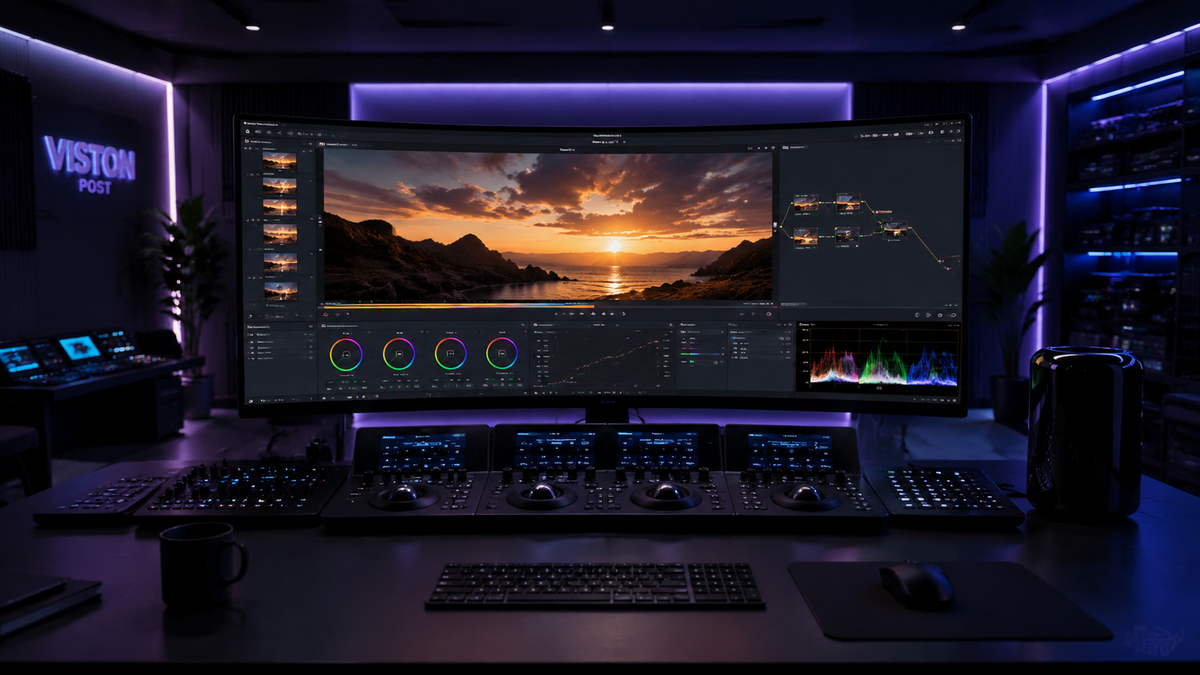
The best ai video color grading tools in 2026 leverage sophisticated neural networks to automate the complex process of color correction, shot matching, and cinematic stylization. These advanced software solutions allow creators to achieve professional-grade results in minutes by analyzing frame-by-frame data to ensure consistent exposure and skin tone accuracy across entire projects. By integrating AI-powered workflows, editors can now bypass the steep learning curve of manual color wheels while maintaining full creative control over the final aesthetic of their footage.
The best AI video color grading tools are intelligent software applications like DaVinci Resolve 19+, Imagen Video, and Adobe Premiere Pro that use machine learning to automate color correction. These tools function by analyzing luminance and chrominance data to match clips instantly, apply cinematic looks, and maintain visual consistency across diverse lighting conditions without manual keyframing.
- ✓ AI color grading reduces post-production time by up to 80% through automated shot matching.
- ✓ Modern tools like Imagen now offer frame-by-frame AI correction to prevent "flicker" in dynamic lighting.
- ✓ Professional software such as DaVinci Resolve remains the industry standard, now offering free AI features for still and video workflows.
- ✓ Cloud-based AI editors are becoming the primary choice for social media creators requiring rapid turnaround.
As we move through 2026, the landscape of digital cinematography has been fundamentally altered by the democratization of high-end color science. According to recent industry insights from Red Shark News, AI tools for video editing have transitioned from experimental plugins to essential components of the modern creative suite. Whether you are a Hollywood colorist or a solo content creator, understanding how to leverage these automated systems is no longer optional—it is a competitive necessity.
How to Use the Best AI Video Color Grading Tools
Implementing AI into your color workflow is straightforward, yet it requires a strategic approach to ensure the machine learning models interpret your creative intent correctly. Most professional tools in 2026 follow a standardized logic for AI-assisted grading. Following these steps will help you achieve a balanced, cinematic look regardless of the specific software you choose.
- Normalize Your Footage: Begin by using the AI's "Auto-Balance" or "Input Transform" feature to convert LOG or flat footage into a standard Rec.709 color space.
- Select a Reference Frame: Choose a "hero shot" that represents your desired look and use the AI shot-matching tool to apply those parameters to the rest of your timeline.
- Refine Skin Tones: Use AI-driven mask tools to isolate human subjects. The software will automatically track the face and ensure natural skin tones are preserved even when applying heavy creative LUTs.
- Apply Frame-By-Frame Correction: For clips with changing light, enable features like Imagen’s AI-powered frame-by-frame correction to ensure exposure remains constant.
- Final Export and Review: Use the AI's "Color Consistency" check to scan for any anomalies before rendering your final master.
The Evolution of Color Science in 2026
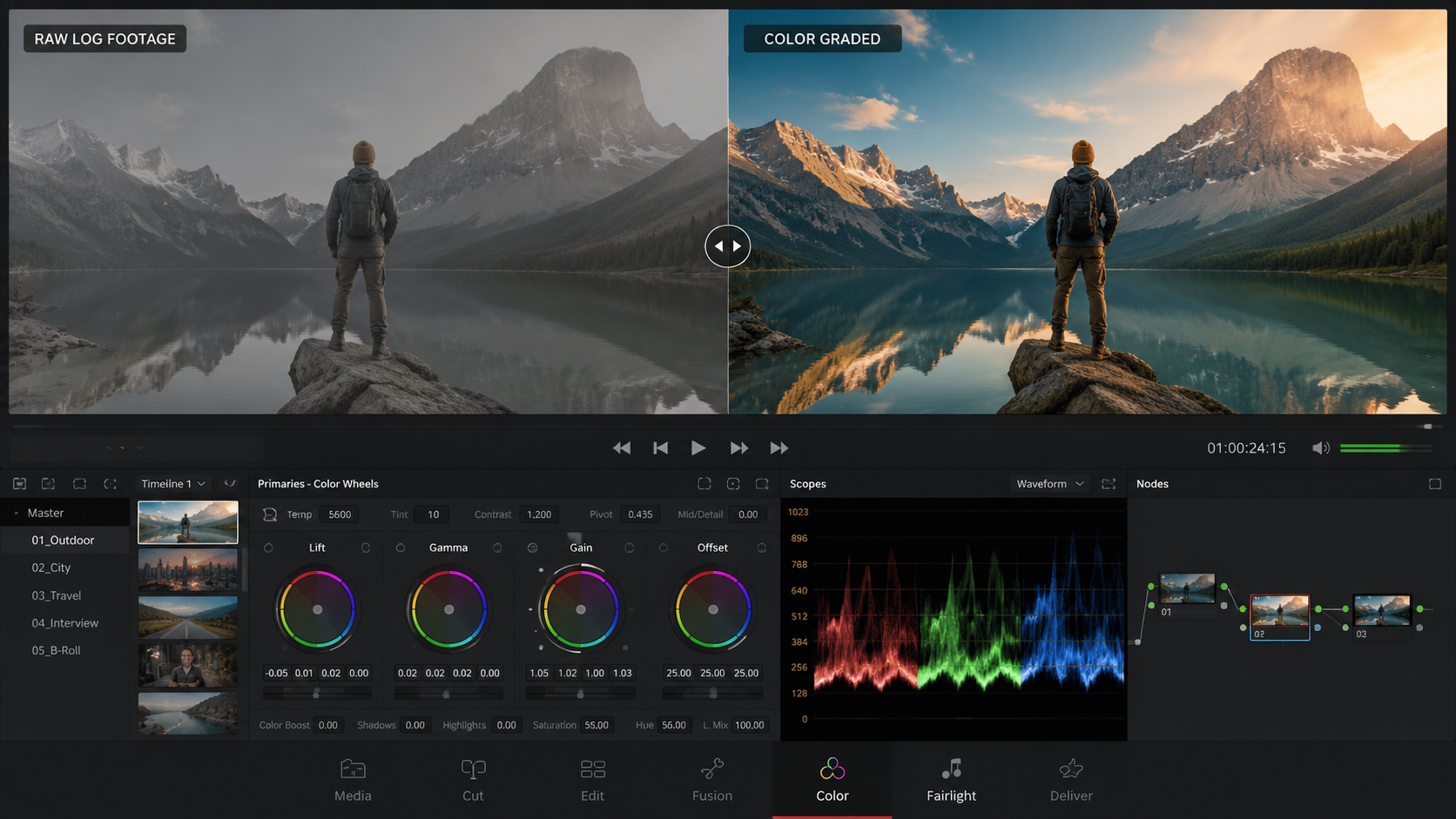
The current year has seen a massive leap in how generative engines handle moving images. A significant milestone was reported by PetaPixel, noting that Imagen has expanded its capabilities to work on video with AI-powered frame-by-frame color correction. This technology is revolutionary because it eliminates the "drifting" effect often seen in older AI versions, where the color would subtly shift as the camera moved. By treating every frame as a unique data point while maintaining temporal consistency, these tools provide a level of precision previously only achievable by manual labor.
Furthermore, the accessibility of these tools has reached an all-time high. Digital Camera World recently highlighted that the color grading tools used by Hollywood studios now support still photos and offer robust free versions. This cross-pollination between photography and videography means that creators can maintain a unified visual brand across all media types using the same underlying AI logic. This convergence is a hallmark of the 2026 creative economy.
Top 10 AI Video Color Grading Tools for Professionals
1. DaVinci Resolve 19 (Magic Mask & AI Match)
DaVinci Resolve remains the undisputed king of color. In 2026, its Neural Engine has been upgraded to handle complex relighting tasks. According to PCMag, it continues to be the best video editing software tested for 2026, specifically for its deep color grading capabilities. The AI "Shot Match" feature can now analyze the metadata of a clip—including lens type and sensor data—to provide an incredibly accurate starting point for grading.
2. Imagen Video AI
Originally a leader in photo editing, Imagen’s move into video has been a game-changer. As reported by PetaPixel, its ability to perform frame-by-frame correction ensures that even in difficult lighting, such as a sunset or moving through shadows, the color remains perfectly balanced. It is particularly favored by wedding videographers who deal with thousands of frames in varying environments.
3. Adobe Premiere Pro (Lumetri AI)
Adobe has integrated "Sensei" AI deeper into the Lumetri Color panel. The 2026 version features an "Auto-Tone" that doesn't just adjust sliders but actually understands the context of the scene—distinguishing between a cold snowy landscape and a warm indoor interview. It remains a top choice for Mac users, as noted by PCMag in their 2026 reviews of Mac-based editing software.
4. Final Cut Pro (Cinematic AI)
For Apple silicon users, Final Cut Pro leverages the Neural Engine to provide real-time AI color grading. The 2026 updates allow for "Object Tracker Color," where the AI follows a moving object and applies a specific grade only to that object, maintaining perfect masks without manual rotoscoping.
5. CapCut Desktop (Pro AI Grade)
CapCut has evolved far beyond its mobile roots. Small Business Trends identifies it as one of the top social media video editors for 2026. Its AI color grading is designed for speed, offering "One-Tap Cinematic" looks that use sophisticated algorithms to mimic the color palettes of famous films based on the footage's content.
6. Wondershare Filmora 15
Filmora has leaned heavily into "AI Copilot" editing. Its color grading suite now includes an AI-driven "Color Match" that is surprisingly robust for its price point, making it an excellent choice for intermediate creators who need professional results without the complexity of Resolve.
7. LumaFusion (iPadOS AI)
For those editing on the go, LumaFusion’s 2026 AI implementation allows for desktop-class color correction on an iPad. It uses machine learning to suggest grades based on the "mood" the creator selects, such as "Noir," "Vibrant," or "Documentary."
8. Runway Gen-3 Color Tools
Runway continues to push the boundaries of generative AI. Their color grading tool allows users to describe the look they want in plain English. Typing "Make this look like a 1970s film with warm shadows" will trigger the AI to rebuild the color profile of the video from scratch.
9. Topaz Video AI 6
While primarily known for upscaling, Topaz Video AI 6 includes "Dynamic Range Recovery." This AI tool recovers "clipped" highlights and deep shadows that traditional color grading cannot touch, essentially reconstructing lost data through generative models.
10. Blackmagic Cloud Grading
This is a collaborative AI tool that allows multiple editors to work on the same grade in real-time. The AI monitors the consistency of the grade across different monitors and devices, ensuring that what the director sees on an iPad matches what the colorist sees on a calibrated display.
Comparison of Top AI Color Grading Software
| Tool Name | Key AI Feature | Best For | Platform |
|---|---|---|---|
| DaVinci Resolve | Neural Engine Shot Match | Hollywood Professionals | Windows/Mac/Linux |
| Imagen Video | Frame-by-Frame Correction | Wedding & Event Video | Cloud-Based |
| Adobe Premiere Pro | Lumetri AI Auto-Tone | Corporate & Commercial | Windows/Mac |
| CapCut | One-Tap Cinematic Looks | Social Media Creators | Mobile/Desktop |
| Runway | Text-to-Color Grading | Experimental/Creative | Web Browser |
Why AI is Essential for Video Color Grading in 2026
The sheer volume of content being produced in 2026 makes manual color grading a bottleneck for most production houses. Red Shark News points out that AI tools are no longer just "filters"; they are "intelligent assistants" that handle the technical heavy lifting. This allows the human editor to focus on the emotional impact of the color rather than the mathematics of signal processing.
Moreover, the accuracy of these tools has reached a point where they can outperform human eyes in certain technical tasks. For instance, AI can detect minute "banding" in 8-bit footage and apply dithering algorithms to smooth out gradients—a task that would take hours to fix manually. As Small Business Trends notes, the ability to enhance content creation through these automated editors is what separates successful modern brands from those left behind.
According to data from PCMag, the integration of AI has improved the rendering speeds of color-heavy projects by nearly 40% on optimized hardware like the latest Mac and PC workstations. This efficiency gain is the primary reason why the best ai video color grading tools have become the standard across all tiers of video production.
Frequently Asked Questions
What are the best ai video color grading tools for beginners?
For beginners, CapCut and Adobe Premiere Pro offer the most intuitive AI interfaces. CapCut provides one-click cinematic presets, while Premiere’s Auto-Tone uses AI to provide a professional baseline that requires minimal adjustment.
Is there a free AI video color grader?
Yes, the free version of DaVinci Resolve includes powerful AI-assisted color correction features. Additionally, many social media editors like CapCut offer robust AI color tools at no cost for basic users.
Can AI replace professional colorists?
AI is a tool that assists colorists but does not replace them. While AI can handle shot matching and technical correction, the creative "vision" and emotional storytelling through color still require human expertise and decision-making.
Does AI color grading work on 4K and 8K footage?
Most modern AI tools like Topaz Video AI and DaVinci Resolve are fully optimized for 4K and 8K workflows. In fact, AI is often used to "clean up" high-resolution footage by reducing noise and improving dynamic range.
What is "frame-by-frame" AI color correction?
This is a technology, pioneered by companies like Imagen, where the AI analyzes every single frame of a video individually rather than applying a blanket setting. This ensures that the color stays consistent even if the lighting changes during the shot.



Comments ()