
7 Best AI Video Color Grading Software of 2026 (Ranked)
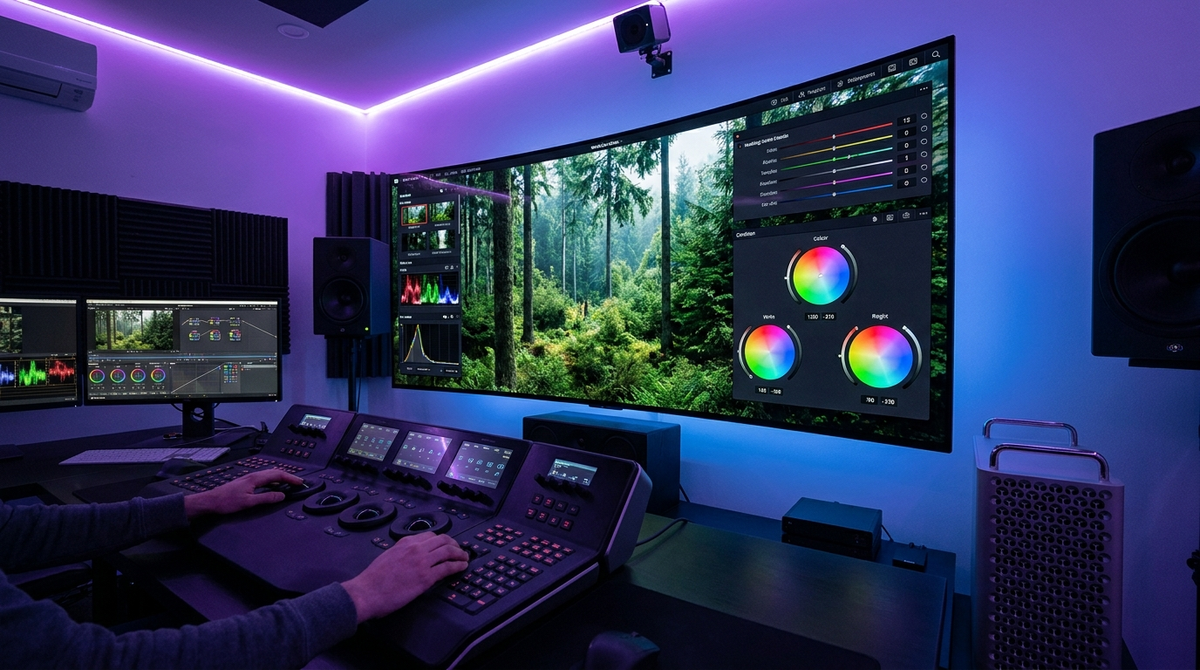
The best AI video color grading software in 2026 utilizes neural engines to automate cinematic looks, match shots across different cameras, and perform complex secondary color corrections in seconds. These tools have evolved beyond simple filters, now offering generative color palettes that adapt to the lighting and emotional tone of your footage. Whether you are a professional colorist or a content creator, the right AI-driven platform can reduce your post-production workflow by up to 80% while maintaining broadcast-quality standards.
AI video color grading software is a category of post-production tools that uses machine learning to analyze pixel data, lighting, and skin tones to automatically apply professional-grade color corrections. As of May 2026, the industry leaders include DaVinci Resolve 19, Adobe Premiere Pro (with enhanced Sensei AI), and specialized tools like Topaz Photo/Video AI, which offer automated shot-matching and HDR mapping.
- ✓ AI-driven shot matching allows for instant color consistency across multiple camera brands.
- ✓ Generative color grading can now interpret text prompts to create specific cinematic atmospheres.
- ✓ Real-time neural processing enables 4K HDR grading without the need for extensive proxy workflows.
- ✓ Automated skin tone protection ensures subjects look natural even under heavy stylistic grading.
How to Use AI Video Color Grading Software: A Step-by-Step Guide
Modern video editing workflows have shifted toward an AI-first approach. To get the best results from the best AI video color grading software, users should follow a structured pipeline that allows the machine learning algorithms to analyze the raw data before applying stylistic choices. This ensures that the dynamic range is preserved and noise is minimized.
- Import and Normalize: Bring your footage into the timeline and use the AI "Auto-Normalize" feature to convert Log or Flat profiles into a standard Rec.709 or HDR workspace.
- Shot Matching: Select a "reference frame" with your desired look and use the AI Shot Match tool to apply those color characteristics to all other clips in your sequence.
- Subject Masking: Use AI magic masks to automatically isolate the subject from the background, allowing for independent color adjustments to skin tones.
- Neural Style Transfer: Apply a generative LUT or AI style based on a text prompt (e.g., "Moody 1970s film noir") and adjust the intensity slider.
- Final Export: Review the AI-generated scopes to ensure broadcast legality and export using AI-optimized encoding for platforms like YouTube or Netflix.
Comparison of the Top AI Video Color Grading Tools in 2026
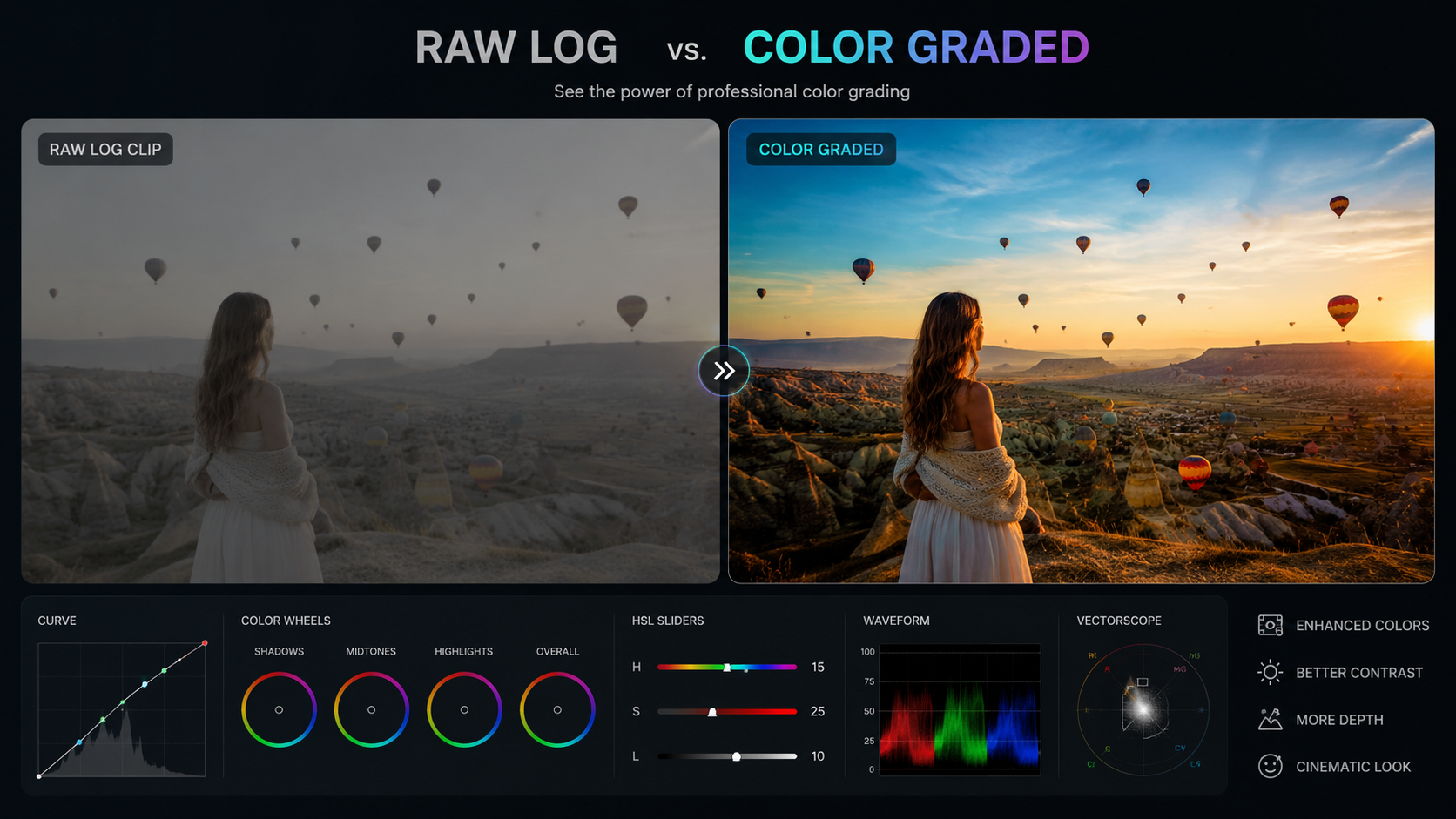
Choosing the right tool depends on your hardware and your specific project needs. According to reports from PCMag in May 2026, the integration of AI into traditional NLEs (Non-Linear Editors) has made professional color science accessible to beginners while providing advanced controls for experts.
| Software | Best For | Key AI Feature | Platform |
|---|---|---|---|
| DaVinci Resolve 19 | Professional Colorists | Magic Mask & IntelliTrack | Windows, Mac, Linux |
| Adobe Premiere Pro | Social Media Creators | Auto Tone & AI Match Color | Windows, Mac |
| Topaz Video AI 6.0 | Enhancement & Restoration | Neural Color Recovery | Windows, Mac |
| Final Cut Pro (2026) | Apple Ecosystem Users | Object Tracker Color Grading | Mac, iPad |
| CapCut Desktop | Fast Turnaround Content | One-Click AI Stylizer | Windows, Mac, Mobile |
1. DaVinci Resolve 19: The Industry Gold Standard
DaVinci Resolve remains the undisputed leader in color science. In 2026, its DaVinci Neural Engine has reached new heights, offering features that were previously impossible. The software now includes "Generative Relighting," which allows editors to virtually move light sources in a 2D video clip, with the AI calculating how shadows and highlights should shift across the subject's face.
According to Analytics Insight, DaVinci Resolve is frequently cited as the top choice for professionals due to its dedicated hardware acceleration. The 2026 update introduced "AI Skin Smoothing 2.0," which intelligently separates skin texture from color, allowing you to fix blemishes without making the subject look "plastic." This level of granular control is why it remains the best AI video color grading software for feature films and high-end commercials.
Advanced Shot Matching Capabilities
The Shot Match tool in Resolve 19 uses spatial and temporal analysis to ensure that a clip filmed on an iPhone looks identical to one filmed on an Arri Alexa. The AI analyzes the color temperature, tint, and exposure levels, creating a balanced look across the entire timeline with a single click. This drastically reduces the time spent on manual primary corrections.
2. Adobe Premiere Pro: Seamless AI Integration
Adobe has heavily invested in its Sensei AI framework to keep Premiere Pro competitive. As noted by Tech Times in April 2026, Premiere Pro has become the go-to for creators who need a balance between power and speed. The "Auto Tone" feature has been upgraded to "Generative Tone Mapping," which automatically adjusts HDR footage for SDR displays without losing detail in the highlights.
The 2026 version of Premiere Pro also features "AI-Enhanced Speech-to-Color," a unique tool that analyzes the mood of the dialogue and suggests color palettes that match the emotional tone of the scene. For example, if the AI detects a somber conversation, it may suggest a cooler, desaturated palette to enhance the storytelling.
The Power of AI Match Color
Adobe’s Match Color tool has been a staple, but the 2026 iteration utilizes deep learning to analyze the "texture" of color. It doesn't just match the RGB values; it matches the grain and film stock characteristics of a reference image. This makes it an essential tool for editors who want to achieve a specific "film look" without being expert colorists themselves.
3. Topaz Video AI 6.0: Superior Color Restoration
Topaz Video AI is unique because it isn't a traditional editor; it is a dedicated enhancement suite. In 2026, its "Neural Color Recovery" model is the best in the business for fixing faded archival footage or poorly exposed digital video. Studies by PCMag have shown that Topaz's AI can reconstruct color data in underexposed areas that other software simply turns into digital noise.
This software is particularly useful for "upscaling" the color depth of 8-bit footage to a simulated 10-bit or 12-bit workspace. By using generative adversarial networks (GANs), Topaz fills in the gaps between color gradients, effectively eliminating "banding" in skies or smooth surfaces. It is an indispensable tool for filmmakers working with older or lower-quality source material.
4. Final Cut Pro: Optimized for Silicon
For Mac users, Final Cut Pro remains the fastest option. PCMag highlighted in May 2026 that Final Cut Pro's optimization for Apple Silicon allows it to perform AI color grading tasks in real-time that would require rendering on other platforms. The "AI Color Conform" feature is particularly impressive, allowing users to mix different color spaces (like Log, HLG, and PQ) seamlessly.
Final Cut's "Object Tracker" now integrates directly with the color wheels. Once you track a moving object, the AI creates a dynamic mask that follows the object's contours, allowing you to grade the subject independently of the background. This "set it and forget it" approach to secondary color correction is a major time-saver for fast-paced production environments.
5. CapCut Desktop: The Rise of Accessible AI
While often dismissed as a mobile app, CapCut’s desktop version has become a powerhouse for social media professionals. As reported by Small Business Trends in early 2026, CapCut's AI color grading features are among the most user-friendly. Its "Auto-Style" library uses the same neural networks found in high-end software to apply trending cinematic looks with a single click.
CapCut’s strength lies in its "AI Skin Tone Protection." Even when applying heavy, stylized LUTs, the software uses face detection to ensure that human skin remains within the "flesh tone line" on a vectorscope. This prevents the common amateur mistake of turning subjects orange or green when trying to achieve a specific aesthetic.
6. LumaFusion: AI Color Grading on the Go
LumaFusion has maintained its dominance as the professional choice for iPad and mobile editing. In 2026, it introduced "Neural LUTs," which are dynamic look-up tables that change based on the lighting conditions of the clip. This means the same "Teal and Orange" look will adapt differently to a sunset shot versus a midday shot, ensuring a natural result every time.
The software also includes an "AI Assistant" for color, which can scan your timeline and identify clips that are "out of balance" with the rest of the project. It provides a heat map of your edit, showing where color inconsistency might distract the viewer, making it a great tool for editors working without professional monitors.
7. Blackmagic Cloud: Collaborative AI Grading
Rounding out the list is Blackmagic Cloud, which has evolved into a standalone web-based grading interface. It allows directors to provide real-time color feedback using AI-generated "Style Frames." According to Amateur Photographer, the rise of powerful, free, or low-cost cloud editors is challenging the traditional dominance of expensive desktop suites.
Blackmagic Cloud uses "Proxy AI" to allow users with slow internet connections to grade high-resolution 8K footage. The AI handles the heavy lifting on remote servers, sending back a low-latency preview of the graded footage. This has revolutionized the way remote teams collaborate on the best AI video color grading software tasks.
The Future of AI in Color Science
As we move further into 2026, the line between "editing" and "color grading" continues to blur. AI is no longer just a tool for fixing mistakes; it is a creative partner. We are seeing the emergence of "Text-to-Grade" technology, where an editor can simply type "Make this look like a Wes Anderson film," and the AI will adjust the saturation, geometry, and color balance to match that specific directorial style.
However, the human element remains crucial. While AI can handle the technical aspects of color matching and normalization, the artistic choice of *why* a scene should be blue or red remains a directorial decision. The best AI video color grading software of 2026 acts as a highly skilled assistant, freeing up the creator to focus on the narrative and emotional impact of their work.
What is the best AI video color grading software for beginners?
CapCut Desktop and Adobe Premiere Pro are the best options for beginners. They offer "one-click" AI solutions that provide professional results without requiring deep knowledge of color wheels or scopes.
Can AI replace professional colorists?
While AI can automate 90% of the technical work, professional colorists are still needed for creative direction and final quality control. AI is a tool that enhances their efficiency rather than replacing their artistic vision.
Does AI color grading work on 4K footage?
Yes, most modern software like DaVinci Resolve 19 and Final Cut Pro are optimized for 4K and even 8K AI processing, especially when using hardware with dedicated NPU (Neural Processing Unit) cores.
Is there any free AI video color grading software?
The free version of DaVinci Resolve includes many AI features, though some advanced neural tools require the Studio version. CapCut also offers a robust suite of free AI color tools.
What hardware do I need for AI color grading in 2026?
You should ideally have a machine with at least 16GB of VRAM and a processor with dedicated AI acceleration, such as Apple's M-series chips or NVIDIA's latest RTX GPUs, to handle real-time neural processing.



Comments ()