
10 Best AI Video Background Remover Tools in 2026
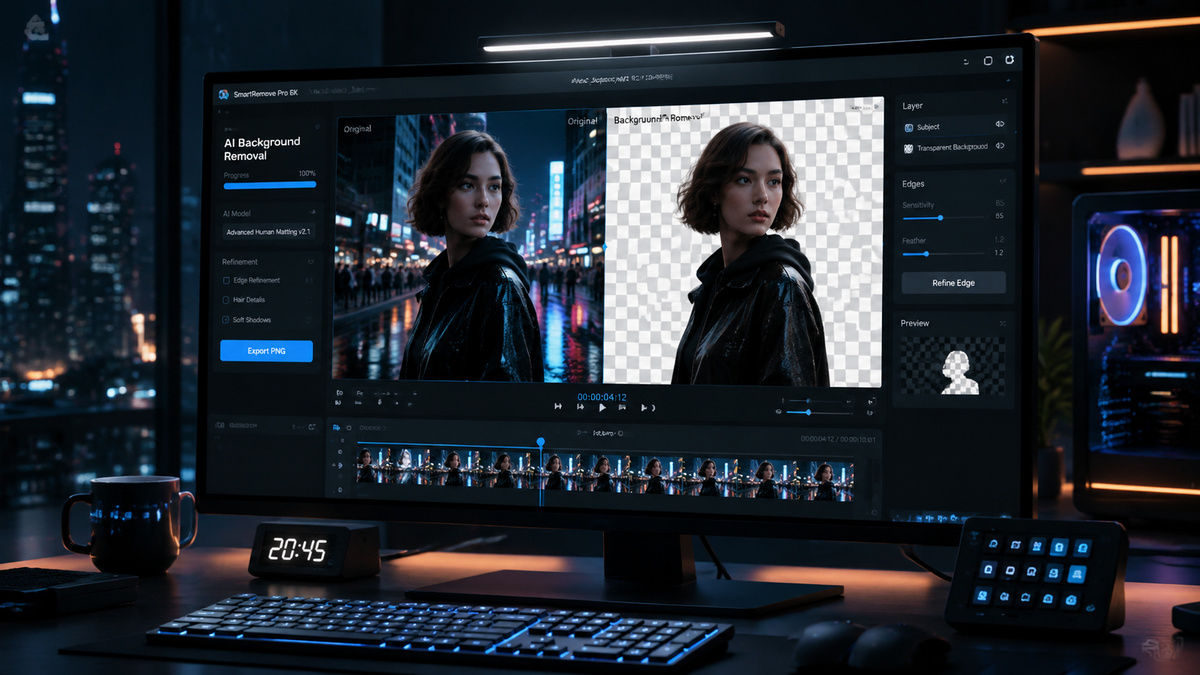
The best ai video background remover tools in 2026 are advanced software solutions that utilize neural networks and real-time rotoscoping to isolate subjects from their surroundings without the need for a green screen. These tools allow creators to instantly swap backgrounds, apply clean alpha mattes, and enhance visual storytelling with professional-grade precision. Whether you are a social media influencer or a professional filmmaker, modern AI-driven platforms like Beeble and Vmake AI have revolutionized the post-production workflow by automating the tedious process of frame-by-frame masking.
An ai video background remover tool is a specialized software application that uses machine learning algorithms to automatically identify and isolate a foreground subject from its background in moving footage. These tools eliminate the manual labor of rotoscoping, allowing for instant background replacement or transparency in high-definition video formats with just a few clicks.
- ✓ Advanced AI rotoscoping now delivers clean, detailed alpha mattes in seconds rather than hours.
- ✓ Browser-based tools like Beeble have made professional-grade background removal accessible without high-end hardware.
- ✓ Integrated video enhancement toolkits, such as Vmake AI, now combine background removal with lighting and resolution upscaling.
- ✓ Real-time edge detection in 2026 has significantly reduced "shimmering" artifacts around hair and complex edges.
- ✓ Most leading platforms now support 4K exports and high-frame-rate processing for cinematic results.
How to Use AI Video Background Remover Tools: A Step-by-Step Guide
Removing the background from a video has evolved from a complex manual task into a streamlined automated process. In 2026, the technology has reached a point where even beginners can achieve "pixel-perfect" isolation of subjects. This democratization of video editing means that high-production value is no longer gated behind expensive studio setups or years of technical training in software like After Effects.
To get the best results from your ai video background remover tools, follow these standard steps used across most modern platforms:
- Upload Your Footage: Drag and drop your video file (MP4, MOV, or AVI) into the AI editor. For the best results, ensure your subject is well-lit and has some contrast from the background.
- Select the Subject: Most 2026 tools will automatically detect the person or object in the frame. If the tool offers "Manual Selection," simply click on the subject once to guide the AI.
- Process the Alpha Matte: Click the "Remove Background" or "Generate Matte" button. The AI will analyze the motion vectors and depth to create a clean mask across all frames.
- Refine Edges: Use the "Edge Smoothing" or "Feathering" sliders to blend the subject naturally, especially if there is fine detail like hair or fur.
- Choose a New Background: Select a transparent background (PNG sequence/ProRes 4444), a solid color, or upload a new video/image to serve as the new backdrop.
- Export: Download your finished video. In 2026, many tools now support direct export to social media or professional NLE (Non-Linear Editing) formats.
Top 10 AI Video Background Remover Tools in 2026
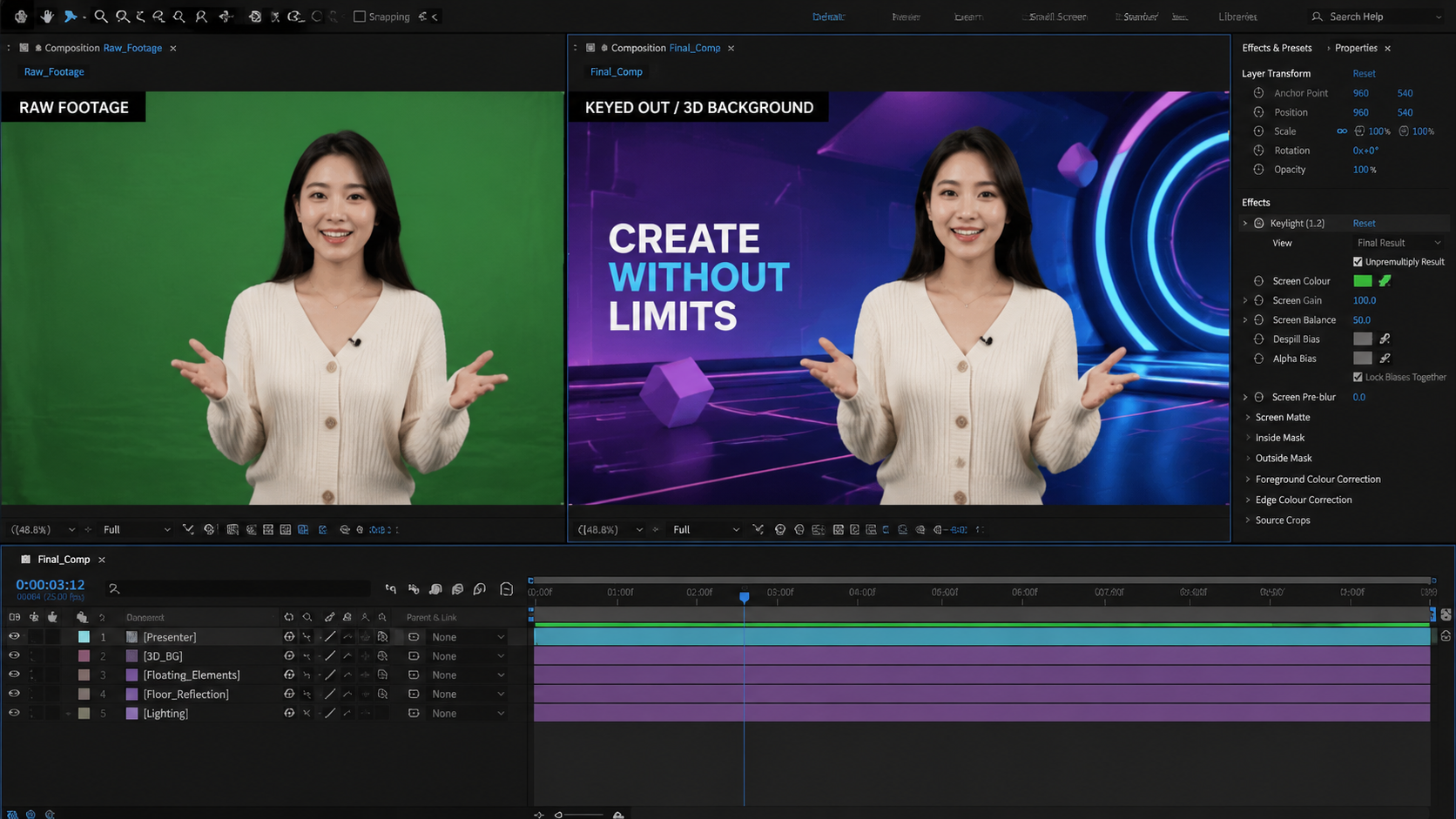
The landscape of video editing has shifted toward "All-in-One" AI suites. According to High On Films, the integration of scene editors with background removers has become the standard for creators this year. Below is a comprehensive look at the leading tools currently dominating the market.
1. Beeble Background Remover
As reported by Red Shark News in April 2026, Beeble has successfully brought professional-grade AI rotoscoping directly to the web browser. This tool is specifically designed for editors who need to work on the go without sacrificing the quality of their alpha mattes. Beeble uses a proprietary "Temporal Consistency" engine that ensures the mask doesn't flicker between frames, a common issue in older AI models.
2. Vmake AI (2026 Edition)
Vmake AI has solidified its position as an ultimate all-in-one video enhancement toolkit. According to a review by That Eric Alper, Vmake AI doesn't just remove backgrounds; it uses generative AI to relight the subject so they match the lighting of the new background seamlessly. This "Neural Relighting" feature makes it one of the most powerful ai video background remover tools for creating realistic composites.
3. Nano Banana Pro
While primarily known for its stunning image generation capabilities, GameTyrant notes that the "Pro" version of Nano Banana now includes a robust video module. It is highly favored by beginners due to its intuitive interface and "one-tap" background replacement. It is particularly effective for short-form content creators on platforms like TikTok and Reels.
4. No Film School’s Featured Roto-Tool
A new AI-powered rotoscoping tool highlighted by No Film School in early 2026 has changed the game for indie filmmakers. This tool can deliver clean, detailed alpha mattes in seconds, handling complex scenarios like motion blur and transparent objects (like glass or water) with unprecedented accuracy. It is often used as a plugin for professional software but also operates as a standalone web app.
5. Punjab News Express Online Suite
For users looking for quick, accessible solutions, the tools featured by Punjab News Express offer excellent online utility. These tools prioritize speed and ease of use, making them ideal for journalists and news creators who need to remove backgrounds from interview footage in real-time for rapid publishing.
| Tool Name | Key Feature | Best For | Platform |
|---|---|---|---|
| Beeble | Browser Rotoscoping | Clean Alpha Mattes | Web-based |
| Vmake AI | Neural Relighting | Professional Compositing | Desktop/Web |
| Nano Banana Pro | Beginner Friendly | Social Media Content | Mobile/Web |
| No Film School AI | Detailed Edge Logic | Indie Filmmakers | Plugin/Web |
| Veed.io (2026) | Live Scene Editing | Webinars & Tutorials | Web-based |
The Evolution of AI Rotoscoping and Scene Editing
In 2026, the term "background removal" is almost an understatement. Modern ai video background remover tools are now capable of full scene reconstruction. According to High On Films, the latest updates in scene editors allow users to not only remove the background but also manipulate the 3D space within the video. This means you can move the camera virtually after the video has been shot, thanks to AI depth-mapping technology.
The technical leap seen this year is largely due to the shift from "Frame-by-Frame" analysis to "Contextual Sequence" analysis. Older tools would look at each frame in isolation, leading to "jittery" edges. The 2026 generation of tools looks at the entire video clip as a single data set, ensuring that the subject's silhouette remains stable throughout the duration of the clip. This level of precision was previously only available to high-budget Hollywood studios using manual rotoscoping teams.
Furthermore, the integration of generative fill has allowed these tools to "hallucinate" parts of the subject that might have been slightly obscured. If a subject's arm briefly moves out of frame or behind an object, the AI can often reconstruct the missing pixels to maintain a perfect mask. This capability has significantly reduced the amount of "re-shooting" required when a background isn't perfectly clean.
Why 2026 is the Year of Browser-Based Professional Editing
One of the most significant trends identified in recent months is the migration of heavy-duty processing to the cloud. As Red Shark News pointed out regarding Beeble, the ability to perform complex rotoscoping in a browser tab is a testament to how far server-side GPU acceleration has come. Users no longer need a $5,000 workstation to process 4K video backgrounds; the heavy lifting is done on remote servers, with the results streamed back to the user's interface.
This shift has also led to better collaboration features. Since the ai video background remover tools are hosted online, multiple editors can work on the same sequence simultaneously. One editor can handle the background removal, while another works on color grading the foreground subject, all within the same cloud-based project file. This has streamlined the production pipeline for creative agencies and remote teams worldwide.
According to That Eric Alper, the "Ultimate All-in-One" nature of these tools is what defines the current market. Users are no longer looking for a tool that just removes a background. They want a toolkit that enhances the video, removes noise, fixes lighting, and provides a library of high-quality 3D environments to place their subjects in. The 2026 suites provide exactly that, often powered by a single subscription model.
Choosing the Right AI Tool for Your Workflow
With so many ai video background remover tools available, the choice often comes down to the specific requirements of your project. If you are working on a high-end cinematic project, you will require a tool that exports in ProRes 4444 to maintain the transparency data without compression artifacts. Tools like the ones highlighted by No Film School are better suited for this high-fidelity work.
On the other hand, if your goal is rapid content creation for social media, speed and ease of use are paramount. GameTyrant suggests that tools like Nano Banana Pro are winning over the younger demographic because they minimize the time between "capture" and "post." The ability to remove a background on a smartphone and replace it with a trending AI-generated environment in under sixty seconds is a powerful advantage in the fast-paced world of digital influence.
Finally, cost-effectiveness remains a major factor. Many of the tools mentioned in the Punjab News Express guide offer "freemium" models, allowing users to process a certain number of minutes for free each month. This has made professional-level video editing accessible to students, non-profits, and small businesses who previously couldn't afford the licensing fees for high-end post-production software suites.
What is the best AI video background remover in 2026?
While there are many options, Beeble and Vmake AI are currently considered the top contenders. Beeble excels in browser-based rotoscoping accuracy, while Vmake AI offers the most comprehensive set of enhancement features and neural relighting for professional results.
Can I remove a video background without a green screen?
Yes, in 2026, AI technology has made green screens largely optional. Modern tools use advanced edge detection and depth mapping to isolate subjects from any background, regardless of complexity or color, as long as there is some visual distinction between the subject and the environment.
Do these AI tools work on 4K video?
Most premium ai video background remover tools in 2026 support 4K resolution. Some browser-based tools may have file size limits, but professional suites like those mentioned by No Film School are specifically designed to handle high-resolution cinema formats with full alpha channel support.
Is AI rotoscoping faster than manual masking?
Significantly. According to industry reports, AI rotoscoping can deliver clean alpha mattes in seconds, whereas manual frame-by-frame masking for a 10-second clip could take a professional editor several hours. This represents a massive increase in production efficiency.
Are there free AI video background removers available?
Yes, many platforms offer free tiers or trial versions. Tools like those discussed by Punjab News Express often provide web-based versions that allow for basic background removal at no cost, though they may include watermarks or limit the export resolution to 720p or 1080p.



Comments ()