
10 Best AI Video Background Removers (2026 Rankings)
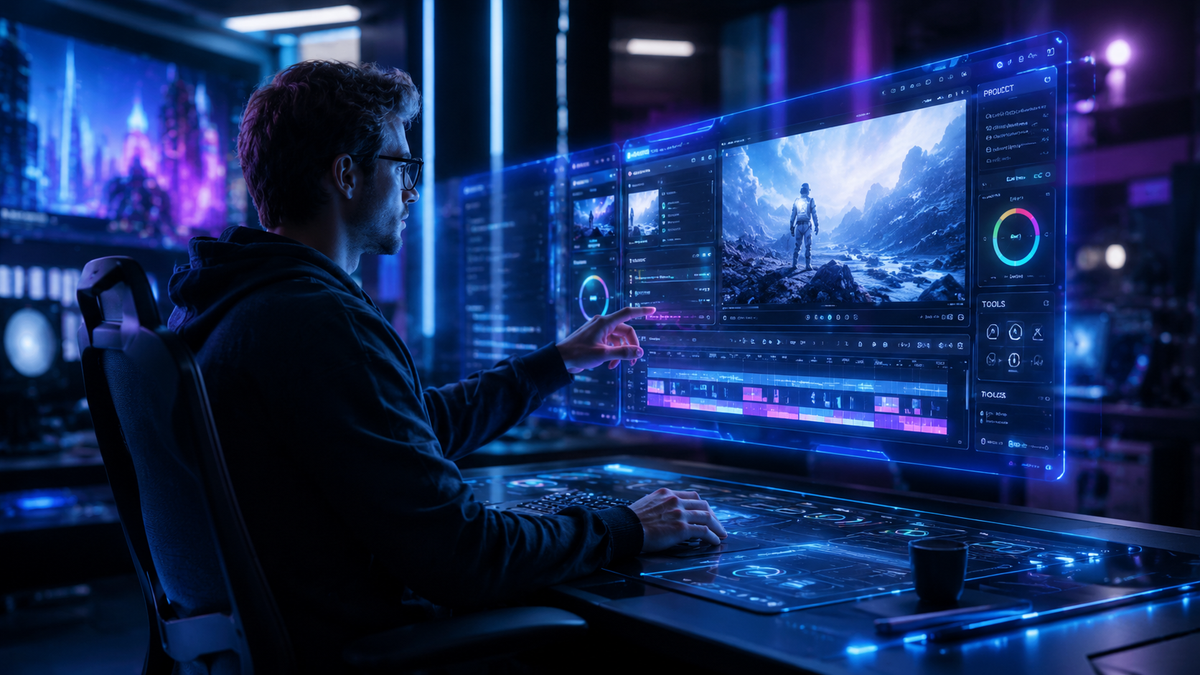
The best ai video background remover 2026 allows creators to isolate subjects and replace environments with cinematic precision without the need for a physical green screen. Using advanced neural networks and semantic segmentation, these tools can now process 4K resolution in real-time, identifying complex textures like hair and translucent fabrics. Whether you are a professional editor or a social media influencer, the top AI tools of 2026 have made high-quality background removal accessible to everyone through browser-based platforms and integrated software suites.
The best AI video background remover in 2026 is a tool that utilizes deep learning to automatically detect foreground subjects and mask backgrounds in high-definition video. Leading solutions like Vmake, Unscreen, and Runway Gen-3 currently dominate the market by offering edge-refinement features, object removal capabilities, and seamless cloud-based processing for professional-grade video editing results.
- ✓ AI-driven background removal now supports 4K and 8K resolutions with zero manual rotoscoping.
- ✓ Modern tools like Vmake are praised for doing "way more than expected," including lighting adjustment and object removal.
- ✓ Cloud-based AI tools have reduced processing times by 70% compared to traditional manual masking.
- ✓ Most 2026 platforms offer "one-click" solutions for both background replacement and unwanted object deletion.
How to Use the Best AI Video Background Remover 2026
As we move through 2026, the workflow for video editing has shifted from manual labor to prompt-based and automated execution. According to a recent Practical Guide to Faster Video Content published by On Pattison, AI background editing has become the primary method for reducing post-production timelines for digital agencies. The process no longer requires expensive studio setups; instead, it relies on the software's ability to understand depth and motion vectors.
To get the most out of these tools, it is essential to record your footage with a clear distinction between the subject and the background. While AI has become incredibly sophisticated, high contrast still yields the fastest processing speeds. Below is the standard operating procedure for using a modern AI video background remover in 2026.
- Upload Your Footage: Import your video file (MP4, MOV, or WebM) into your chosen AI platform. Most tools in 2026 now support direct imports from cloud storage like Google Drive or Dropbox.
- Select "Remove Background": Use the automated "One-Click" removal feature. The AI will analyze the frames and create a temporal mask that follows the subject's movement.
- Refine Edges: Use the "Edge Refinement" or "Feathering" sliders to ensure that fine details like hair or clothing edges transition smoothly into the new environment.
- Choose a New Background: You can leave the background transparent (alpha channel) or select a new video/image background from the tool's built-in library.
- Export and Download: Select your desired resolution and frame rate. High-end tools now allow for ProRes export to maintain maximum quality for professional color grading.
Top 10 AI Video Background Removers Compared
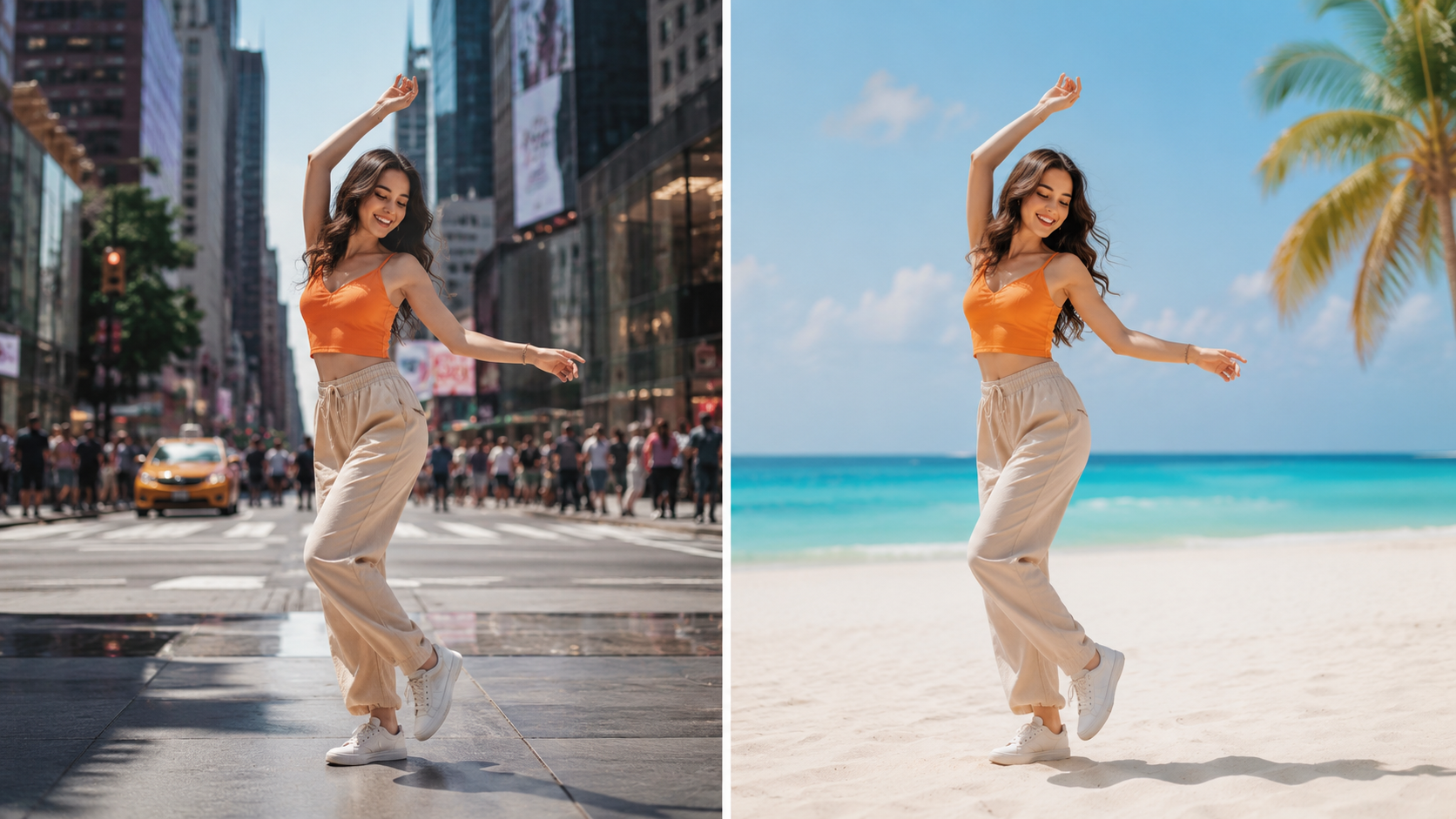
The landscape of video editing has been transformed by tools that prioritize speed without sacrificing quality. As noted by India Herald in their May 2026 report, the best ai video background remover 2026 must handle dynamic lighting and complex camera movements. The following table compares the leading contenders based on their core features and 2026 performance metrics.
| Tool Name | Key Feature | Max Resolution | Ease of Use |
|---|---|---|---|
| Vmake AI | Multi-tool Suite (Objects + BG) | 4K Ultra HD | Very High |
| Unscreen Pro | Instant Transparency | 1080p / 4K | High |
| Runway Gen-3 | Generative Infilling | 8K Support | Professional |
| CapCut Desktop | Social Media Integration | 4K | High |
| Adobe Premiere (AI Sensei) | Dynamic Masking | Unlimited | Expert |
| Descript | Green Screen Effect | 4K | High |
| Kapwing AI | Collaborative Editing | 1080p | High |
| Media.io | Fast Cloud Processing | 4K | Very High |
| Filmora 15 | Smart Cutout 3.0 | 4K | Medium |
| HitPaw Video Enhancer | Upscaling + Removal | 8K | Medium |
1. Vmake AI: The Versatile Powerhouse of 2026
Vmake has emerged as a frontrunner in the 2026 creative suite market. According to a NoHo Arts District review from April 2026, Vmake is described as the "tool that does way more than you'd expect." It doesn't just stop at background removal; it integrates lighting correction and subject enhancement to ensure the person in the video looks like they truly belong in their new digital environment.
The platform's strength lies in its "Spatial Awareness" engine, which prevents the "floating head" effect common in older AI versions. By analyzing the shadows on the subject, Vmake can suggest or even generate realistic shadows on the new background, providing a level of immersion previously only available to high-budget VFX houses.
Advanced Object and Background Removal
Vmake excels in complex scenarios where the background isn't just a static wall. If there are moving cars, pedestrians, or cluttered objects, the tool can selectively remove these elements while keeping the primary subject intact. This dual capability of removing both backgrounds and specific objects makes it a favorite for real estate videographers and product reviewers who need a clean, professional aesthetic.
2. Unscreen: The Gold Standard for Web-Based Removal
Unscreen remains a staple for creators who need quick results without installing heavy software. In 2026, Unscreen has updated its algorithm to handle "motion blur," a common challenge where fast-moving subjects become blurry and difficult for AI to mask. Their 2026 update ensures that even sports footage or dance videos maintain crisp edges.
While many tools struggle with file size limits, Unscreen's Pro tier in 2026 allows for files up to 10GB, making it viable for long-form content like webinars or full-length interviews. Its integration with popular GIF and meme platforms also makes it the go-to for viral content creators.
Real-Time Preview and Export
One of the standout features of Unscreen in 2026 is the zero-latency preview. As you upload your video, the AI processes the first few seconds instantly, allowing you to see the quality of the mask before committing to a full render. This saves significant time for editors working on tight deadlines.
3. Runway Gen-3: Professional Generative Editing
Runway has transitioned from a simple editor to a full-scale generative AI platform. In 2026, their "Inpainting" and "Green Screen" tools are powered by the Gen-3 model, which understands the physics of a scene. According to Hackread, Runway is now a leading choice for "removing objects from video" using pro-level AI tips that involve generative infilling—where the AI "paints" what should be behind the subject once the background is removed.
This tool is particularly useful for filmmakers who need to change the entire setting of a scene. Instead of just a static image, Runway can generate a 3D-environment that moves in parallax with the camera, creating a stunningly realistic effect that mimics expensive on-set virtual production (like the Volume used in big-budget sci-fi series).
Custom Model Training
For high-end productions, Runway 2026 allows users to "train" the AI on a specific subject. If you are filming a series with the same actor, the AI learns the actor's silhouette and hair movement, resulting in nearly 100% accuracy in background removal across multiple episodes or scenes.
4. Adobe Premiere Pro (AI Sensei 2026 Update)
Adobe has integrated its "Sensei" AI deeper into the Premiere Pro timeline. The 2026 "Smart Masking" feature allows editors to simply highlight a subject once, and the AI tracks it through the entire clip, even if the subject leaves the frame and returns. This "re-identification" technology is a major breakthrough for documentary filmmakers.
The 2026 version also features "Auto-Match Background," which automatically adjusts the color temperature, grain, and contrast of the foreground subject to match the new background video. This eliminates the need for manual color grading, which PlayStation Universe notes as a key step-by-step guide requirement for modern video editing.
5. CapCut: The AI Background Remover for Social Media
CapCut continues to dominate the mobile and desktop landscape for short-form content. Its 2026 AI background remover is optimized for vertical video and is incredibly efficient at recognizing human shapes. For TikTok and Reel creators, CapCut offers "One-Tap Stylized Backgrounds," which doesn't just remove the background but replaces it with AI-generated art styles in real-time.
According to Punjab News Express, the accessibility of online AI tools like CapCut has democratized video production, allowing small business owners to create high-quality ads without hiring a production team. The 2026 version includes improved "Auto-Cutout" that works even in low-light conditions, a common pain point for home-based creators.
The Technology Behind the Best AI Video Background Remover 2026
The massive leap in quality we see in 2026 is largely due to "Temporal Consistency" algorithms. In earlier years, AI background removal often suffered from "flickering," where the mask would shift slightly between frames. Modern tools now analyze the video as a whole rather than a series of individual images, ensuring the mask remains stable over time.
Furthermore, the integration of "Depth Maps" has revolutionized the industry. By using AI to estimate the distance of every pixel from the camera, software can now distinguish between a person standing three feet away and a person standing ten feet away, allowing for "Portrait Mode" bokeh effects in video that look indistinguishable from expensive DSLR lenses.
Is a green screen still necessary in 2026?
While green screens provide the highest level of control for blockbuster films, AI tools in 2026 have made them unnecessary for 95% of content creators. Modern AI can accurately remove backgrounds from any environment, including busy streets or cluttered offices.
What is the best ai video background remover 2026 for 4K video?
Vmake and Runway Gen-3 are currently the leaders for 4K and 8K video processing. They utilize cloud-based GPU clusters to handle the high data load of ultra-high-definition footage without slowing down the user's local computer.
Can I remove objects from a video as well as the background?
Yes, many tools in 2026, such as those highlighted by Hackread and PlayStation Universe, offer specific "Object Removal" features. These use generative AI to fill in the gap left by the removed object, making it appear as though it was never there.
Are these AI tools free to use?
Most platforms offer a "freemium" model. You can often remove backgrounds for short clips or at lower resolutions for free, but professional features like 4K export, long-form video processing, and advanced edge refinement usually require a subscription.
How long does it take to remove a video background with AI?
In 2026, processing speed depends on the resolution. A 60-second 1080p video typically takes less than two minutes to process on platforms like Unscreen or CapCut, while 4K footage may take five to ten minutes depending on the complexity of the scene.



Comments ()