
10 Best AI Tools for Video Editing in 2026: Top Rated
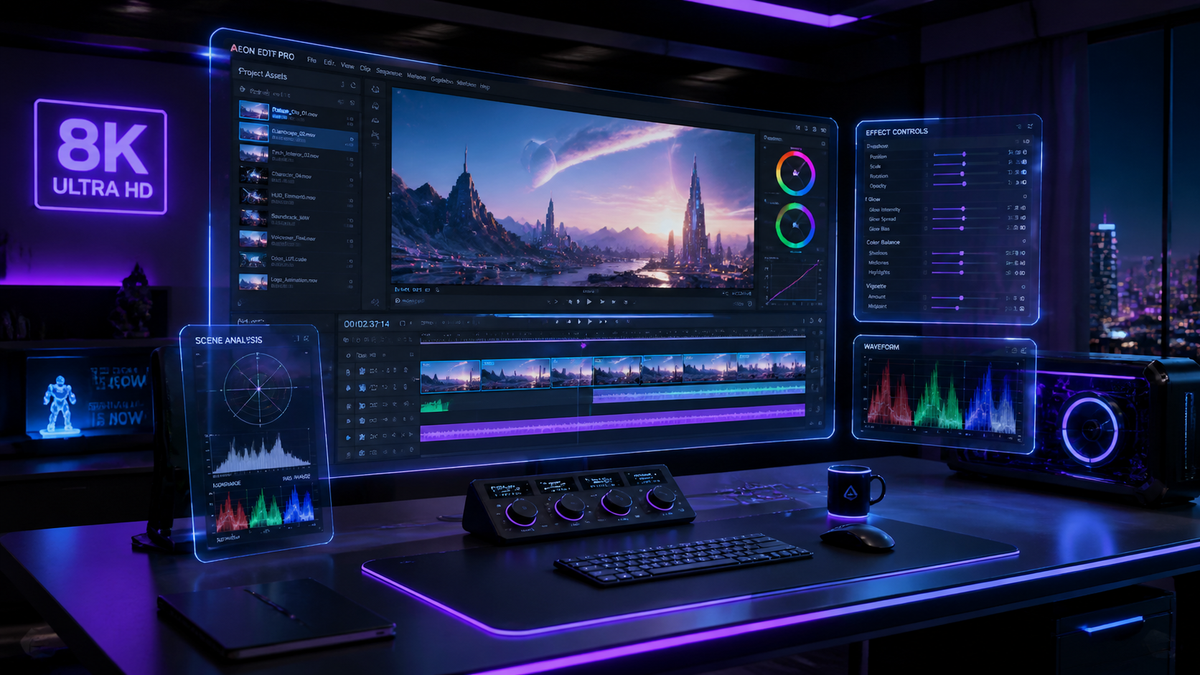
Finding the best ai tools for video editing in 2026 involves selecting software that leverages generative models to automate tedious tasks like color grading, object removal, and multi-cam synchronization. The current landscape of video production has shifted toward "prompt-based" editing, where creators use natural language to direct AI agents to assemble rough cuts, generate motion graphics, and refine audio clarity instantly.
The best AI tools for video editing are comprehensive platforms like Adobe Premiere Pro (with Firefly integrations), DaVinci Resolve 19+, and Runway Gen-3. These tools utilize neural engines to provide features such as text-based editing, generative extend, and automated scene detection, allowing creators to reduce post-production time by up to 80% compared to traditional manual workflows.
- ✓ Adobe Premiere Pro and After Effects now feature native generative AI for seamless object addition and removal.
- ✓ Text-based editing has become the industry standard for rapid rough-cut assembly in 2026.
- ✓ Local AI processing on Windows-built apps is now a viable high-speed alternative to cloud-based rendering.
- ✓ Prompt engineering for video is a critical new skill for editors to master in 2026.
How to Use the Best AI Tools for Video Editing
In 2026, the workflow for video production has evolved from manual timeline manipulation to a collaborative process between the human editor and the AI agent. By utilizing the latest advancements in generative video, editors can now focus more on the creative narrative rather than the technical minutiae of masking or rotoscoping.
- Import and Transcribe: Start by uploading your footage into an AI-enabled editor. The software will automatically generate a highly accurate transcript.
- Text-Based Rough Cut: Edit the video by deleting text from the transcript. The AI will automatically ripple-delete the corresponding video frames.
- Apply Generative Fill: Use tools like Adobe Firefly to add elements to a scene or extend a clip that was filmed too short.
- Refine with Prompts: Use natural language prompts to adjust the mood, lighting, or color grading across the entire project.
- Automated Audio Mastering: Leverage AI audio tools to remove background noise and match the acoustic profile of different recording environments.
Comparison of Top AI Video Editing Software in 2026
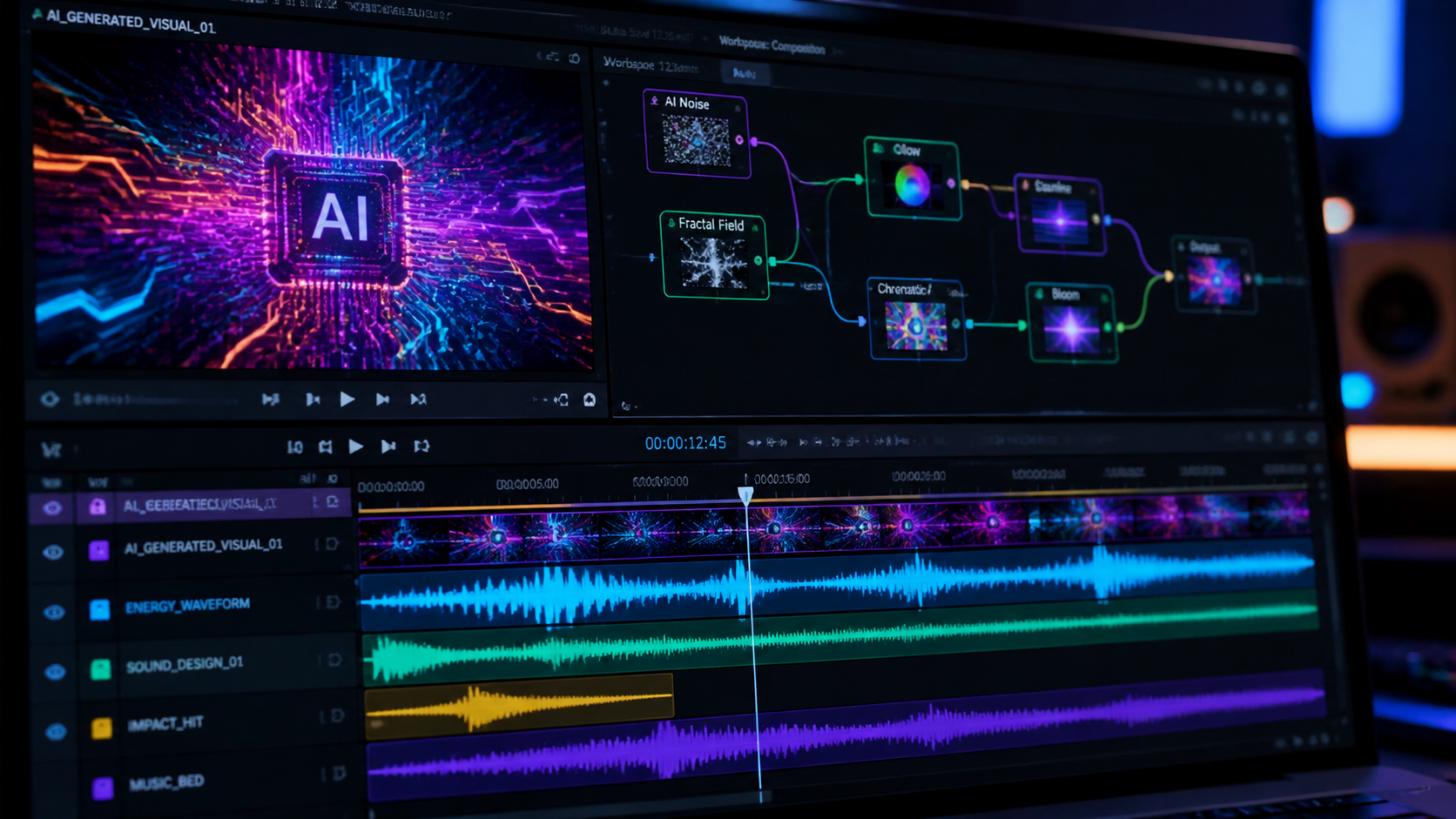
Choosing the right tool depends on your specific needs—whether you are a professional filmmaker, a social media influencer, or a corporate content creator. Below is a comparison of the leading platforms based on the latest 2026 feature sets.
| Tool Name | Primary AI Feature | Best For | Platform |
|---|---|---|---|
| Adobe Premiere Pro | Generative Extend & Object Removal | Professional Film & TV | Windows / macOS |
| Runway Gen-3 | Text-to-Video & Image-to-Video | Experimental & Creative Content | Web-based |
| DaVinci Resolve | Neural Engine Color Grading | Colorists & High-End Post | Windows / macOS / Linux |
| Descript | Underdub & Voice Cloning | Podcasters & Social Media | Web / Desktop |
| CapCut Desktop | Auto-Captions & Viral Templates | TikTok & Reels Creators | Windows / macOS / Mobile |
1. Adobe Premiere Pro: The Industry Titan Reimagined
As of the January 2026 update, Adobe has fully integrated its Firefly Video Model into Premiere Pro. This marks a significant milestone for the best ai tools for video editing, as it allows editors to perform "Generative Extend." This feature can add frames to the beginning or end of a clip to perfectly time a transition, a task that previously required complex time-remapping or additional b-roll.
According to Adobe's 2026 technical brief, the new AI-powered motion design upgrades in After Effects have also streamlined the process of creating complex visual effects. The software now understands 3D depth within 2D footage, allowing for the placement of text and graphics behind objects without manual masking. This level of automation is why Premiere remains a top-rated choice for professionals who need both precision and speed.
Advanced Object Removal and Addition
The 2026 version of Premiere Pro introduces a "Generative Fill" workspace. Similar to Photoshop, editors can now highlight an unwanted object in a moving shot—such as a boom mic or a stray pedestrian—and the AI will replace it with contextually accurate pixels that track perfectly with the camera's movement. This saves hours of traditional rotoscoping work.
2. Runway Gen-3: The Frontier of Generative Video
Runway continues to push the boundaries of what is possible with purely generative content. In 2026, Runway Gen-3 has become a staple for creators who need to generate high-fidelity b-roll from scratch. If you lack a specific shot, you can simply type a prompt and receive a 4K, 60fps clip that matches your existing footage's style and lighting.
As noted in a recent TechRadar review where the author tested over 70 AI tools, Runway stands out for its "Director Mode." This feature gives users granular control over camera movement, focal length, and character consistency, addressing the flickering issues that plagued earlier versions of generative video. It is no longer just a toy for enthusiasts but a serious tool for commercial production.
Creative Prompting for Better Clips
Mastering Runway in 2026 requires an understanding of "Video Prompting." According to eWeek, the quality of your output is directly tied to the specificity of your prompts. The best AI video editing prompts now include technical camera terminology, lighting styles (e.g., "Rembrandt lighting"), and specific temporal instructions to ensure the motion remains fluid and realistic.
3. DaVinci Resolve: Neural Engine Excellence
Blackmagic Design has taken a "hardware-accelerated" approach to AI. DaVinci Resolve utilizes the DaVinci Neural Engine to power its most impressive features. In 2026, the Magic Mask and IntelliTrack features have been refined to work in real-time on consumer-grade GPUs. This allows for instant isolation of subjects for color grading or background replacement.
For those looking for the best ai tools for video editing that prioritize image quality, Resolve remains the gold standard. Its AI-driven "Voice Isolation" is also widely considered the best in the industry, capable of removing heavy construction noise from a dialogue track while maintaining the natural timbre of the speaker's voice. This is particularly useful for documentary filmmakers working in uncontrolled environments.
4. Descript: The King of Text-Based Editing
Descript has fundamentally changed how we think about the timeline. By treating video as a word document, it has lowered the barrier to entry for non-editors. In 2026, its "Underdub" feature allows you to change a word in your video by simply typing the new word; the AI then generates a matching lip-sync and voice clone of the speaker.
Studies show that text-based editing can speed up the "paper edit" phase of production by nearly 300%. For corporate communications and educational content, Descript is often cited as the most efficient tool. Its ability to automatically remove filler words like "um" and "uh" across an entire project with one click is a feature that traditional NLEs (Non-Linear Editors) are still struggling to replicate perfectly.
5. Microsoft Photos and Clipchamp: Native Windows Power
For many users, the best tools are the ones already installed on their devices. In April 2026, Microsoft highlighted significant upgrades to the video editor built into Windows. Clipchamp now includes "Auto-Compose," which uses AI to analyze your raw footage, identify the most engaging segments, and automatically assemble a stylized video complete with music and transitions.
This is an ideal solution for small business owners or casual creators who do not have the time to learn professional software. The integration with OneDrive allows for seamless editing across devices, and the AI background removal tool is surprisingly robust for a "free" built-in application. It proves that AI video editing is becoming democratized and accessible to everyone.
6. CapCut Desktop: From Social Media to Professional Desktops
CapCut has evolved far beyond its roots as a mobile app. The 2026 desktop version is a powerhouse of AI-driven efficiency. Its "Script-to-Video" feature is particularly notable; you provide a script, and the AI finds relevant stock footage, generates a voiceover, and adds captions automatically. While it may not replace Premiere Pro for feature films, it is arguably the most productive tool for short-form content creators.
The Rise of AI Viral Predictors
One of the unique features in CapCut's 2026 suite is an AI tool that analyzes your edit against current social media trends. It suggests specific cuts or music changes that are statistically more likely to retain viewers on platforms like TikTok and Instagram. This data-driven approach to editing is a hallmark of the 2026 creative economy.
7. InVideo AI: The Ultimate Content Generator
InVideo AI represents the "hands-off" category of the best ai tools for video editing. It is designed for users who want to create videos via a chat interface. By describing the video's purpose, target audience, and platform, InVideo handles the sourcing of media, the scriptwriting, and the final assembly. It is an essential tool for content marketers who need to produce high volumes of video daily.
8. Wondershare Filmora 15: AI for the Prosumer
Filmora has maintained its reputation for being "easy yet powerful." In 2026, Filmora 15 introduced "AI Copilot Editing." As you work, a chat assistant suggests improvements, such as "Your music is too loud compared to the dialogue, would you like me to auto-duck it?" or "This scene is a bit dark, should I apply an AI relight?" This makes the software feel like a collaborative partner rather than just a tool.
9. Luma Dream Machine: High-Fidelity Motion
Luma has emerged as a major competitor to Runway in the generative video space. Its Dream Machine model is praised for its physics-accurate motion. In 2026, it is frequently used by VFX artists to generate complex fluid simulations or fire effects that would otherwise take days to render in traditional 3D software. Its API integration allows it to work alongside other video editing platforms seamlessly.
10. Topaz Video AI 6: The King of Enhancement
Not all AI tools are about creating new content; some are about making existing content better. Topaz Video AI 6 is the industry leader in upscaling, de-interlacing, and motion smoothing. According to RedShark News, Topaz is "actually useful" for restoring archival footage or upscaling 1080p content to 8K with stunning clarity. Its "Iris" model for face recovery is particularly impressive, bringing detail back to blurry or out-of-focus subjects.
Frequently Asked Questions About AI Video Editing
What are the best AI tools for video editing for beginners?
For beginners, Clipchamp and CapCut are the most user-friendly options in 2026. They offer automated templates and "one-click" AI features that handle the technical side of editing, allowing users to focus on their story without a steep learning curve.
Can AI replace human video editors in 2026?
AI is a powerful assistant but cannot replace the human element of storytelling and emotional nuance. While AI can handle repetitive tasks like masking and rough cuts, a human editor is still required to make the final creative decisions that resonate with an audience.
Is AI video editing expensive?
Pricing varies, but many tools like Adobe Premiere Pro offer AI features as part of a standard subscription. Others, like Runway or InVideo, use a credit-based system for generative tasks. There are also free options like the basic version of CapCut and Windows built-in tools.
Do I need a powerful computer to use AI video tools?
It depends on the tool. Cloud-based editors like Runway and InVideo perform the heavy lifting on their servers, meaning you only need a stable internet connection. However, professional tools like DaVinci Resolve require a strong GPU to run AI models locally.
What is "Text-to-Video" editing?
Text-to-video editing allows you to generate entire video clips or sequences simply by typing a description. In 2026, this technology has matured enough to produce photorealistic results that can be seamlessly integrated into professional video projects.



Comments ()