
10 Best AI Video Tools (2026 Ultimate Creator Guide)
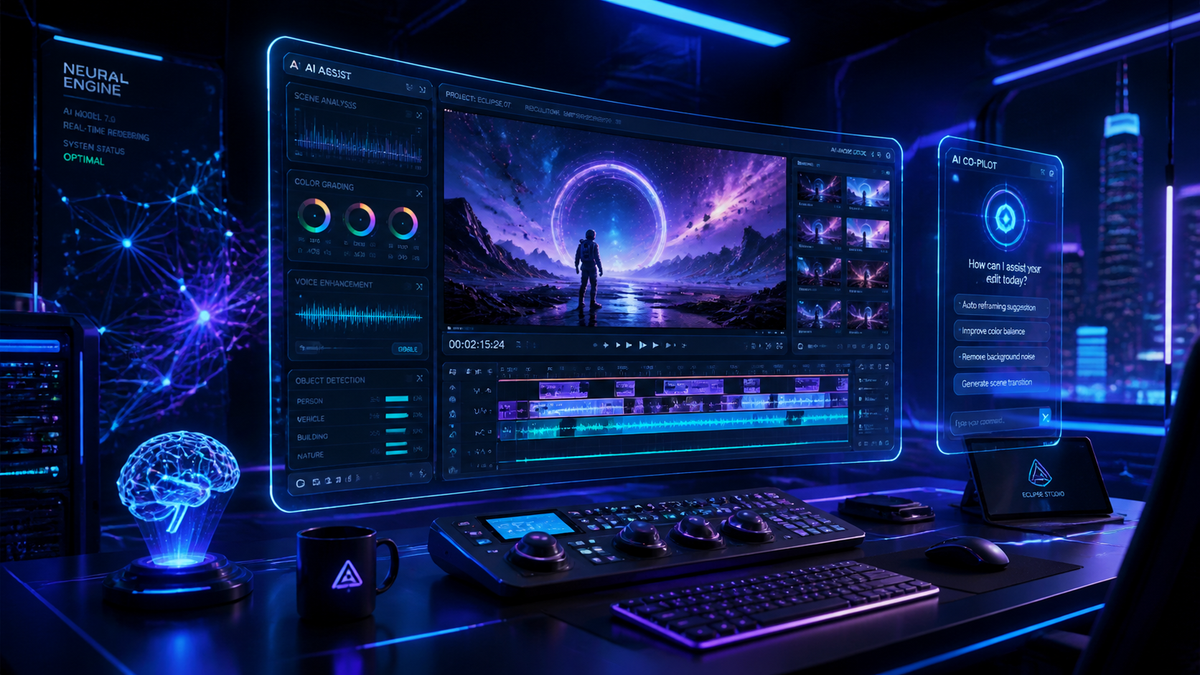
The best ai tools for video creation in 2026 allow creators to transform text prompts into cinematic-quality footage, automate complex editing tasks, and upscale low-resolution content with unprecedented precision. By leveraging advanced generative models, these tools eliminate the traditional barriers of high production costs and steep learning curves, making professional-grade video accessible to everyone from independent influencers to enterprise marketing teams.
The best ai tools for video creation are sophisticated software platforms like OpenAI Sora, Runway Gen-4, and HeyGen that utilize deep learning to synthesize realistic visuals, synchronize audio, and automate post-production. These tools are essential for scaling content production in 2026, offering features like text-to-video generation, AI-driven color grading, and seamless multi-language dubbing.
- ✓ AI video generators can now produce 4K resolution footage at 60fps with consistent physics.
- ✓ Real-time collaboration features are now standard in top-tier AI video platforms.
- ✓ Advanced upscalers and frame interpolation have reduced rendering times by up to 80% compared to 2024.
- ✓ Ethical AI safeguards and digital watermarking are integrated into all major 2026 releases.
The Evolution of AI Video Production in 2026
As we navigate through 2026, the landscape of digital media has been fundamentally reshaped by generative intelligence. According to a recent report by TechRadar, editors who have tested over 70 AI tools this year found that the gap between AI-generated content and human-shot footage has virtually disappeared. The focus has shifted from simple "novelty" clips to complex, narrative-driven productions that maintain temporal consistency across several minutes of runtime.
The current market demands speed without sacrificing quality. Modern creators are no longer looking for tools that just "make videos"; they are seeking integrated ecosystems that handle everything from scriptwriting to final color grading. This year, we have seen a massive surge in the adoption of AI video upscalers, which, as noted by Pressat.co.uk, have become essential for restoring legacy content and enhancing mobile-shot footage for large-screen displays.
Furthermore, the integration of multimodal AI—where the system understands the relationship between text, audio, and visual physics—has led to more intuitive user interfaces. You no longer need to be a prompt engineer to get great results. The best ai tools for video creation now utilize natural language processing that understands creative intent, allowing for more fluid and iterative design processes.
How to Use AI Tools for Video Creation: A Step-by-Step Guide
- Define Your Concept: Start with a clear script or a descriptive prompt detailing the setting, lighting, and camera movement.
- Select Your Model: Choose a tool based on your needs (e.g., Sora for realism, HeyGen for avatars, or Runway for experimental visuals).
- Generate Base Footage: Use text-to-video or image-to-video features to create your initial scenes.
- Refine with AI Editing: Apply AI-driven tools for background removal, object tracking, or automated color matching.
- Upscale and Export: Utilize an AI upscaler to ensure 4K clarity and high frame rates before final distribution.
Top 10 Best AI Tools for Video Creation Reviewed
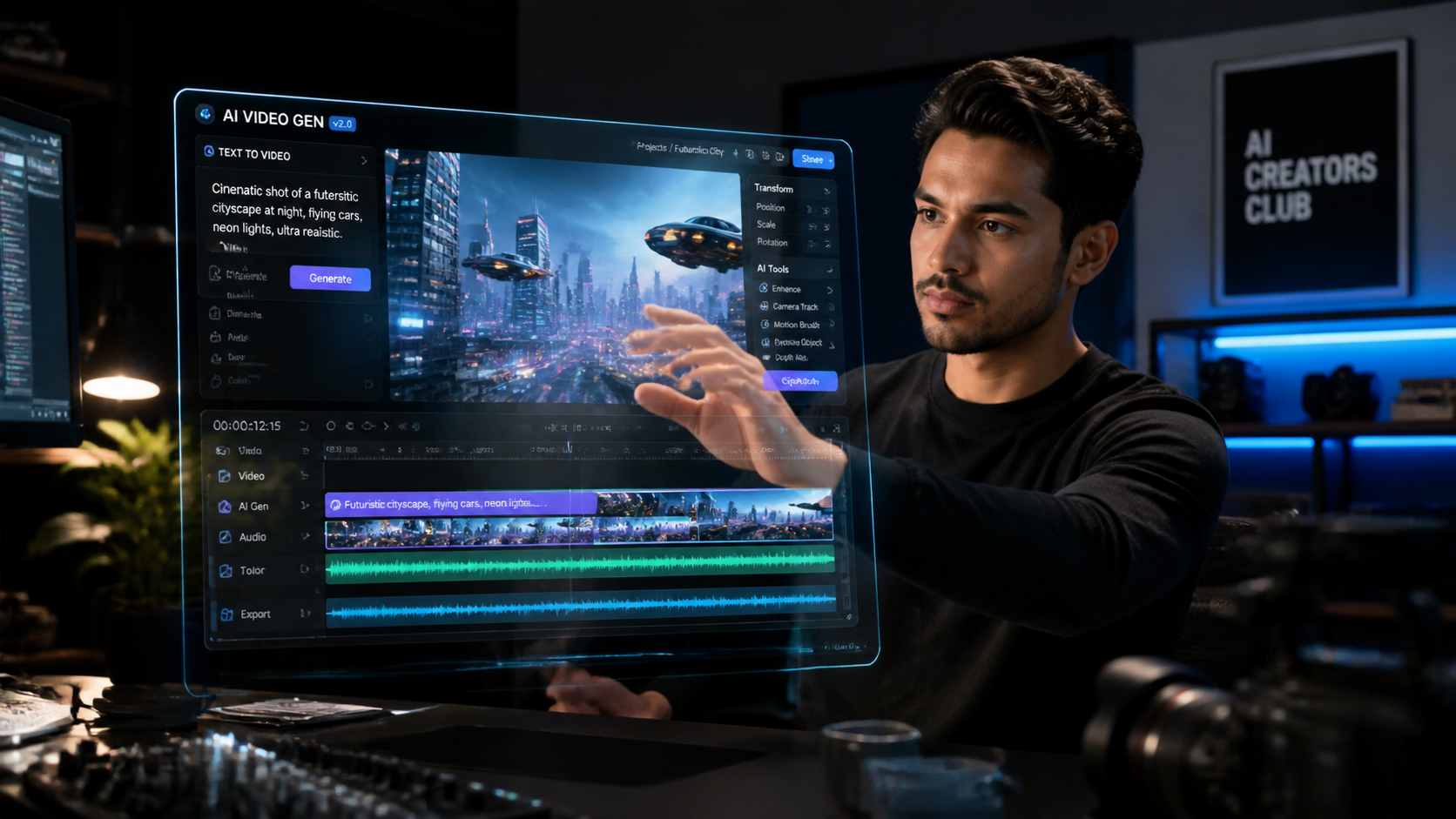
Selecting the right platform depends heavily on your specific output goals. Whether you are focused on social media engagement or high-end commercial production, the following tools represent the pinnacle of 2026 technology. As CNET highlighted in their 2026 rankings, the "best" tool is often the one that balances creative control with automated efficiency.
1. OpenAI Sora (Pro Version)
Sora remains the industry leader for raw visual fidelity. In 2026, the Pro version introduced "Physics Lock," a feature that prevents the morphing and warping issues seen in earlier generative models. It is capable of generating up to three minutes of continuous, high-definition video from a single prompt, maintaining character consistency throughout the clip.
2. Runway Gen-4
Runway continues to push the boundaries of "Artistic Control." Gen-4 introduces a revolutionary Multi-Motion Brush, allowing creators to direct specific movements for up to ten different objects within a single frame. It is the preferred choice for filmmakers who need granular control over the AI’s creative output.
3. HeyGen Enterprise
For corporate communications and personalized marketing, HeyGen is unmatched. Their 2026 update features "Instant Avatar 3.0," which requires only 30 seconds of footage to create a digital twin with perfect lip-syncing in over 50 languages. According to Digital Journal, features like these are what creators actually care about because they solve real-world scalability problems.
4. Luma Dream Machine 2.0
Luma has carved out a niche in high-speed rendering. While other models might take minutes to generate a scene, Dream Machine 2.0 produces high-quality 5-second previews in near real-time, making it an excellent tool for rapid prototyping and brainstorming sessions.
5. Pika Labs Pro
Pika remains the king of animation and stylized content. Its 2026 "SoundFX Sync" automatically generates and layers atmospheric audio and foley that matches the visual action perfectly, significantly reducing the time spent in post-production audio editing.
6. Adobe Premiere Pro (AI-Integrated Suite)
Adobe has moved beyond simple plugins. The 2026 version of Premiere Pro features "Generative Extend," which can lengthen a clip by several seconds to fill gaps in the timeline by synthesizing new frames that are indistinguishable from the original camera footage.
7. Synthesia 5.0
Synthesia focuses on "Video as Data." Their 2026 platform allows users to turn entire spreadsheets into hundreds of personalized videos in minutes. This is particularly popular for localized training and global internal communications.
8. Topaz Video AI 6.0
As noted by Pressat.co.uk, Topaz remains the gold standard for upscaling. The 6.0 version uses a new "Neural Restoration" engine that can take 720p footage and upscale it to 8K while actually adding realistic detail rather than just blurring edges.
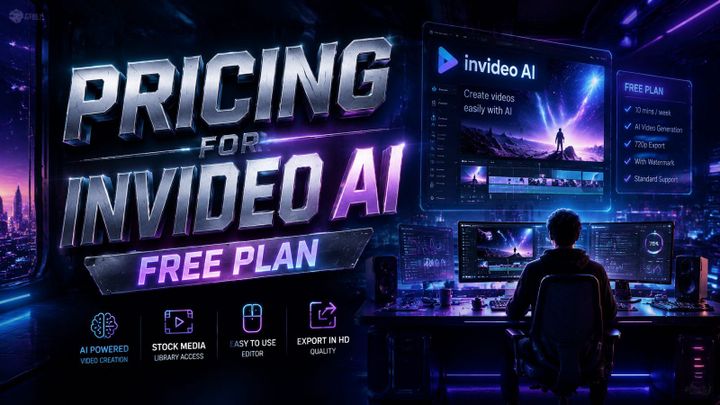
9. InVideo AI
InVideo is the best ai tool for video creation when it comes to social media. It automates the entire process from script to voiceover to stock footage selection. AZ Big Media reports that it is the top choice for small business owners who need to maintain a daily presence on platforms like TikTok and Instagram.
10. Kaiber.ai
Kaiber remains the go-to for music videos and transition-heavy content. Its "Audioreactive" engine is the most sophisticated on the market, allowing the visuals to pulse, shift, and transform in perfect synchronization with the beat and frequency of an uploaded audio track.
Comparison of Key Features
To help you decide which of the best ai tools for video creation fits your workflow, we have compared the top five contenders based on their primary strengths, pricing models, and output capabilities as of mid-2026.
| AI Tool | Primary Use Case | Key Feature (2026) | Pricing Tier |
|---|---|---|---|
| OpenAI Sora | Cinematic Realism | Physics Lock Engine | Premium Subscription |
| Runway Gen-4 | Creative Direction | Multi-Motion Brush | Credit-based / Pro |
| HeyGen | Business Avatars | Instant Avatar 3.0 | Freemium / Enterprise |
| InVideo AI | Social Media | Auto-Shorts Workflow | Monthly Subscription |
| Topaz Video AI | Upscaling/Repair | 8K Neural Restoration | One-time License |
Why Features Matter: Choosing the Best AI Tools for Video Creation
When selecting a tool, it is easy to get distracted by flashy demos. However, Digital Journal emphasizes that "features that actually matter" are those that integrate into existing workflows. For instance, the ability to export in ProRes or maintain alpha channels (transparency) is often more valuable to a professional editor than the ability to generate a cat in a space suit.
Consistency is the biggest challenge in AI video. In 2026, the best ai tools for video creation have solved the "flicker" problem. When you generate a character in scene one, that character must look identical in scene ten. Tools like Sora and Runway have introduced "Character Reference Sheets," where you can upload an image of a person or object to ensure the AI uses it as a consistent anchor across different generations.
Another critical factor is the ethical sourcing of training data. Many enterprise-level companies now require "Indemnity Guarantees." Platforms like Adobe and HeyGen have led the way by training their models on licensed or public-domain data, ensuring that the creators who use them are protected from copyright infringement claims. This has become a standard expectation for any tool claiming to be the "best" in the professional space.
The Rise of AI Video Upscalers
A significant trend in 2026 is the use of upscalers to breathe new life into older content. According to Pressat.co.uk, the latest AI upscalers are not just increasing pixel counts; they are using generative fill to replace missing textures. For example, if you have a video from 2015 with motion blur, a 2026 upscaler can identify the object and "re-paint" it with sharp, modern clarity. This is becoming a vital part of the best ai tools for video creation ecosystem, allowing for a hybrid workflow of "Old meets New."
Future-Proofing Your Video Strategy
Adopting these tools is no longer optional for those who want to stay competitive. G2 Learning Hub reports that creators who integrated AI into their workflow in early 2026 saw a 300% increase in output volume without increasing their budget. The key is not to replace human creativity but to augment it. AI handles the "grunt work"—rotoscoping, basic cutting, and color matching—leaving the human creator to focus on storytelling and emotional resonance.
As we look toward the latter half of 2026, we expect to see even tighter integration between these tools. Imagine a world where your scriptwriter (ChatGPT), your video generator (Sora), and your editor (Premiere Pro) all communicate through a single API. This "unified creative pipeline" is the next frontier, and the tools listed above are the ones building the foundation for that reality.
Frequently Asked Questions
What is the best AI tool for video creation for beginners?
InVideo AI is widely considered the best for beginners because it uses a simple chat interface to generate videos. You can simply type "Make a 30-second video about the history of Rome for TikTok," and the tool handles the script, footage, and voiceover automatically.
Are AI-generated videos copyright-free in 2026?
Copyright laws in 2026 vary by jurisdiction, but most major platforms like Adobe and HeyGen offer "Commercial Indemnity." This means they guarantee the training data was legally sourced, though the user may still need to add "significant human creative input" to claim full copyright ownership.
Can AI create videos longer than a few minutes?
Yes, by 2026, tools like OpenAI Sora and Runway Gen-4 can generate continuous clips of 3-5 minutes. For longer content, creators use AI to generate individual scenes and then use AI-powered editors to stitch them together with consistent characters and environments.
Do I need a powerful computer to run these AI video tools?
Most of the best ai tools for video creation are cloud-based, meaning the heavy processing happens on the company's servers. You only need a stable internet connection and a standard web browser, though tools like Topaz Video AI offer local processing versions for those with high-end GPUs.
How much do professional AI video tools cost in 2026?
Pricing typically ranges from $20 to $100 per month for individual creators. Enterprise plans for tools like Synthesia or HeyGen can cost significantly more but include features like custom avatar creation, API access, and advanced security protocols.
Comments ()