
10 Best AI Tools for Video Colorizing in 2026: Top Rated
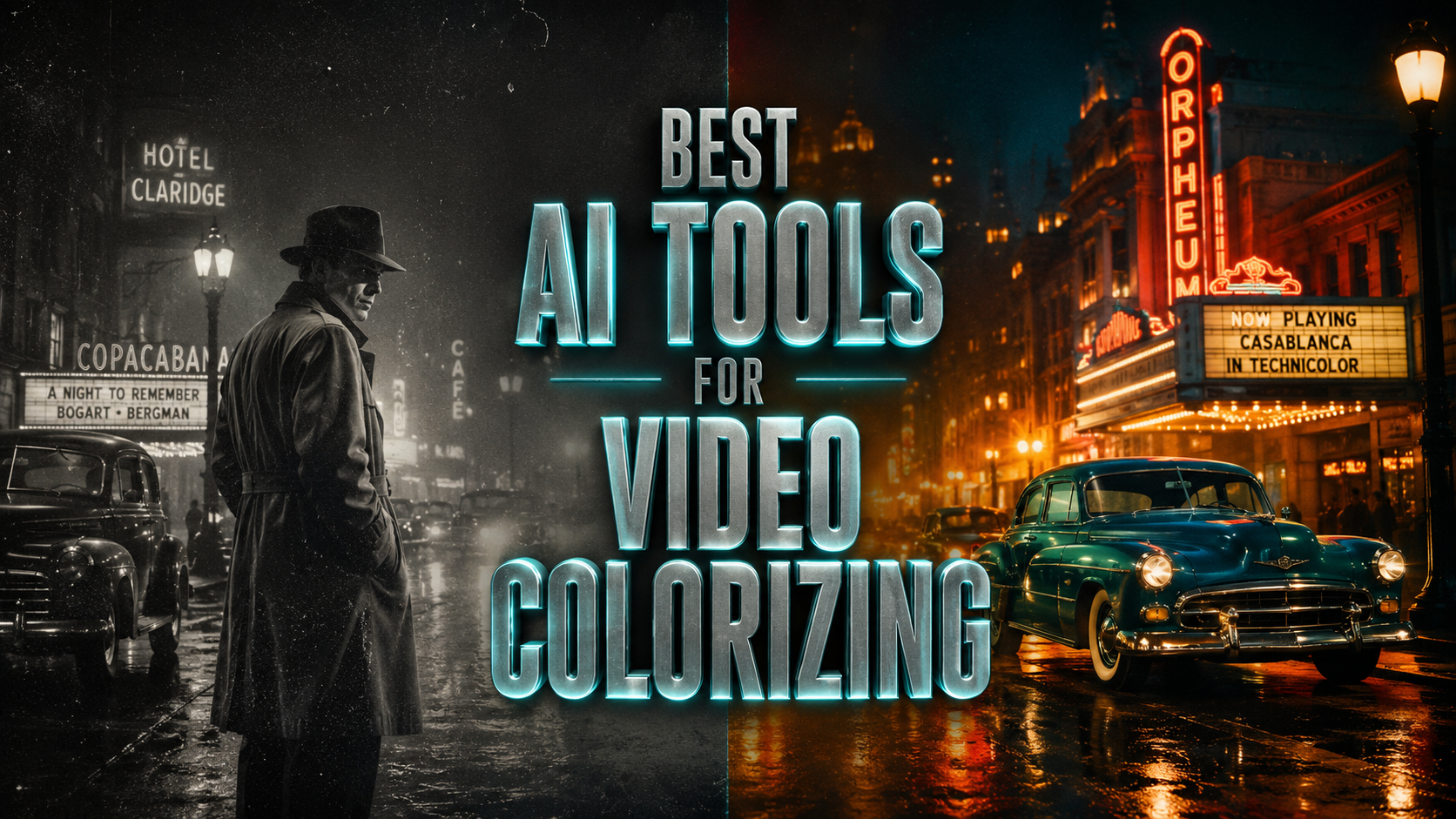
The best ai tools for video colorizing in 2026 utilize advanced neural networks to transform grayscale footage into vibrant, historically accurate media with minimal manual effort. These tools, such as Adobe Premiere Pro 25.2 and VideoProc Converter AI, leverage frame-by-frame deep learning to ensure temporal consistency and natural skin tones. By analyzing millions of reference images, modern AI colorizers can now handle complex light reflections and historical color palettes better than any previous generation of software.
The best ai tools for video colorizing are professional-grade software applications that use machine learning to automate the color grading and restoration process. These tools, including Adobe’s latest Sensei-powered updates and Imagen's video integration, allow users to restore archival footage by predicting realistic colors based on texture and context, significantly reducing the time required for manual rotoscoping.
- ✓ AI video colorization has moved from static frame processing to fluid, temporal-aware color correction.
- ✓ Integration with professional NLEs like Premiere Pro 25.2 allows for seamless AI workflows.
- ✓ High-end tools now offer specialized models for historical restoration versus cinematic stylization.
- ✓ Cloud-based solutions like Imagen now support frame-by-frame video processing for high-fidelity results.
As we move through 2026, the demand for high-quality restoration of historical archives and personal family videos has skyrocketed. According to research published by The AI Journal in late 2025, the accuracy of AI-driven colorization has improved by nearly 40% over the last two years, thanks to the implementation of generative adversarial networks (GANs) that specialize in temporal consistency. This means the flickering effect common in older AI colorization is virtually a thing of the past.
How to Colorize Black and White Video with AI
Restoring old footage is no longer a task reserved for Hollywood studios. With the current generation of software, anyone with a modern GPU can achieve professional results at home. The process generally involves preparing the source material, selecting a specialized AI model, and fine-tuning the output to ensure the colors match the historical era of the footage.
- Prepare your source footage: Ensure your black and white video is digitized in the highest resolution possible. If the video is grainy, use an AI denoiser first to help the colorizer identify textures more accurately.
- Select your AI tool: Choose a tool that supports video-specific colorization (rather than just batch-processing photos) to ensure color consistency across frames.
- Apply the Colorization Model: Most tools, such as VideoProc Converter AI or Adobe After Effects 25.2, offer different "flavors" of colorization, such as "Vivid," "Historical," or "Natural."
- Adjust Temporal Consistency: Use the software's settings to lock the color palette across the timeline, preventing "color bleeding" between different objects in motion.
- Export and Upscale: Once colorized, many users choose to upscale the video to 4K to finalize the restoration process.
The Evolution of the Best AI Tools for Video Colorizing
In early 2025, a significant shift occurred in the industry when Adobe introduced version 25.2 of its Creative Cloud suite. This update brought deep integration of AI-powered features and workflow enhancements to Premiere Pro and After Effects, specifically targeting color correction and restoration. Unlike previous years where colorization was a separate plugin, it is now a core component of the professional editing workflow.
Furthermore, PetaPixel reported in July 2025 that Google’s Imagen technology has transitioned from static imagery to full-scale video support. This advancement allows for frame-by-frame color correction that understands the context of the scene—distinguishing between a blue sky and a blue ocean with unprecedented precision. This contextual awareness is what separates the top-tier tools from basic filters found in mobile apps.
| AI Tool Name | Key Feature | Best For | Platform |
|---|---|---|---|
| Adobe Premiere Pro 25.2 | Sensei Color Match | Professional Editors | Windows/Mac |
| VideoProc Converter AI | All-in-One Media Toolkit | High-Speed Restoration | Windows/Mac |
| Imagen Video AI | Frame-by-Frame Accuracy | Cinematic Quality | Cloud-Based |
| After Effects 25.2 | Neural Object Tracking | Complex Motion Scenes | Windows/Mac |
| Topaz Video AI 2026 | Detail Recovery | Upscaling & Colorizing | Desktop |
Top 10 AI Tools for Video Colorizing in 2026
1. Adobe Premiere Pro (Version 25.2+)
Adobe continues to dominate the professional landscape with its 2025 and 2026 updates. The "Auto Color" feature, powered by Adobe Sensei, has been refined into a comprehensive restoration suite. According to official Adobe documentation released in April 2025, the new workflow enhancements allow editors to apply colorization as a non-destructive layer, making it easy to tweak specific hues without affecting the underlying luminance of the original film.
2. VideoProc Converter AI
As noted by Fstoppers in their October 2025 testing, VideoProc Converter AI has evolved into a formidable all-in-one media toolkit. It excels in taking heavily damaged old footage, stabilizing it, denoising it, and then applying a sophisticated color layer. Its primary advantage is its hardware acceleration, which allows it to process 4K colorization much faster than cloud-based competitors.
3. Imagen Video by Google
Imagen's foray into video colorization has changed the game for high-end creators. By utilizing a massive dataset of video content, Imagen can predict colors based on the movement of light. If a person walks under a tree, the AI understands how the "green" light should filter through the leaves and affect skin tones, a feat that was nearly impossible for AI just a few years ago.
4. Adobe After Effects 25.2
While Premiere Pro handles the broad strokes, After Effects 25.2 is the tool of choice for detailed restoration. Its new AI-powered features allow for "Color Masking," where the AI identifies specific objects—like a vintage car or a specific uniform—and applies historically accurate colors to just that object while maintaining the background's integrity.
5. Topaz Video AI (2026 Edition)
Topaz has long been the king of upscaling, but their 2026 colorization model is a significant leap forward. It uses a "Temporal Consistency Engine" that analyzes 10 frames before and after the current frame to ensure that the color of a moving object doesn't shift or shimmer as it moves across the screen.
6. DaVinci Resolve 19 (Neural Engine)
DaVinci Resolve remains the gold standard for color grading. Its Neural Engine now includes a "Legacy Restore" palette specifically designed for colorizing black and white footage. It allows professional colorists to set "anchor points" for colors, which the AI then propagates throughout the rest of the clip.
7. DeOldify (2026 Enterprise Version)
What started as an open-source project has become a staple for archival institutions. DeOldify’s 2026 enterprise version offers specialized models for different film stocks, such as 16mm or 35mm, allowing the AI to compensate for the specific grain structures of different historical eras.
8. Runway Gen-3 Video Tools
Runway has integrated colorization into its generative video suite. This tool is particularly useful for creative colorization, where the goal isn't necessarily historical accuracy but rather a specific artistic mood. Its cloud-based interface makes it accessible for creators who don't have powerful local hardware.
9. PerfectCorp AI Video Suite
Based on the testing of their photo tools in late 2025 by PerfectCorp, their video suite has emerged as a leader in "Natural Skin Tone" reproduction. This is often the hardest part of colorization, but their AI uses a specialized "Human-Centric" model to ensure that faces look lifelike rather than "painted on."
10. CapCut Desktop (AI Pro Features)
For social media creators, CapCut's 2026 desktop version includes a "One-Click Colorize" feature. While it lacks the deep customization of Premiere Pro, it is incredibly effective for quick restorations of family clips for platforms like TikTok or Reels, using a simplified version of the same GAN technology used by more expensive software.
Why Temporal Consistency is the Key to Best AI Tools for Video Colorizing
In the past, the biggest hurdle for AI colorization was "flicker." Because the AI processed each frame independently, a shirt might appear navy blue in frame one and royal blue in frame two. Red Shark News highlighted in June 2025 that the most "actually useful" AI tools are those that have solved this temporal consistency problem. Modern tools now use optical flow technology to track pixels across time, ensuring the color "sticks" to the object.
This technological leap is why 2026 is considered a golden age for film restoration. We are seeing a surge in "Remastered in Color" content on streaming platforms, largely driven by these AI advancements. The ability to process thousands of frames in minutes rather than months has democratized film history, allowing smaller museums and private collectors to preserve their archives in full color.
Choosing the Right Best AI Tools for Video Colorizing for Your Project
Selecting the right tool depends heavily on your technical expertise and the quality of your source material. If you are a professional filmmaker working with 35mm film, the AI-powered features in Adobe Premiere Pro 25.2 or DaVinci Resolve are indispensable due to their granular control. These tools allow you to override the AI when its "guess" doesn't match your creative vision.
On the other hand, for home movies or quick projects, VideoProc Converter AI offers a more user-friendly "set it and forget it" approach. According to Fstoppers, its ability to function as an all-in-one toolkit means you don't need five different programs to get a clean, colorized result. You can handle the denoising, colorizing, and upscaling all within a single interface, which is a massive time-saver for non-professionals.
Is AI colorization 100% historically accurate?
No, AI colorization is an estimation based on the luminance and texture of the original footage. While tools in 2026 are highly advanced, they cannot "know" the exact color of a dress or car unless they have specific historical data, though they are excellent at predicting natural elements like grass, sky, and skin.
Does colorizing a video reduce its quality?
When using professional tools like Adobe Premiere Pro 25.2 or VideoProc Converter AI, colorizing does not reduce quality. In fact, these tools often include enhancement features that improve sharpness and reduce noise as part of the colorization process.
How long does it take to colorize a video with AI?
The time varies by hardware and tool. A high-end PC using VideoProc Converter AI can often colorize a minute of footage in 2-5 minutes, while cloud-based solutions like Imagen may take longer depending on server load and internet speeds.
Can I colorize black and white video for free?
Yes, there are free versions of tools like DeOldify and basic features in apps like CapCut, though they may have watermarks or lower resolution limits compared to professional suites like the 2025 Adobe updates.
What is the best AI tool for skin tone accuracy?
Based on 2025-2026 industry reviews, PerfectCorp and Adobe Sensei are currently the leaders in skin tone reproduction, using specialized neural networks trained specifically on human anatomy to avoid the "grayish" look of older AI models.



Comments ()