
10 Best AI Tools for Video Color Grading in 2026
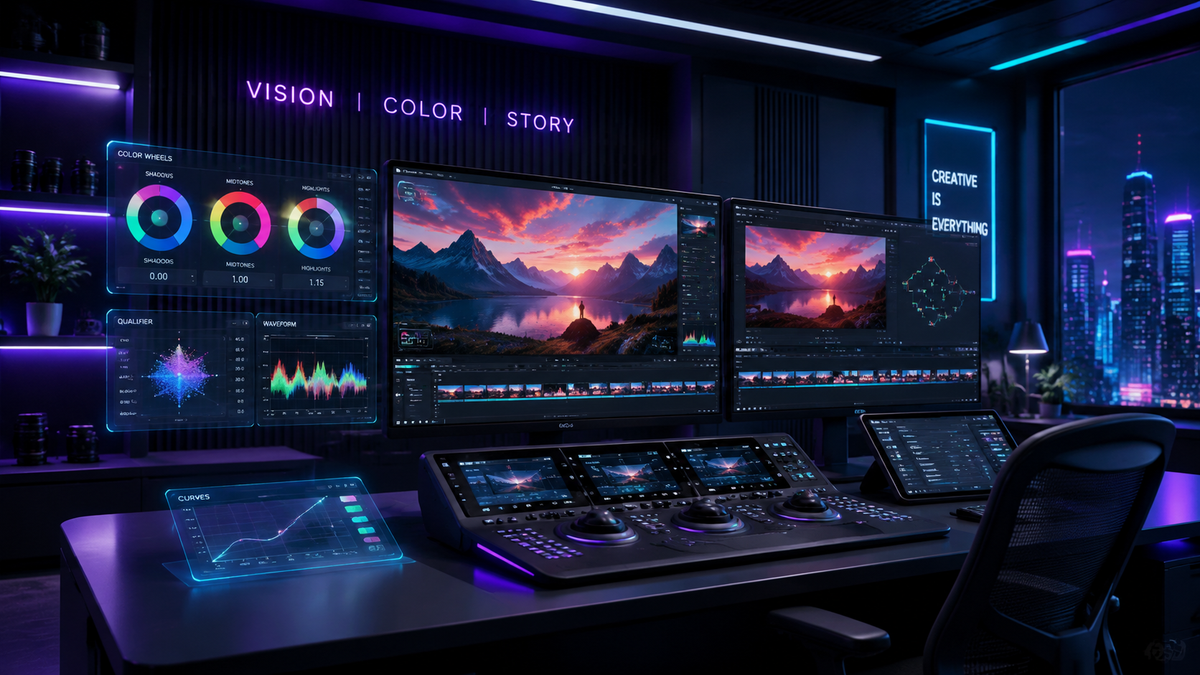
The best ai tools for video color grading in 2026 utilize deep learning algorithms to automate color matching, skin tone preservation, and cinematic look application, significantly reducing the manual labor required in post-production. These tools analyze the luminance and chrominance data of your footage to apply professional-grade LUTs (Look-Up Tables) and balance shots across entire timelines instantly. Whether you are a Hollywood colorist or a content creator, AI-driven color grading provides a streamlined workflow that maintains visual consistency with a single click.
The best AI tools for video color grading in 2026 are DaVinci Resolve 19 (Magic Mask and IntelliTrack), Adobe Premiere Pro (AI Color Match), and specialized platforms like Colourlab AI. These tools leverage neural engines to perform automatic shot matching, HDR tone mapping, and intelligent noise reduction, ensuring cinematic quality across diverse lighting conditions.
- ✓ AI color grading reduces post-production time by up to 80% through automated shot matching.
- ✓ Modern tools like DaVinci Resolve now support still photo color grading using Hollywood-grade algorithms.
- ✓ Generative AI features allow editors to describe a "mood" or "aesthetic" to generate custom color profiles.
- ✓ Real-time AI tracking ensures that color adjustments follow subjects accurately throughout a scene.
How to Use the Best AI Tools for Video Color Grading
Integrating artificial intelligence into your color workflow is no longer a luxury but a necessity for staying competitive in 2026. According to The AI Journal, AI tools are revolutionizing video production by moving beyond simple concept generation into the final cut, allowing for pixel-perfect color accuracy that was previously impossible for non-experts. The process has become highly intuitive, focusing on intent rather than technical slider manipulation.
For those looking to optimize their workflow, here is a step-by-step guide on how to leverage these advanced systems:
- Import and Analyze: Bring your footage into an AI-enabled editor like Premiere Pro or DaVinci Resolve and allow the software to index the metadata and visual characteristics.
- Select a Reference Frame: Choose a "hero shot" that represents the look you want to achieve or upload a reference image from a famous film.
- Apply AI Shot Match: Use the "Match" function. The AI will analyze the color geometry of the reference and apply it to your target clips while preserving natural skin tones.
- Refine with Neural Filters: Apply specific AI masks to subjects to adjust exposure or saturation independently of the background.
- Export and Verify: Use AI-driven scopes to ensure your colors are broadcast-safe and consistent across different display types (SDR vs. HDR).
1. DaVinci Resolve 19: The Industry Standard
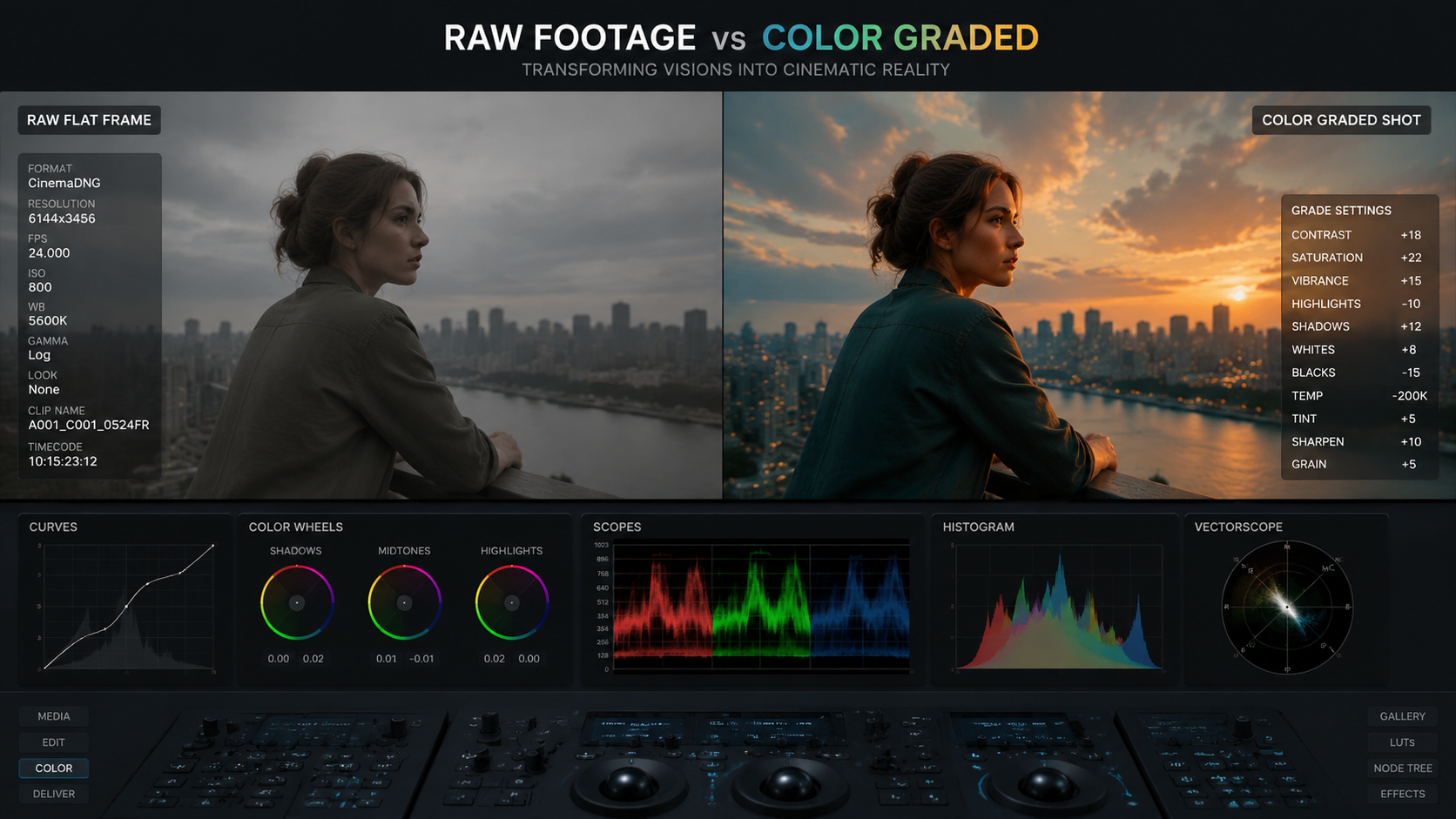
DaVinci Resolve remains the undisputed leader in the world of professional color. In 2026, Blackmagic Design has further integrated its DaVinci Neural Engine to handle complex tasks like depth mapping and relighting. A recent report by Digital Camera World highlights that this Hollywood-favorite tool now supports still photos, allowing photographers to use the same powerful grading nodes previously reserved for cinema.
The "IntelliTrack" AI feature in the 2026 version allows for incredibly precise tracking of color windows. If you are grading a face in a dimly lit scene, the AI maintains the mask even if the subject turns away or moves behind objects. This level of automation ensures that the best ai tools for video color grading are accessible to both high-end studios and independent creators.
2. Adobe Premiere Pro: AI Color Match and Auto Tone
Adobe has leaned heavily into its "Sensei" AI framework. In 2026, Premiere Pro’s Color Match feature has evolved to include "Temporal Consistency," which prevents the "flickering" effect sometimes seen in older AI grading attempts. By analyzing the entire clip rather than just a single frame, Premiere ensures the grade stays stable throughout the duration of the shot.
3. Colourlab AI 3.0
Colourlab AI is often cited as the fastest way to grade. It acts as a bridge between your NLE (Non-Linear Editor) and the final look. Its "ELZ" (Engineered Look Zones) technology allows editors to map colors based on the perceptual science of how humans see light. It is particularly effective for those who need to match footage from different cameras, such as a Sony A7SIII and a RED V-Raptor, seamlessly.
Comparing Top Video Color Grading AI Software
Choosing the right tool depends on your hardware and your specific project needs. As noted by PCMag in their May 2026 testing, software performance can vary significantly between Mac and Windows environments, particularly when utilizing GPU-accelerated AI features.
| Tool Name | Key AI Feature | Best For | Platform |
|---|---|---|---|
| DaVinci Resolve | Magic Mask & IntelliTrack | Professional Cinema | Windows/Mac/Linux |
| Adobe Premiere Pro | Auto Color & Remix | Content Creators | Windows/Mac |
| Colourlab AI | Neural Look Transfer | Fast Turnaround | Mac/Windows |
| Final Cut Pro (2026) | Object Tracker AI | Mac Users | macOS |
| CapCut Desktop | AI Image Enhancement | Social Media/UGC | Windows/Mac/Web |
4. Final Cut Pro: Optimized for Apple Silicon
For Mac users, Final Cut Pro remains a powerhouse. PCMag (May 2026) rated it as the best video editing software for Macs due to its deep integration with the M4 and M5 chips. Its AI color grading capabilities leverage the Neural Engine to perform real-time HDR tone mapping, making it ideal for editors working with iPhone 17 Pro ProRes footage.
The "Smart Conform" and "AI Balance" features in Final Cut Pro allow for instant correction of white balance and exposure errors. While it may not offer the node-based complexity of Resolve, its speed in the 2026 ecosystem is unmatched for editors who need to deliver high-quality content on tight deadlines.
5. Runway Gen-3: Generative Color Grading
Runway has moved beyond just generating video; its color grading tools now allow users to use text prompts to alter the look of their footage. You can type "1970s warm vintage film stock" and the AI will reshape the curves, add grain, and adjust the color matrix to match that specific era. This represents a shift in how we define the best ai tools for video color grading—moving from correction to creative generation.
6. CapCut: AI for User-Generated Content (UGC)
According to Influencer Marketing Hub, AI features for enhancing UGC video quality have become essential for creators. CapCut’s desktop version in 2026 offers an "AI Color Correction" toggle that instantly optimizes footage for mobile screens. This tool is specifically tuned for skin tones and vibrant colors that pop on social media feeds, making it a favorite for TikTok and Instagram professionals.
CapCut’s ability to remove backgrounds and apply color grades to the subject and background separately using AI is a feature that was once exclusive to high-end software. In 2026, this is available for free, democratizing professional aesthetics for the masses.
7. Topaz Video AI 5
While primarily known for upscaling, Topaz Video AI 5 includes a "Dynamic Enhancement" model that restores color data lost in compressed footage. If you are working with older 8-bit footage or high-ISO shots with significant chroma noise, Topaz uses AI to "predict" the original color values, resulting in a cleaner, more gradeable image.
8. Wondershare Filmora 15
Filmora has evolved into a sophisticated editor that utilizes "AI Copilot" for color grading. In 2026, the software can suggest color palettes based on the emotional tone of the background music. This holistic approach to editing ensures that the visual and auditory elements of a video are perfectly synced.
9. LumaFusion (iPadOS/Android)
Mobile editing has reached new heights in 2026. LumaFusion’s AI color tools allow for professional-grade LUT mapping and keyframeable color corrections on the go. It is the best choice for journalists and creators who need to grade 4K footage directly on a tablet without sacrificing precision.
10. Magix Video Pro X18
Magix continues to cater to the prosumer market with its "INFUSION Engine 4," which provides hardware-accelerated AI color matching. Its strength lies in its ability to handle multi-cam setups, where the AI ensures that five or six different camera angles all share the exact same color science with minimal user input.
The Impact of AI on Professional Workflows
The rise of these tools has sparked a debate about the role of the traditional colorist. However, Geek Vibes Nation points out that "Top Video Editing Hacks Using AI In 2026" focus on augmenting human creativity rather than replacing it. AI handles the "grunt work"—matching clips, removing noise, and masking—allowing the colorist to focus on the artistic "feel" of the story.
Furthermore, the best ai tools for video color grading are now capable of maintaining "color memory." This means the software can remember the specific skin tones of a recurring character across different scenes and lighting setups, ensuring that the protagonist looks consistent throughout a feature-length film. This level of detail was previously only achievable through weeks of manual frame-by-eye matching.
What is the best AI tool for video color grading for beginners?
Adobe Premiere Pro is generally considered the best for beginners due to its "Auto Tone" and "Color Match" features, which require no technical knowledge of color wheels. Its interface is intuitive and provides instant results with a single click.
Can AI replace a professional colorist in 2026?
While AI can handle technical matching and basic corrections, it cannot replace the creative intent of a professional colorist. AI is a tool that speeds up the process, but the final artistic decisions still require a human touch to ensure the mood fits the narrative.
Is DaVinci Resolve 19 free to use for color grading?
Yes, there is a free version of DaVinci Resolve that includes many of its advanced AI color grading features. However, the Studio version is required for some high-end neural engine features like the full Magic Mask and certain noise reduction tools.
How does AI color matching work?
AI color matching works by analyzing the histogram and color distribution of a reference image and a target clip. The neural network then maps the shadows, midtones, and highlights of the target clip to match the reference while using facial recognition to protect skin tones from becoming unnatural.
Does AI color grading work on mobile phones?
Yes, tools like CapCut and LumaFusion offer sophisticated AI color grading on mobile devices in 2026. These apps use the specialized AI hardware found in modern smartphone chips to provide real-time corrections and filters.



Comments ()