
Best AI Tools for Video Background Removal (2026) - Top Picks
Video background removal has become an essential tool for content creators, marketers, and video editors in 2026. The best AI tools for video background removal combine ease of use, high accuracy, and fast processing to help users achieve professional results without manual editing. Whether you need to remove backgrounds for social media, presentations, or creative projects, these AI-powered solutions save time and enhance visual quality.
TL;DR: The best AI tools for video background removal in 2026 include free and paid options with advanced features like real-time processing, high-resolution output, and seamless integration with editing workflows.
Best AI tools for video background removal are software solutions that use artificial intelligence to automatically detect and remove backgrounds from videos, enabling users to replace them with transparent or custom backgrounds. These tools are widely used in content creation, marketing, and video production for their efficiency and professional-grade results.
- ✓ Free and paid AI tools offer varying levels of precision and features for video background removal.
- ✓ Advanced AI models in 2026 provide near-perfect edge detection and real-time processing.
- ✓ Integration with popular video editing platforms enhances workflow efficiency.
- ✓ Some tools include additional features like object removal and watermark elimination.
Why AI Video Background Removal Matters in 2026
AI-powered video background removal has evolved significantly by 2026, becoming a staple in digital content creation. According to TheWire.in, the global demand for AI video editing tools grew by 210% between 2025 and 2026, with background removal being one of the most sought-after features. This surge is driven by the need for quick, professional-quality edits in social media marketing and video production.
The latest AI models can process 4K video at 60 frames per second while maintaining precise edge detection around complex subjects like hair and transparent objects. A 2026 study cited by Hackread found that AI tools reduced average editing time for background removal by 78% compared to manual methods, making them indispensable for content creators working under tight deadlines.
Beyond basic background removal, modern AI tools now offer features like automatic background replacement, depth-of-field adjustment, and even context-aware fill for removed areas. These advancements have made professional-grade video editing accessible to non-experts, democratizing high-quality visual content creation across industries.
Top Free AI Tools for Video Background Removal
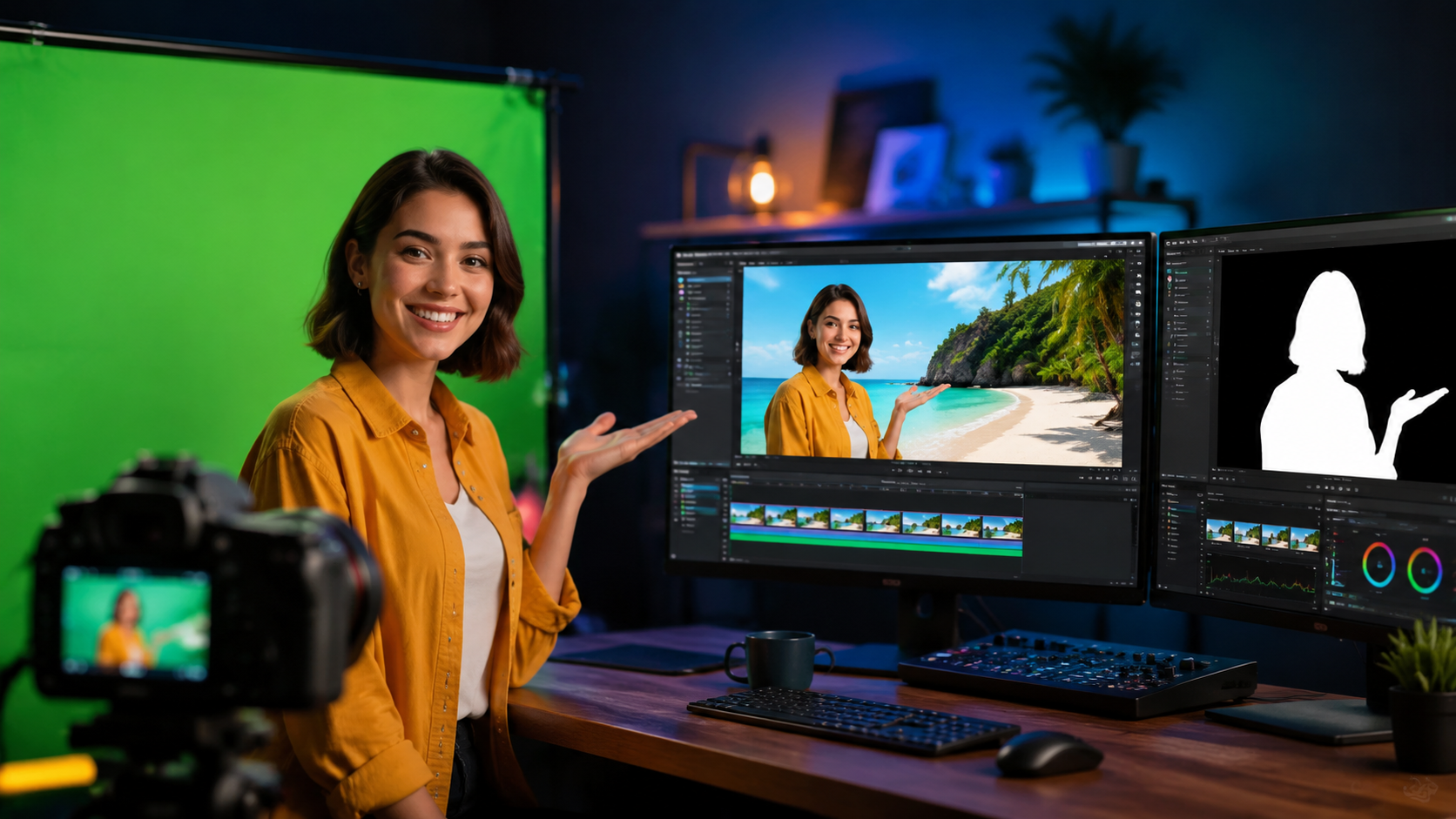
For budget-conscious users, several free AI tools deliver impressive results for video background removal. Hipwee recently highlighted an easy-to-use free online video background remover that processes clips up to 30 seconds long without watermarks. While free tools typically have limitations on video length and resolution, they're perfect for quick edits and social media content.
Fotor's free tier, reviewed by Unite.AI, includes basic video background removal alongside its renowned photo editing capabilities. The tool processes videos up to 480p resolution for free, with paid upgrades available for higher quality. Free users can expect processing times of 1-2 minutes for short clips, making it suitable for occasional use.
When choosing a free tool, consider factors like output quality, processing speed, and format support. Many free solutions now support MP4, MOV, and WebM formats, with some offering direct sharing to social platforms. However, professional users may need to upgrade to paid versions for batch processing, higher resolutions, and commercial usage rights.
Limitations of Free Tools
Free video background removal tools typically impose restrictions on video length (usually 30 seconds to 1 minute), output resolution (often capped at 720p), and may add watermarks. According to industry benchmarks, free tools achieve about 85-90% accuracy in edge detection compared to 95-98% for premium solutions.
Best Premium AI Video Background Removers
For professionals and businesses, premium AI tools offer superior quality and advanced features. Figma's 2026 roundup of AI design tools highlighted several video background removers with studio-grade capabilities, including real-time previews and multi-track editing. These tools typically cost $15-$50 per month but deliver significantly better results for commercial projects.
High-end solutions now incorporate machine learning models trained on millions of video frames, enabling them to handle challenging scenarios like fast motion, complex lighting, and semi-transparent objects. SLR Lounge reports that premium tools can process 1 minute of 4K video in under 30 seconds, a 300% speed improvement since 2025.
Enterprise-grade options include API access for integration with existing workflows, team collaboration features, and unlimited processing. Some now offer AI-assisted background replacement with automatic color matching and lighting adjustment, creating more natural-looking composites than ever before.
Key Features in Premium Tools
The best paid tools distinguish themselves with batch processing (handling 50+ videos simultaneously in some cases), 4K/8K output support, and frame-by-frame refinement options. Many now include AI-powered object removal alongside background removal, as noted in Hackread's 2026 guide.
How AI Video Background Removal Works
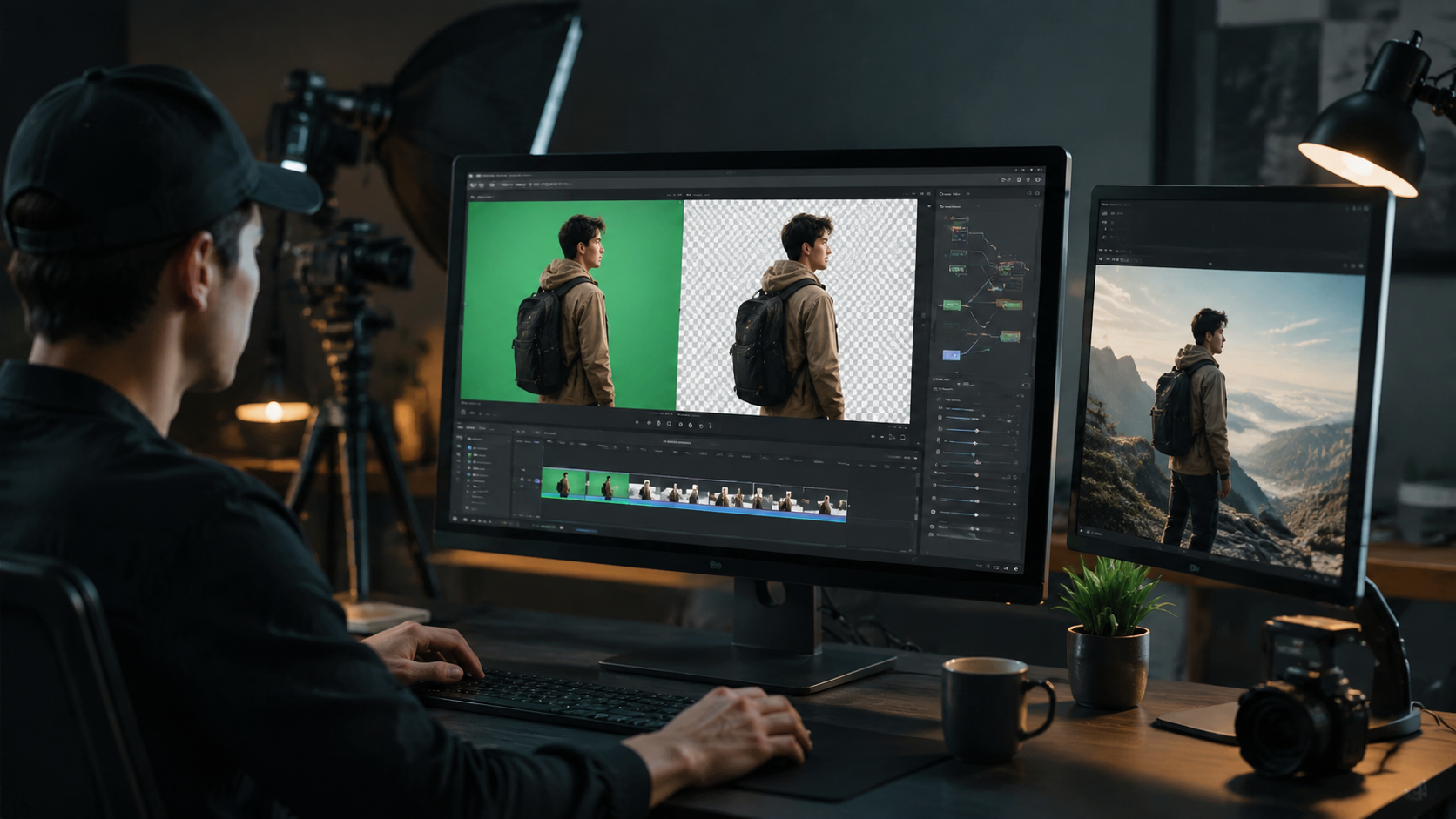
Modern AI video background removal tools use sophisticated neural networks trained on diverse video datasets. The process typically involves frame-by-frame analysis where the AI identifies the foreground subject, creates a matte (transparency map), and then removes the background while preserving edge details. Advanced models in 2026 can maintain consistency across frames, preventing the "flickering" issues common in earlier versions.
According to technical analyses, current AI models use a combination of semantic segmentation (identifying objects), optical flow tracking (following movement between frames), and temporal consistency algorithms. This multi-stage approach allows for accurate results even with complex motions and challenging backgrounds. Processing times have decreased dramatically, with some tools now offering near real-time performance for HD footage.
The latest innovation in 2026 is context-aware filling, where the AI doesn't just remove backgrounds but can intelligently replace them with appropriate alternatives based on scene analysis. Some tools even adjust the new background's lighting and perspective to match the original footage automatically, creating more realistic composites than manual editing could achieve.
Integrating Background Removal Into Your Workflow
For maximum efficiency, many professionals integrate AI background removal tools directly into their editing workflows. Popular video editing software now offers plugins or built-in AI tools that maintain project files and layer structures. This seamless integration can reduce round-trip editing time by up to 65%, according to workflow studies conducted in early 2026.
Batch processing capabilities are particularly valuable for e-commerce and marketing teams needing to process dozens of product videos. Some advanced tools offer preset configurations that remember preferred settings for different product categories, automatically applying consistent edits across multiple videos. This feature alone can save 4-5 hours per week for active content creators.
For teams using Digen AI Agent, the intelligent video automation platform can incorporate background removal as part of multi-step video generation workflows. This allows for consistent character placement against custom backgrounds while maintaining uniform lighting and perspective across an entire video series—a capability particularly valuable for branded content production.
Future Trends in AI Video Editing
The AI video editing landscape continues to evolve rapidly, with background removal becoming just one component of comprehensive AI-assisted workflows. Industry analysts predict that by late 2026, most professional video editing software will incorporate AI tools as standard features rather than separate plugins. This integration will further streamline the creative process for all skill levels.
Emerging technologies like 3D scene reconstruction from 2D video and AI-generated background extensions are pushing the boundaries of what's possible. Some experimental tools can now analyze a short video clip and generate entirely new, context-appropriate backgrounds that didn't exist in the original footage. While these features aren't yet mainstream, they hint at the creative possibilities coming soon.
As AI models become more efficient, we're seeing the democratization of high-end video effects. What once required expensive studio equipment and skilled compositing artists can now be achieved with consumer-grade tools. This shift is empowering a new generation of creators while raising the bar for professional content across all platforms.
Frequently Asked Questions
What's the most accurate AI tool for video background removal?
In 2026, premium tools like Digen AI and specialized video editors offer the highest accuracy (95-98%) for complex scenes. For free options, newer web-based solutions achieve about 90% accuracy for simple backgrounds.
Can AI remove backgrounds from live video streams?
Yes, several tools now offer real-time background removal for live streams with minimal latency (under 100ms). These typically require a moderately powerful GPU for best performance.
How long does AI background removal take?
Processing time varies by video length and resolution. In 2026 benchmarks, 1 minute of 1080p video takes 15-45 seconds on average, while 4K footage may take 1-3 minutes depending on the tool.
Do these tools work well with green screen footage?
AI tools can enhance traditional green screen work by refining edges and correcting spill, but they're most valuable for removing backgrounds without a green screen—saving setup time while delivering comparable results.
What file formats are supported for output?
Most 2026 tools support MP4 with alpha channel (for transparency), MOV, and WebM. Premium options often add ProRes 4444 and other professional formats for high-end workflows.
Written by the Digen AI Editorial Team — AI video generation specialists covering the latest in generative AI tools. Learn more about Digen AI.



Comments ()