
10 Best AI Plugins for Video Editing in 2026: Top Pro Tools
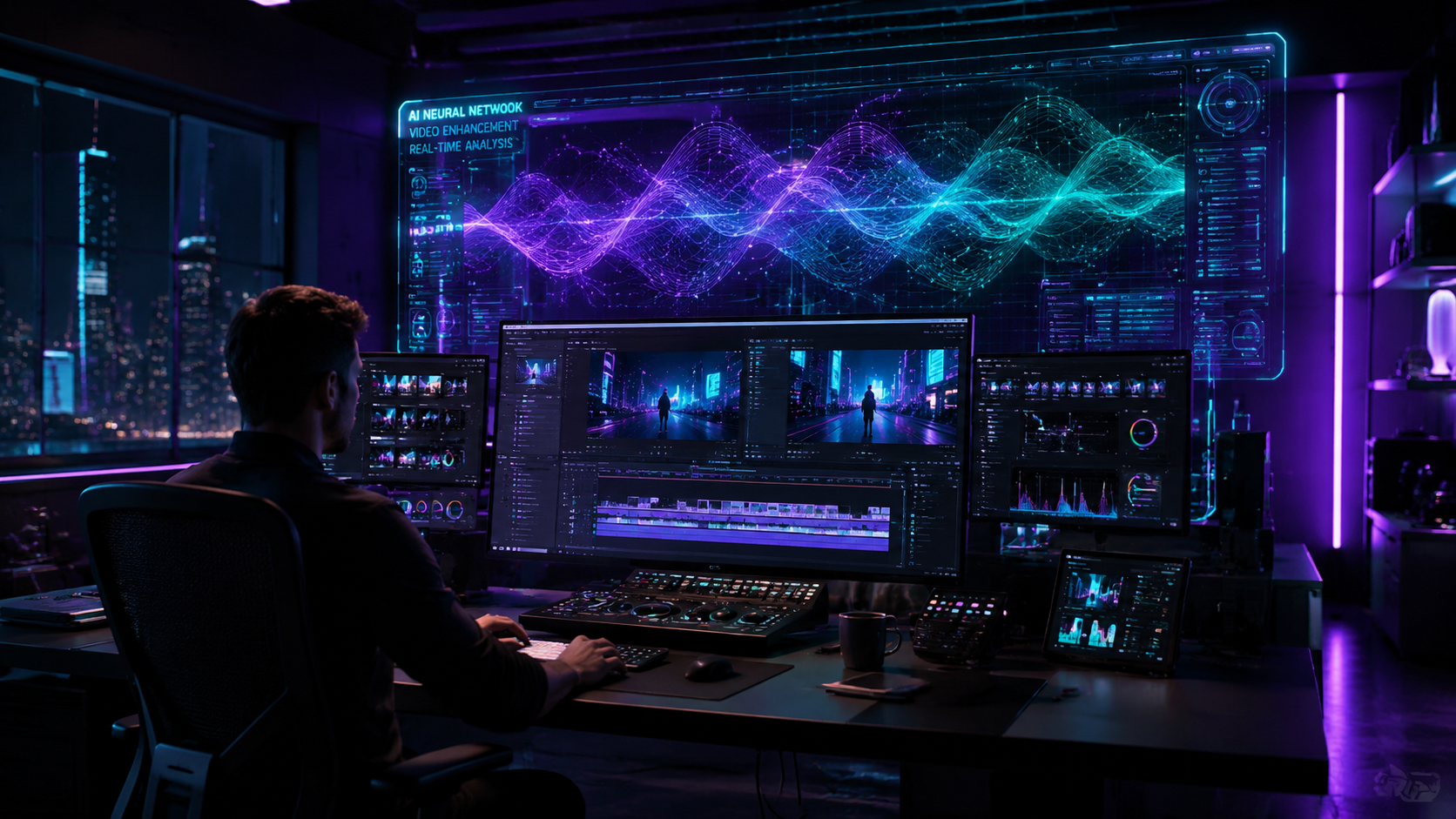
The best ai plugins for video editing in 2026 are specialized software extensions that integrate generative artificial intelligence directly into non-linear editors like Adobe Premiere Pro, DaVinci Resolve, and Final Cut Pro. These tools leverage neural networks to automate complex tasks such as rotoscoping, noise reduction, and automated rough-cut generation, allowing creators to focus on storytelling rather than technical minutiae. By utilizing these pro-level plugins, editors can reduce their post-production timelines by up to 60% while maintaining high-fidelity visual and audio standards.
The best AI plugins for video editing in 2026 are AutoCut for automated timeline management, Vocal Gate for AI-driven audio clarity, and the Claude Video Workforce suite for script-to-edit automation. These tools utilize advanced machine learning to handle background removal, noise gating, and scene indexing, making high-end production accessible to independent creators and professional studios alike.
- ✓ AI plugins like AutoCut now integrate directly into Premiere Pro to automate silence removal and jump cuts.
- ✓ New audio tools like Vocal Gate provide professional-grade noise gating for podcasts and streams for free.
- ✓ Claude-based plugins allow editors to build an "AI Workforce" that manages metadata and organizational tasks.
- ✓ Advanced scene editors and background removers have reached near-perfect accuracy in 2026, eliminating the need for manual rotoscoping.
How to Implement AI Plugins into Your Video Workflow
Adopting AI into your creative process requires a shift in how you approach the assembly phase of editing. In 2026, the workflow has moved away from manual "slicing" toward "prompting" and "filtering." By setting parameters within your AI plugins, you can have the software perform the first pass of your edit, which usually involves removing mistakes, pauses, and unwanted background noise. This allows the human editor to step in at the creative decision-making stage rather than the labor-intensive preparation stage.
To get started with the best ai plugins for video editing, follow these essential steps to optimize your 2026 production pipeline:
- Audit Your Footage: Use an AI scene editor (like those featured in High On Films) to automatically tag and categorize your clips based on content and lighting.
- Automate the Rough Cut: Apply a tool like AutoCut to Premiere Pro to instantly remove dead air and filler words based on the waveform analysis.
- Clean the Audio: Deploy a neural noise gate such as Vocal Gate to isolate voices from environmental hums or street noise.
- Refine Visuals: Use AI background removers to swap out environments or apply depth-of-field effects without manual masking.
- Final Review: Use a Claude-integrated plugin to generate captions and SEO-friendly metadata based on the final audio transcript.
The Evolution of AI Video Tools in 2026
The landscape of video post-production has been fundamentally altered by the integration of large language models and computer vision. According to CineD, the AutoCut plugin now integrates AI directly into Premiere Pro to handle time-consuming tasks that previously took hours, such as resizing footage for multiple social media formats and syncing multi-cam setups based on visual cues. This level of integration ensures that the editor never has to leave their primary workspace to access cutting-edge generative features.
Furthermore, the rise of "AI Workforces" within the editing suite has become a standard. As reported by Fathom Journal in May 2026, the 4 must-know Claude video editing plugins allow editors to delegate organizational tasks to an AI agent. These agents can read a script, find the corresponding b-roll in a project bin, and place it on the timeline. This synergy between LLMs (Large Language Models) and NLEs (Non-Linear Editors) represents the pinnacle of best ai plugins for video editing technology currently available to professionals.
Top 10 AI Plugins for Video Editing Comparison
To help you choose the right tool for your specific needs, the following table compares the leading AI plugins based on their primary function and compatibility as of mid-2026.
| Plugin Name | Primary Function | Best For | Platform |
|---|---|---|---|
| AutoCut AI | Automated Cutting | Jump cuts & Silence removal | Premiere Pro |
| Vocal Gate | AI Noise Gating | Podcasts & Interviews | VST/AU/AAX |
| Claude Video Suite | Workflow Automation | Asset Management | Cross-platform |
| Scene Editor Pro | Background Removal | VFX & Green Screen | Resolve/Premiere |
| Neural Enhance | Upscaling | Legacy footage recovery | After Effects |
| SkySwap AI | Environment Replace | Outdoor Cinematography | DaVinci Resolve |
| DeepAudio Clean | Restoration | Removing wind/traffic | Audition/Premiere |
| Auto-Captioner Pro | Transcription | Social Media Accessibility | All NLEs |
| FaceRefine AI | Retouching | Commercial & Fashion | After Effects |
| ColorMatch AI | Grading | Matching multi-cam looks | DaVinci Resolve |
Deep Dive: The Best AI Plugins for Video Editing in 2026
1. AutoCut: The Efficiency King
AutoCut has revolutionized the "boring" part of editing. By integrating directly into the Premiere Pro interface, it uses AI to analyze the audio track and visual motion simultaneously. It doesn't just cut out silence; it identifies "bad takes" by recognizing repetitive phrases and keeping only the best version. According to CineD, this plugin is now a staple for YouTubers who need to churn out high-quality content daily without spending eight hours on a single rough cut.
2. Vocal Gate: Professional Audio for Everyone
Released in April 2026, Vocal Gate has quickly become the best ai plugins for video editing choice for audio clarity. Unlike traditional gates that use simple decibel thresholds, Vocal Gate uses a neural network to distinguish between a human voice and background noise. As Bedroom Producers Blog notes, this plugin is particularly effective for streamers and podcasters who may not have treated rooms, as it can effectively "silence" a barking dog or a hum from an air conditioner while keeping the vocal transients intact.
3. Claude Video Workforce Plugins
The Fathom Journal recently highlighted how Claude-based plugins are building "AI Workforces" for editors. These aren't just simple tools; they are intelligent assistants. You can ask the plugin to "Find all clips where the subject is smiling and wearing a blue shirt," and it will index your entire media pool in seconds. This makes it an indispensable tool for documentary editors dealing with hundreds of hours of raw footage.
4. High On Films Scene Editor
In 2026, rotoscoping is largely considered a legacy skill thanks to tools like the Scene Editor highlighted by High On Films. This plugin uses edge-detection AI to separate subjects from backgrounds with hair-strand precision. Whether you are working on a high-budget feature or a quick TikTok, the ability to remove backgrounds without a green screen has become a standard requirement for any tool claiming to be among the best ai plugins for video editing.
Advanced Visual Enhancements and AI Integration
The visual quality of video has seen a massive leap due to AI-driven upscaling and retouching. PCMag recently tested the latest Adobe-compatible plugins for 2026 and found that AI-based sharpening and denoising have surpassed traditional algorithms. These plugins don't just "blur" noise; they intelligently reconstruct pixels based on the surrounding data, resulting in a cleaner image that looks like it was shot on a higher-end sensor.
For photographers transitioning into video, PetaPixel notes that the best plugins for Photoshop and Lightroom in 2026 now feature "Video Mode" parity. This means the same AI-powered color grading and object removal tools used on still images can now be applied across a sequence of video frames with temporal consistency. This ensures that an object removed from one frame stays "gone" throughout the entire clip, a task that used to require complex tracking and cloning.
According to research from High On Films, the adoption of AI scene editors has led to a 40% increase in the production of "mixed-reality" content. Creators are now able to blend CGI elements with live-action footage more convincingly because AI plugins can automatically match the lighting and grain of the original plate to the digital assets.
The Future of Video Editing: AI as a Co-Pilot
As we move through 2026, the consensus among industry experts is that AI is not replacing the editor but acting as a powerful co-pilot. The best ai plugins for video editing are those that remove the friction between an idea and its execution. When an editor no longer has to spend four hours masking a subject or two hours syncing audio, they can spend that time on pacing, emotional resonance, and creative storytelling.
The democratization of these tools is also a major theme. With free options like Vocal Gate and affordable integrations like AutoCut, the barrier to entry for professional-looking video has never been lower. However, the "pro" distinction now comes from how an editor directs the AI. Understanding the nuances of these plugins—knowing when to let the AI take the lead and when to manually override it—is the hallmark of a master editor in the modern era.
What are the best AI plugins for video editing for beginners?
For beginners, AutoCut and Vocal Gate are the most user-friendly options. They provide "one-click" solutions for common problems like removing silences and cleaning up background noise without requiring deep technical knowledge of frequencies or frame rates.
Are AI video plugins compatible with all editing software?
Most leading AI plugins in 2026 are designed for Adobe Premiere Pro, DaVinci Resolve, and Final Cut Pro. However, audio plugins like Vocal Gate use standard formats like VST3 or AU, making them compatible with almost any digital audio workstation or video editor that supports external plugins.
Do I need a powerful computer to run AI video plugins?
While many AI tasks are processed locally on your GPU, an increasing number of plugins in 2026 offer cloud-based processing. This allows editors with less powerful machines to utilize complex AI features, though a dedicated GPU with at least 8GB of VRAM is recommended for real-time performance.
Is Vocal Gate really free?
Yes, as of April 2026, Vocal Gate is available as a free AI noise gate plugin. It is designed to help the community of streamers and podcasters achieve professional audio standards without the high cost of traditional hardware gates.
Can AI plugins remove backgrounds without a green screen?
Absolutely. Modern AI plugins like those reviewed by High On Films use advanced neural networks to identify subjects and separate them from the background with high precision, even in complex environments with moving objects or low lighting.



Comments ()