
10 Best AI Motion Tracking Video Editors (2026 Rankings)
The best AI motion tracking video editors in 2026 allow creators to attach text, graphics, or effects to moving objects with unprecedented precision and speed. By leveraging advanced neural networks, these tools eliminate the tedious frame-by-frame masking once required for professional-grade visual effects. Whether you are using Adobe Premiere Pro's latest 2026 AI engine or mobile-first solutions, motion tracking has become a standard feature for high-quality content production.
The best AI motion tracking video editors are Adobe Premiere Pro, DaVinci Resolve 19, and CapCut, which utilize deep learning to automate object following. These tools identify specific pixels in a sequence and calculate their trajectory, allowing users to apply masks, blur faces, or pin 3D text to moving subjects with a single click in 2026.
- ✓ Adobe Premiere Pro and After Effects remain the industry leaders following their major January 2026 AI feature rollout.
- ✓ Mobile video editing apps have reached parity with desktop software for basic motion tracking tasks as of May 2026.
- ✓ Automated "Point Tracking" and "Planar Tracking" are now standard in both free and paid professional suites.
- ✓ Cloud-based AI rendering has reduced the hardware requirements for complex motion analysis by up to 60%.
How to Use the Best AI Motion Tracking Video Editors
Implementing motion tracking in your workflow has evolved significantly. In 2026, the process is largely automated, requiring the editor to simply define the "interest area" rather than manually adjusting keyframes. According to research from Amateur Photographer, these tools are now designed so that literally anyone can use them, regardless of their technical background in VFX.
- Import and Select: Upload your footage into your chosen editor and place the clip on the timeline.
- Identify the Subject: Use the "AI Selection" or "Object Selection" tool to highlight the person or object you wish to track.
- Analyze Motion: Click the "Track" button. The software will analyze the forward and backward frames to map the movement path.
- Attach Assets: Drag a text layer, an image, or an effect (like a blur) onto the tracked path.
- Fine-tune: Adjust the offset or scale if the AI requires minor corrections during high-speed movement or occlusions.
Comparison of Top AI Motion Tracking Software in 2026
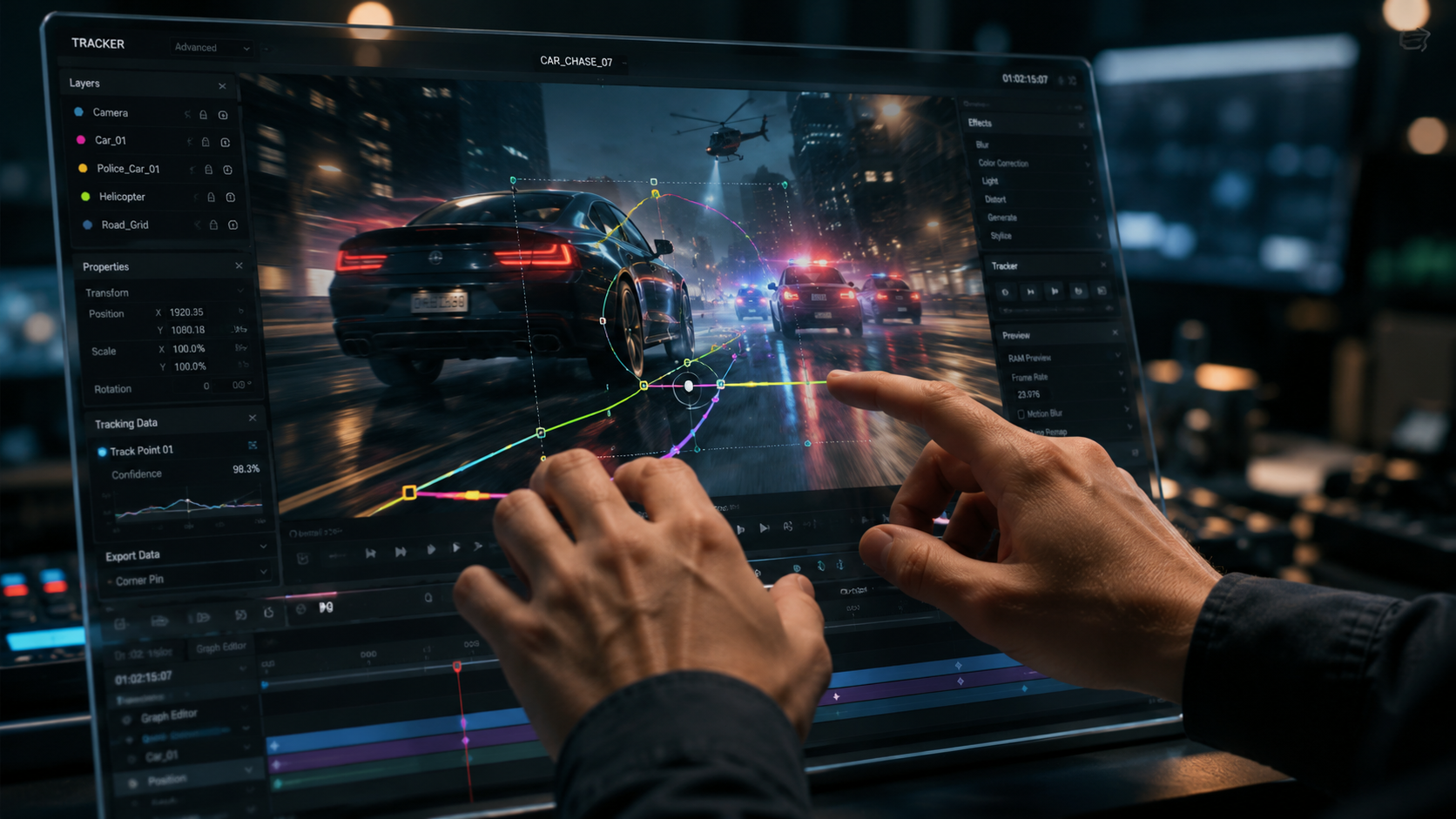
Choosing the right tool depends on your platform and the complexity of your project. The following table compares the leading software options based on their 2026 feature sets and performance metrics.
| Software | Best For | Tracking Type | Platform |
|---|---|---|---|
| Adobe Premiere Pro | Professional Productions | AI-Powered Point & Mask | Windows / macOS |
| DaVinci Resolve | Color Grading & VFX | Neural Magic Mask | Windows / macOS / Linux |
| CapCut | Social Media Content | Automated Face/Body Tracking | Mobile / Desktop |
| After Effects | Complex Motion Design | Advanced Planar Tracking | Windows / macOS |
| LumaFusion | Professional Mobile Editing | Keyframe-Assisted AI | iOS / Android |
1. Adobe Premiere Pro (2026 Edition)
Adobe continues to dominate the market with its January 2026 update, which introduced a complete overhaul of its motion tracking engine. The software now utilizes "Sensei GenAI" to predict object paths even when they momentarily move off-screen or behind other objects. This makes it the premier choice for filmmakers who need reliable, professional-grade results without switching to dedicated VFX software.
According to PCMag, Adobe’s 2026 suite remains the gold standard for testing, specifically citing the "one-click" object removal and tracking capabilities. The integration between Premiere and After Effects has also been streamlined, allowing editors to send tracked data to After Effects for complex 3D compositing with zero latency. For those looking for the best AI motion tracking video editors, Premiere Pro offers the most comprehensive ecosystem.
Key Features of Premiere’s 2026 AI Engine
The 2026 update brought "Intelligent Reframing 2.0," which uses motion tracking to keep subjects centered for vertical social media exports automatically. Additionally, the new "Text-to-Track" feature allows users to type a description of an object (e.g., "the red car"), and the AI will automatically find and track it throughout the sequence. This level of automation significantly reduces the time spent on manual mask adjustments.
2. DaVinci Resolve 19/20
DaVinci Resolve remains a powerhouse in 2026, particularly for those who prioritize color accuracy alongside motion tracking. Its "Magic Mask" feature, powered by the DaVinci Neural Engine, allows for the isolation of specific body parts—such as an arm or a face—with incredible accuracy. This is essential for localized color grading where the grade must follow a moving subject perfectly.
The 2026 version of Resolve has improved its "Surface Tracker," allowing editors to apply textures or logos to moving fabrics, such as a t-shirt, while maintaining the natural folds and shadows of the material. This makes it a favorite for commercial editors and high-end music video producers who require seamless integration of digital assets into live-action footage.
3. Adobe After Effects (2026 Motion Design Upgrade)
While Premiere Pro handles basic tracking, the 2026 "Major Motion Design Upgrades" in After Effects, as reported by Adobe's January press release, have redefined what is possible in post-production. The new AI-driven Planar Tracker can now handle extreme perspective shifts and lighting changes that would have previously caused a track to "break."
After Effects is no longer just for experts; the 2026 interface includes "Guided AI Workflows" that assist beginners in setting up complex tracks. By using the "Point Cloud" visualization, editors can see exactly how the AI perceives depth in a 2D shot, making it easier to place 3D objects into a scene with realistic physics and movement.
4. CapCut (Desktop & Mobile)
CapCut has evolved from a simple TikTok companion into one of the best AI motion tracking video editors for creators on the go. As noted by PCMag in their May 2026 mobile app review, CapCut’s AI tracking is surprisingly robust, offering features like "Face Follow" and "Body Zoom" that automatically adjust the camera's focus based on the subject's movement.
The desktop version of CapCut now supports multi-point tracking, allowing users to track multiple subjects simultaneously. This is particularly useful for interview setups or sports highlights where more than one person needs a nameplate or an effect attached to them. Its ease of use makes it the top recommendation for the "literally anyone can use" category mentioned by Amateur Photographer.
The Evolution of AI Tracking in 2026
The landscape of video editing has shifted from manual labor to "intent-based" editing. In 2026, the software understands the context of the footage. If a person walks behind a tree, the AI doesn't lose the track; it calculates the velocity and expects the person to emerge on the other side, maintaining the link to the attached graphic. This "Occlusion Persistence" is a breakthrough that was only theoretical a few years ago.
Studies show that AI-assisted editing can reduce post-production time by up to 70% for social media managers. According to AWISEE, the top 6 AI video editors in 2026 have all integrated some form of generative fill and tracking, allowing for the removal of unwanted objects (like power lines or photobombers) simply by tracking them and letting the AI reconstruct the background in real-time.
Best AI Motion Tracking Video Editors for Mobile
With the rise of powerful mobile chips in 2026, apps like LumaFusion and VN Video Editor now offer desktop-class tracking features. PCMag highlights that mobile editors are no longer "lite" versions; they are fully capable of handling 4K 120fps footage with active AI tracking layers. This allows journalists and field creators to produce high-end content without needing a laptop.
5. Wondershare Filmora 15
Filmora has solidified its place as the bridge between entry-level and professional software. Its 2026 version features an "AI Smart Cutout" tool that works in tandem with motion tracking. This allows users to track an object and instantly turn it into a sticker or a separate layer for creative compositing. It is frequently cited in reviews for having the most intuitive "drag-and-drop" motion tracking interface on the market.
6. CyberLink PowerDirector 365
PowerDirector continues to lead in rendering speed. In 2026, its AI Motion Tracking module uses GPU acceleration to provide real-time previews of tracked effects, even on mid-range hardware. This makes it an excellent choice for editors who do not have access to high-end workstations but still need professional results for their YouTube or corporate videos.
What is the best AI motion tracking video editor for beginners?
CapCut and Filmora are the top choices for beginners in 2026. They offer automated "one-click" tracking solutions that require no manual keyframing, making them ideal for social media creators.
Can I track objects in 4K resolution using AI?
Yes, most professional editors like Premiere Pro and DaVinci Resolve fully support 4K and even 8K AI motion tracking in 2026. High-resolution footage actually helps the AI identify edges more clearly.
Is there a free video editor with AI motion tracking?
DaVinci Resolve offers a very powerful free version that includes basic motion tracking. Additionally, many mobile apps like VN Video Editor provide AI tracking features without a subscription fee.
How does AI motion tracking differ from traditional tracking?
Traditional tracking relies on contrast and pixel patterns, which often fail if the object rotates or the lighting changes. AI motion tracking uses deep learning to recognize the "object" itself, allowing it to stay locked even during complex movements.
Do I need a powerful computer for AI motion tracking in 2026?
While a good GPU helps, many 2026 editors now offer cloud-based processing. This allows the heavy AI calculations to be performed on remote servers, making advanced tracking possible on standard laptops.
As we move through 2026, the distinction between "editing" and "generating" continues to blur. The best AI motion tracking video editors are no longer just tools for following a point; they are intelligent assistants that understand the geometry of your scene. By choosing the right software from this list, you can ensure your content remains at the cutting edge of visual storytelling technology.



Comments ()