
Best AI for Wedding Editing: 2026 Top Software Ranked
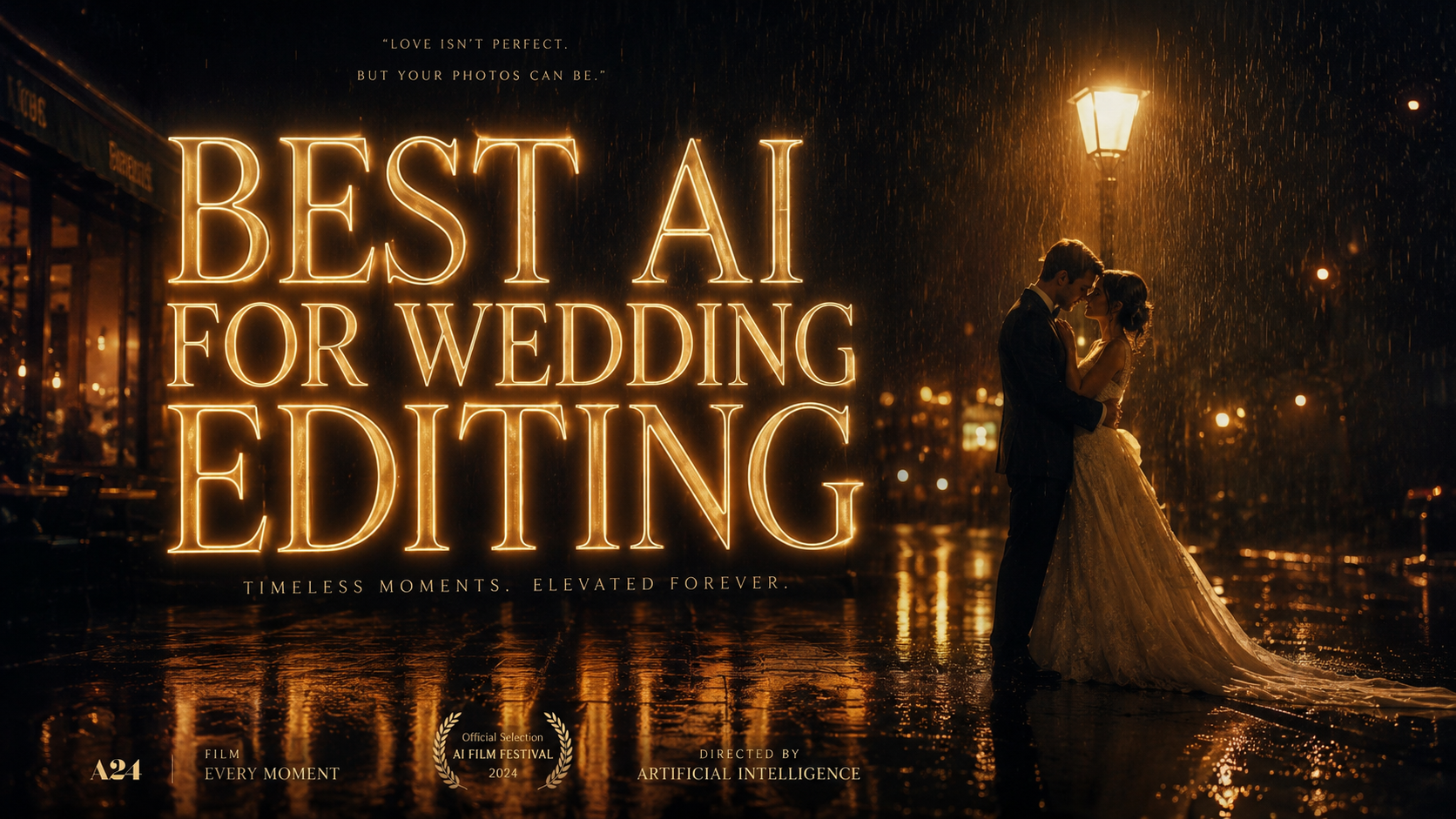
The best AI for wedding editing in 2026 is a specialized suite of tools designed to handle high-volume culling, consistent color grading, and advanced retouching. Professional wedding photographers now rely on AI-driven platforms like Imagen, Aftershoot, and Adobe Lightroom’s latest generative updates to reduce post-production time by over 80%. These tools analyze your unique editing style and apply it across thousands of RAW images with surgical precision, ensuring the emotional narrative of the wedding day remains intact.
The best AI for wedding editing is a platform that combines automated culling with personalized profile learning. In 2026, top software choices include Aftershoot for lightning-fast selection, Imagen for bespoke color profiles, and Adobe Lightroom for generative AI retouching. These tools allow photographers to deliver full galleries in days rather than months while maintaining professional-grade quality.
- ✓ AI culling can reduce the time spent selecting images by up to 90%, identifying blinks and focus issues instantly.
- ✓ Personalized AI profiles learn from your past edits to apply consistent color and exposure across entire wedding galleries.
- ✓ Generative fill and AI-powered masking allow for complex retouching, such as removing distracting background objects, in seconds.
- ✓ Cloud-based AI workflows enable seamless collaboration between lead shooters and second photographers in real-time.
The Evolution of Post-Production: Why 2026 is the Year of the AI Wedding Workflow
The landscape of the wedding industry has shifted dramatically over the last few years. According to a recent report by Vogue, AI and ChatGPT are transforming the wedding industry by streamlining everything from planning to the final delivery of images. For photographers, this means the "editing bottleneck"—the weeks of labor spent behind a computer screen—is finally a thing of the past. The focus has shifted from manual slider adjustments to high-level creative direction.
As noted by Fstoppers in their 2026 retrospective "Why I Stopped Fearing AI and Started Using It," the initial skepticism surrounding artificial intelligence has been replaced by an appreciation for the creative freedom it provides. Wedding photographers are no longer bogged down by the technical minutiae of white balance and exposure compensation. Instead, they are using AI to enhance their unique artistic voice, ensuring that every wedding gallery reflects their brand's signature look without the physical toll of repetitive manual labor.
The current market offers a variety of tools that cater to different aspects of the wedding workflow. Whether you are a solo shooter or a high-volume studio, the best AI for wedding editing will integrate into your existing ecosystem, such as Adobe Creative Cloud, while providing specialized features like automated skin smoothing, object removal, and intelligent cropping that respects the "rule of thirds" and emotional framing.
How to Implement the Best AI for Wedding Editing Workflow
- Ingest and Backup: Import your RAW files into your primary catalog and ensure a cloud backup is initiated.
- Automated Culling: Run your images through an AI culling tool like Aftershoot to automatically group duplicates and flag images with closed eyes or missed focus.
- Apply AI Profile: Use a personalized AI profile (trained on 3,000+ of your previous edits) to apply color, contrast, and exposure across the entire wedding.
- Generative Retouching: Utilize Adobe's 2026 Generative AI features to remove distracting elements like exit signs or stray hairs in hero shots.
- Final Review and Export: Perform a quick manual pass to ensure emotional accuracy before exporting for client delivery.
Comparison of Top AI Wedding Editing Software in 2026
To choose the right tool, it is essential to understand the strengths of each platform. The following table compares the leading software solutions currently dominating the professional wedding photography market.
| Software | Primary Strength | Key AI Feature | Integration |
|---|---|---|---|
| Aftershoot Pro 2026 | Speed & Culling | AI Grouping & Blink Detection | Lightroom, Capture One |
| Imagen AI | Consistent Color | Personalized Profile Learning | Adobe Ecosystem |
| Adobe Lightroom (2026 Update) | Retouching | Generative Fill & Lens Blur | Native Creative Cloud |
| Topaz Photo AI 3.0 | Image Quality | Upscaling & Noise Reduction | Standalone/Plugin |
| Narrative Select | Speed Culling | Emotional Score Analysis | Lightroom |
Deep Dive: Rankings for the Best AI for Wedding Editing
1. Aftershoot Pro: The King of High-Volume Culling
For wedding photographers, culling is often the most mentally taxing part of the job. Aftershoot Pro has established itself as a leader in 2026 by offering a completely offline AI solution. According to Amateur Photographer, the latest 2026 version of Aftershoot is the best photo editing software for those who need to process thousands of images without a constant internet connection. It uses advanced computer vision to detect not just technical flaws, but also "winning" expressions, ensuring the most emotional moments are highlighted.
The software’s ability to group similar shots and automatically select the best one based on focus and composition is a game-changer. In a typical 4,000-image wedding, Aftershoot can narrow the selection down to a manageable 600-800 keepers in under 15 minutes. This allows photographers to move straight into the creative phase of editing without the "decision fatigue" that often plagues the post-wedding process.
2. Imagen: Bespoke AI Profiles for Signature Styles
Consistency is the hallmark of a professional wedding photographer. Imagen remains the industry standard for color grading in 2026. By analyzing your past work, Imagen creates a "Personal AI Profile" that mimics your specific editing style. Unlike static presets, this AI adjusts its parameters based on the lighting conditions and color temperature of each individual photo. This ensures that the ceremony photos taken in a dark church look cohesive with the golden-hour portraits taken outdoors.
Recent updates in 2026 have introduced "Talent Profiles," allowing newer photographers to use the editing styles of world-renowned wedding artists. However, the true power lies in its ability to learn. The more you "tweak" the AI's results, the better it becomes at predicting your preferences. This iterative learning process makes it arguably the best AI for wedding editing for those who value a unique, non-generic aesthetic.
3. Adobe Lightroom: The Power of Generative Intelligence
While third-party tools handle the bulk of the work, Adobe Lightroom remains the central hub for professional editors. As reported by Digital Camera World, the 2026 version of Lightroom has integrated "Generative Remove" and "Generative Expand" features directly into the RAW workflow. This is revolutionary for wedding photography, where distracting background elements—like a guest's smartphone or a fire extinguisher—can ruin a perfect candid moment.
Lightroom’s AI-powered masking has also seen significant upgrades. It can now automatically distinguish between the bride’s dress, the groom’s suit, and the background, allowing for local adjustments that would have previously taken hours of manual brushing. This level of control, combined with the power of the Adobe Firefly engine, ensures that the final images are polished to a commercial standard.
Advanced Video Editing: AI for Wedding Filmmakers
The wedding industry isn't just about stills. Wedding films have seen a massive surge in demand, and AI is keeping pace. According to PCMag, the best video editing software tested for 2026 includes AI features that can automatically sync multi-cam setups and generate highlight reels from hours of footage. For wedding videographers, this means the initial "rough cut" can be generated by AI in minutes.
Tools like Adobe Premiere Pro and DaVinci Resolve now include AI-driven audio enhancement, which is critical for wedding vows recorded in windy outdoor environments. The ability to isolate voices and remove background noise with a single click has significantly raised the production value of modern wedding films. Furthermore, AI color matching allows videographers to match the look of their footage to the photographer's stills, providing a unified brand experience for the couple.
The Impact of AI on the Photography Business Model
The adoption of the best AI for wedding editing tools is not just about saving time; it's about business sustainability. Racine County Eye notes that top AI photo editing software for professional photographers is allowing small businesses to compete with larger studios by increasing their output without increasing their overhead. By reducing the time spent on post-production, photographers can focus on marketing, client experience, and taking on more bookings.
Moreover, the speed of delivery has become a competitive advantage. In 2026, couples expect "sneak peeks" within 24 hours and full galleries within a week. AI makes this possible. The traditional model of waiting three months for wedding photos is no longer acceptable in a digital-first world. Photographers who embrace these AI tools are seeing higher client satisfaction scores and more referrals, proving that technology, when used correctly, enhances the human element of the service.
Is AI wedding editing better than manual editing?
AI editing is not "better" or "worse" but rather more efficient at technical tasks. It handles exposure, white balance, and basic retouching with incredible speed, allowing the photographer to focus on the final 10% of creative artistry that makes their work unique.
Will AI replace professional wedding photographers?
No, AI is a tool that assists photographers rather than replacing them. While AI can edit and cull, it cannot capture the emotional nuances, navigate family dynamics, or provide the artistic vision required during a live wedding event.
What is the most affordable AI for wedding editing?
Many AI tools operate on a "pay-per-image" or subscription model. Aftershoot offers a flat subscription fee which is often the most cost-effective for high-volume photographers, while Imagen's per-image pricing is ideal for those who want to pay only for what they use.
Does AI editing work on RAW files?
Yes, most professional AI tools like Imagen and Aftershoot are designed specifically to work with RAW files, ensuring that no image quality is lost during the automated editing process.
Can AI help with wedding video editing?
Absolutely. AI tools in 2026 can assist with color matching, audio cleanup, and even creating a preliminary "storyboard" or rough cut of the wedding day highlights, significantly speeding up the video production timeline.



Comments ()