
Beginner Guide to AI Video: Master Pro Tools in 2026
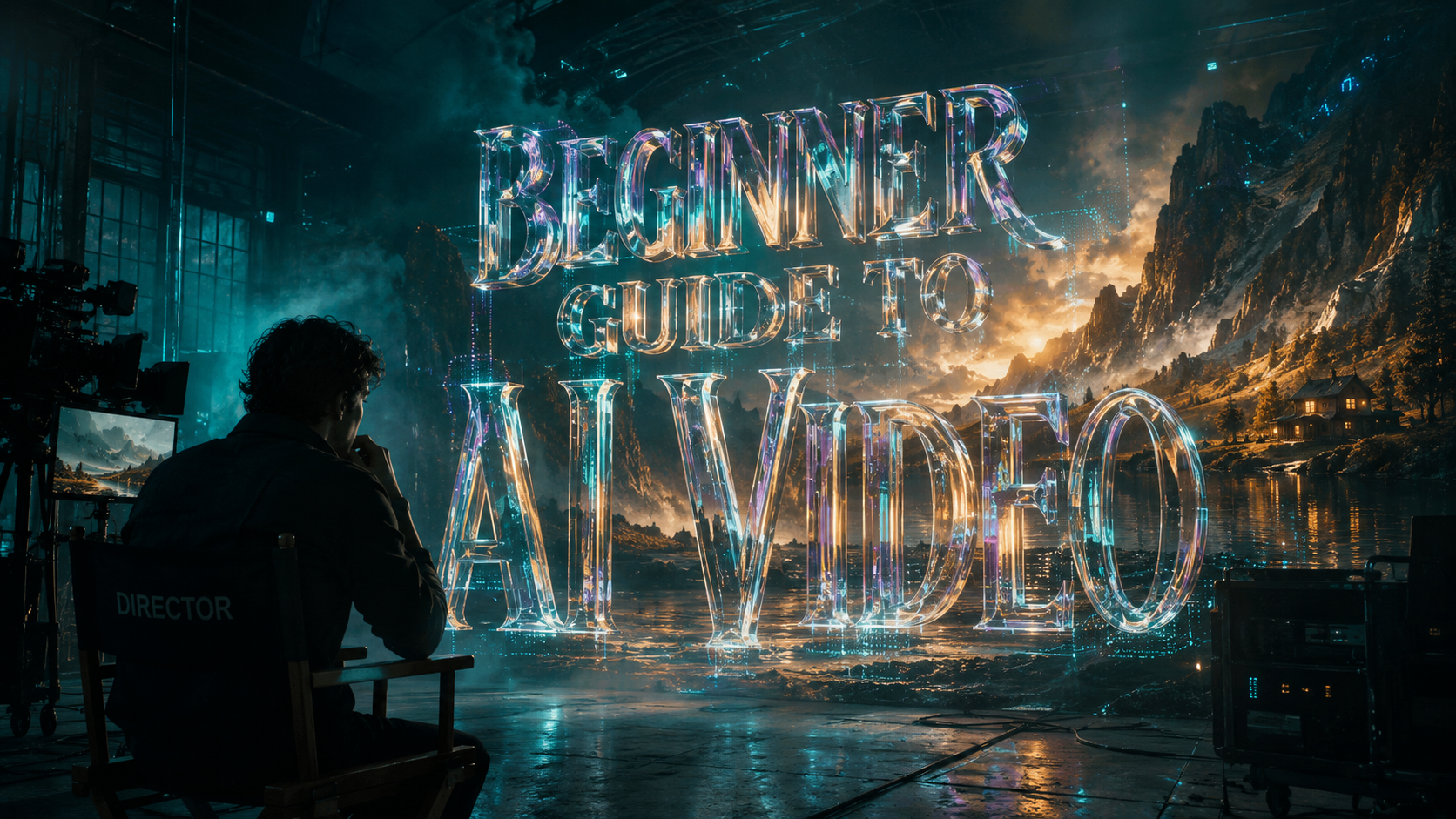
A beginner guide to ai video is a comprehensive roadmap for using artificial intelligence to generate, edit, and enhance video content from simple text prompts or existing media. In 2026, mastering these tools involves understanding the latest advancements in diffusion models and neural rendering to create professional-grade visuals without traditional filming equipment. By following this guide, you will learn how to leverage cutting-edge platforms like Sora 2 and Grok 4.3 to produce stunning content in minutes.
AI video generation is the process of using machine learning algorithms to synthesize motion graphics, realistic human avatars, and cinematic scenes from text descriptions. In 2026, this technology has evolved into a multimodal ecosystem where tools like Sora 2 and Nano Banana Pro allow beginners to create high-definition, viral-ready video content with zero prior technical expertise.
- ✓ Master text-to-video prompting to unlock the full potential of OpenAI’s Sora 2 and Grok 4.3.
- ✓ Utilize specialized "Faceless" content strategies to build viral social media channels quickly.
- ✓ Ensure your hardware meets 2026 AI PC standards for local rendering and real-time processing.
- ✓ Implement a structured 5-step workflow to move from initial concept to a polished, high-resolution final export.
How to Start Creating with AI Video: A Step-by-Step Guide
The barrier to entry for high-end cinematography has officially vanished. With the release of groundbreaking tools in early 2026, anyone with a creative vision can manifest complex narratives. According to The AI Journal, the introduction of Sora 2 in February 2026 marked a turning point where AI-generated physics became indistinguishable from reality, allowing beginners to create 60-second clips that maintain perfect temporal consistency.
To succeed as a creator today, you must move beyond simple "point and click" interfaces. You need a workflow that balances AI creativity with human editorial oversight. Following this beginner guide to ai video will help you avoid the common pitfalls of "uncanny valley" effects and low-resolution outputs that plagued earlier iterations of the technology. Here is the definitive process for mastering pro tools this year.
- Define Your Narrative Architecture: Start by writing a detailed script or a sequence of descriptive prompts. In 2026, tools like Grok 4.3 provide "Smarter AI Answers" that can help you brainstorm storyboard structures based on current viral trends.
- Select Your Engine: Choose between a general-purpose generator like Sora 2 for cinematic realism or a specialized tool like Nano Banana Pro for stylized, artistic visuals.
- Configure AI PC Settings: Ensure your local hardware is optimized. As Microsoft noted in February 2026, modern AI PCs now feature dedicated NPUs (Neural Processing Units) that are essential for handling the massive data throughput of 4K AI video generation.
- Iterative Prompting: Input your prompt and use "seed" values to maintain character consistency across different shots. This is the secret to creating long-form content that feels cohesive.
- Post-Production Refinement: Use AI-powered upscalers and noise reduction tools to polish the final render. Add "Faceless" voiceovers using synthetic speech engines to complete the production.
The Evolution of Text-to-Video in 2026
The landscape of digital media has been transformed by the arrival of Sora 2. Unlike its predecessors, Sora 2 understands the physical properties of objects—how light reflects off water or how fabric moves in the wind. According to The AI Journal, this revolutionary text-to-video AI has reduced the cost of high-quality video production by nearly 90% for small businesses and independent creators.
Furthermore, the rise of "Faceless" shorts has become a dominant trend. TyN Magazine reports that as of January 2026, beginner-friendly text-to-video tools are the primary drivers behind the most successful viral channels on platforms like TikTok and YouTube Shorts. These creators use AI to generate everything from the script to the visual background, allowing them to publish multiple high-quality videos daily without ever appearing on camera.
Mastering the Sora 2 Interface
OpenAI’s Sora 2 is designed with a "natural language first" philosophy. Beginners no longer need to learn complex sliders or technical jargon. Instead, you describe the camera angle, the lighting conditions, and the specific actions of the subjects. The 2026 version includes a "Director Mode" which allows for real-time adjustments to the virtual camera path after the initial video has been generated.
Integrating Grok 4.3 for Scripting
Grok 4.3 has introduced features that many beginners overlook, according to Geeky Gadgets. One of the most powerful is the "Real-Time Trend Integration," which allows the AI to suggest video topics based on live data from social platforms. By using Grok 4.3 to draft your video outlines, you ensure that your beginner guide to ai video projects are always relevant and optimized for engagement.
Comparing the Top AI Video Tools of 2026
Choosing the right tool is critical for your success. While some platforms focus on hyper-realism, others are designed for speed and social media optimization. The following table compares the leading pro tools available to beginners this year, based on recent data from Microsoft and independent tech reviews.
| Feature | Sora 2 (OpenAI) | Nano Banana Pro | Grok 4.3 Video | Faceless AI Suite |
|---|---|---|---|---|
| Primary Use | Cinematic Realism | Stylized Art/Images | Data-Driven Content | Social Media Shorts |
| Max Resolution | 8K Ultra HD | 4K Enhanced | 4K Standard | 1080p (Vertical) |
| Key Strength | Physics Engine | Aesthetic Control | Real-Time Trends | Automation Speed |
| Learning Curve | Moderate | Low (Beginner) | Very Low | Instant |
Hardware Requirements: The Rise of the AI PC
You cannot master pro tools in 2026 without the right hardware. Microsoft’s guide to AI PC features highlights that the standard for a "beginner's setup" has shifted. To run AI video software locally or to interface efficiently with cloud-based models, your machine must possess a dedicated NPU capable of at least 50 TOPS (Trillions of Operations Per Second). This hardware acceleration is what allows for the "stunning visuals" mentioned in recent INQUIRER.net reports.
Local processing is becoming increasingly important for privacy and cost-efficiency. While cloud tools are accessible, having an AI-capable PC allows you to use open-source models that offer more granular control over your creative output. Beginners should look for laptops and desktops released in late 2025 or early 2026 that specifically mention "Neural Architecture" in their specifications.
NPU vs. GPU in Video Generation
While the GPU remains important for traditional rendering, the NPU is the heart of the AI video workflow. It handles the specific mathematical tensors required by diffusion models. According to Microsoft, users with dedicated NPUs experience up to a 5x increase in generation speed compared to those relying solely on older GPU architectures. This speed is vital when you are iterating on prompts to get the perfect shot.
Memory and Storage Needs
AI video files, especially those generated in 8K by Sora 2, are exceptionally large. A professional-grade beginner setup now requires a minimum of 32GB of high-speed RAM and NVMe Gen5 storage. This ensures that the data-heavy "weights" of the AI models can be loaded into memory quickly, preventing bottlenecks during the creative process.
Advanced Techniques in a Beginner Guide to AI Video
Once you understand the basics, the next step in your beginner guide to ai video journey is mastering "Prompt Engineering 2.0." In 2026, this involves using multi-modal inputs. Instead of just text, you can provide the AI with a rough sketch or a reference image from Nano Banana Pro to guide the composition. This "Image-to-Video" workflow ensures that the final output matches your exact aesthetic vision.
Another pro technique is "In-Painting," where you select a specific area of a generated video and ask the AI to change only that part. For example, if you love a generated scene but want the character to wear a different outfit, you can swap the clothing without re-generating the entire video. This level of control was a pipe dream in 2024 but is now a standard feature in most pro tools as of May 2026.
Leveraging Nano Banana Pro for Visual Consistency
Nano Banana Pro has emerged as a favorite for beginners who want to create stunning AI images that serve as the foundation for their videos. By generating a high-quality character portrait first, you can "lock" that visual identity and import it into Sora 2. This prevents the character's face from changing between scenes—a common issue that many beginners struggle to solve.
The Power of "Faceless" Automation
As noted by TyN Magazine, the "Faceless" revolution is about more than just privacy; it's about scale. By using AI to automate the visual and audio components, a single creator can manage five or six different niche channels simultaneously. The "Faceless AI Suite" tools allow you to input a topic, and the AI handles the rest: script, voiceover, stock footage selection, and background music. This is the ultimate "pro" move for beginners looking to monetize their content quickly in 2026.
Future-Proofing Your AI Video Skills
The field of AI video is moving at a breakneck pace. To stay ahead, you must treat your learning as an ongoing process. Following the latest updates from sources like INQUIRER.net and The AI Journal is essential. As of mid-2026, we are already seeing the first glimpses of "Interactive AI Video," where viewers can change the outcome of a story in real-time using prompt commands.
Ethical considerations are also becoming a core part of the beginner's curriculum. Understanding how to use watermarking and "Content Credentials" is now mandatory in many jurisdictions to distinguish AI-generated content from filmed footage. Mastering these administrative aspects is just as important as mastering the creative tools themselves.
What is the best AI video tool for beginners in 2026?
Sora 2 is widely considered the best for cinematic quality, while the Faceless AI Suite is superior for those focused on social media automation. Nano Banana Pro is the top choice for those who want to start with high-quality image-to-video workflows.
Do I need an expensive computer to create AI video?
While cloud-based tools work on any device, a modern AI PC with a dedicated NPU is recommended for professional work. According to Microsoft's 2026 guidelines, these features significantly improve rendering speed and local model performance.
Can I monetize AI-generated videos on YouTube?
Yes, as long as the content is original and provides value. Using tools like Grok 4.3 to find trending topics and Sora 2 for high-quality visuals is a proven strategy for building a monetizable "Faceless" channel in 2026.
How long does it take to generate a 60-second AI video?
With the hardware and software available in May 2026, a 60-second high-definition clip typically takes between 3 to 10 minutes to generate, depending on the complexity of the physics and the resolution selected.
What is "temporal consistency" in AI video?
Temporal consistency refers to the AI's ability to keep objects, characters, and backgrounds the same from one frame to the next. Sora 2 is currently the industry leader in maintaining this consistency, preventing flickering or morphing.



Comments ()