
The Ultimate Beginner AI Video Creation Guide 2026
If you've ever felt overwhelmed by video editing software but still want to create professional-looking content, you've come to the right place. This beginner AI video creation guide will walk you through everything you need to know to produce stunning videos using artificial intelligence in 2026 — no prior experience required.
A beginner AI video creation guide is a step-by-step resource that teaches newcomers how to use generative AI tools to produce videos from text prompts, images, or simple scripts. These tools handle everything from scriptwriting and voiceover generation to scene composition and editing, making video creation accessible to anyone without technical skills.
- ✓ AI video generators have matured in 2026, with tools like Sora 2 and several free options now available for beginners.
- ✓ The most effective beginner workflow involves four steps: choose a tool, write a script, generate scenes, and add finishing touches.
- ✓ Faceless videos (no on-camera talent) are a popular use case, driven by text-to-video AI tools that require only a script.
- ✓ Free and low-cost AI video makers exist for YouTube creators and small businesses, with many offering generous free tiers.
- ✓ Comparing top AI video generators based on features, pricing, and output quality helps beginners pick the right tool.
What Is an AI Video Generator and Why Should Beginners Care?
An AI video generator is a software application that uses machine learning models to create video content from simple inputs like text, audio, or images. In 2026, these tools have become so advanced that a complete beginner can produce a 30-second promotional video in under five minutes. According to Techloy's Top 10 AI Video Generators for Beginners in 2026 (Comparison Guide), the market now offers solutions that require zero editing experience, making video creation as easy as typing a sentence.
For beginners, the biggest advantage is the removal of technical barriers. You no longer need to learn complex timeline editing, color grading, or motion graphics. AI handles the heavy lifting, allowing you to focus on your message and creativity. Whether you're a small business owner, a YouTuber, or a social media enthusiast, this beginner AI video creation guide will help you navigate the options and start producing content today.
Step-by-Step: How to Create Your First AI Video in 2026
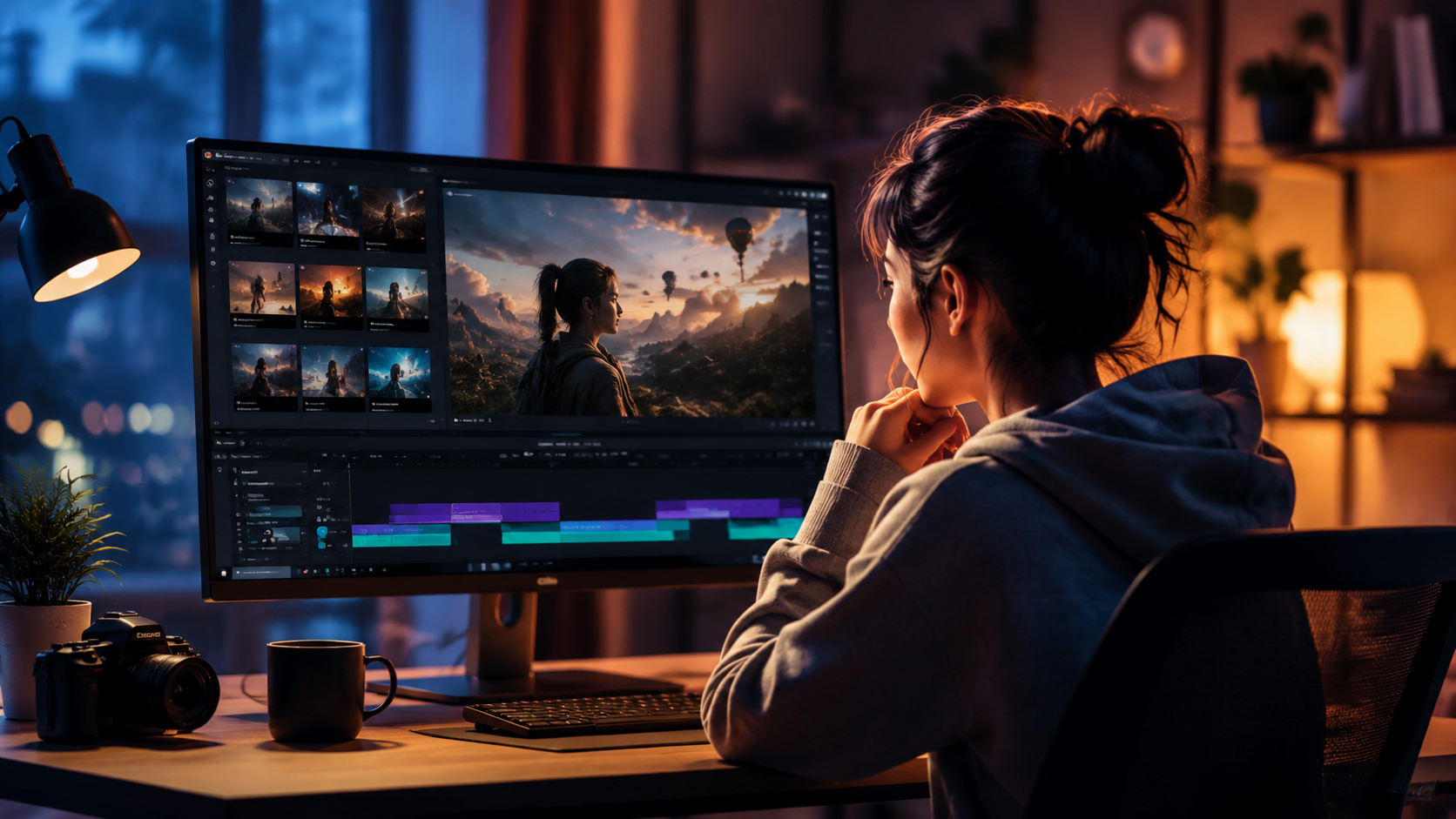
Below is a straightforward, numbered workflow that any beginner can follow. This process is based on the latest best practices from the BBN Times guide to free AI video makers for YouTube creators and businesses and the INQUIRER.net USA beginner's guide.
- Choose your AI video generator. Start with a free or low-cost tool like those listed in the Techloy comparison. Popular choices in 2026 include Sora 2 (from OpenAI), Runway Gen-3, and Pika Labs. Many offer free trials or credits.
- Write a short script. Keep it under 60 seconds for your first video. Use simple language and a clear call to action. Some tools even have built-in script assistants.
- Select a video style or template. Most generators offer presets like "explainer," "social media short," or "product demo." Pick one that matches your goal.
- Generate your video. Paste your script and click "Generate." The AI will create scenes, add background music, and synchronize voiceover. This usually takes 30 seconds to 2 minutes.
- Review and refine. Watch the output. Most tools allow you to regenerate specific scenes, change voice tones, or adjust pacing. Make small tweaks until you're satisfied.
- Export and share. Download your video in MP4 or MOV format, then upload it to YouTube, TikTok, or your website.
This six-step process is the core of any beginner AI video creation guide. Once you've done it once, you'll find it becomes second nature.
Top AI Video Generators for Beginners in 2026: A Comparison
With so many options available, choosing the right tool can be confusing. Below is a comparison table based on the Techloy Top 10 comparison guide and the Breaking AC News full comparison of 15 AI video generators. These tools are ranked for beginner-friendliness.
| Tool | Key Features | Free Tier | Best For |
|---|---|---|---|
| Sora 2 (OpenAI) | Text-to-video, realistic scenes, up to 60 seconds | Limited free credits | High-quality cinematic shorts |
| Runway Gen-3 | Image-to-video, green screen, multi-scene editing | Free plan with watermark | Creative projects & faceless videos |
| Pika Labs | Text-to-video, style transfer, fast generation | Free tier with 5 videos/day | Quick social media clips |
| HeyGen | AI avatars, voice cloning, multilingual | Free plan (limited minutes) | Business presentations & tutorials |
| InVideo AI | Templates, script assistant, stock media | Free plan with watermark | YouTube videos & ads |
According to Breaking AC News, Sora 2 has been particularly praised for its "revolutionary text-to-video capabilities" that allow beginners to create Hollywood-style clips from a single sentence. However, for those on a budget, the free tiers of Pika Labs and HeyGen offer excellent starting points.
Creating Viral Faceless Videos with AI: A Beginner's Strategy
One of the biggest trends in 2026 is "faceless" video creation — content that doesn't require you to appear on camera. The TyN Magazine beginner's guide to text to video AI tools highlights how creators are using AI to generate entire channels without ever recording themselves. This is perfect for beginners who are camera-shy or want to scale content quickly.
To create a faceless video, you simply write a script, choose a visual style (e.g., animated explainer, stock footage montage, or AI-generated scenes), and let the tool handle the rest. Popular niches include motivational quotes, educational shorts, product reviews, and news summaries. The key is to pair compelling text with engaging AI-generated visuals. According to TyN Magazine, "the most viral faceless shorts in 2026 use a combination of fast-paced editing, trending audio, and high-contrast AI visuals."
Tips for Faceless Video Success
- Keep scripts under 60 words for shorts — attention spans are short.
- Use AI voiceovers that sound natural; tools like ElevenLabs integrate well with video generators.
- Add captions manually or use built-in subtitle features — this boosts watch time.
- Experiment with different AI styles (realistic vs. cartoon) to find what resonates with your audience.
Free AI Video Makers: What You Can Actually Get in 2026
The BBN Times guide to the best free AI video maker for YouTube creators and businesses reveals that many tools now offer robust free tiers that are genuinely useful for beginners. For example, Pika Labs provides five free video generations per day with no watermark, while HeyGen gives you 10 minutes of AI avatar video per month. Runway's free plan includes 125 credits (enough for several short clips) but adds a small watermark.
If you're a YouTube creator just starting out, these free options allow you to test different styles without spending a dime. However, if you want to remove watermarks or get higher resolution, most tools offer paid plans starting around $10–$30 per month. According to BBN Times, "the free tiers in 2026 are significantly more generous than in previous years, making it easier than ever for beginners to experiment without commitment."
Understanding Sora 2: OpenAI's Game-Changer for Beginners
The AI Journal's beginner's guide to Sora 2 describes it as "OpenAI's revolutionary text-to-video AI" that was released in early 2026. Sora 2 can generate up to 60 seconds of high-definition video from a single text prompt, with realistic physics, lighting, and motion. For beginners, this means you can create a short film or product demo without any filming equipment.
However, Sora 2 is still in limited beta and requires an invitation or paid subscription. The free tier offers a small number of credits, enough for a few test videos. The AI Journal recommends that beginners start with simpler tools like Pika Labs or InVideo AI before graduating to Sora 2 once they understand the basics of prompt engineering and scene composition.
Common Mistakes Beginners Make (and How to Avoid Them)
Even with AI, there are pitfalls. Based on the research from multiple guides, here are the most common errors:
- Overly long scripts: AI video generators work best with concise text. Keep your script under 100 words for a 30-second video.
- Ignoring audio quality: AI-generated voiceovers can sound robotic. Use tools that offer natural-sounding voices or record your own.
- Skipping the review step: Always watch the entire generated video. AI sometimes produces glitches or mismatched scenes.
- Using too many different styles: Stick to one visual aesthetic per video to maintain coherence.
By following this beginner AI video creation guide and avoiding these mistakes, you'll produce polished, engaging videos in no time.
Frequently Asked Questions About AI Video Creation for Beginners
Do I need any video editing experience to use AI video generators?
No. Most AI video tools are designed for complete beginners. You only need to provide text or images, and the AI handles the rest. No timeline editing or technical skills required.
What is the best free AI video generator for beginners in 2026?
According to the BBN Times guide, Pika Labs and HeyGen offer the most generous free tiers with no watermark options. Pika Labs gives you five videos per day, while HeyGen provides 10 minutes of avatar video free each month.
Can I create faceless YouTube videos with AI?
Absolutely. The TyN Magazine guide explains that text-to-video AI tools are perfect for faceless content. You write a script, choose a visual style, and the AI generates the entire video without requiring you to appear on camera.
How long does it take to generate an AI video?
Most tools generate a 30-second video in 30 seconds to 2 minutes, depending on complexity and server load. Sora 2 may take slightly longer for high-resolution outputs.
Is Sora 2 available for free?
Sora 2 offers a limited free tier with a small number of credits, but full access requires a paid subscription. The AI Journal recommends beginners start with other free tools first.
Can I use AI video generators for commercial projects?
Yes, but check the terms of service. Most free tiers allow commercial use with a watermark, while paid plans remove restrictions. Always read the license agreement.
With this beginner AI video creation guide, you now have everything you need to start making videos in 2026. Choose a tool, write your first script, and let AI handle the rest. The future of video creation is here — and it's easier than ever to be part of it.



Comments ()