
Automated Video Editing with AI Tools: 2026 Strategy Guide
Automated video editing with AI tools refers to the use of artificial intelligence algorithms and machine learning models to streamline the post-production process, including tasks like scene cutting, color grading, and audio syncing. By leveraging these technologies, creators can reduce manual editing time by up to 80%, allowing for rapid content scaling across multiple social media platforms. To master automated video editing with AI tools in 2026, one must integrate generative video agents with traditional non-linear editors to balance speed with creative control.
Automated video editing with AI tools is the process of using software like Adobe Firefly Quick Cut and Pollo AI to autonomously assemble, trim, and enhance video footage based on text prompts or raw data. It utilizes "Video Agents" to handle repetitive tasks like b-roll selection and subtitle generation, significantly lowering the barrier to entry for professional-grade video production.
- ✓ AI Video Agents now handle end-to-end production from a single text prompt.
- ✓ Real-time cloud collaboration is the standard for automated workflows in 2026.
- ✓ Hybrid models combining generative AI with manual "Quick Cut" tools offer the best results.
- ✓ Personalization at scale is achievable through AI talking photo and avatar technologies.
The Evolution of Automated Video Editing with AI Tools in 2026
As we navigate through 2026, the landscape of digital storytelling has undergone a seismic shift. The days of spending dozens of hours on a single rough cut are largely behind us. According to PCMag, the best video editing software tested for 2026 now features deep integration with neural engines that can predict a creator's intent, suggesting transitions and cuts that align with the emotional beat of the background music. This evolution is driven by the need for speed in an era where platform algorithms demand high-frequency, high-quality uploads.
The core of this transformation lies in the move from "assistive" tools to "agentic" systems. While previous years focused on simple features like auto-reframe, 2026 is the year of the Video Agent. Tools such as the Pollo AI Video Agent represent a practical leap forward, moving beyond simple filters to actually understanding the context of the footage. These agents can scan hours of raw data, identify the most engaging moments, and assemble a narrative structure without human intervention, effectively democratizing the role of the assistant editor.
The Rise of Generative Video Agents
Generative agents are no longer just experimental; they are the backbone of modern content houses. These tools use Large Video Models (LVMs) to fill in gaps in footage. For instance, if a creator is missing a specific transition shot, the AI can generate a hyper-realistic "filler" clip that matches the lighting and camera movement of the existing footage. This capability ensures that the flow of the video remains uninterrupted, regardless of production budget constraints.
Adobe Firefly and the "Quick Cut" Revolution
A major milestone in 2026 was the launch of Adobe Firefly’s Quick Cut AI Video Editor. According to The Tech Buzz, this tool allows users to perform complex edits through natural language commands. Instead of manually dragging clips on a timeline, an editor can simply type, "Remove all the filler words and add a cinematic zoom every time the speaker mentions a key statistic." This level of automation allows for a "direct-to-social" pipeline that was previously impossible for small teams.
How to Implement an AI-Driven Video Workflow
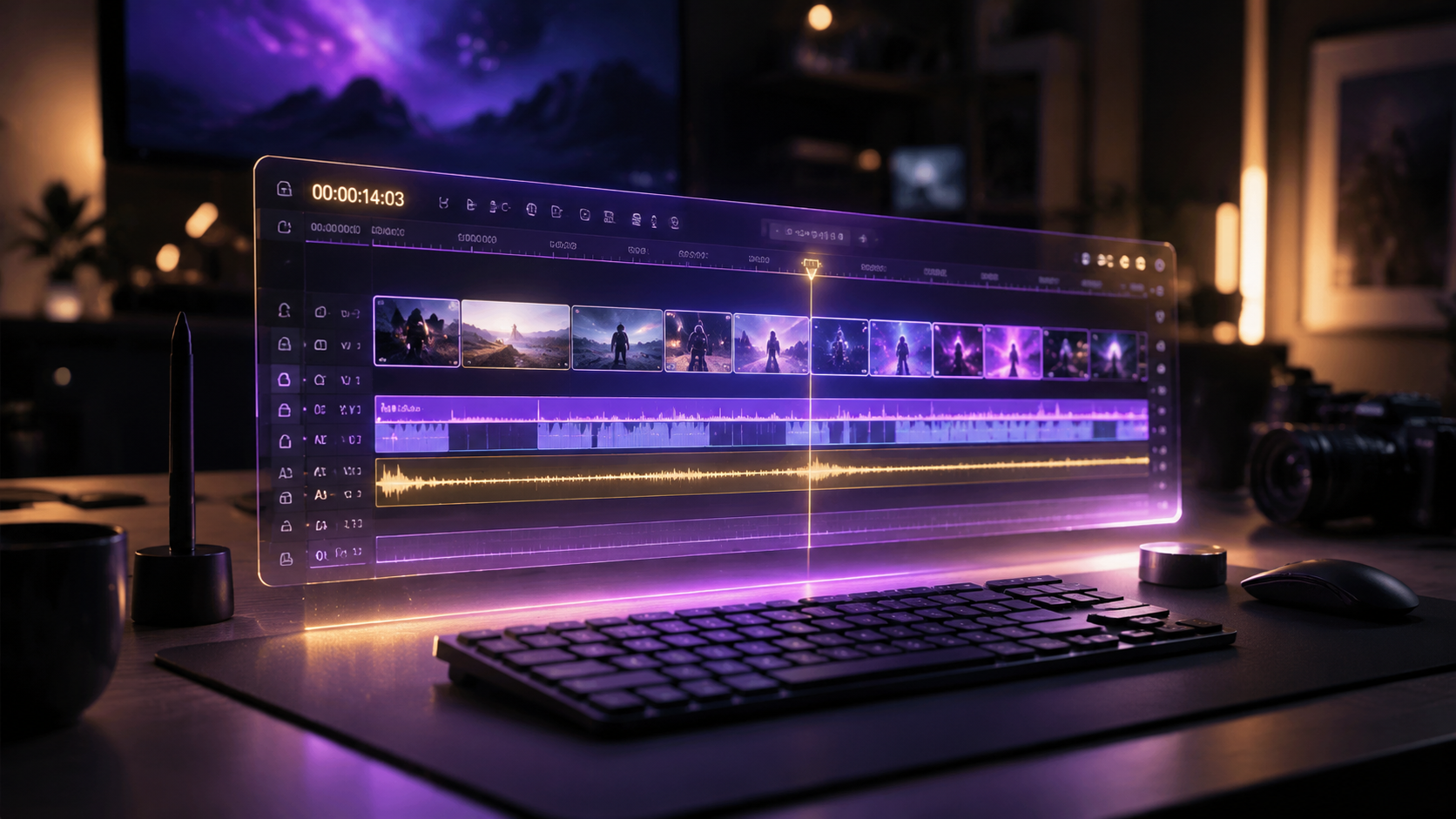
Adopting automated video editing with AI tools requires a structured approach to ensure quality remains consistent. Follow these steps to modernize your production pipeline:
- Ingest and Tagging: Upload your raw footage to an AI-enabled asset manager. The system will automatically tag clips based on objects, emotions, and dialogue.
- Script-to-Video Generation: Use a tool like Pollo AI or a top-rated AI video generator to create a baseline narrative from your script or transcript.
- Automated Rough Cut: Deploy a "Quick Cut" feature to remove silences, "umms," and repetitive takes instantly.
- B-Roll Integration: Allow the AI to suggest and insert relevant b-roll from your library or generate new visuals using generative AI tools.
- Audio Enhancement: Use AI voice cloning or talking photo technology to fix any audio errors or add narration without re-recording.
- Final Polish and Export: Review the AI's work, make minor manual adjustments to the pacing, and export in multiple aspect ratios simultaneously.
Comparing Top AI Video Editing Platforms of 2026
With dozens of tools on the market, choosing the right software depends on your specific needs—whether you are a solo creator or a large enterprise. Research from perfectcorp.com, which tested 23 best AI video generators for 2026, highlights that the market is now split between purely generative tools and traditional editors with AI overlays. The following table compares the leading options based on current 2026 industry standards.
| Software Tool | Key AI Feature | Best For | Primary Source/Reviewer |
|---|---|---|---|
| Adobe Firefly Quick Cut | Natural Language Editing | Professional Editors | The Tech Buzz |
| Pollo AI Video Agent | Autonomous Creation | Marketing Teams | Scott Coop |
| PC Tech Free Gen | AI Talking Photos | Social Media Influencers | PC Tech Magazine |
| Trend Hunter Pro | Trend-Based Auto-Editing | Viral Content Creators | Trend Hunter |
Deep Dive: Automated Video Editing with AI Tools for Social Media
Social media managers are perhaps the biggest beneficiaries of the 2026 AI boom. The ability to take a single long-form video and automatically chop it into fifteen "viral" clips is no longer a luxury—it is a requirement. Trend Hunter reports that AI video generation tools are now capable of analyzing current viral trends in real-time and adjusting the editing style of a video to match what is currently "trending" on platforms like TikTok or Instagram Reels. This includes adding trending music, specific caption styles, and even "hook" variations to test audience engagement.
Furthermore, the integration of "AI Talking Photos" has revolutionized how news and updates are delivered. As noted by PC Tech Magazine, creators can now use a single high-quality headshot and a text script to create a stunning visual of a person speaking. This is particularly useful for rapid-response news or localized content where filming a live person in multiple languages would be cost-prohibitive. These tools have reached a level of realism where the uncanny valley has been effectively bridged, providing a seamless viewer experience.
Personalization and Localization
Automation in 2026 extends to global reach. Automated video editing with AI tools now includes "one-click localization." This doesn't just mean translating subtitles; it means the AI automatically swaps out background text, adjusts lip-syncing to match the new language, and even modifies cultural references within the video to better suit a specific geographic audience. Studies show that localized video content sees a 40% higher engagement rate compared to generic subtitled versions.
Advanced Features: Beyond Simple Cuts
The year 2026 has seen the introduction of "Contextual Awareness" in video editing. This means the software understands the difference between a high-energy sports highlight reel and a somber documentary. When using automated video editing with AI tools, the software now suggests color palettes and soundscapes that match the genre of the content. According to PCMag's 2026 testing, the top-tier software can now perform "Intelligent Color Match," ensuring that footage shot on different cameras or even in different years looks visually cohesive.
Another breakthrough is the "AI Ghost Editor." This feature works in the background while a human editor is working. It learns the editor's specific style—such as their preferred transition timing or color grading habits—and begins to pre-apply those settings to new clips as they are imported. This creates a symbiotic relationship between the human and the machine, where the AI handles the "busy work" while the human focuses on the high-level creative direction.
The Impact of Free AI Video Generators
Accessibility has reached an all-time high. PC Tech Magazine highlighted the availability of high-quality free AI video generators that allow hobbyists to access features that were previously locked behind expensive enterprise paywalls. These free tools often include AI talking photos and basic text-to-video capabilities, ensuring that the "creator economy" remains vibrant and competitive. This shift has forced premium software providers to innovate even faster, leading to the rapid release cycles we see in mid-2026.
Future-Proofing Your Video Strategy
To stay ahead in 2026 and beyond, creators must view AI not as a replacement, but as an accelerant. The key to successful automated video editing with AI tools is the "Human-in-the-Loop" (HITL) model. While the AI can generate 90% of the video, the final 10%—the nuance, the specific brand voice, and the emotional resonance—still requires human oversight. By 2027, it is predicted that AI will be able to simulate audience reactions before a video is even published, allowing editors to tweak content based on "predicted virality."
Investing in the right stack today is crucial. Whether you are using the latest Adobe Firefly updates or exploring the autonomous capabilities of Pollo AI, the goal is to build a workflow that is flexible. As models improve, the software you use today will likely be updated with even more powerful neural processing capabilities. Staying informed through sources like PCMag and Trend Hunter will ensure you are always using the most efficient tools available in the market.
Frequently Asked Questions
What is the best AI video editing tool in 2026?
According to recent reviews from PCMag and perfectcorp.com, the "best" tool depends on your needs, but Adobe Firefly Quick Cut and Pollo AI are currently the top-rated for professional and automated workflows, respectively.
Can AI fully edit a video without human help?
Yes, tools like the Pollo AI Video Agent can autonomously create videos from scripts or raw footage, though most professionals still use a human-in-the-loop approach to ensure the final product meets specific brand standards.
Are there free AI video generators available?
Yes, as reported by PC Tech Magazine in May 2026, there are several free AI video generators that offer features like AI talking photos and basic automated editing for social media content.
How does "Quick Cut" AI work?
Quick Cut AI, launched by Adobe Firefly, uses natural language processing to understand editing commands, allowing users to trim footage, remove filler words, and add effects simply by typing instructions.
Is AI video editing ethical for news production?
While AI tools speed up production, ethics rely on transparency. Many 2026 tools now include "AI-generated" watermarks or metadata to inform viewers when talking photos or generative visuals are used in news contexts.



Comments ()