
Best Automated Video Editing Software for Streamers (2026)
Finding the automated video editing software for streamers in 2026 means leveraging artificial intelligence to transform hours of raw broadcast footage into viral-ready clips instantly. These tools use machine learning to detect high-intensity moments, such as "hype" in chat or major gameplay events, allowing creators to maintain a daily posting schedule across TikTok, Reels, and YouTube Shorts without manual cutting. By automating the tedious parts of the creative process, streamers can focus on live engagement while their software handles the post-production heavy lifting.
Automated video editing software for streamers is an AI-driven category of tools that uses speech recognition and visual analysis to identify highlights in long-form broadcasts. In 2026, these platforms integrate directly with streaming software to generate captioned, vertical-format clips for social media platforms, significantly reducing the time required for content repurposing and audience growth.
- ✓ AI-driven highlight detection reduces editing time by up to 90% for long-form creators.
- ✓ Integration with platforms like Twitch and YouTube allows for real-time clip generation during live broadcasts.
- ✓ Automated captioning and "smart cropping" ensure videos are optimized for mobile-first platforms like TikTok and Instagram.
- ✓ Modern 2026 tools prioritize cloud-based processing to prevent performance lag on the streamer's local PC.
How to Use Automated Video Editing Software for Streamers
In 2026, the workflow for converting a four-hour stream into a series of 60-second clips has become highly streamlined. The goal is no longer to find the "best" frame manually, but to guide the AI in identifying the narrative beats of your broadcast. Most modern platforms follow a cloud-first approach, meaning your computer's CPU is free to handle the actual game and stream while the server-side AI processes your video files.
- Connect Your Streaming Account: Link your Twitch, YouTube, or Kick account to your chosen automated editing platform to allow the software to pull VODs automatically upon stream completion.
- Configure Highlight Parameters: Set the AI to look for specific triggers, such as sudden spikes in chat activity, high-volume audio peaks (screams or cheers), or specific in-game events like "Victory" screens.
- Review Generated Clips: Once the AI finishes processing, browse the "Suggested Clips" gallery. Modern software in 2026 provides a confidence score for each clip based on its viral potential.
- Apply Vertical Branding: Select a template that automatically places your webcam over your gameplay in a vertical 9:16 layout, ensuring your face and the action are both visible.
- Export and Schedule: Use the built-in scheduler to push your automated clips directly to TikTok, Instagram Reels, and YouTube Shorts throughout the week.
The Evolution of AI Video Editing Trends in 2026
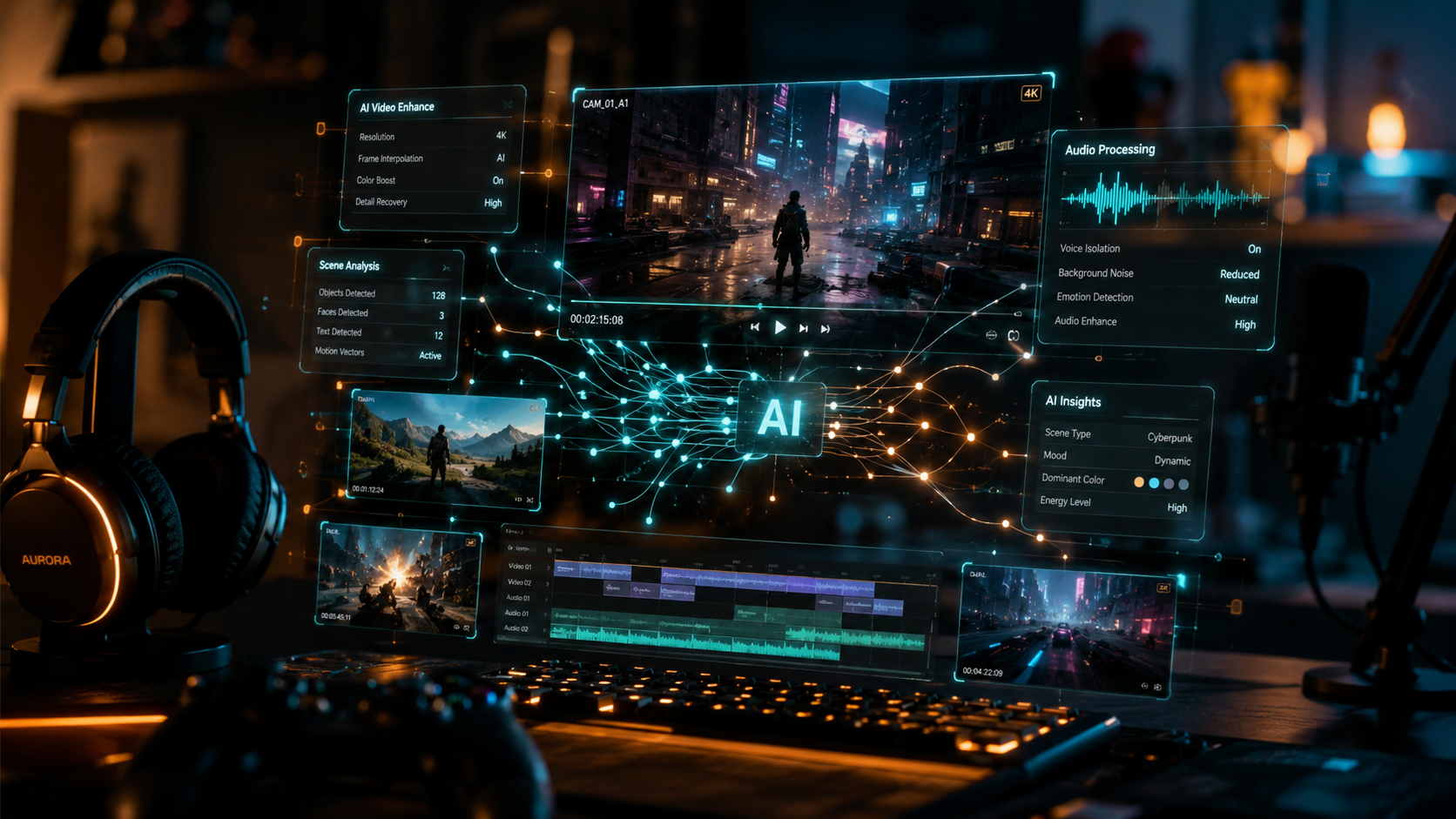
According to Metricool, AI video editor trends in 2026 have shifted toward a "future of video creation" that is almost entirely generative. We are seeing a move away from simple "trimming" and toward "contextual understanding." This means the software doesn't just look for loud noises; it understands the context of a joke or the tension of a final circle in a battle royale. This level of sophistication allows streamers to maintain a consistent brand voice without having to hire a full-time editor.
Furthermore, recent testing by PCMag in May 2026 highlights that the best video editing software now includes "Neural Styling" as a standard feature. This allows streamers to apply consistent color grading and visual effects across all their clips with a single click, ensuring that a clip from a horror game feels atmospheric while a competitive shooter clip feels high-energy and vibrant. The focus is now on "one-click" solutions that require zero technical knowledge of timelines or keyframes.
The rise of mobile-specific editing has also influenced the market. As noted by PCMag in their 2026 mobile app reviews, the gap between desktop and mobile editing power has virtually disappeared. Many streamers now manage their entire social media presence from their smartphones, using automated tools that sync with their desktop streaming setups. This mobility allows for "on-the-go" content management, which is essential for the 24/7 nature of modern digital influence.
Top Features to Look for in Automated Video Editing Software
Advanced Facial and Emotion Recognition
One of the standout features of 2026 software is the ability to track the streamer's facial expressions. If you react with a look of shock or a huge laugh, the AI marks that as a high-value moment. This is a significant upgrade from older versions of automated video editing software for streamers that relied solely on audio levels. By tracking emotion, the software ensures that the "human element" of the stream is always the focal point of the edited clip.
Multi-Platform Smart Cropping
Gone are the days of manually moving your facecam to the top of the screen for TikTok. Modern AI tools identify the most important visual elements—the player's face, the crosshair, or the inventory—and dynamically crop the video to keep those elements in frame. This "smart crop" technology ensures that even if you move around on your green screen, the AI follows you, keeping the vertical video centered and professional-looking.
Dynamic Captioning and Subtitle Generation
With a large percentage of viewers watching social media videos on mute, captions are no longer optional. The best software in 2026 offers automated, animated captions that are synchronized perfectly with the streamer's speech. These captions can be customized with the streamer's brand colors and fonts, and they even include automatic emoji insertion based on the sentiment of the spoken words.
Comparison of Leading Automated Editing Solutions (2026)
Choosing the right tool depends on your specific needs, whether you are a high-action gamer or a "Just Chatting" personality. Below is a comparison of the key features found in the top-tier software packages tested this year.
| Feature | Pro-Level AI Suites | Cloud-Based Clip Generators | Mobile-First AI Editors |
|---|---|---|---|
| Primary Use Case | Full VOD Editing & Storytelling | Viral Clip Discovery | Quick Social Sharing |
| AI Highlight Detection | Advanced (Context-Aware) | High (Chat & Audio Peaks) | Moderate (Manual Triggers) |
| Processing Location | Hybrid (Local + Cloud) | 100% Cloud | Mobile Device / Cloud |
| Captioning Accuracy | 99.9% with Multi-Language Support | 98% (Optimized for Slang) | 95% (Basic Templates) |
| Direct Social Export | Yes (All Platforms) | Yes (TikTok/Reels/Shorts) | Yes (Mobile Native) |
Why Streamers are Moving Toward Automation
The competitive landscape of 2026 requires streamers to be present on at least four different platforms to maintain growth. According to data from G2 Learn Hub, creators who utilize automated video hosting and editing platforms see a 300% increase in cross-platform engagement compared to those who only post their live VODs. The sheer volume of content required to "feed the algorithm" makes manual editing an impossible task for solo creators.
Moreover, the cost of these automated tools has dropped significantly. While professional human editors are still valuable for high-end YouTube documentaries, the automated video editing software for streamers has become the go-to for daily "micro-content." This democratization of video production allows smaller streamers to compete with massive organizations by maintaining a similar level of visual polish and posting frequency.
There is also a psychological benefit to automation. Streamers often experience burnout from the "double-work" of streaming for eight hours and then editing for another four. By offloading the technical work to AI, creators can protect their mental health and creative energy. As TechRadar noted in their 2025-2026 reviews of screen recording and editing tools, the focus of the industry has shifted from "more features" to "more free time" for the user.
Maximizing Your Reach with Automated Content
Optimizing for the "Hook"
Even the best automated video editing software for streamers needs a little bit of human guidance. When reviewing your AI-generated clips, always ensure the first three seconds—the "hook"—are captivating. Most 2026 AI tools will automatically suggest a hook, such as a loud shout or a dramatic game moment, but you should verify that it aligns with your brand's personality.
Consistency Over Perfection
The algorithms of 2026 prioritize creators who post consistently. Using automated software allows you to generate a week's worth of content in the time it takes to drink a cup of coffee. Instead of spending hours perfecting one single video, use that time to engage with your community in Discord or plan your next "subathon." The quantity of high-quality, AI-assisted clips will often outperform a single manually edited video in the long run.
A/B Testing with AI
Many advanced automated editors now offer A/B testing features. They can generate two different versions of the same clip—perhaps with different captions or different music—and track which one performs better on social media. This data-driven approach to content creation is a hallmark of the 2026 streaming environment, allowing you to refine your content strategy based on actual viewer behavior rather than guesswork.
Is automated video editing software better than a human editor?
It depends on the goal. For daily social media clips and "highlight" reels, automated software is faster and more cost-effective. However, for complex storytelling or long-form YouTube essays, a human editor still provides a level of creative nuance that AI hasn't fully replicated by 2026.
Will using AI-edited clips get my account flagged?
No, social media platforms like TikTok and YouTube do not penalize AI-edited content as long as it is original and high-quality. In fact, many of these platforms are integrating their own AI tools to help creators edit more efficiently.
Do I need a powerful PC to use automated editing software?
Most automated video editing software for streamers in 2026 is cloud-based. This means the heavy processing is done on the software provider's servers, so you can use these tools even on a basic laptop or a mobile device without affecting your stream's performance.
How much does automated video editing software cost in 2026?
Pricing varies, but most platforms offer a tiered subscription model. Basic "clip and ship" services often start around $15–$20 per month, while professional suites with advanced facial recognition and A/B testing can range from $50 to $100 per month.
Can these tools handle multiple languages?
Yes, by 2026, most leading AI video editors support over 50 languages. They can accurately transcribe and caption streams in real-time, even identifying and translating slang or gaming-specific terminology used by the streamer.
In conclusion, the landscape of content creation has been fundamentally altered by the advent of sophisticated automated video editing software for streamers. By embracing these tools, creators can bridge the gap between their live broadcasts and the high-demand world of short-form video. As we move further into 2026, the question is no longer whether you should use AI to help edit your content, but which AI tool fits your unique creative workflow best. With the ability to save hundreds of hours a year, automation is the ultimate "power-up" for the modern digital creator.



Comments ()