
Automated AI Video Editing for Streamers: 2026 Guide
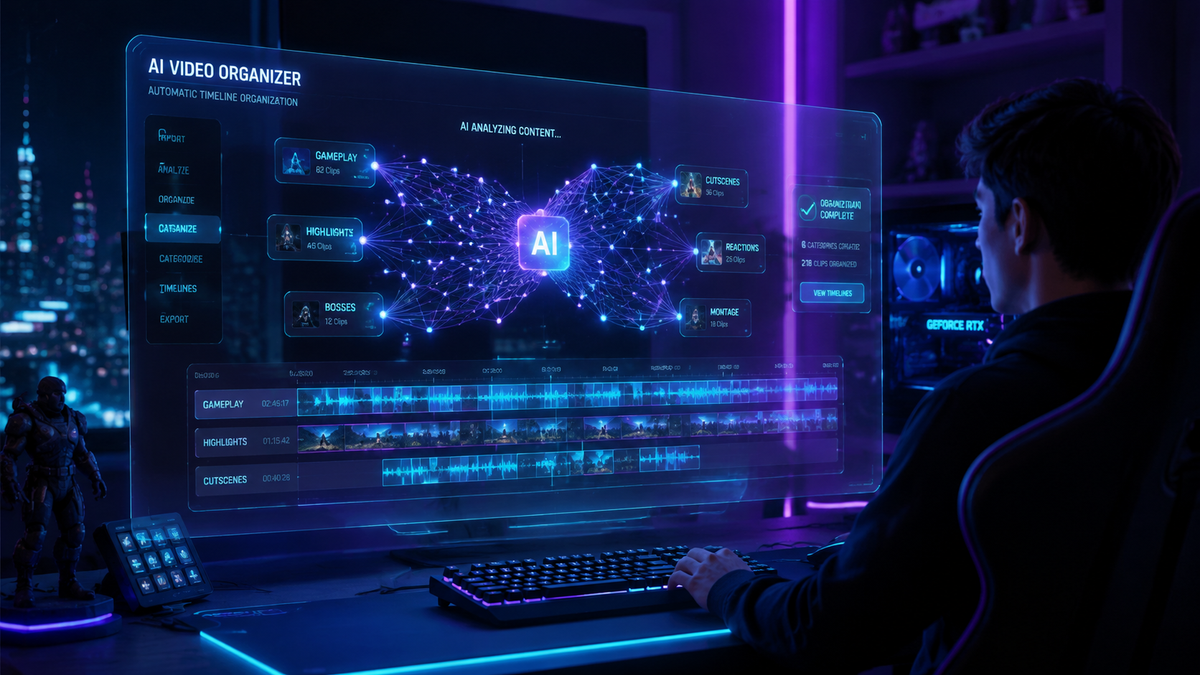
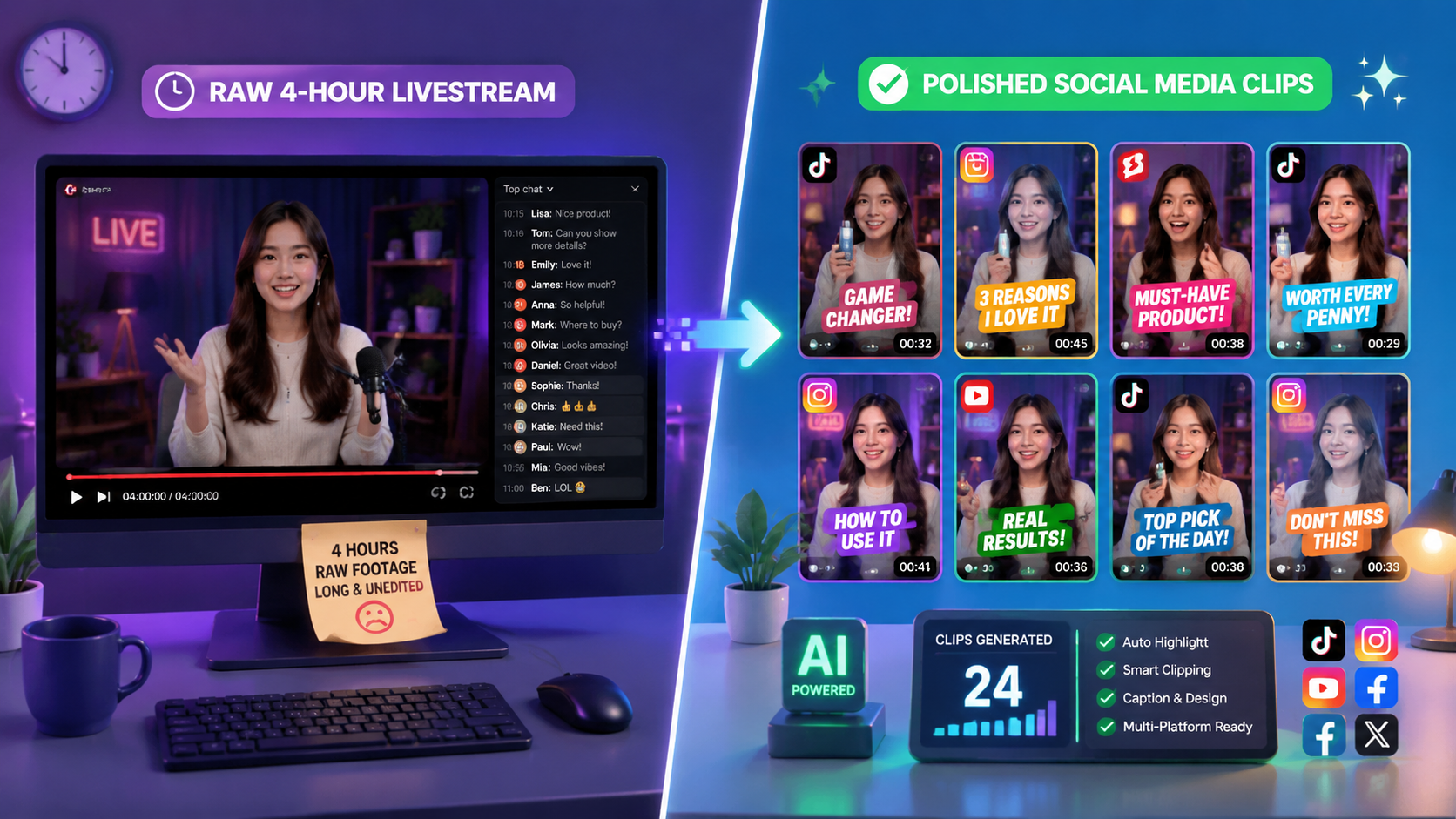
Automated AI video editing for streamers is the use of artificial intelligence and machine learning algorithms to automatically identify, trim, and format highlights from long-form live broadcasts into short-form content. In 2026, this technology has become the standard for creators looking to maintain a multi-platform presence without spending hours in manual post-production. By leveraging automated AI video editing for streamers, content creators can instantly transform a six-hour Twitch stream into viral-ready clips for TikTok, Reels, and YouTube Shorts.
Automated AI video editing for streamers is a cloud-based software solution that uses computer vision and natural language processing to detect high-engagement moments in live streams. It automatically adds subtitles, crops video to vertical ratios, and applies transitions, allowing streamers to scale their content output by 10x with minimal manual intervention.
- ✓ AI-native infrastructure now allows for real-time highlight detection during live broadcasts.
- ✓ Market growth for AI video tools is surging at a CAGR of 36.20%, according to Market.us reports.
- ✓ Integration with platforms like Twitch and YouTube enables one-click social media distribution.
- ✓ Advanced 2026 models now include "emotional resonance" detection to find the funniest or most intense moments.
How to Use Automated AI Video Editing for Streamers
The workflow for modern content creation has shifted from manual labor to strategic oversight. As of mid-2026, the best video editing software tested by PCMag emphasizes "intelligent automation" over traditional timeline scrubbing. Streamers no longer need to mark timestamps while they play; the AI monitors the "hype" in the chat and the action on screen to do the work for them.
- Connect Your Streaming Platform: Link your Twitch, YouTube, or Kick account to your chosen AI editing tool to allow the software to ingest your VODs (Video on Demand) automatically.
- Configure AI Detection Parameters: Set the "interest" threshold. You can instruct the AI to look for specific events, such as "Victory Royales," "High-Volume Chat Moments," or "Facecam Reactions."
- Review Generated Clips: The AI will present a gallery of potential highlights. In 2026, these are typically pre-cropped to 9:16 vertical aspect ratios with dynamic captions already applied.
- Apply Brand Templates: Select your personal branding kit, including fonts, colors, and watermarks, which the AI applies across all selected clips simultaneously.
- Schedule and Export: Direct-publish the finished videos to TikTok, Instagram, and YouTube Shorts via the built-in scheduler.
The Evolution of AI in Streamer Workflows
The landscape of digital media has undergone a massive shift recently. According to McKinsey & Company, AI is reinventing film and TV production by automating the most tedious parts of the creative process, a trend that has trickled down to individual streamers. This democratization of high-end editing tools means that a solo creator now has the production power that previously required a full editing team at a company like BuzzFeed.
Furthermore, the 2026 NAB Show highlighted new "AI-native video streaming test and monitoring infrastructure" by companies like Witbe. This infrastructure ensures that the source video being fed into AI editors is of the highest quality, reducing artifacts and errors in the final automated clips. As the technology matures, the "uncanny valley" of AI editing has disappeared, with transitions and captioning now appearing indistinguishable from human-made content.
Market Growth and Accessibility
The surge in automated AI video editing for streamers is backed by significant economic data. Reports from Market.us indicate that the AI video market share is growing at a CAGR of 36.20% through 2026. This growth is driven by the sheer volume of content being produced; with Twitch celebrating over ten years of TwitchCon and expanding its San Diego presence, the demand for "snackable" content from these events has never been higher.
Comparing Top AI Video Editing Features in 2026
When selecting a platform for automated AI video editing for streamers, it is vital to compare how different engines handle data. Some focus on "Visual Recognition" (what happens in the game), while others focus on "Social Signals" (what the chat is saying).
| Feature | Standard AI Editor | Advanced 2026 AI Suite | Manual Editing |
|---|---|---|---|
| Processing Time | 10-15 Minutes | Real-time / Instant | 3-5 Hours |
| Auto-Captioning Accuracy | 92% | 99.8% (Multi-dialect) | Human-dependent |
| Facecam Tracking | Static Crop | Dynamic AI Re-framing | Manual Keyframing |
| Multi-Platform Sync | Manual Upload | Auto-Post API Integration | Manual Upload |
| Cost Efficiency | Moderate | High (Subscription-based) | Low (Time Intensive) |
The Role of Generative AI in Creative Content
Generative AI has moved beyond simple cutting and trimming. In 2026, automated AI video editing for streamers includes generative "B-roll" insertion. If a streamer mentions a specific topic, the AI can automatically pull or generate relevant footage to overlay on the screen, keeping the viewer engaged. This is part of the broader trend identified by McKinsey & Company regarding the reinvention of production workflows.
Moreover, the integration of AI-native monitoring, as seen at the 2026 NAB Show, allows these tools to adjust the edit based on the viewer's device. If a clip is being watched on a high-end foldable phone versus a standard desktop, the AI can optimize the bitrate and text size dynamically. This level of personalization was unthinkable just a few years ago but is now a standard feature in the 2026 streamer toolkit.
Streamlining Social Media Growth
The primary goal of using automated AI video editing for streamers is growth. By converting one hour of streaming into five high-quality "Shorts," creators maximize their surface area for discovery. PCMag’s 2026 testing notes that the most successful creators are those who use AI to handle the "quantity" while they focus on the "quality" of their live interactions. This balance is essential in a saturated market where Jonah Peretti’s transitions at BuzzFeed and other major media shifts show that the industry is moving toward lean, AI-augmented teams.
Advanced Techniques in Automated AI Video Editing
To truly stand out in 2026, streamers are moving beyond basic clips. Advanced AI editors now offer "Style Transfer," where the AI can make your gameplay footage look like a cinematic movie or a stylized cartoon with a single click. This level of post-processing, which used to take days of rendering, is now handled in the cloud via AI-native infrastructure.
Another breakthrough is "Voice Cloning for Narration." If a streamer forgets to explain a move during their live session, they can type a script into their AI editor, which will generate a voiceover in their own voice to bridge the gap in the highlight clip. This ensures the narrative flow of the short-form content is perfect, even if the original stream was chaotic.
Integrating AI with Live Events
The 2025 TwitchCon announcements emphasized the importance of community-driven content. Modern AI tools now allow streamers to pull clips not just from their own perspective, but from "community clips" shared in Discord or on social media, stitching them together into a "Community Highlight Reel" automatically. This fosters deeper engagement and rewards the audience for participating in the stream.
What is the best automated AI video editing for streamers in 2026?
The best software depends on your specific needs, but PCMag’s 2026 reviews highlight tools that offer real-time cloud processing and multi-platform API integration as the top performers. Look for features like dynamic re-framing and 99% caption accuracy.
How much does AI video editing cost for creators?
Most professional AI editing suites in 2026 operate on a subscription model ranging from $20 to $50 per month. This typically includes unlimited highlight detection and direct-to-social publishing features.
Can AI editing replace a human editor?
While AI handles the bulk of "short-form" content creation efficiently, human editors are still preferred for long-form storytelling and high-concept YouTube video essays. AI is currently a tool for scaling, not a total replacement for creative direction.
Is automated AI video editing for streamers safe for copyright?
Yes, most 2026 AI tools include built-in "copyright shields" that scan for licensed music and suggest royalty-free alternatives or "AI-remixed" versions of tracks to prevent DMCA strikes.
Does AI editing work for all games?
Modern AI editors use general visual recognition, meaning they work for any game, though they have specialized "logic kits" for popular titles like League of Legends, Valorant, and Minecraft to detect specific in-game events more accurately.
As we move further into 2026, the barrier to entry for professional-quality content continues to drop. By adopting automated AI video editing for streamers, you are not just saving time; you are future-proofing your brand in an era where AI-native infrastructure is the backbone of the digital economy. Whether you are a part-time hobbyist or a full-time professional, these tools are the key to staying competitive in the ever-evolving streaming landscape.



Comments ()