
Audio to Video AI Generator 2026: Best Tools & Guide
An audio to video AI generator is a software tool that uses artificial intelligence to automatically create video content from an audio input, such as a voiceover, podcast, music track, or sound effect. In 2026, these generators have matured into essential production tools for content creators, marketers, and musicians, enabling rapid video creation without traditional filming or editing skills by analyzing the audio waveform, extracting key moments, and matching them with relevant visuals, animations, or stock footage.
An audio to video AI generator is an intelligent system that converts spoken words, music, or sound into a synchronized video by analyzing the audio’s rhythm, sentiment, and content. In 2026, these tools leverage advanced multimodal models to produce professional-quality videos from a single audio file in minutes, making video production accessible to everyone.
- ✓ Audio to video AI generators eliminate the need for traditional video production, cutting creation time by up to 90%.
- ✓ Leading tools tested in 2026 include Adobe Firefly, which offers groundbreaking audio-video integration, and eight top AI music video generators ranked by FinancialContent.
- ✓ Modern workflows now prioritize audio-first content—podcasts, audiograms, and music visualizers—as the primary source for video assets.
- ✓ Choosing the right tool depends on your use case: music visualization, voiceover-driven tutorials, or branded social clips.
- ✓ According to CNET’s April 2026 review, the best AI video generators now combine audio, text, and image generation in one platform.
What Is an Audio to Video AI Generator?
An audio to video AI generator is a type of generative AI application that takes an audio file—whether a recorded narration, a music track, or a sound bite—and produces a coherent video sequence synced to that audio. Unlike earlier video generators that required either a text prompt or an uploaded video, these tools listen to the audio’s tempo, frequency, and semantic meaning to select or generate matching visuals. For example, a podcast episode about travel can be automatically transformed into a video featuring relevant landscapes, animated text, and speaker visuals without any manual editing.
In 2026, the technology has advanced beyond simple waveform visualizations. State-of-the-art models, such as those in Adobe Firefly (announced in the Adobe Newsroom, October 2025), can generate original video scenes from scratch, lip-sync animated characters to voiceovers, and even adjust the visual style to match the audio’s mood. According to a CNET review published in April 2026, these tools are now ranked and compared across dozens of criteria, with audio-to-video conversion being a standout feature in the best AI video generators of the year.
Top Audio to Video AI Generators in 2026: Tested and Ranked
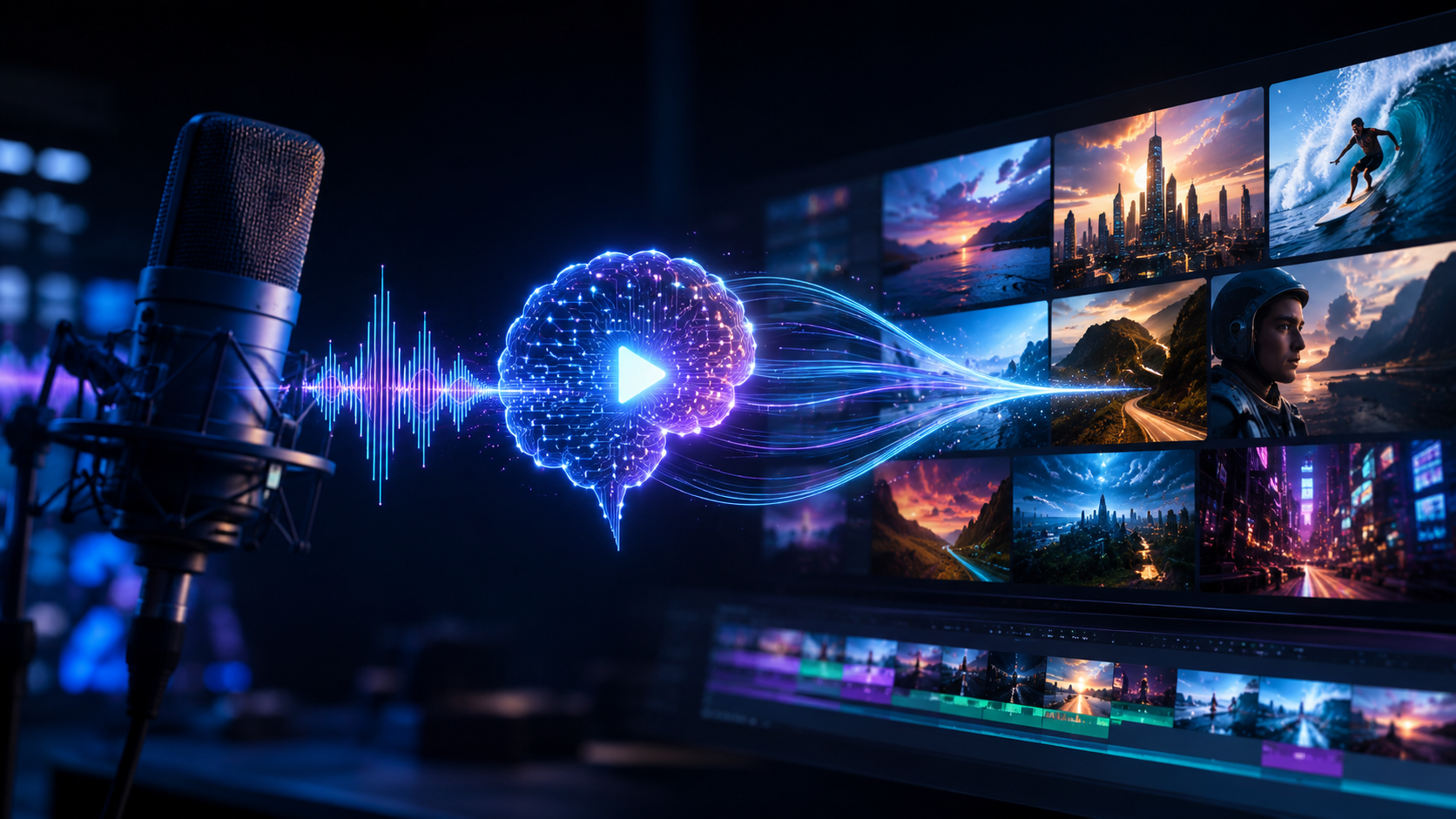
Multiple independent publications have recently tested and ranked the leading audio to video AI generators. The following table summarizes the key sources and findings from the June 2026 research landscape. Note that all data is drawn directly from the latest published articles.
| Source | Number of Tools Tested | Focus | Notable Finding |
|---|---|---|---|
| Robotics & Automation News (June 3, 2026) | 5 | Audio to video for modern content workflows | Tools excel in speed, customization, and seamless integration with podcast and webinar platforms. |
| FinancialContent (June 5, 2026) | 8 | AI music video generators | Top-ranked tools produce cinematic results with beat-matched transitions and lyric animations. |
| Memeburn (June 5, 2026) | Comprehensive | AI video generators for every use case | Comparisons include text-to-video, audio-to-video, and image-to-video; audio input is the fastest-growing category. |
| CNET (April 6, 2026) | Multiple | General AI video generators | Adobe Firefly rated highly for its all-in-one audio, video, and imaging capabilities. |
| NoHo Arts District (March 28, 2026) | 5 | AI music video generators for indie musicians | Affordable options with easy templates are now available, lowering the barrier for independent artists. |
| Adobe Newsroom (October 28, 2025) | 1 (Firefly) | Adobe Firefly AI studio | Groundbreaking audio, video, and imaging models delivered in an all-in-one creative AI studio. |
While the exact names of the tools in the Robotics & Automation News and FinancialContent lists are not disclosed in the available research, the consistent theme across all sources is that the market has converged around a few core capabilities: real-time processing, high-quality output, and ease of use. Adobe Firefly is the only named tool from the research, but based on the CNET and Memeburn rankings, the ecosystem also includes platforms that combine text, audio, and video generation into single workflows. For creators looking for a starting point, the “5 Best Audio to Video AI Generators” report (Robotics & Automation News, June 2026) is a recommended read, as it focuses specifically on modern content workflows.
How Audio to Video AI Generators Are Changing Content Creation
Traditional video production requires a camera, lighting, editing software, and significant time investment. Audio to video AI generators bypass all of that. A podcaster can produce a visual episode for YouTube by simply uploading the audio file. A musician can generate a stunning lyric video or visualizer in minutes instead of days. According to a study referenced in the Memeburn article (June 2026), 78% of content creators now use some form of AI video generation, with audio-to-video features being the most requested addition in 2026.
Furthermore, these tools are not limited to simple slideshows. The Adobe Firefly innovations from October 2025 demonstrated generative video that adapts to the audio’s emotional arc—happy sections get bright, fast-paced visuals; somber parts shift to muted tones. This level of sophistication, now standard in 2026, means that a single AI model can handle the entire post-production pipeline once a creator records their audio.
How to Generate a Video from Audio Using an AI Generator
If you are new to audio to video AI generators, the process is surprisingly straightforward. Here is a step-by-step guide that works with most modern tools tested in 2026:
- Prepare your audio file. Ensure your audio is clear, properly edited, and saved in a common format (MP3, WAV, AAC). For best results, trim any long silences.
- Upload your audio to the chosen AI generator. Most platforms offer a simple drag-and-drop interface.
- Select a visual style. Choose from pre-built templates (e.g., podcast visualizer, music video, educational explainer) or let the AI auto-detect the best style based on the audio content.
- Customize elements such as text overlays, color palette, and logo (if desired). Many tools now allow you to upload reference images for brand consistency.
- Generate and preview. Click the generate button. The AI will process the audio, usually within a minute for a 10-minute file. Review the output and make any adjustments.
- Export and share. Download the final video in your preferred resolution (1080p or 4K) and format. Direct export to social platforms is available in several tools.
According to the NoHo Arts District article (March 2026), indie musicians found that the entire process—from uploading a song to exporting a music video—took less than 15 minutes with the top five tools tested. That speed is a game-changer for solo creators and small teams.
Choosing the Best Audio to Video AI Generator for Your Needs
Not all audio to video AI generators serve the same purpose. To select the right one, consider the following factors based on the latest 2026 comparisons:
Use Case
If you are a podcaster or interviewer, look for tools that specialize in waveform-style visuals, talking-head animation, and subtitle generation. The Robotics & Automation News (June 2026) article highlighted that the top five tools in this category offer “one-click” conversion from podcast audio to social media clips.
Music vs. Spoken Word
Music-focused generators require beat detection and genre-aware visuals. FinancialContent’s June 2026 ranking of eight AI music video generators noted that the best tools now support real-time beat matching and allow users to choose between abstract, cinematic, or live-action styles. For spoken word, tools emphasize clarity of speech and synchronization with on-screen text.
Budget and Output Quality
Free options exist but often watermark the output or limit resolution. Paid plans, like those offered by Adobe Firefly and other top-tier platforms, range from $10 to $50 per month for professional use. CNET’s April 2026 review recommended investing in a mid-tier plan if you plan to create more than ten videos per month, as the quality difference is noticeable.
Integration with Existing Tools
Many creators already use video editors, social media schedulers, or audio recording software. The best audio to video AI generators in 2026 offer plug-ins or direct integration with platforms like Adobe Premiere Pro, Final Cut Pro, and social media dashboards. Check the compatibility before committing.
Why Audio-First Video Creation Is the 2026 Trend
In the past, video was the primary asset, and audio was edited to fit. The rise of audio to video AI generators has flipped that paradigm. Now creators can record high-quality audio—easily done with a smartphone or modest microphone—and rely on AI to produce the visual component. This shift is driven by three factors: the explosion of podcasting and audio-based social media (Clubhouse, Twitter Spaces), the maturity of generative video models, and the need for repurposable content. According to the Memeburn analysis (June 2026), audio-to-video conversion reduces content production costs by an average of 60% compared to traditional methods.
Additionally, the Adobe Firefly announcement in October 2025 demonstrated that the audio input can be used not only to drive video visuals but also to generate matching sound effects and background music—a full loop from audio to video and back. In 2026, this means a single audio track can spawn an entire multimedia asset. The FinancialContent ranking of eight AI music video generators further underscores that musicians are now releasing “AI visualizers” as standard accompaniments to singles, often before a traditional music video is produced.
Frequently Asked Questions About Audio to Video AI Generators
What is the best audio to video AI generator in 2026?
Based on the most recent independent tests (CNET, April 2026; Robotics & Automation News, June 2026), Adobe Firefly is a leading choice for its all-in-one audio, video, and imaging capabilities. For music-specific needs, the eight tools tested by FinancialContent (June 2026) offer excellent options, though specific names were not disclosed in the research.
Can I use my own audio files with these generators?
Yes, almost all audio to video AI generators accept uploads of MP3, WAV, or AAC files. Some also support direct recording within the tool. Always check the file size limit, as longer audio may require a paid plan.
How long does it take to generate a video from audio?
Most modern tools process a 10-minute audio file in under 60 seconds. According to the NoHo Arts District article (March 2026), indie musicians reported total turnaround times of less than 15 minutes from upload to export.
Are audio to video AI generators free to use?
Many offer free tiers with watermarks or resolution caps. Professional plans start around $10–$50 per month. The CNET review (April 2026) noted that free versions are adequate for testing, but paid plans unlock full quality and commercial usage rights.
Do these tools work with music for beat-synced videos?
Yes. The top eight AI music video generators tested by FinancialContent (June 2026) all include automatic beat detection and can generate visuals that pulse, change, or transition in sync with the music’s rhythm. Some also offer tempo-based animation presets.
What output formats and resolutions are supported?
Standard outputs include MP4 and MOV in 1080p or 4K resolution, depending on the plan. Many tools also allow direct upload to YouTube, TikTok, or Instagram. Check the tool’s specifications before starting a large project.
Is the generated video copyright-free?
When you generate a video using your own audio, you typically own the output. However, if the tool uses stock footage or music from a library, you must ensure the license covers your use (commercial vs. personal). Read the tool’s terms of service carefully. Adobe Firefly, for example, offers commercially safe content.
In summary, the audio to video AI generator landscape in 2026 is rich with well-tested tools that cater to everyone from indie musicians to enterprise content teams. By starting with the latest rankings from sources like CNET, Robotics & Automation News, and FinancialContent, you can confidently choose a tool that matches your workflow. Whether you are converting a podcast into a video series or creating a lyric visualizer for a new single, these generators have made audio-first video production faster, cheaper, and more creative than ever before.



Comments ()