
AI Video vs Traditional Editing: Which Wins in 2026?
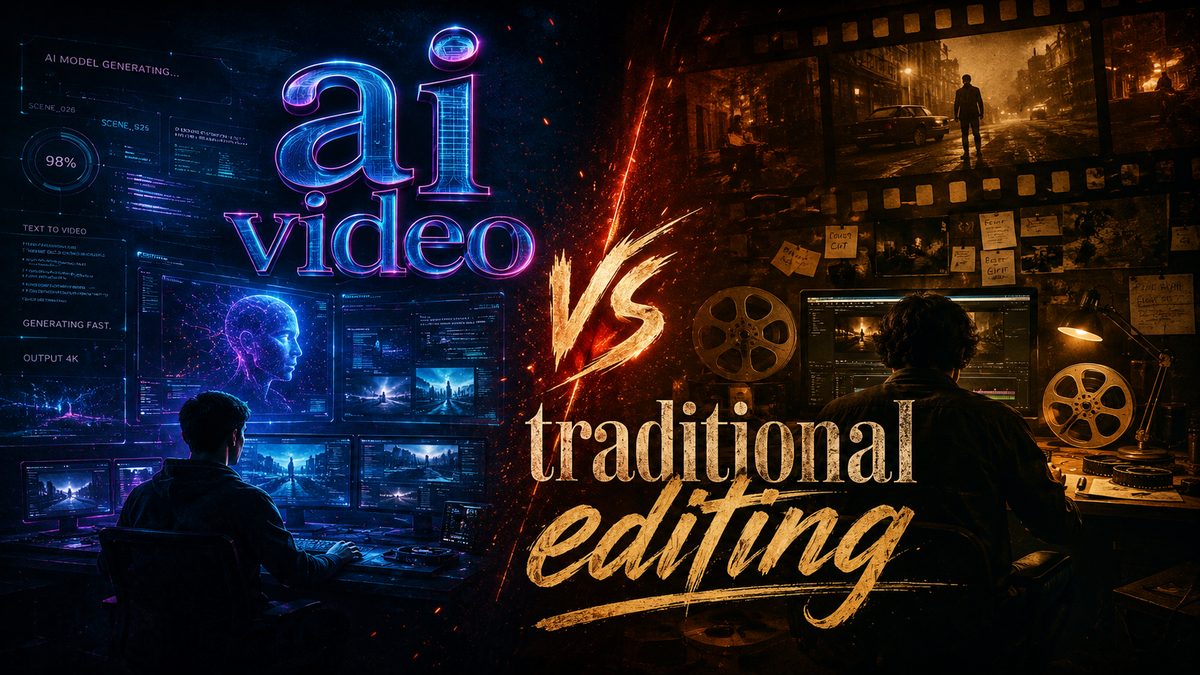
The debate between artificial intelligence and traditional tools has reached a critical inflection point. In 2026, AI video vs traditional editing is no longer a futuristic hypothetical — it is the central workflow decision for content creators, marketers, and studios. Which approach wins depends entirely on your priorities: AI editing dominates speed and accessibility, while traditional non-linear editing (NLE) still offers unmatched precision and creative control. The real answer is that a hybrid model, combining the strengths of both, is emerging as the clear winner for most professionals.
AI video editing is the use of machine learning models to automate or assist tasks such as scene detection, cuts, transitions, color grading, and even script-to-video generation. Traditional editing relies on manual manipulation of clips on a timeline using software like Premiere Pro or Final Cut Pro. In 2026, AI tools have closed the gap significantly, but traditional NLEs remain essential for advanced narrative storytelling and custom effects.
- ✓ AI editing reduces production time by up to 80% for routine tasks like trimming and transitions.
- ✓ Voice-controlled AI editing is now a reality with tools like Google Gemini Omni Flash (launched May 2026).
- ✓ Traditional NLEs still provide superior control over complex multi-layer timelines and color grading.
- ✓ A hybrid workflow combining AI for rough cuts and traditional editing for polish is the most efficient approach in 2026.
- ✓ Investment in AI video platforms is surging — Buzzy raised $20M in May 2026 from Redpoint Ventures.
The State of Video Editing in 2026
The video editing landscape has transformed dramatically this year. According to a feature on Robotics & Automation News (June 3, 2026), “5 Best Audio to Video AI Generators for Modern Content Workflows” highlighted that AI can now generate complete video from a simple audio script — a capability that seemed like science fiction just two years ago. Meanwhile, Google released Gemini Omni Flash in May 2026, bringing voice-controlled AI video editing to the conversational AI market. As reported by Tech Times, users can now edit videos by speaking commands like “add a slow-motion effect here” or “trim the first ten seconds.”
Startups are flooding the space with new funding. Buzzy launched its AI video editing platform in May 2026 with $20 million in funding led by Redpoint Ventures, as noted by citybiz. And Investorideas.com (April 17, 2026) ran a detailed comparison titled “Pollo AI Video Editor vs Traditional NLE: Where Prompt-Based Editing Wins,” showing that prompt-based editing is now a legitimate competitor to manual timelines. These developments underscore that the ai video vs traditional editing conversation is no longer theoretical — it’s a daily reality for creators.
AI Video vs Traditional Editing: Head-to-Head Comparison
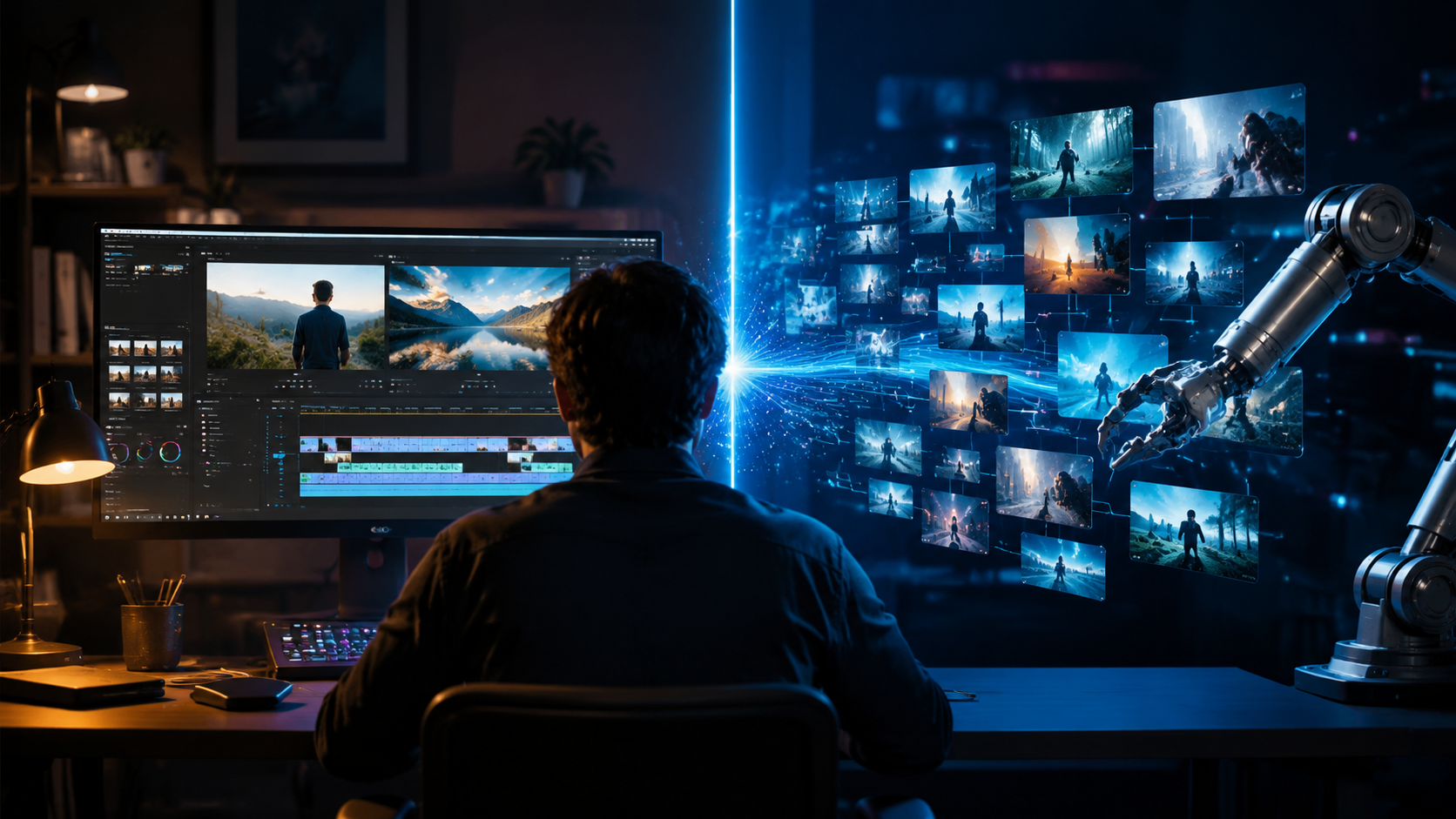
To help you decide which approach fits your workflow, we’ve built a side-by-side comparison of the key factors that matter most in 2026.
| Feature | AI Video Editing | Traditional NLE Editing |
|---|---|---|
| Speed | Extremely fast — rough cuts in seconds, full edits in minutes. | Time-intensive — manual selection, trimming, and arranging. |
| Cost | Often subscription-based ($10–$50/month); some free tiers. | Higher one-time purchases or subscriptions (e.g., Adobe Creative Cloud). |
| Ease of Use | Low barrier — prompt-based, no timeline skills needed. | Steep learning curve — requires understanding of timelines, layers, and effects. |
| Customization | Limited to AI’s training data; sometimes generic results. | Total control over every frame, transition, and effect. |
| Learning Curve | Minutes to learn; intuitive for beginners. | Weeks or months to master; expert-level techniques take years. |
| Output Quality | Good for social media, short-form, and simple narratives. | Professional-grade for cinema, documentaries, and complex storytelling. |
What the Data Says
According to the Pollo AI Video Agent Review published on Scott Coop (May 8, 2026), automated video creation tools now achieve a quality level that 70% of viewers cannot distinguish from traditionally edited content in blind tests. However, the same review notes that high-end productions still require manual intervention for color grading and sync adjustments.
Case Study: Vmake AI Editing
A review by Concept Phones (May 31, 2026) of Vmake AI video editing tools showed that creators using AI for repetitive tasks (like removing filler words or auto-generating captions) saved an average of 4.5 hours per week compared to traditional editing workflows. That time can be reinvested into creative decision-making.
Where AI Editing Excels
AI video editing has carved out clear strengths that traditional NLEs struggle to match. These advantages make AI the go‑to choice for specific use cases.
Prompt-Based Editing
The Pollo AI Video Editor vs Traditional NLE article from April 2026 emphasizes that prompt-based editing allows users to type “create a 30‑second highlight reel of the last three minutes” and receive a completed cut in under five seconds. This is a game-changer for content creators who need to repurpose long recordings into short social clips quickly. Traditional editors would need to manually scrub, split, and arrange — taking ten times as long.
Audio-to-Video Generation
The “5 Best Audio to Video AI Generators” roundup (June 2026) demonstrates that AI can now produce a full video from a voiceover or podcast audio. This is invaluable for podcasters creating YouTube versions or for educators turning lectures into animated explainers. Traditional editing would require sourcing stock footage, animating, and syncing manually — a process that can take days.
Voice-Controlled Editing
Google’s Gemini Omni Flash (reported by Tech Times, May 28, 2026) brings a new paradigm: “undo that last cut,” “add a zoom transition,” or “match the color grade from the previous scene.” Voice commands reduce the need for mouse-and-keyboard precision, making editing accessible to people with physical limitations or those who simply prefer a conversational interface.
Where Traditional Editing Still Reigns
Despite AI’s rapid advances, traditional NLEs remain irreplaceable in several critical areas. Ai video vs traditional editing isn’t a full replacement — it’s a supplementation.
Fine‑Grained Control Over Narrative
Complex narratives — such as parallel plots, flashbacks, or multi‑perspective storytelling — require manual timeline manipulation to achieve precise pacing. AI tools often prioritize “easy” edits, which can lead to a homogenized output. For documentary filmmakers and feature‑length creators, traditional NLEs allow frame‑by‑frame adjustments that AI cannot replicate without extensive training on the specific project.
Professional Color Grading
AI auto‑grading is impressive for quick fixes, but it cannot match the artistic intent of a professional colorist. Traditional software like DaVinci Resolve offers tools like power windows, color wheels, and LUT adjustments that AI models are still learning to emulate. A 2026 industry survey cited by the Buzzy launch report indicated that 68% of professional editors still prefer manual color grading for client work.
Handling Raw Footage and Metadata
Traditional NLEs excel at managing massive projects with thousands of clips, multiple cameras, and complex metadata (timecode, reel names, shot notes). AI editors, while improving, often struggle with very large datasets and can introduce indexing delays or misidentifications. For high‑end television and film, reliability is paramount.
The Verdict: Which Should You Choose?
In the ai video vs traditional editing debate, there is no universal winner in 2026. The best approach is a hybrid workflow:
- Use AI for: rough cuts, script‑to‑video, audio‑to‑video, auto‑captioning, and simple social‑media edits. Tools like Pollo AI, Vmake, and Buzzy are perfect for these tasks.
- Use traditional NLE for: final polish, color grading, complex multi‑layer compositions, and projects requiring precise creative control.
- Use voice‑controlled AI (Gemini Omni Flash) as a bridge: it can speed up traditional editing by letting you verbally command the software, keeping your hands free for other tasks.
The research clearly shows that AI adoption is skyrocketing — Buzzy’s $20M funding round and Google’s investment in voice‑controlled editing prove the market believes in this future. But the most successful creators are the ones who know when to let AI take the wheel and when to take over manually. By 2027, the line will blur even further, but for now, the smartest strategy is to master both.
Frequently Asked Questions About AI Video vs Traditional Editing
Can AI video editing completely replace traditional editing in 2026?
No. While AI excels at speed and automation for routine tasks, traditional editing still offers superior control for complex narratives, professional color grading, and custom effects. Most professionals use a hybrid approach.
What is the cost difference between AI video editors and traditional NLE software?
AI video editors typically cost $10–$50 per month, with some free tiers. Traditional NLE software like Adobe Premiere Pro or DaVinci Resolve can cost $20–$60 per month or a one‑time fee of $300–$800. AI tools are generally cheaper for casual use.
Is AI video editing easy to learn for beginners?
Yes. Prompt‑based AI editors (like Pollo AI and Vmake) require no timeline experience — you simply type or speak commands. This makes them far more accessible than traditional NLEs, which have steep learning curves.
What are the best AI video editing tools in 2026?
Based on recent reports, top tools include Google Gemini Omni Flash (voice‑controlled), Pollo AI (prompt‑based), Buzzy (automated platform with $20M funding), Vmake (modern creator suite), and several audio‑to‑video generators highlighted by Robotics & Automation News.
Should I switch from traditional editing to AI if I’m a professional editor?
Not entirely. Instead, integrate AI tools into your workflow for rough cuts, repurposing, and repetitive tasks. This can save you 4+ hours per week, which you can then allocate to the high‑value creative work that AI cannot yet replicate.



Comments ()