
Best AI Video Upscaler Software Review: 2026 Top Picks
An ai video upscaler software review involves a comprehensive evaluation of tools that utilize artificial intelligence and deep learning models to increase the resolution of low-quality footage while restoring lost details. In 2026, the best AI video upscalers are characterized by their ability to perform temporal stabilization, noise reduction, and smart frame interpolation, transforming 480p or 1080p content into crisp 4K or 8K resolution with minimal artifacts. Finding the right software requires balancing processing speed, hardware optimization, and the specific neural networks used for different types of footage.
The best AI video upscaler software in 2026 is VideoProc Converter AI, praised for its cost-effectiveness and high-speed hardware acceleration. Topaz Video AI remains a leader for professional-grade denoising, while Mac-specific tools now offer seamless 4K enhancement. These tools use generative models to recreate textures, making them essential for photographers, videographers, and archival restoration experts.
- ✓ VideoProc Converter AI is the top-rated all-in-one solution for 2026, offering both video and image enhancement.
- ✓ Modern upscalers now utilize "Super Resolution" models that outperform traditional bicubic or bilinear interpolation.
- ✓ Hardware acceleration (GPU) is critical for 2026 workflows, reducing render times by up to 70% compared to previous versions.
- ✓ Topaz Photo and Video tools have introduced next-level denoising that preserves skin textures and fine details.
- ✓ Multi-platform support has expanded, with dedicated Mac optimizations providing "True 4K" enhancement easily.
How to Use AI Video Upscaler Software: A Step-by-Step Guide
Modern AI video upscaling has become significantly more user-friendly in 2026. No longer restricted to command-line interfaces, today's software allows users to achieve professional results with just a few clicks. The process generally involves selecting a specialized model—such as those optimized for animation, grainy film, or low-light digital video—to ensure the AI understands the context of the pixels it is generating.
- Import Your Media: Load your low-resolution video file (MP4, MOV, or AVI) into the software interface. Most 2026 tools support batch processing for multiple files.
- Select the AI Model: Choose a model based on your content type. For example, use a "Cine" model for live-action movies or a "High-Definition" model for standard digital footage.
- Configure Output Settings: Set your target resolution (e.g., 4K or 8K) and choose your desired frame rate. You may also toggle "Denoise" or "Stabilize" features at this stage.
- Preview and Adjust: Use the real-time preview window to compare a side-by-side view of the original and the AI-enhanced version before committing to a full export.
- Export and Encode: Click the "Run" or "Export" button. Ensure your GPU acceleration is enabled to take advantage of the fastest processing speeds available in 2026.
Top AI Video Upscaler Software Review: 2026 Comparison
The landscape of video enhancement has shifted toward integrated suites that handle both video and still images. According to TweakTown (March 18, 2026), VideoProc Converter AI has emerged as the premier choice for users seeking a balance between high-end features and an intuitive interface. This software has been recognized for its ability to handle complex tasks like frame interpolation and stabilization alongside its core upscaling capabilities.
Meanwhile, professional photographers and high-end video editors often lean toward Topaz Labs. As noted by PCMag (January 5, 2026), Topaz has achieved "next-level" denoising and upscaling. This is particularly important for archival footage where noise can often be mistaken for detail by lesser AI models. The 2026 iterations of these tools are designed to distinguish between "good" film grain and "bad" digital sensor noise, preserving the former while eliminating the latter.
| Software Name | Primary Strength | Best For | Platform |
|---|---|---|---|
| VideoProc Converter AI | Speed & Cost-Effectiveness | General Users & Photographers | Windows / Mac |
| Topaz Video AI | Professional Denoising | Film Restoration & Studios | Windows / Mac |
| AI Video Upscaler for Mac | macOS Optimization | Apple Silicon Users | Mac Only |
| AVCLabs Video Enhancer | Automated Workflows | Batch Processing | Windows / Mac |
In-Depth Review of VideoProc Converter AI in 2026
In our ai video upscaler software review, VideoProc Converter AI stands out as a versatile powerhouse. SLR Lounge (March 17, 2026) describes it as a "smart yet cost-effective" tool that caters specifically to photographers who are increasingly moving into the video space. The 2026 version includes an upgraded AI engine that can upscale images and videos by up to 400% without the "oil painting" effect common in earlier AI iterations.
One of the standout features of VideoProc in 2026 is its "Level-3 Hardware Acceleration." By leveraging the full power of modern NVIDIA, AMD, and Intel GPUs, it can process 4K upscaling tasks in a fraction of the time required by cloud-based competitors. This makes it an ideal choice for creators who need to maintain a local workflow without recurring subscription costs for cloud rendering. Furthermore, the software’s ability to "Deinterlace" old DVD footage makes it a favorite for those digitizing family legacies.
Beyond simple upscaling, VideoProc Converter AI has integrated "AI Frame Interpolation." This allows users to take 24fps or 30fps footage and convert it into a smooth 60fps or even 120fps for slow-motion effects. When combined with its "AI Stabilization," it can rescue shaky, low-resolution handheld footage and turn it into stable, high-definition content that looks like it was shot on a modern gimbal-mounted camera.
The Evolution of Topaz Video and Photo AI
Topaz Labs continues to be a titan in the industry, specifically for those who demand the highest possible fidelity. According to PCMag, the 2026 updates to their suite have focused on "Next-Level Denoising." This is achieved through a massive dataset of "before and after" samples that the AI uses to predict what a scene should look like if it were shot under perfect lighting conditions. For professional editors, this means being able to save footage that was previously considered "unusable" due to low-light conditions.
The 2026 version of Topaz Video AI also introduces "Face Recovery" for video, a feature previously limited to still images. This technology identifies human faces in a frame and applies a specialized neural network to reconstruct features like eyes, skin texture, and hair. This is a game-changer for documentary filmmakers working with historical archives. While it requires a robust hardware setup—ideally with high VRAM—the results are widely considered the gold standard in the 2026 market.
However, Topaz’s dominance is being challenged by more streamlined tools. While Topaz offers granular control, it also comes with a steeper learning curve and higher system requirements. For many users, the "one-click" solutions found in competitors like VideoProc or specialized Mac upscalers are becoming more attractive for quick social media turnovers or personal projects where the extreme detail of Topaz might be overkill.
Specialized Solutions: AI Video Upscaling for Mac
For users within the Apple ecosystem, 2026 has brought specialized software that takes full advantage of the Neural Engine in M4 and M5 chips. As reported by Macworld (June 11, 2025/2026), "True 4K Enhancement" is now made easy through apps specifically designed for macOS. These tools are optimized to use less energy while delivering high-performance results, making them viable even on MacBook Air models.
The 2026 Mac-specific upscalers focus heavily on "ProRes" workflows. Since many Mac users are professional editors using Final Cut Pro or DaVinci Resolve, these upscalers allow for direct export into high-bitrate formats that maintain color accuracy (10-bit and 12-bit support). This ensures that the upscaling process doesn't introduce color banding or other compression artifacts that could ruin a professional grade.
Furthermore, the integration with macOS "Photos" and "Finder" allows for quick actions. Users can right-click a video file and select an "Upscale" service directly from the OS menu, triggering a background process that utilizes the Mac's unified memory architecture. This level of system integration is something that Windows-based tools are still striving to match in terms of sheer user convenience.
Key Features to Look for in an AI Upscaler in 2026
When reading an ai video upscaler software review, it is important to look beyond just the "4K" label. In 2026, the distinguishing factor between mediocre and great software is "Temporal Consistency." This refers to the AI's ability to ensure that the details it generates in one frame match the details in the next. Without this, the video will appear to "shimmer" or "crawl," which is a tell-tale sign of poor AI processing.
Super Resolution and Generative Fill
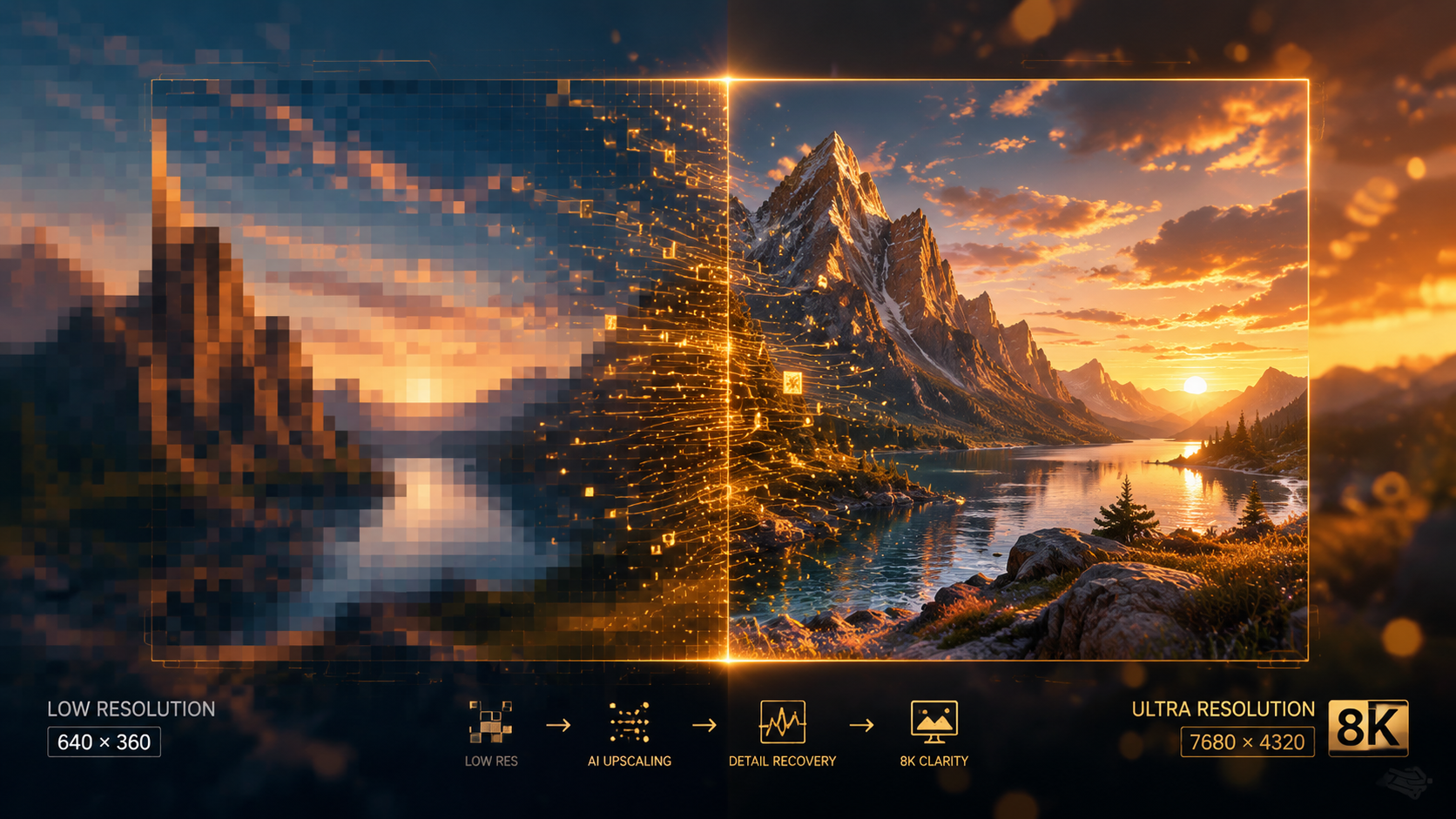
Modern upscalers use "Super Resolution" (SR) networks. Unlike older upscaling which just "guessed" the color of new pixels based on neighbors, SR networks have "learned" what objects look like. If the AI sees a brick wall, it doesn't just make the pixels bigger; it draws in the texture of the mortar and the roughness of the brick based on its training data. In 2026, some high-end tools even use a form of "Generative Fill" to reconstruct missing edges of a frame if the video is being stabilized or reframed.
Hardware Optimization and Speed
Processing power is the biggest bottleneck in AI video enhancement. According to Fstoppers (January 27, 2026), the latest image and video enhancers "beat the competition" by focusing on efficiency. Look for software that supports AV1 encoding and hardware-based decoding. This ensures that your CPU isn't doing all the heavy lifting, allowing you to continue using your computer for other tasks while the video renders in the background.
Cost vs. Performance
The pricing models in 2026 vary from one-time purchases to monthly subscriptions. As Independent Newspaper Nigeria (January 30, 2026) points out in their "Top 10 AI Video Upscalers" list, there are now high-quality free and open-source options available for those who are tech-savvy. However, paid software like VideoProc Converter AI often provides a more stable experience with dedicated customer support and frequent updates to the neural models, which is crucial as AI technology evolves monthly.
What is the best AI video upscaler for beginners in 2026?
VideoProc Converter AI is widely considered the best for beginners due to its "one-click" enhancement features and intuitive interface. It simplifies complex AI processes into easy-to-understand presets that deliver professional results without requiring technical expertise.
Can AI upscaling really turn 1080p into 4K?
Yes, in 2026, AI upscaling can effectively turn 1080p into 4K by using neural networks to generate the missing pixels. Unlike traditional scaling, AI analyzes the content to add realistic textures and sharp edges, making the result look native to the higher resolution.
Does AI video upscaling take a long time?
The time required depends on your hardware and the length of the video. However, with the 2026 advancements in GPU acceleration, a 10-minute video can often be upscaled from 1080p to 4K in roughly 15-20 minutes on a modern mid-range computer.
Is there a free AI video upscaler available?
Yes, there are several open-source AI upscalers like Upscayl or Waifu2x-Extension-GUI that are free to use. While they may lack some of the polished features and speed of paid software like Topaz or VideoProc, they offer powerful enhancement capabilities for no cost.
Do I need a powerful graphics card for AI upscaling?
While most 2026 software can run on a CPU, a dedicated GPU (Graphics Processing Unit) is highly recommended. Software like VideoProc and Topaz are optimized for NVIDIA and AMD cards, which can speed up the upscaling process by 5 to 10 times compared to a standard processor.



Comments ()