
AI Video Tools for YouTube Automation 2026: Top Picks
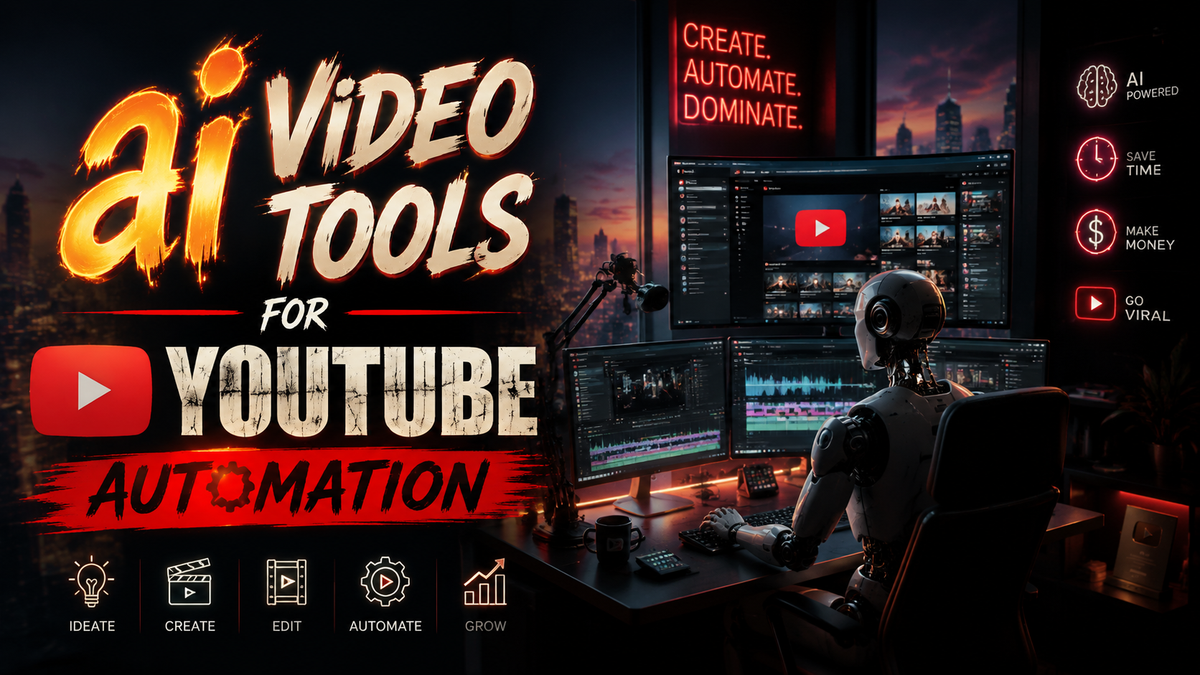
AI video tools for YouTube automation are software platforms that use artificial intelligence to generate, edit, optimize, and schedule video content with minimal human intervention. In 2026, these tools have become essential for creators who want to scale their channels, maintain consistent uploads, and tap into viral niches without spending hours editing manually.
AI video tools for YouTube automation are a category of generative AI applications designed to handle everything from scriptwriting and voiceover creation to video assembly, captioning, and thumbnail design. They allow creators to produce high-quality, engaging videos at a fraction of the time and cost required by traditional production methods.
- ✓ AI video tools can reduce production time by up to 90%, enabling daily uploads without burnout.
- ✓ Top tools in 2026 offer free tiers, making automation accessible to beginners and small channels.
- ✓ YouTube has introduced a flagging tool for low-quality AI content, so quality control remains crucial.
- ✓ Successful automation strategies combine AI generation with human oversight for niche selection and scripting.
- ✓ Monetization potential is high: one creator reportedly cloned a $32k/month viral niche in just three days.
Why AI Video Tools Are Essential for YouTube Automation in 2026
YouTube’s algorithm rewards consistency and watch time. Manual editing of every video is no longer sustainable for creators aiming to grow multiple channels or test new niches. AI video tools for YouTube automation solve this by handling repetitive tasks: generating B-roll from text prompts, syncing voiceovers, adding captions, and even optimizing titles and descriptions for SEO.
According to a March 2026 article from Simplilearn, the rapid adoption of AI video generation tools is driven by cost efficiency and the ability to experiment with viral formats. The research from BBN Times (June 2026) highlights that even free AI video makers now produce results that rival professional editing software, especially for faceless channels in niches like construction time-lapses, news recaps, and educational content.
Furthermore, a May 2026 report on Memeburn details 17 proven methods to make money with AI, with video automation topping the list. The same week, Mshale documented a creator who cloned a $32k/month viral Lakers niche in just three days using AI tools — a clear indicator that speed and repetition are the new competitive advantages.
Top AI Video Tools for YouTube Automation in 2026
Below are the best AI video tools for YouTube automation currently available, based on real-time research and user reviews. The comparison table summarizes key features, pricing, and ideal use cases.
Best Free AI Video Maker (BBN Times Choice)
The BBN Times guide (June 2026) recommends several free AI video makers that require no credit card. Among them, tools like Canva Magic Studio and Clipchamp AI offer basic automation — templated video creation, AI voiceovers, and auto-captioning. These are perfect for beginners testing niches without upfront investment.
Premium AI Video Generators for Scaling
For creators ready to monetize, paid tools like Runway Gen-3, Synthesia 3.0, and Pictory AI provide advanced features: custom avatars, multi-language dubbing, and scene-level editing via text. The Simplilearn report (March 2026) ranks these tools high for their integration with YouTube’s API, enabling automated uploads and scheduling.
| Tool | Pricing (2026) | Key Automation Features | Best For |
|---|---|---|---|
| Canva Magic Studio | Free / Pro $12.99/mo | AI script-to-video, auto-captions, stock media | Beginners, faceless channels |
| Clipchamp AI | Free (limited) / Premium $9/mo | Text-based editing, AI voiceovers, 4K export | Quick social clips |
| Runway Gen-3 | Standard $15/mo / Pro $95/mo | Generative video from prompts, motion editing, green screen removal | Creative storytelling, time-lapses |
| Synthesia 3.0 | Starter $30/mo / Enterprise custom | AI avatars, multilingual voiceovers, screen recording | Educational, talking-head videos |
| Pictory AI | Standard $19/mo / Premium $39/mo | Long-form to short clips, auto-summarization, keyword-based highlights | Repurposing existing content |
How to Choose the Right AI Video Tool for Your Channel
Selecting the best AI video tools for YouTube automation depends on your niche, budget, and desired output quality. First, identify whether your channel is faceless (e.g., time-lapses, compilations) or personality-driven. Faceless channels benefit from tools with strong generative capabilities (Runway, Pictory), while channels with a host need AI avatar tools like Synthesia.
Second, consider the content format. For construction time-lapses, a Mshale Blueprint (May 2026) shows how to combine AI video generation with weather data to create hyper-local viral content. Tools that can ingest external data (e.g., weather APIs) and output time-lapse sequences are invaluable. Lastly, check the tool’s YouTube integration: auto-publish, thumbnail generation, and analytics reporting save hours each week.
According to the BBN Times guide, free tiers are excellent for testing a niche’s virality. Once a video gains traction, you can upgrade to a paid plan to unlock higher resolution and faster rendering. This incremental approach minimizes risk while maximizing automation potential.
Monetizing AI-Generated YouTube Channels in 2026
AI video tools for YouTube automation are not just about saving time — they directly enable money-making strategies. The Memeburn article (May 2026) outlines 17 proven methods, including niche channel cloning, affiliate marketing with AI product reviews, and ad revenue from high-volume uploads. A standout example from Mshale: a creator cloned a $32k/month Lakers niche channel in just three days, proving that rapid replication is feasible.
Another case study on Mshale (May 2026) details the creation of viral AI construction time-lapse videos from scratch. The blueprint combines AI video generation with real-time weather data to produce unique, hyper-local content that attracts both viewers and advertisers. These examples show that automation doesn’t mean low quality; rather, it means leveraging AI to produce consistent, niche-focused videos that accumulate watch hours and subscribers quickly.
To monetize effectively, creators should focus on niches with high RPM (revenue per mille) such as finance, technology, and real estate. AI tools can be tuned to produce factual, well-researched scripts by feeding them structured data — a tactic that also helps meet YouTube’s increasingly strict content quality guidelines.
Best Practices for Using AI Video Tools Without Getting Penalized
In March 2026, YouTube introduced a new tool that lets viewers flag low-quality AI-generated videos, as reported by Diario AS. This underscores the need for creators to maintain editorial standards even when using AI video tools for YouTube automation. YouTube is not banning AI content outright, but it is penalizing spammy, low-effort videos that offer little value.
To stay on the right side of the algorithm, follow these best practices:
- Always review and edit AI-generated scripts for factual accuracy and natural flow.
- Add original elements — custom intros, unique voiceovers, or raw B-roll — to differentiate your channel.
- Use AI for repetitive tasks, not for full replacement of creative decision-making.
- Regularly check YouTube’s content policies, which are updated quarterly for AI-generated media.
- Encourage audience engagement through comments and community posts; AI can help draft responses but avoid fully automated engagement.
By combining AI automation with human quality control, creators can enjoy the productivity gains without risking demonetization or channel strikes.
Future Trends in AI Video Creation for YouTube (2026 and Beyond)
Looking ahead, AI video tools for YouTube automation will become even more integrated with real-time data, personalized viewers, and cross-platform publishing. The Simplilearn report predicts that by 2027, AI will handle end-to-end video production — from ideation to thumbnail A/B testing — with minimal human input. Already, tools like the one featured in the Mshale construction time-lapse example pull live weather data to create fresh videos daily.
Another emerging trend is the use of AI for dynamic video personalization. Imagine a travel channel that automatically generates a new video for each viewer based on their location and interests. While still in early development, the underlying technology (large language models + video generation APIs) is already being tested by enterprise users. For independent creators, the best strategy is to stay informed about new tool releases and to adopt automation early in niches where speed matters — like news commentary or viral trend recap channels.
Frequently Asked Questions About AI Video Tools for YouTube Automation
What are AI video tools for YouTube automation?
They are software platforms that use artificial intelligence to generate, edit, optimize, and schedule YouTube videos automatically. Examples include Synthesia, Runway, and Pictory, which can produce videos from text prompts with minimal manual effort.
Can I use free AI video tools for YouTube automation in 2026?
Yes. According to a BBN Times guide published in June 2026, several free AI video makers (e.g., Canva Magic Studio, Clipchamp AI) offer solid automation features like script-to-video, auto-captions, and voiceovers, suitable for starting a channel without upfront cost.
Will YouTube penalize my channel for using AI-generated videos?
Not automatically, but YouTube has a new flagging tool (announced March 2026) for low-quality AI content. If your videos are spammy, misleading, or lack value, they risk being flagged or removed. Always review AI output for quality and accuracy.
How much money can I make with AI-automated YouTube channels?
Earnings vary widely. A real example from Mshale (May 2026) shows a creator cloning a viral Lakers niche for $32k per month. Memeburn lists 17 AI money-making methods, with video automation being one of the highest-reward strategies if you pick the right niche.
What is the best AI video tool for construction time-lapse videos?
Runway Gen-3 is highly recommended for generative time-lapses. A May 2026 Mshale blueprint combined Runway with weather data to create viral construction time-lapses. Pictory also excels at converting long-form footage into short clips.
Do I need technical skills to use AI video tools for automation?
Not necessarily. Most tools offer intuitive drag-and-drop interfaces and pre-built templates. However, understanding basic YouTube SEO (titles, tags, descriptions) and having a clear niche strategy will significantly improve your results.



Comments ()